
How to Make Nano Banana Images High Resolution
How to Make Nano Banana Images High Resolution
If you want Nano Banana images to look sharper, cleaner, and more usable for posters, product visuals, or social content, the key is to generate at the right resolution and refine details without breaking the composition. This guide explains how to get high-resolution results from Nano Banana and how to improve image quality step by step.
1. Start with the Right Resolution
Conclusion: The easiest way to get high-resolution Nano Banana images is to choose 2K or 4K during generation.
Why it matters: Nano Banana supports 1K, 2K, and 4K output. If your final use case needs crisp text, fine details, or large-format display, starting with a higher output resolution gives the model more room to preserve clarity.
What to do:
- Choose 4K for posters, hero banners, packaging mockups, or print-oriented visuals.
- Choose 2K for most web content, campaign images, and presentations.
- Use 1K only for quick drafts or early concept checks.
- Keep the aspect ratio aligned with your target platform so the image does not need heavy cropping later.
Practical tip: If your image will be enlarged later, generate at the highest available resolution from the start. Upscaling a low-detail image usually cannot recover missing structure.
2. Write Prompts That Support Sharp Output
Conclusion: High resolution alone is not enough—your prompt needs to guide the model toward clean structure and readable detail.
Why it matters: Nano Banana is designed for text/image-to-image generation and semantic editing, so the quality of the prompt affects subject stability, typography, and visual clarity. A vague prompt can produce soft, inconsistent, or cluttered results.
What to do:
- Specify the subject, style, lighting, and composition clearly.
- Mention if you want sharp text, clean edges, fine details, or realistic materials.
- Avoid overloading the prompt with conflicting styles.
- If text appears in the image, explicitly request legible typography or crisp copy.
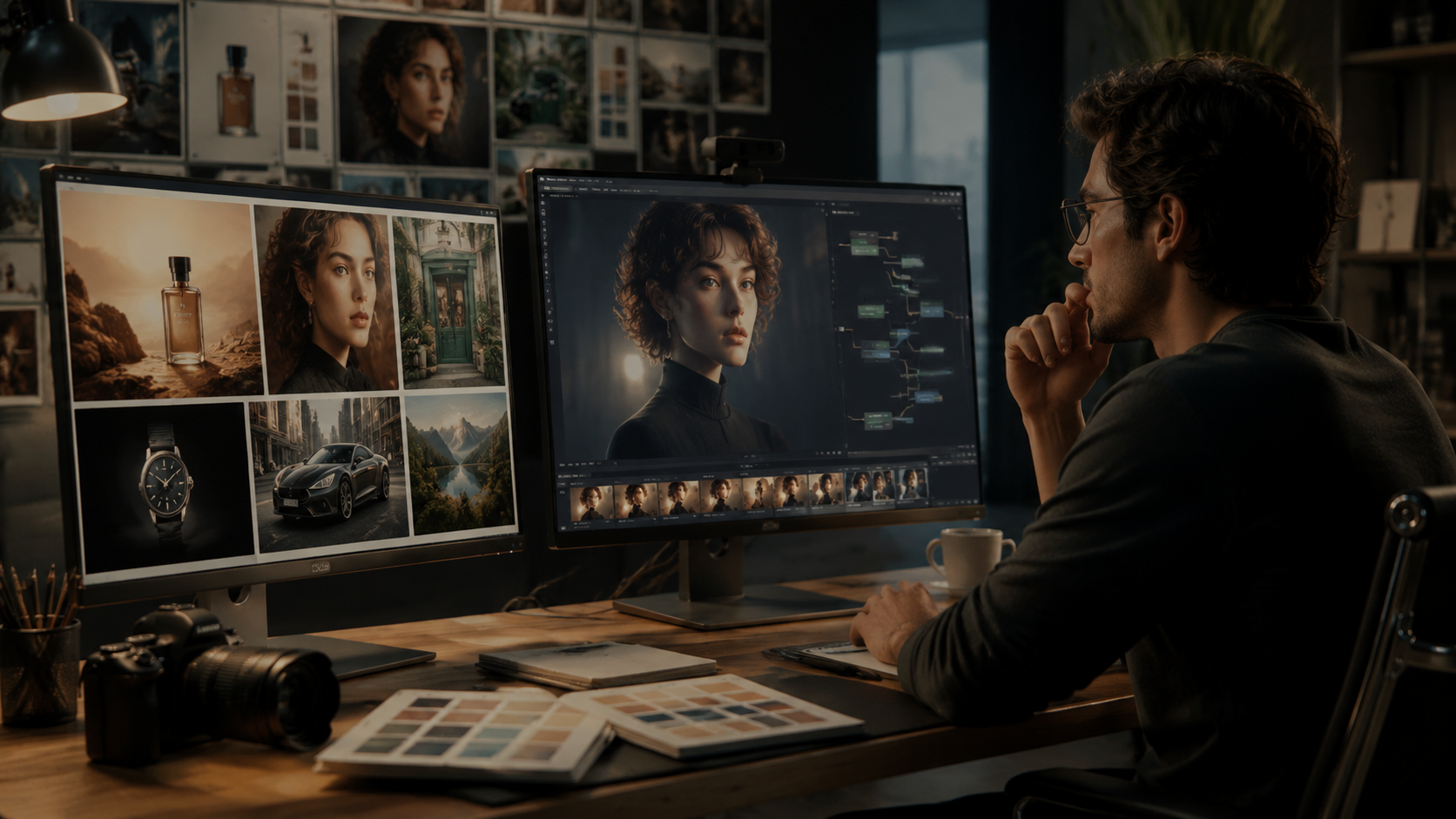
Example prompt structure:
- Subject: product poster, character portrait, storefront, infographic
- Style: realistic, editorial, clean minimal, premium, cinematic
- Detail level: sharp, high-detail, crisp textures, readable text
- Framing: centered, close-up, wide shot, full-body, top-down
Practical tip: When you need brand visuals or multilingual typography, make the text requirement explicit so the model optimizes readability.
3. Use Reference Images to Preserve Detail
Conclusion: Reference images help Nano Banana maintain consistency and visual precision, especially when you need a specific character, product, or brand look.
Why it matters: The model can use up to 14 reference images, which helps it follow style, structure, and subject details more accurately. This is useful when you want a high-resolution result that still matches an existing asset.
What to do:
- Upload clear reference images with good lighting and visible detail.
- Use references that match the intended angle, color palette, or branding.
- Keep the number of references focused; too many unrelated inputs may reduce clarity.
- If you are editing an existing image, use the original as the main reference so the output stays aligned.
When references help most:
- Product mockups
- Consistent characters
- Brand posters
- Multi-scene campaign visuals
- Reworked images that need a cleaner, higher-quality finish
4. Refine Semantically Instead of Overediting
Conclusion: To keep a Nano Banana image high resolution, refine it with targeted semantic edits rather than repeated broad changes.
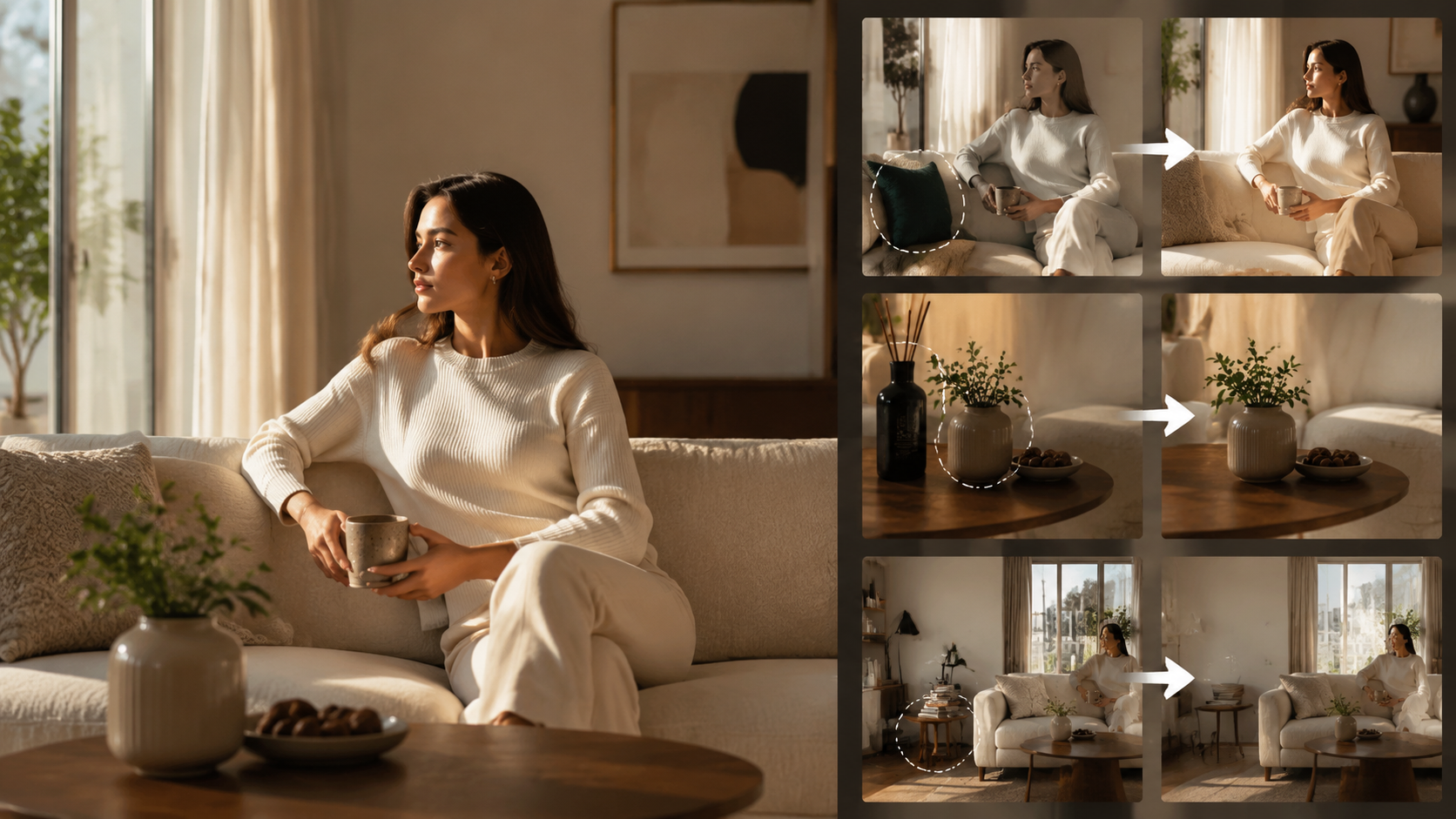
Why it matters: Nano Banana supports smart edits such as replacing objects, extending scenes, removing marks, and repainting details while keeping lighting and context aligned. Focused edits preserve structure better than large destructive revisions.
What to do:
- Use local selection or precise text instructions for changes.
- Extend the canvas if you need more space instead of forcing a crop.
- Replace only the part that needs improvement.
- Remove unwanted elements, marks, or distractions without changing the full composition.
Good refinement examples:
- “Make the packaging text sharper and more readable.”
- “Extend the background to the right while keeping lighting consistent.”
- “Remove the watermark and preserve the original texture.”
- “Refine the facial details without changing the character identity.”
Practical tip: Small, controlled edits usually protect image quality better than regenerating the whole image repeatedly.
5. Export and Reuse the Best Version
Conclusion: High-resolution output becomes more valuable when you export the right version and reuse successful styles across future images.
Why it matters: Nano Banana lets you download 1K, 2K, or 4K outputs and reuse characters and styles for later content. This makes it easier to keep quality consistent across a series.
What to do:
- Export the highest-resolution version you actually need for the final channel.
- Keep a record of the prompt, references, and settings used for strong results.
- Reuse effective character and style combinations for campaign continuity.
- If you need multiple assets, generate them as a coherent series rather than as isolated one-offs.
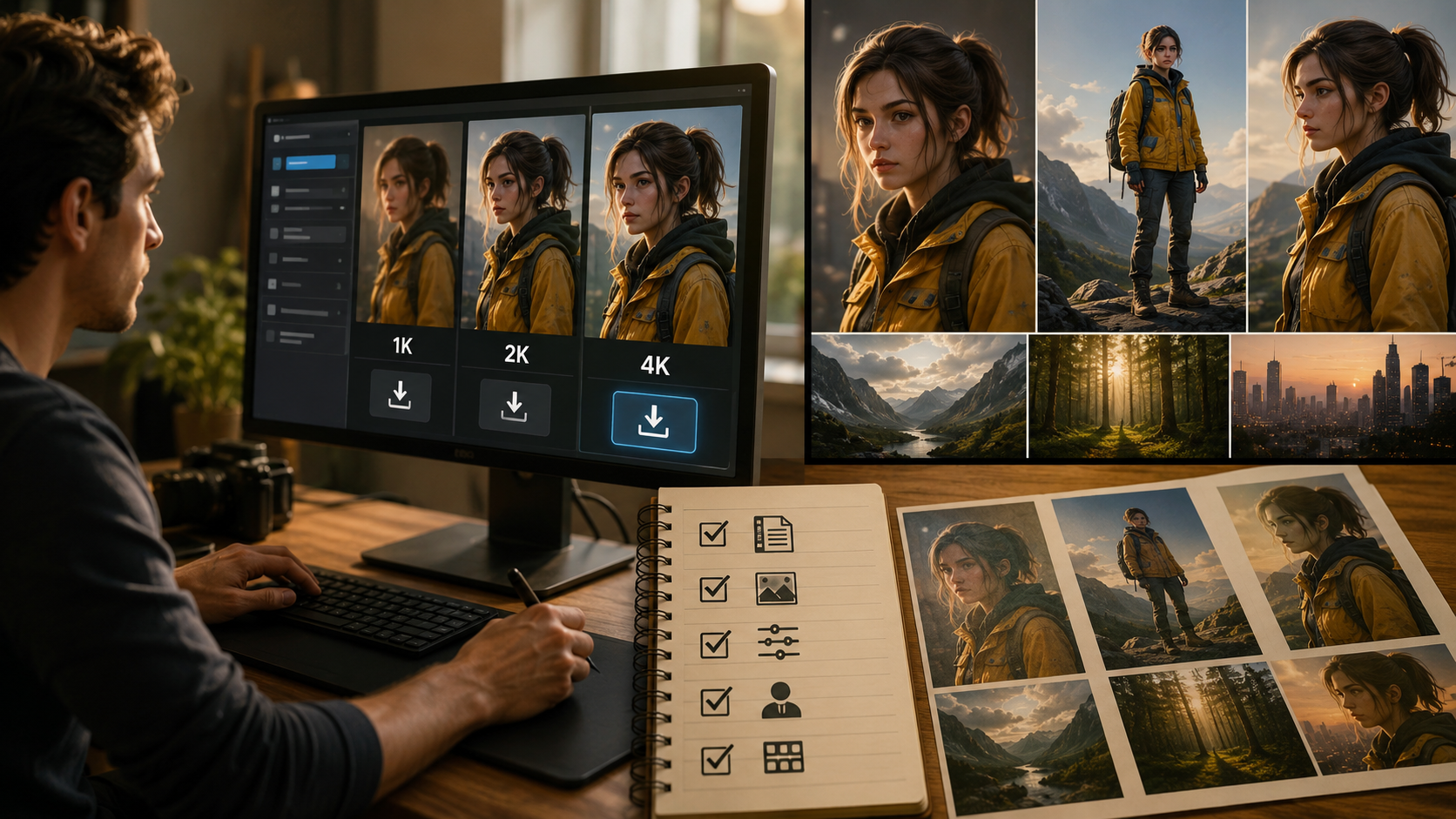
Quick checklist for higher-resolution results
| Goal | Recommended approach |
|---|---|
| Sharp web visuals | Generate at 2K |
| Print or large banners | Generate at 4K |
| Clear typography | Ask for crisp, readable text |
| Style consistency | Use reference images |
| Better scene quality | Refine with semantic edits |
| Final output control | Export only the needed version |
FAQ
Can Nano Banana make low-resolution images high resolution?
It can generate and export at 1K, 2K, or 4K, but the best results usually come from starting with a higher resolution rather than trying to fix a low-detail image later.
What resolution should I choose for most use cases?
For most online content, 2K is a good balance. Use 4K when you need more detail, larger display size, or stronger text clarity.
How do I keep text readable in Nano Banana images?
Use prompts that explicitly request crisp text, legible typography, or clean readable copy. Also choose a higher output resolution and avoid cluttered layouts.
Do reference images help image quality?
Yes. Clear references help preserve style, structure, and consistency, especially for product images, branding, and repeated characters.
What is the best way to improve a generated image without losing quality?
Make targeted semantic edits, such as refining one area, extending the canvas, or removing distractions, instead of repeatedly regenerating the entire image.
Conclusion
To make Nano Banana images high resolution, start with 2K or 4K output, use clear prompts, add relevant reference images, and make targeted semantic edits instead of broad revisions. The best results come from planning the resolution and composition early, then refining only what needs improvement. If you want sharp, consistent visuals for content, branding, or product work, Nano Banana is strongest when you combine high-resolution generation with controlled editing.