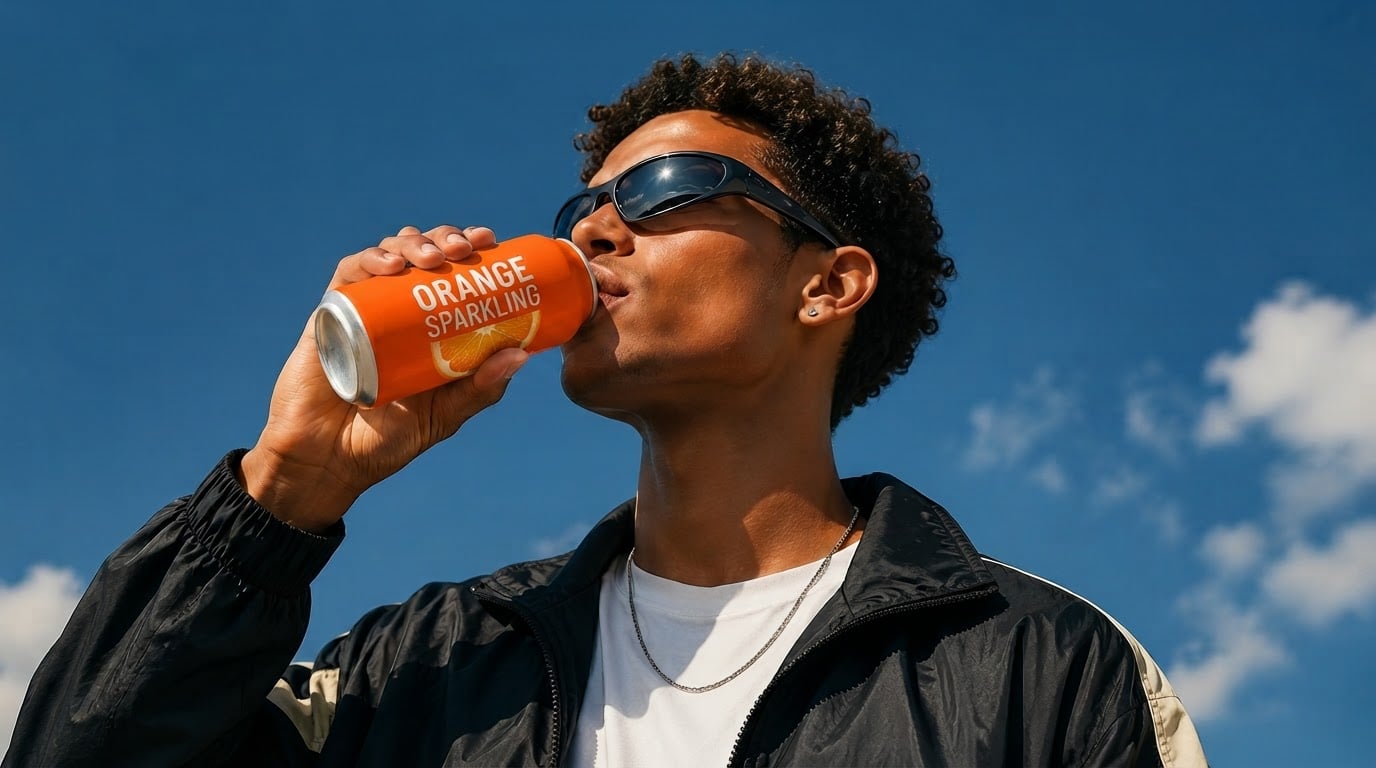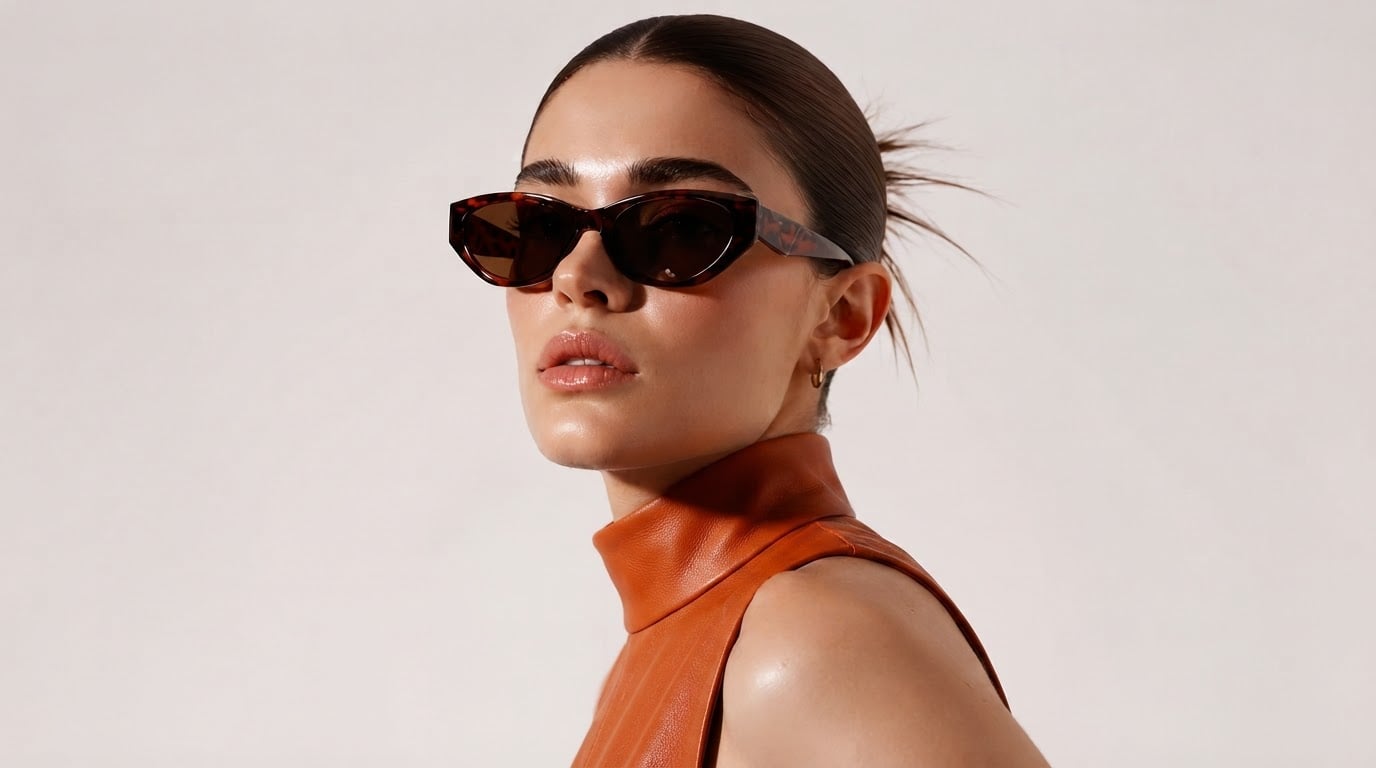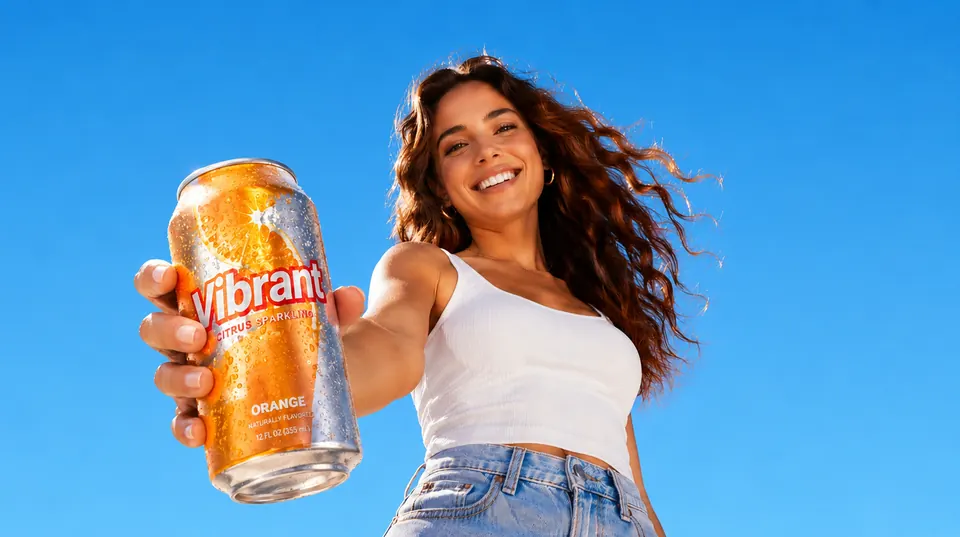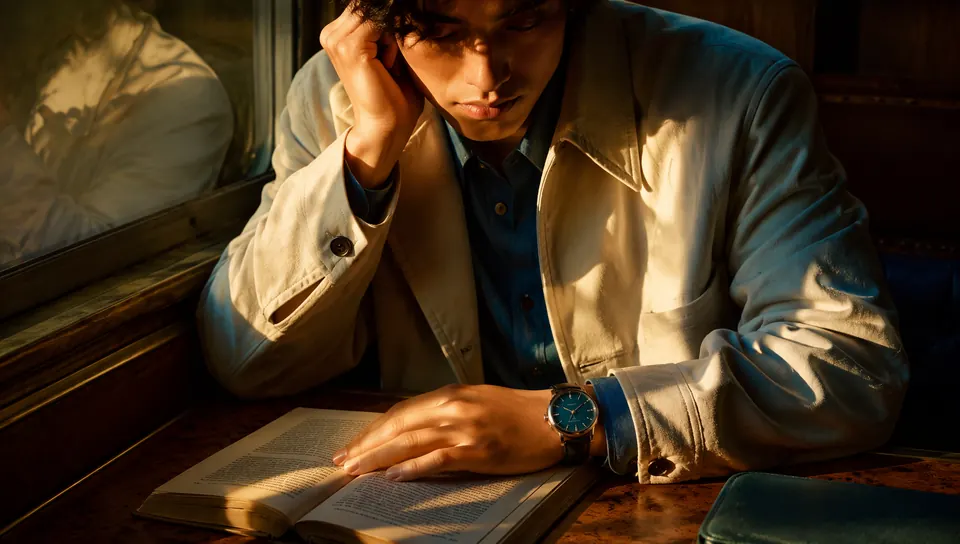



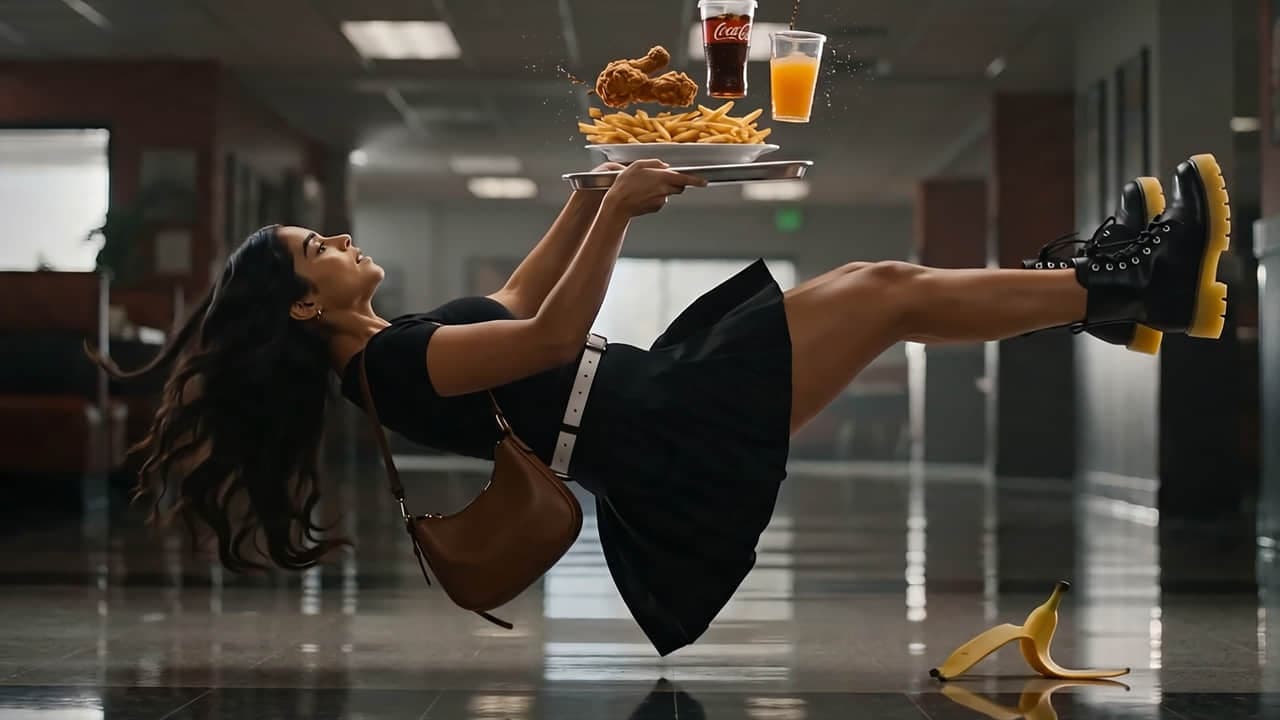
Online AI image generator & editor

Nano Banana Pro Create the image you have in mind

Create product images, portraits and posters with Nano Banana Pro. Start with a prompt or reference image, choose your settings and review the credit estimate before generating. Find practical prompts and editing tips below.

Describe the image you want. Add reference images and type @ to say how each one should be used (optional).

Text/Image to Image

What is Nano Banana Pro?

Nano Banana Pro is Google’s Gemini 3 Pro Image model for generating and editing images. Use text to describe a new scene, or add reference images to guide a product, person or visual style. Common tasks include product photography concepts, portraits, posters and social graphics.

Where can I use Nano Banana Pro?

Use the generator above or open our dedicated Nano Banana Pro page to work in your browser. Sign in to submit a generation and save your results. nanobananapro.cloud is an independent creative platform, not Google’s official website; access and billing here are separate from Google’s services.

Open the Nano Banana Pro generator

How to create your first image

  1. 1

    Describe the image or add a reference

    Write the subject, setting and intended use. For a product or portrait edit, upload a clear image you have permission to use and state which details should stay unchanged.

  2. 2

    Choose the model and check the cost

    Select Nano Banana Pro, choose from the available aspect ratios and resolutions, then review the displayed credit estimate. Settings and costs can differ between models.

  3. 3

    Generate, compare and refine

    Review the result in My Creations. Check faces, packaging and text before downloading. To refine it, use your chosen result as a reference and request one focused change at a time.

What you can make

Product films
Explore free trial

Nano Banana Pro prompts for real creative tasks

Start with a product photo, a character reference or a poster brief. Adapt these prompts to your project, then select Nano Banana Pro in the image tool.

A useful prompt includes the subject, setting, composition, lighting and what must stay unchanged. Put exact image text in quotation marks. For editing, describe both the change you want and the details you want to preserve.

Turn a product photo into an ad concept

Have a white-background product photo? Use it as a reference to explore a new setting while asking the model to preserve the product’s shape and packaging.

Prompt to copy and adapt

Use the uploaded product photo as the reference. Place this same bottle on a pale stone bathroom counter in soft morning window light. Preserve its silhouette, cap, label layout and original colors. Keep the full bottle in focus with a natural contact shadow. Leave clear space on the right for ad copy. Do not add other products or new text.

Start with a sharp, unobstructed product photo. Compare labels, proportions and colors with the original; generative edits can alter small details. Add final brand copy in a design editor when exact typography matters.

Start with a product reference
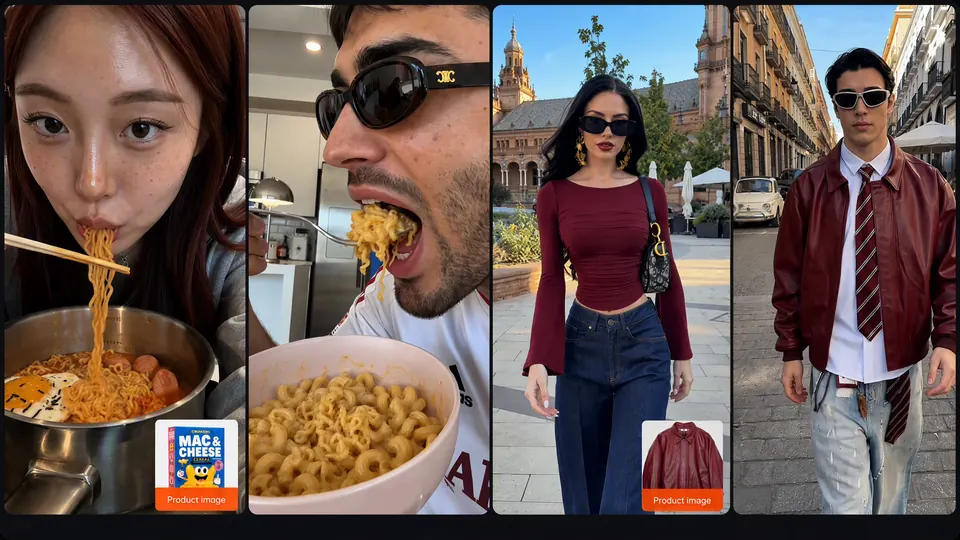
Keep a character recognizable across scenes

Use the same clear reference in each generation and describe the identity details you want to retain. Change the setting or pose without rewriting the character.

Prompt to copy and adapt

Use the uploaded portrait as the identity reference for this adult character. Preserve the face shape, eye color, hairstyle and apparent age. Show the same character seated by a café window, wearing a navy jacket, in a waist-up composition with soft daylight. Change only the setting, pose and clothing described here. Keep natural skin texture.

Use a photo of yourself or someone who has authorized the edit. Keep the reference and lighting simple, compare each result and reuse the closest match. Identity consistency can improve with clear references, but it is not guaranteed.

Start with a character reference

Create a poster with a clear headline

Describe the layout and supply the exact words to appear in the image. Short headlines and generous spacing make text easier to check and refine.

Prompt to copy and adapt

Design a vertical 4:5 poster for a fictional coffee event. Use a warm white background, dark brown typography and a single overhead photograph of a coffee cup. The exact headline is “COFFEE WEEKEND”. Add the smaller line “SATURDAY · 10 AM”. Keep the headline large, use a clear visual hierarchy and leave generous margins. Include no other words or logos.

Set the matching aspect ratio in the generator. Check spelling and dates at full size. If a text-only correction changes the layout, keep the illustration and add the final typography in a design editor.

Start a poster from text

Already planning in ChatGPT or Claude?

Ask your assistant to turn your brief into a prompt with five parts: subject, composition, lighting, exact text and details to preserve. Paste it into our generator and select Nano Banana Pro. Writing a prompt in an assistant does not select the image model used for generation.

Browse Nano Banana Pro prompts

Creative inspiration on Nano Banana Pro

Explore visual ideas.

Browse public examples for inspiration. Examples illustrate creative possibilities and do not guarantee a particular result.

Nano Banana Pro Agent

Shape a visual idea through conversation.

Describe an image or a broader creative project. Use the existing Agent workspace to plan, generate and refine with available models.

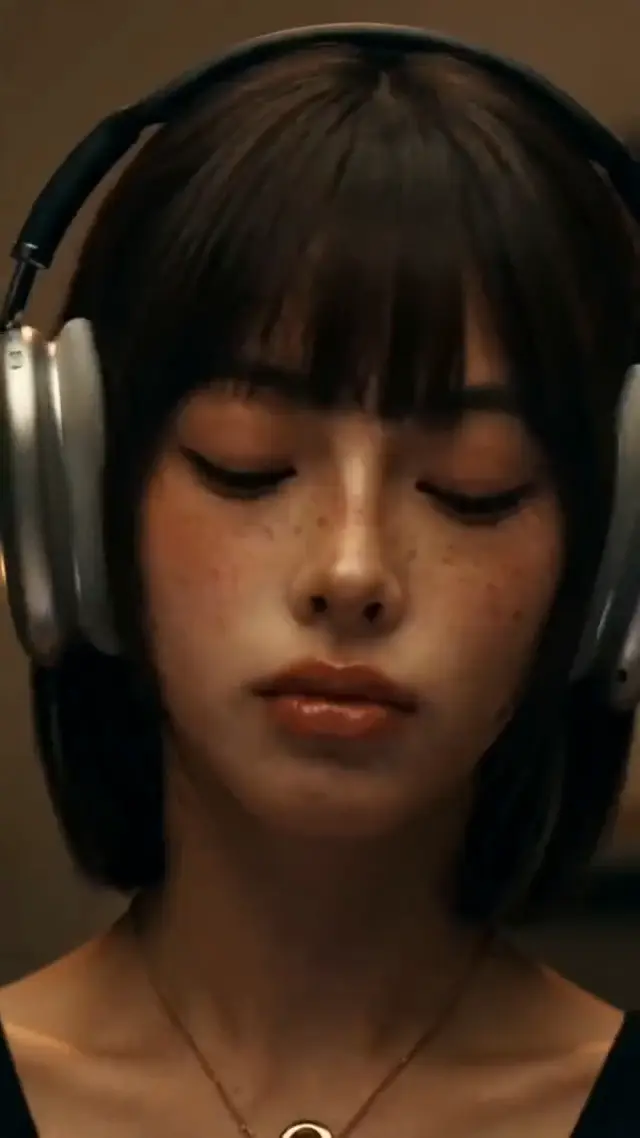
Create a 15-second vertical ad for over-ear headphones: a young woman puts them on, presses play, and the noisy world fades away as the music takes over. Intimate, moody and cinematic.

Completed

Your headphone ad is ready

15s · 9:16 · Close-up → press play → the world fades → eyes closed, lost in the music. Adjust the pacing or music direction any time.

Describe what you want to create...

Your headphone ad is ready

Tools

Choose a tool for your next image. Then explore video and audio.

Start from text, edit a reference image or turn an image into a prompt. For image creation, select Nano Banana Pro in the generator; video and audio use their own models.

Swipe to explore more

Mainstream AI models.One creative workspace.

Explore available image, video and audio models in one workspace. For nano banana 2.1 and nano banana pro API integrations, contact us to confirm current model support and usage terms.

  • Seedance 2.5
  • MiniMax H3 Max
  • Seedance 2.0
  • Seedance 2.0 Mini
  • MiniMax H3
  • Wan 3.0
  • Kling 3.0 Turbo
  • Gemini Omni Flash 1.1
  • HappyHorse 1.1
  • FLUX 3 Video
  • LTX-2.5 Fast
  • Wan 2.7
  • Veo 3.1
  • GPT Image 2.5 Flare
  • GPT Image 2.5 Sunburst
  • Nano Banana 2.1
  • Seedream 5.0 Pro
  • Nano Banana 2
  • Seedream 5.0 Flash
  • Qwen Image 3.0
  • Grok Imagine Image 2.0
  • Nano Banana Pro
  • FLUX.2 Pro
  • Ideogram 4.5
  • Recraft V4
  • Z-Image Turbo
  • Suno v6
  • Suno v6 Wild
  • Suno v6 Mini
  • Flow Music

How much does it cost to create?

Compare subscriptions and one-time credit packs. Image costs vary by model and settings; check the generator estimate before submitting. Contact support for API pricing.

Billing cycle
Compare plans and prices

Lite

For exploring AI image creation

$9.99/ month$12.99

$119.88 billed yearly

3,000 Credits / month

Videos
~61
Images
~750
Tracks
~136
  • Access to video generation models
  • Access to image generation models
  • Music and audio creation
  • AI Agent chat
  • Commercial use rights
  • AI Workflow Infinite Canvas included

Secure checkout · cancel renewal anytime

Pro

Popular

For ongoing visual production

$24.99/ month$34.99

$299.88 billed yearly

10,000 Credits / month

Videos
~204
Images
~2,500
Tracks
~454
  • Access to video generation models
  • Access to image generation models
  • Music and audio creation
  • AI Agent chat
  • Commercial use rights
  • AI Workflow Infinite Canvas included

Secure checkout · cancel renewal anytime

Ultra

For larger creative workloads

$79.99/ month$129.99

$959.88 billed yearly

30,000 Credits / month

Videos
~612
Images
~7,500
Tracks
~1,363
  • Access to video generation models
  • Access to image generation models
  • Music and audio creation
  • AI Agent chat
  • Commercial use rights
  • AI Workflow Infinite Canvas included

Secure checkout · cancel renewal anytime

Nano Banana Pro FAQ

Practical answers about access, prompts, editing, pricing and using your images.

No. nanobananapro.cloud is an independent creative platform. Nano Banana Pro is Google’s Gemini 3 Pro Image model; our website provides a browser workspace for available AI models. Our accounts, credits and plans are separate from Google’s services and subscriptions.

Start with one clear idea

Create your next image with Nano Banana Pro

Bring a prompt or a reference photo. Choose your settings, check the credit estimate and refine the result in your browser.