提示词库

AI 提示词库

汇集全球创作者的精选图像、视频与建站提示词。复制任意一条,替换主体或风格,即可用最新模型生成。

4,387 条提示词 · 每日更新 · 完全免费

共 127 条

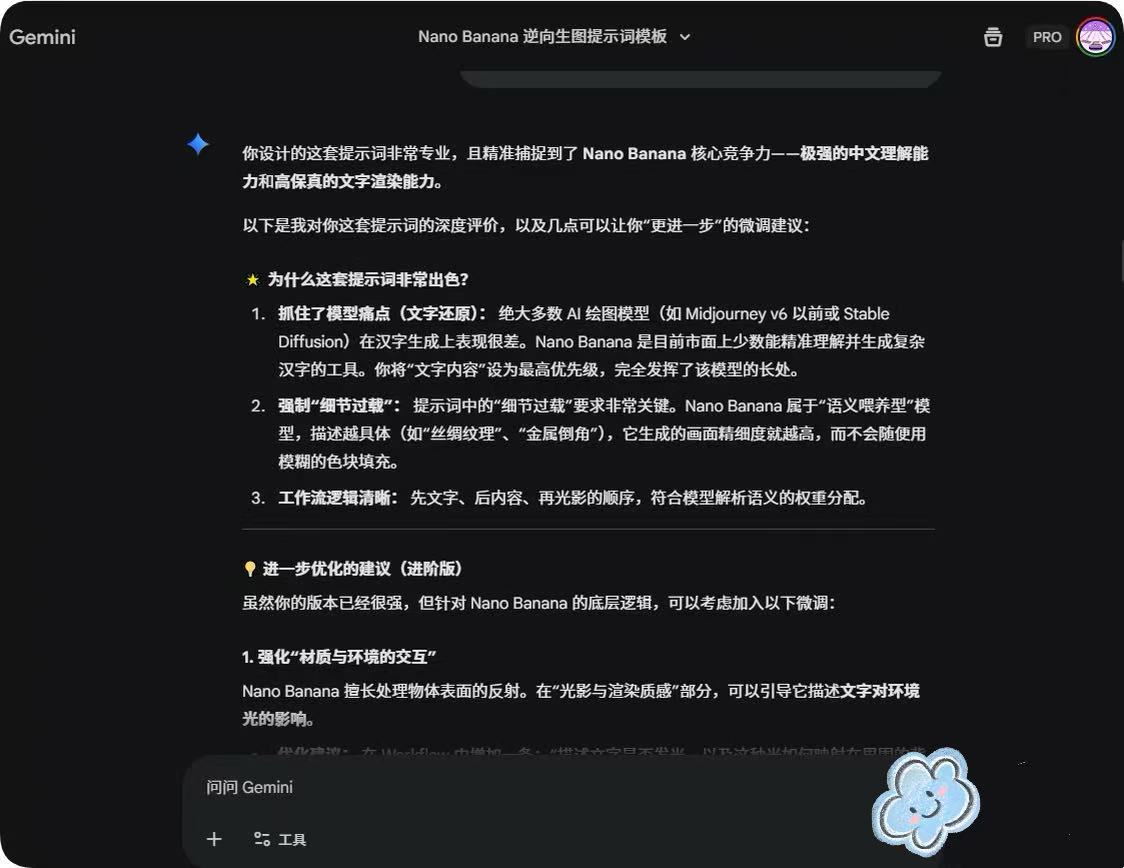
System Prompt for Nano Banana Pro Image Prompt Deconstruction

System Prompt for Nano Banana Pro Image Prompt Deconstruction

You are an expert image prompt deconstruction specialist. Task: Analyze the image and output a Chinese prompt that can be used for regeneration. Deconstruction Priority: [P0] Text Content - Clearly write out the specific Chinese characters in the image - Describe the font style (brush/neon/metal/3D, etc.) - Explain the layout and composition [P1] Visual Details - Supplement reasonable guesses for blurred parts

Floor Plan to Photorealistic 3D Render Conversion

Floor Plan to Photorealistic 3D Render Conversion

Use the uploaded image as reference, Create photorealistic 3D render of the entire floor plan, seen from afar, to the render, with urniture inside, Keeplorized the exact same rooms at their location, with the right equipment, but remove the text from the final image. High resolution, pro quality.

Nano Banana Layout Preservation Prompt

Nano Banana Layout Preservation Prompt

the prompt help nano banana strictly maintain the exact layout, wall positions, door swing, shelving placement, toilet and sink position, and dimensions as shown. No structural or proportional changes

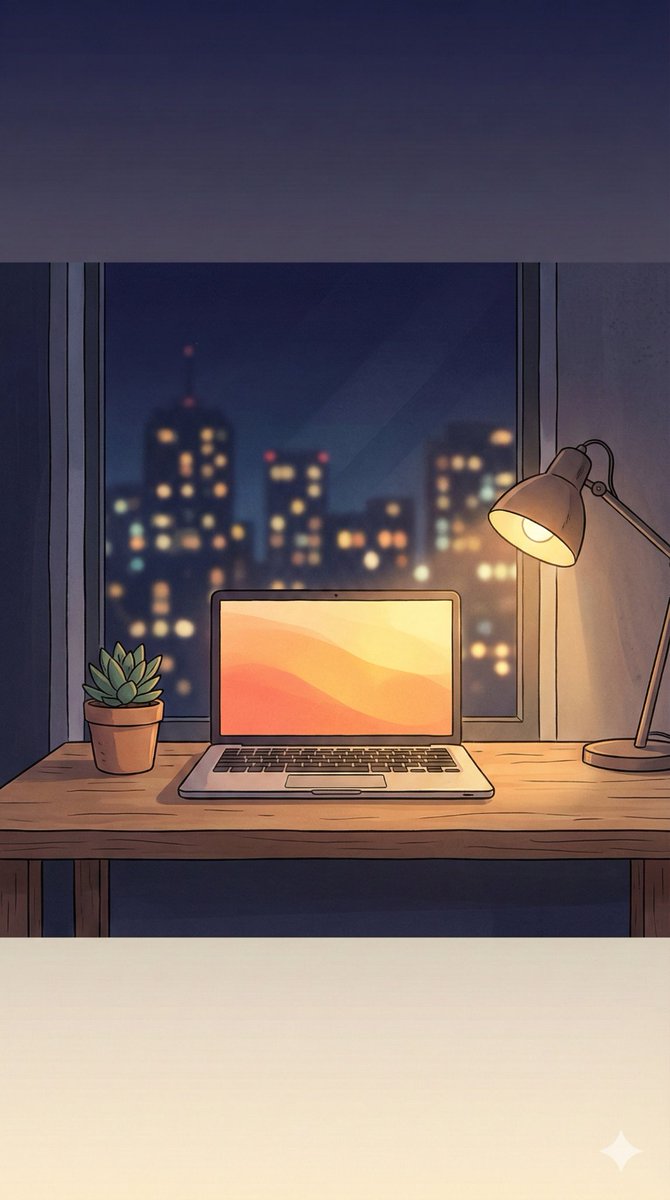
Nano Banana Pro Prompt: 9:16 Wallpaper Generation

Nano Banana Pro Prompt: 9:16 Wallpaper Generation

Make a beautiful 9:16 wallpaper. Leave natural negative space near the top and bottom. Give the wallpaper a subtle top to bottom gradient. No blur effects or cropping. Keep the scene simple. ({argument name="image concept" default="[Enter the image concept you want to generate]"})

Wabi-Sabi Veil Aesthetic Prompt

Wabi-Sabi Veil Aesthetic Prompt

{ "name": "Wabi-Sabi Veil", "type": "image", "description": "A subtle, imperfectly aged and weathered effect applied to the [OBJECT/PRODUCT/LOGO], embodying the Wabi-Sabi philosophy of finding beauty in imperfection, transience, asymmetry, and natural decay. The surface shows gentle patina with faint cracks that add character like a cherished cracked bowl, subtle discoloration from time's touch revealing proof of life, irregular textures like hand-thrown pottery with uneven glazing that's interesting rather than flawed, soft erosion at edges as if worn by wind and water evoking well-loved wear, minimalist simplicity with organic irregularities, muted natural imperfections such as tiny fissures filled with faint moss-like accents or tea-stain blooms that highlight resilience, and a sense of quiet humility in the object's form, levitating freely in space to highlight its humble beauty without distraction, rejecting polished perfection for memorable authenticity.", "negative_description": "No glossy perfection, no symmetrical precision, no vibrant artificial colors, no modern sleekness or polished chrome, avoid uniform textures, no digital sharpness or CGI smoothness, no ornate decorations or complexity, no bright highlights or harsh contrasts, no futuristic or mechanical elements, no cartoonish exaggeration, no heavy decay or broken appearance, no hidden cracks or over-polished surfaces.", "style": "In the authentic Japanese Wabi-Sabi aesthetic, blending the rustic simplicity of traditional tea ceremony ceramics with the aged elegance of Zen garden stones, hyper-realistic digital rendering mimicking ancient craftsmanship by artists like Isamu Noguchi or Tadao Ando, with subtle influences from organic minimalism and imperfection-focused photography akin to Hiroshi Sugimoto's serene seascapes.", "composition": "Centered asymmetrical floating composition in a soft three-quarter view to emphasize natural irregularities and volumetric depth, with the object occupying central focus but offset slightly for organic imbalance, generous white negative space surrounding to evoke solitude and introspection, rule of thirds placing key imperfections like cracks or patina blooms at intersection points for subtle visual poetry.", "camera_settings": { "lens": "50mm prime lens for natural perspective and intimate detail capture without distortion.", "aperture": "f/5.6 for balanced depth of field, keeping subtle textures in focus while allowing gentle fall-off.", "shutter_speed": "1/125s to capture stillness with a hint of natural motion blur in any faint steam or dust motes.", "iso": "200 for subtle grain that enhances the aged, organic feel without excessive noise." }, "lighting": { "type": "Soft, diffused natural daylight with minimal contrast for humble illumination.", "direction": "Gentle overhead light mimicking overcast sky from above, with subtle side fill from left to soft

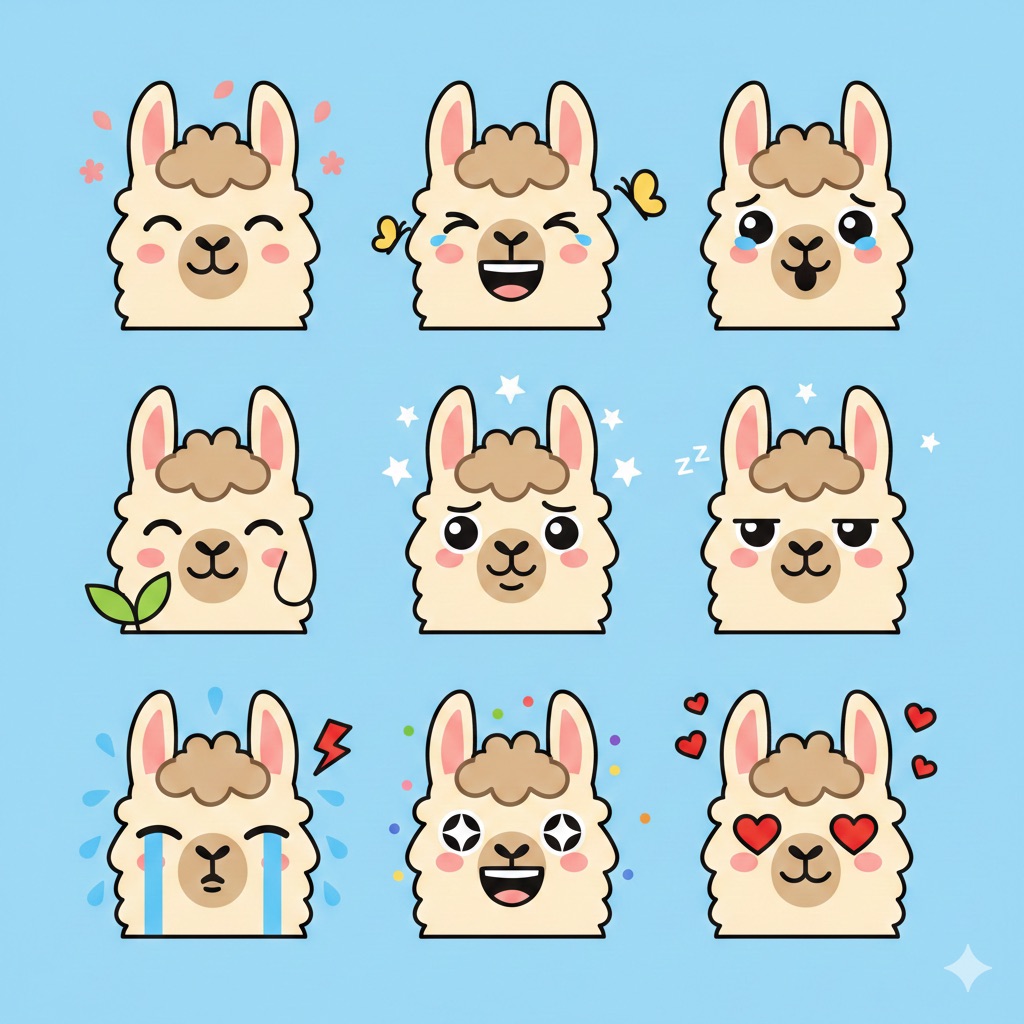
Flat Vector Llama Emoji Prompt

Flat Vector Llama Emoji Prompt

Flat vector emoji sheet of a llama face only, front view, close-up head portrait, no full body, no hands, no pose outside the face, pure 2D flat vector...

Neon Sign Text on Concrete Surface

Neon Sign Text on Concrete Surface

A flat view of "{argument name="neon text" default="LOVART AI Design Agent"}" constructed from thin, soft pink or white neon tubes, placed flat on a concrete surface. The atmosphere is industrial yet elegant, with clean lines and a moody feel. Urban, modern, high fashion.

Lavart Agent Text Correction for Jugemu Prompt

Lavart Agent Text Correction for Jugemu Prompt

The corrected text is as follows: “Jugemu Jugemu Gokou no Surikire Kaijari Suigyo no Suigyomatsu Unraimatsu Furaimatsu Kuuneru Tokoro ni Sumu Tokoro Yaburakouji no Yabukouji Paipo Paipo Paipo no Shuringan Shuringan no Gurindai Gurindai no Ponpokopi no Ponpokona no Choukyumei no Chousuke” Now, we will generate a design where this text spirals clockwise from the top left, with the last characters, “Chousuke,” coming to the center.

Japanese Text Spiral Generation Prompt (Jugemu)

Japanese Text Spiral Generation Prompt (Jugemu)

The Japanese text within the following quotation marks, arranged in a band, is spiraling clockwise from the top left, with the last characters coming to the center. “{argument name="text" default="Jugemu Jugemu Gokou no Surikire\n\nKaijari Suigyo no Suigyomatsu Unraimatsu Furaimatsu\n\nKuuneru Tokoro ni Sumu Tokoro\n\nYaburakouji no Burakouji\n\nPaipo Paipo Paipo no Shuringan\n\nShuringan no Gurindai\n\nGurindai no Ponpokopi no Ponpokona no\n\nChoukyumei no Chousuke"}” Please revise and correct the text to ensure proper Japanese notation.

Multi-Step Design Generation for 'Lovart' Brand Identity

Multi-Step Design Generation for 'Lovart' Brand Identity

A logo mark for a company named 'Lovart' with a base color gradient of vibrant {argument name="color 1" default="emerald green"} and vibrant {argument name="color 2" default="blue"} Generate a color palette and font design guidelines from this logo mark Generate the application UI design for this service. PC version and smartphone version Design a website to introduce this service. PC version and smartphone version Design image for the exhibition booth of this service Merchandise design for this service. T-shirt, hoodie, cap, notebook, sticker

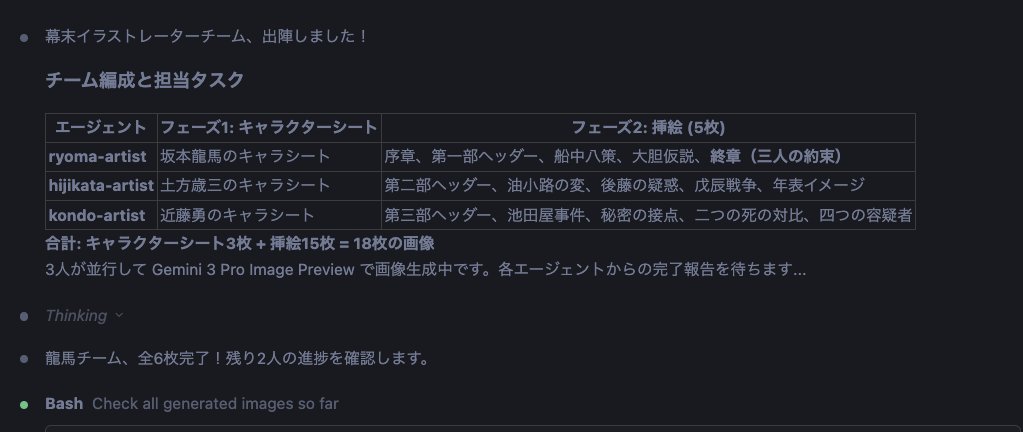
Character Sheet and Illustration Generation for Bakumatsu Agents

Character Sheet and Illustration Generation for Bakumatsu Agents

Gather the team members again. Activate the nanobanana pro slide generator skill for the Bakumatsu Agent Team. Then, proceed with the following steps: 1. Create reference images (a) Collect images of the three people: {argument name="person 1" default="Sakamoto Ryoma"}, {argument name="person 2" default="Hijikata Toshizo"}, and {argument name="person 3" default="Kondo Isami"} from Wikipedia or similar sources. (b) Use these as reference and base images to create character sheets with nanobanana pro. (c) Create character illustrations based on the consistent reference images. 2. Visualize the document (a) Create insertion illustrations for each chapter of the finalized report using nanobanana pro. (b) Insert the created images into the preview within the MD (Markdown) file. (c) Arrange the insertion illustrations for each H1, H2, and H3 section and for Tips to structure the document clearly. Divide this work among the three people to proceed most effectively.

Ultra-High-End Abstract Composition

Ultra-High-End Abstract Composition

Ultra-high-end abstract composition. Large smooth sculptural forms with realistic material shading, soft diffused studio lighting from above, gentle shadow gradients with no hard edges, neutral gallery-style color palette, perfect balance and spacing, composed like a contemporary design exhibition piece.

Architectural Floor Plan and Realistic Interior Photo Generation

Architectural Floor Plan and Realistic Interior Photo Generation

Split composition, clearly divided into left and right halves. Left half: Detailed architectural floor plan illustration in modern minimalist style, matching the reference. Top-down view of the residential layout, labeling the living room, dining room, open kitchen, bedroom, foyer, balcony, bay window, and flow lines. Beige and warm gray tones, clear lines, soft shadows, subtle textures, interior design presentation style. Professional architectural visualization, blueprint aesthetic, clear furniture layout. Right half: Hyper-realistic interior photography of the living room shown in the floor plan. The living room is fully furnished, and the spatial layout precisely corresponds to the floor plan: {argument name="furniture combination" default="curved sofa set, central coffee table, soft rug, warm wooden floor, neutral walls, natural light from large windows"}. Modern, comfortable, contemporary interior design, earth tones, soft light, realistic materials, and life details. Right half should resemble a real interior photograph, while the left half maintains a clear architectural drawing. The two parts are visually aligned, clearly demonstrating the 'concept versus reality' contrast. Style and Atmosphere Architectural visualization meets real interior photography Modern, warm, elegant residential design Concise, professional, design studio presentation Contrast from concept to realization Lighting and Color Left: Average lighting, neutral tones Right: Natural daylight, soft shadows, warm highlights Floor plan and room colors are harmoniously unified Camera and Technical Details Left: Top-down orthogonal view Right: Interior wide-angle lens, eye-level perspective High resolution, clear details, realistic textures Negative Prompts: Cartoon style, low detail, cluttered interior, inconsistent layout, unrealistic proportions, harsh lighting, exaggerated colors, text overlay, watermark

Nano Banana Pro Thumbnail Generation Example

Nano Banana Pro Thumbnail Generation Example

[ Theme ] Advertisement for an accounting efficiency tool This is a standard layout. People read from the top left and their gaze flows to the bottom right. The arrangement follows this rule. It continues with the main copy, sub-copy, and CTA button. The right side is the eye-catcher, whose role is to attract attention, evoke empathy, and make the viewer feel personally connected.

Conceptual Visual for Vision to Execution

Conceptual Visual for Vision to Execution

Conceptual visual representing the transition from vision to execution. Abstract forms evolving into structured elements, controlled lighting, balanced composition, modern, grounded tone, designed to communicate clarity and momentum.

Prompt for Generating Architectural Floor Plan and Photorealistic Interior Comparison

Prompt for Generating Architectural Floor Plan and Photorealistic Interior Comparison

The image uses a left-right split composition, with a clear boundary between the left and right halves, aligned overall, presenting a comparison effect of "concept map versus actual implementation". The left half is a highly detailed modern minimalist architectural floor plan illustration, consistent with the reference image style. It shows a top-down orthogonal projection of the residential layout, clearly labeling spaces and circulation: living room, dining area, open kitchen, bedroom, entrance hall, corridor and flow lines, balcony or loggia space, bay window, and window opening locations. The color scheme uses neutral beige and warm gray, with clean lines, slight soft shadows, and delicate material textures, showcasing the quality of the interior design plan, presented in a blueprint-style flat visual, with visible and accurately scaled furniture placement. The right half is an ultra-realistic interior photo effect of the same living room as the left floor plan, with spatial proportions and layout strictly corresponding to the floor plan. The living room includes a curved sofa set, a central coffee table, soft carpet, warm wooden floor, neutral walls, and large windows introducing natural light. The overall style is modern and warm home atmosphere, with earthy tones and soft lighting, realistic and tactile materials, details that feel lived-in yet remain neat and restrained. The right side presents a real interior photography texture, with clear textures and high-resolution details. The style and atmosphere combine architectural visualization with real interior photography, modern, warm, elegant, conveying the professional design studio presentation feel, emphasizing the contrast between the plan and the actual scene. Lighting and color requirements: The left side uses uniform flat light and neutral colors, while the right side uses natural daylight with soft shadows and warm highlights; the colors on both sides maintain a unified harmonious relationship. Lens and technical requirements: The left side is a top-down orthogonal view, and the right side is a flat view using an interior wide-angle lens, with sharp image clarity, rich real materials, and details. Negative prompt: cartoon style, rough details, messy interior, mismatch between floor plan and actual scene, distorted proportions, overly harsh light, exaggerated saturated colors, text overlay, watermark, logo, noise, blur.

Cinematic Sci-Fi Landscape and Fintech UI Design Prompts

Cinematic Sci-Fi Landscape and Fintech UI Design Prompts

This one for Nano Banana Pro 4k: Cinematic sci-fi landscape, a massive pale celestial moon dominating the sky partially obscured by layers of thick clouds, a rugged rocky coastline with sparse ancient vegetation on the left, calm water in the foreground reflecting the scene, a solitary silhouette of a person standing on a rock ledge for scale, heavy atmospheric blue mist and fog, soft diffuse lighting, ethereal and dreamlike mood, cool color palette of icy blues and whites, high-quality digital matte painting, 4k resolution, photorealistic concept art. This for the frontend: High-fidelity UI design overlay for a modern fintech SaaS landing page, minimalist navigation bar with "Flowstate" logo and centered menu links, "Get Started" button in top right, centered hero section layout, pill-shaped transparent badge reading "INFRASTRUCTURE FOR NEXT FINANCIAL LAYER", large bold sans-serif headline "Trust-first infrastructure for digital finance", clean paragraph subtext below, primary solid black rounded button next to a secondary text link button, bottom row featuring monochrome trusted company logos (Google, Microsoft, Stripe), glassmorphism effects, white typography, transparent background, sleek Figma interface design

Consulting-Grade Presentation Cover Visual Prompt

Consulting-Grade Presentation Cover Visual Prompt

Clean case-style visual layout. Structured grid composition, subtle abstract data cues (lines, blocks, rhythm), neutral professional color palette, soft lighting with no dramatic contrast, designed to feel credible, calm, and serious, like a consulting-grade presentation cover.

High-End Product Catalog Style Prompt (Nano Banana Pro)

High-End Product Catalog Style Prompt (Nano Banana Pro)

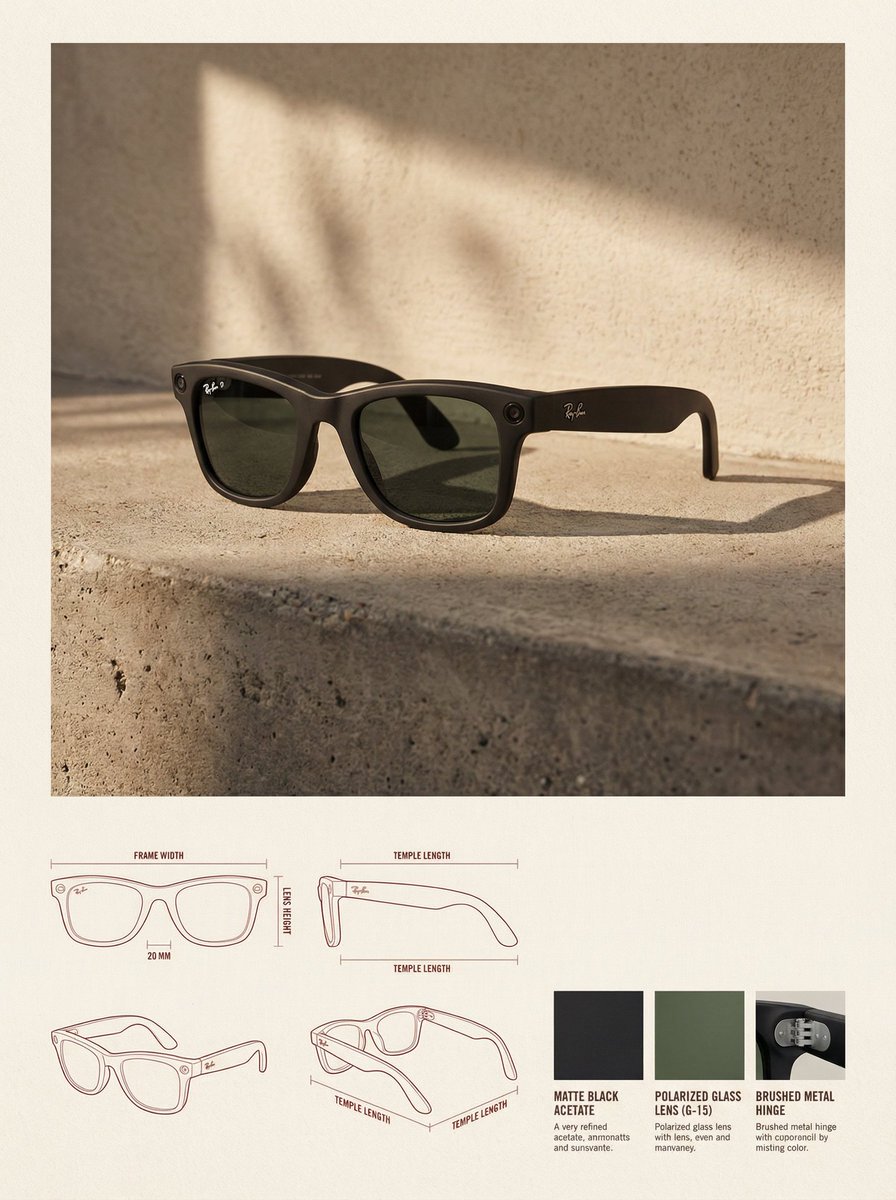
✓ Reference Image: Use the uploaded image as a precise visual reference for the product's form, proportion, material, and overall identity. Do not redesign or reinterpret the product. ✓ Layout: Vertical 3:4 canvas, background is a warm neutral paper surface, the upper part is the lifestyle hero area, and the lower part is the technical specification area. ✓ Upper Section: The product image is placed in the top center, dominating the space, with ample white space around it. ✓ Environment Setting: Minimalist architectural interior, natural side lighting, soft high-contrast shadows, concrete floor, textured stucco walls. ✓ Rendering Style: Editorial lifestyle photography, highly realistic, warm and soft high-end color grading. ✓ Lower Section: Technical specification panel uses a modular grid layout. The bottom left features architectural line drawings (front view, side view, three-quarter top view), soft red or sepia thin lines, with minimal annotations. ✓ Bottom Right: 3-4 material samples, derived from the product's actual materials ({argument name="material type" default="fabric, leather, metal, wood, plastic"}). ✓ Typography: Minimalist editorial style, soft black or dark brown, no large titles. ✓ Overall Style: Design catalog/product design journal, architectural, high-end, calm. Avoid clutter, bold colors, heavy branding, excessive decoration. ✓ Constraints: Do not change the product design, do not fabricate materials, do not add logos unless present in the reference, do not use perspective distortion in the drawings.

Abstract Brand Illustration for Innovation and Clarity

Abstract Brand Illustration for Innovation and Clarity

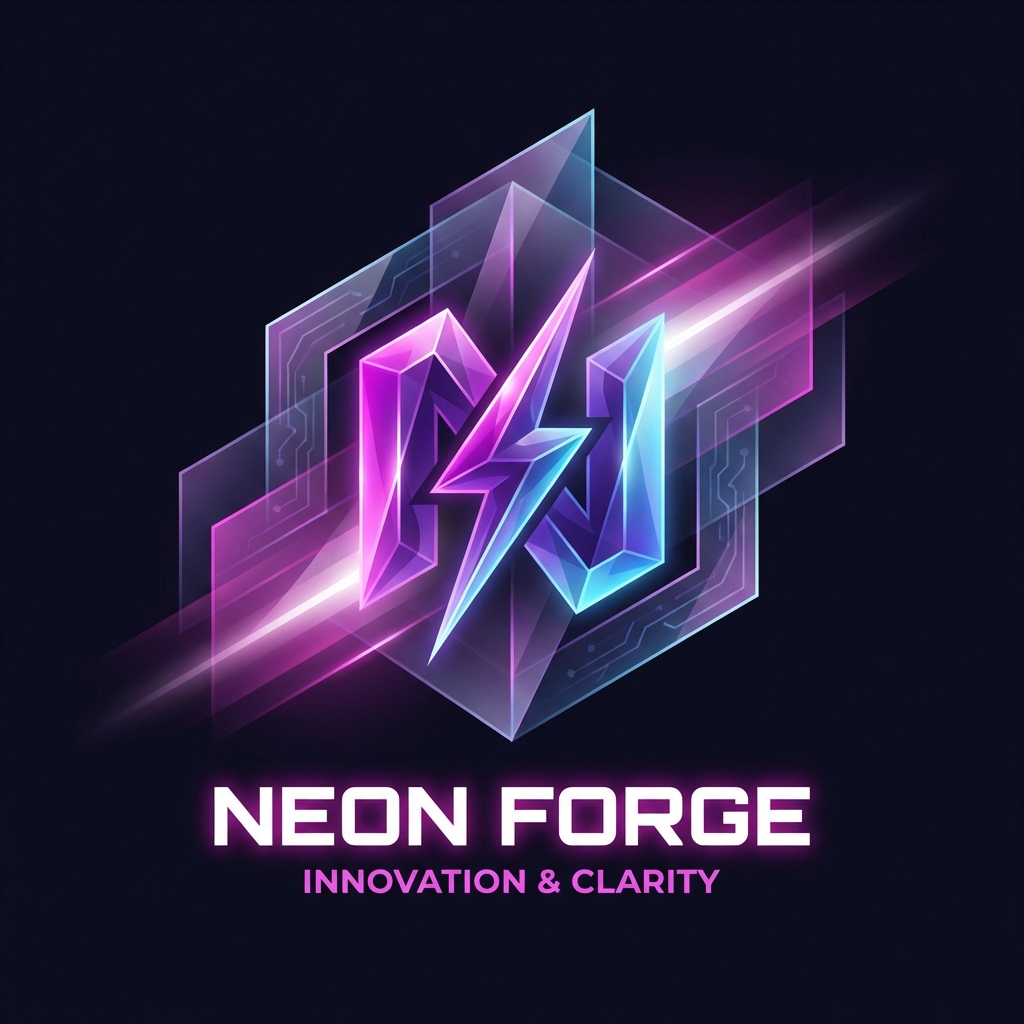
Abstract brand illustration representing {argument name="concept 1" default="innovation"} and {argument name="concept 2" default="clarity"}. Geometric forms with subtle depth, smooth gradients, controlled contrast, modern, restrained color palette, timeless and non-trendy aesthetic, designed for long-term brand use.

Minimalist Flowchart/Diagram Generation Style Guide

Minimalist Flowchart/Diagram Generation Style Guide

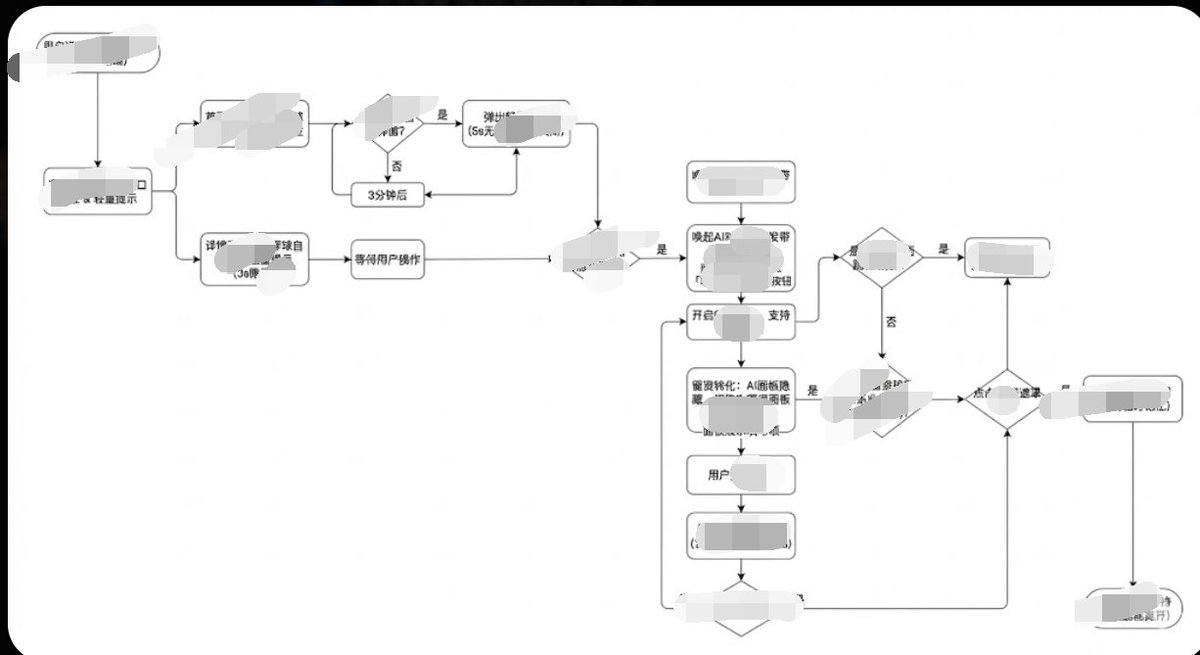
Generate image, 1. Style Core Parameter Extraction (Style Guide) Please refer to the following parameters: Color Palette: Background: Pure white (#FFFFFF) Lines/Borders: Dark gray or pure black (#333333 or #000000) Text: Dark gray (#333333), regular weight, no bold. Fill: No fill (transparent) or pure white fill, to cover lines behind. Lines/Connectors: Type: Orthogonal/Elbow lines, meaning only vertical and horizontal lines, with right-angle corners. Thickness: Extremely thin (1px). Arrow: Solid small triangle (Solid Arrowhead), black. Shapes: Normal Node: Rounded Rectangle, very small corner radius (approx. 4px - 8px). Decision Node: Diamond. Start/End: Capsule shape or rectangle with larger rounded corners. Typography: Alignment: Center aligned. Font: Sans-serif font, such as Arial, Roboto, or Source Han Sans. Small font size (approx. 12px-14px). Apply the style above along with your user journey/process to Gemini, and it will present the corresponding effect without needing adjustments.

Line and Shape Hybrid Illustration Prompt

Line and Shape Hybrid Illustration Prompt

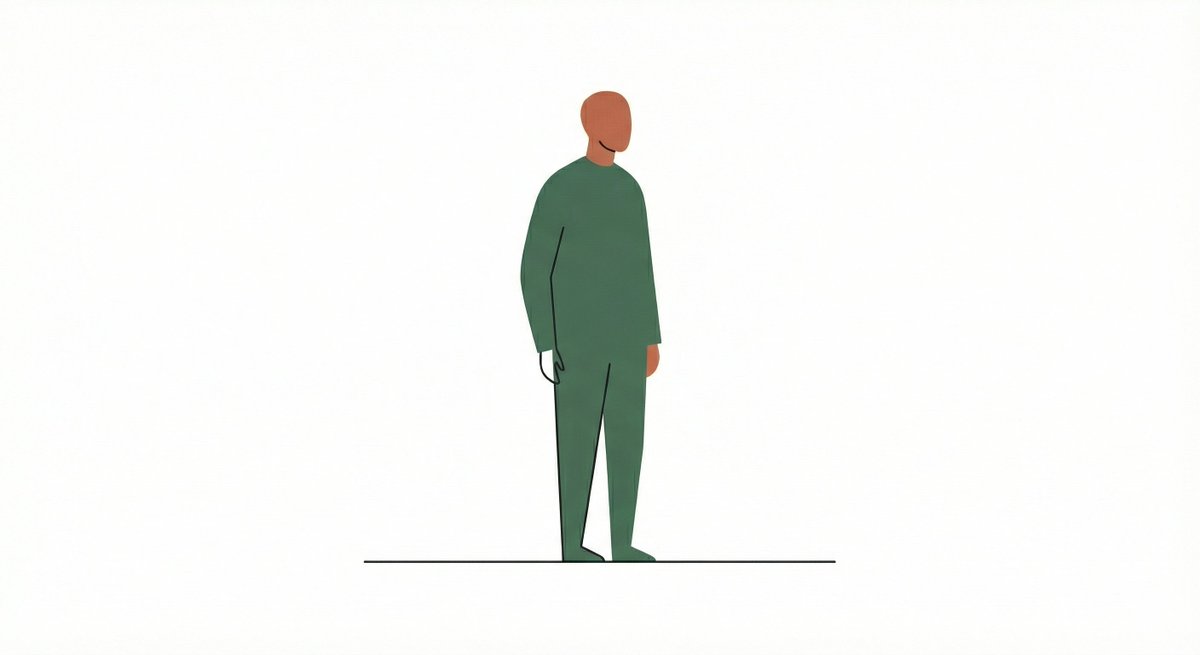
Illustrate {argument name="subject" default="a cityscape"} using a combination of thin lines and large flat shapes. Keep the interaction sparse and intentional. The result should feel contemporary and design-forward.

部分提示词收录自 X 平台创作者,版权归原作者所有。