返回提示词库
Minimalist Flowchart/Diagram Generation Style Guide 1
图像

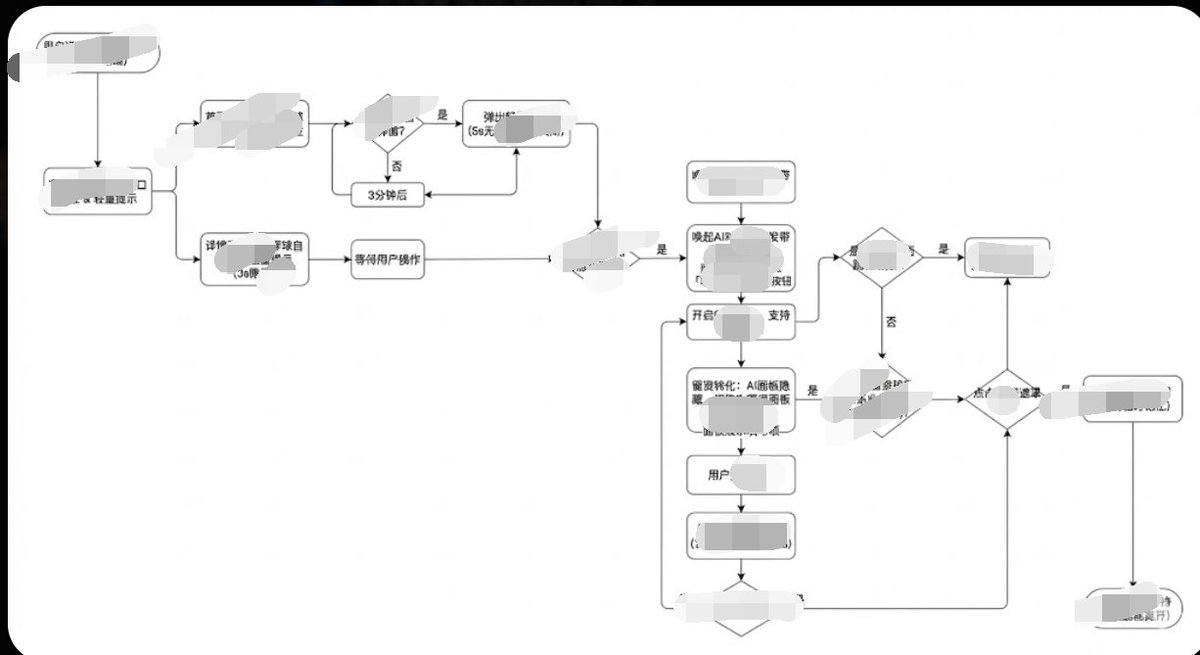
Minimalist Flowchart/Diagram Generation Style Guide

A detailed style guide prompt for Nano Banana Pro to generate minimalist, clean flowcharts or diagrams. It specifies color palette, line types (orthogonal), shapes (rounded rectangles, diamonds), and typography to ensure a professional, consistent, and easily readable infographic style.

提示词
Generate image, 1. Style Core Parameter Extraction (Style Guide)
Please refer to the following parameters:
Color Palette:
Background: Pure white (#FFFFFF)
Lines/Borders: Dark gray or pure black (#333333 or #000000)
Text: Dark gray (#333333), regular weight, no bold.
Fill: No fill (transparent) or pure white fill, to cover lines behind.
Lines/Connectors:
Type: Orthogonal/Elbow lines, meaning only vertical and horizontal lines, with right-angle corners.
Thickness: Extremely thin (1px).
Arrow: Solid small triangle (Solid Arrowhead), black.
Shapes:
Normal Node: Rounded Rectangle, very small corner radius (approx. 4px - 8px).
Decision Node: Diamond.
Start/End: Capsule shape or rectangle with larger rounded corners.
Typography:
Alignment: Center aligned.
Font: Sans-serif font, such as Arial, Roboto, or Source Han Sans. Small font size (approx. 12px-14px).

Apply the style above along with your user journey/process to Gemini, and it will present the corresponding effect without needing adjustments.
作者
社区创作者
发布时间
2026年1月29日
使用场景
App / 网页设计信息图 / 教育视觉

相似提示词

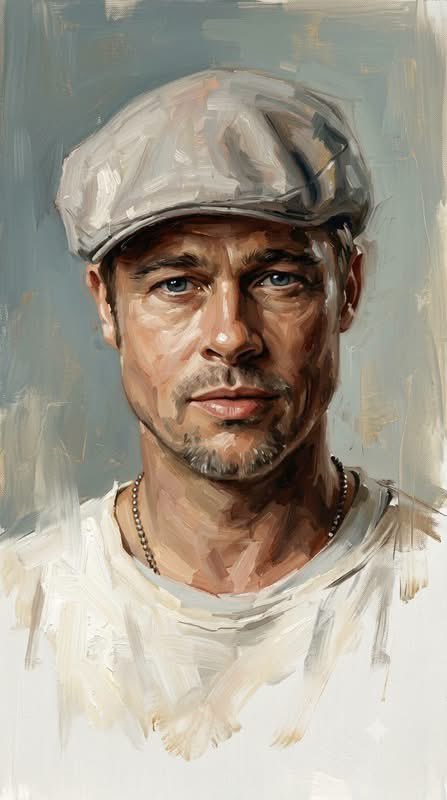
Sophisticated Oil Portrait Painting

Sophisticated Oil Portrait Painting

{argument name="style" default="Sophisticated contemporary oil portrait painting"} with expressive loose brushwork, combining refined semi-realistic portraiture, classical fine-art painting, and modern editorial painterly aesthetics. The subject is rendered with highly controlled yet visibly handcrafted oil strokes, layered pigments, soft impasto, delicate dry-brush marks, and expressive directional brushwork that follows the natural anatomy and volume of the face. Facial features are detailed and semi-realistic, with luminous skin, natural texture, expressive eyes, carefully modeled nose and lips, and richly layered hair built from flowing individual brushstrokes. Use {argument name="color palette" default="warm brown, deep umber, burnt sienna, ochre, muted peach, cream, ivory, soft gray-blue, charcoal, and subtle muted gold accents"}, matching the reference palette precisely. Highlights are predominantly warm ivory and creamy white, while shadows remain deep but soft and painterly. The background uses the same desaturated blue-gray and warm ivory palette, appearing like an unfinished classical painted canvas. Broad vertical and horizontal brushstrokes, translucent paint layers, softly scraped areas, subtle dry-brush textures, and irregular painterly patches create an atmospheric studio-like backdrop. Keep the background simple, quiet, and organically integrated with the portrait rather than sharply separated. The lower portion of the figure intentionally becomes unfinished and gradually dissolves into loose white and ivory brushstrokes. Clothing, shoulders, chest, and lower contours progressively lose definition, breaking into scattered semi-transparent strokes and fading pigment. Edges become incomplete, soft, irregular, and partially disappear into the background, creating the unmistakable impression of an intentionally unfinished oil painting. Do not create a hard bottom edge. Maintain a refined balance between highly detailed facial realism and deliberately unfinished painterly abstraction. Visible brushwork, layered oil pigments, soft impasto, subtle canvas texture, natural imperfections, elegant tonal transitions, museum-quality portrait painting, cinematic atmosphere, timeless fine-art character. No photorealistic photography, no 3D CGI, no vector appearance, no hard digital outlines, no glossy rendering, no completely finished lower body, no sharp background separation. --ar {argument name="aspect ratio" default="9:16"}
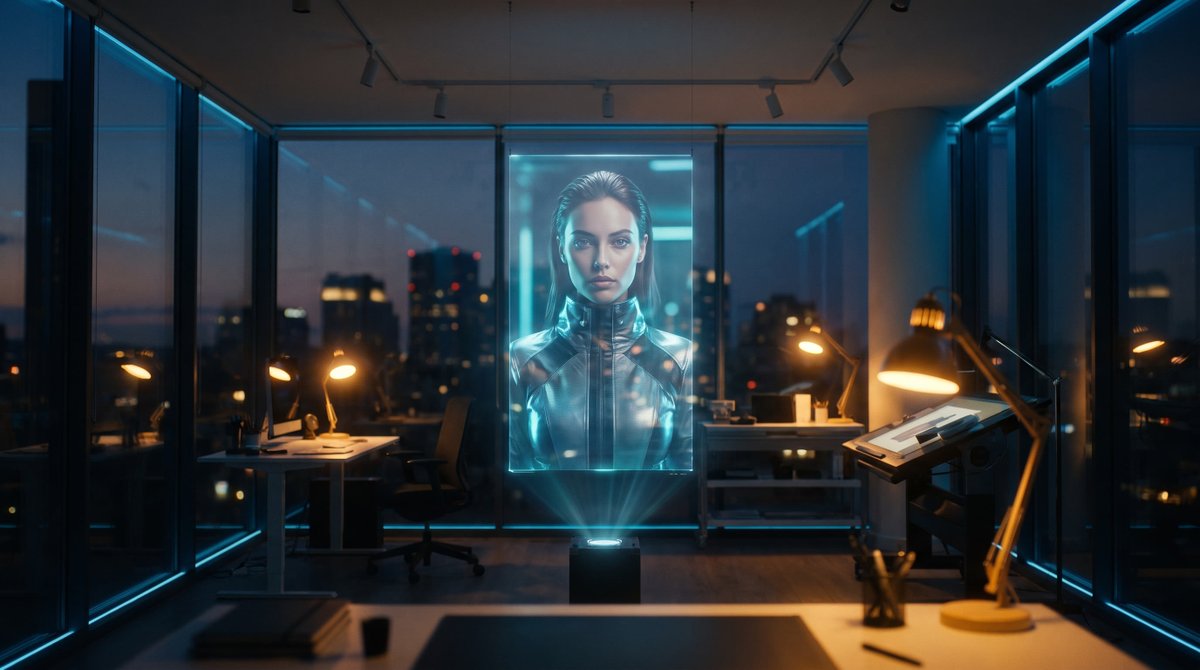
Holographic Canvas Glass Studio

Holographic Canvas Glass Studio

{argument name="setting" default="Glass studio"}, {argument name="canvas" default="holographic canvas"}, {argument name="lighting" default="mixed tungsten and cyan light"}.

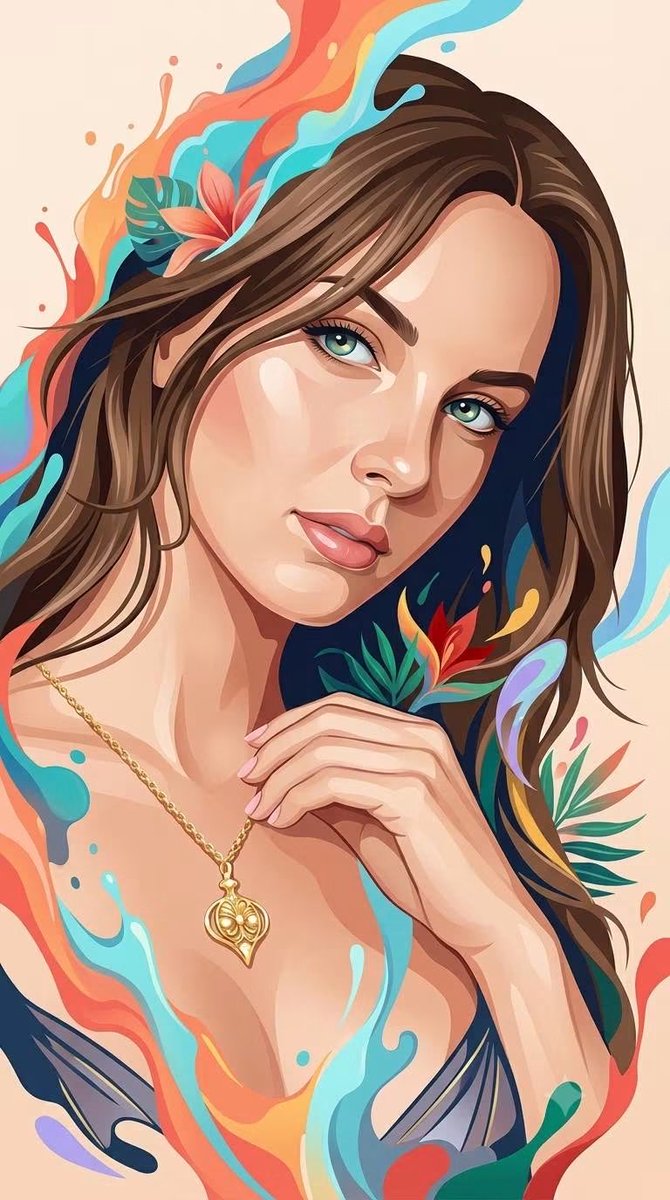
Hybrid 3D Vector Illustration Style

Hybrid 3D Vector Illustration Style

A sophisticated {argument name="subject" default="hybrid human portrait style"} that seamlessly combines the whimsical, glossy dimensional rendering of a premium 3D fantasy illustration with the clean, elegant simplicity of contemporary flat vector portraiture. Depict the human subject with recognizable anatomy, natural facial proportions, authentic expression, and clearly identifiable features, while transforming the overall appearance into a refined stylized illustration. The face should combine smooth dimensional modeling with simplified graphic planes: softly sculpted skin, subtle volumetric shading, delicate highlights, clean angular shapes, and carefully controlled flat-color regions. Use the visual language of premium digital character illustration: luminous expressive eyes, softly rendered skin, smooth flowing hair with layered strands, polished highlights, gentle depth, tactile surfaces, and subtle painterly transitions. At the same time, simplify the rendering with elegant vector-like shapes, clean silhouettes, controlled linework, minimal visual noise, and clearly defined color planes inspired by modern editorial portrait illustration. Integrate {argument name="artistic elements" default="flowing artistic elements around the human figure, such as fluid paint splashes, soft liquid ribbons, abstract organic shapes"}. These elements should feel energetic and three-dimensional, organically emerging from the portrait rather than appearing as a separate background decoration. Hair should combine clean graphic masses with silky dimensional strands and sweeping flowing shapes. Facial features should remain refined and human, enhanced with subtle geometric simplification rather than exaggerated cartoon distortion. Clothing should use bold simplified silhouettes with restrained geometric detailing, maintaining an elegant contemporary fashion-illustration appearance. Color treatment should merge the warm, restrained palette of modern vector portraiture with the {argument name="color scheme" default="vibrant tropical energy of whimsical fantasy illustration"}: warm coral, orange, cream, peach, turquoise, cyan, sky blue, deep navy, emerald, red, golden yellow, and subtle lavender accents. Use mostly clean saturated color fields, enhanced selectively with soft gradients, glossy highlights, translucent edges, and gentle volumetric illumination. Background should remain clean and uncluttered, preferably a simple warm solid or softly textured backdrop, allowing the human subject and surrounding artistic splashes to remain the primary focus. The final aesthetic should feel like an original fusion of elegant editorial vector portrait, contemporary digital painting, whimsical 3D character illustration, premium fashion artwork, and colorful fluid fantasy art — clean yet richly dimensional, sophisticated yet playful, expressive, polished, tactile, modern, artistic, and visually distinctive.

Edge Aware ASCII Art Conversion

Edge Aware ASCII Art Conversion

Apply an ASCII-art rendering effect to the reference image, where the ASCII character density and placement is driven by the underlying tonal contrast and edges of the photo, like a true edge-aware ASCII-art conversion. Dense character clusters follow the natural contours, silhouette lines, and high-detail areas (such as hair strands, fabric folds, and background structure), while flatter, low-contrast areas (such as smooth skin) stay comparatively clean with minimal or no texture. The effect should look like the ASCII characters are tracing the actual shapes and edges present in the photo, not a uniform overlay pasted on top of everything equally. Use a classic {argument name="color scheme" default="green-on-black or grayscale"} terminal character set ({argument name="character set" default="@ # % & * + . :"}), {argument name="density" default="medium"} overall density, with the original photo still legible underneath.

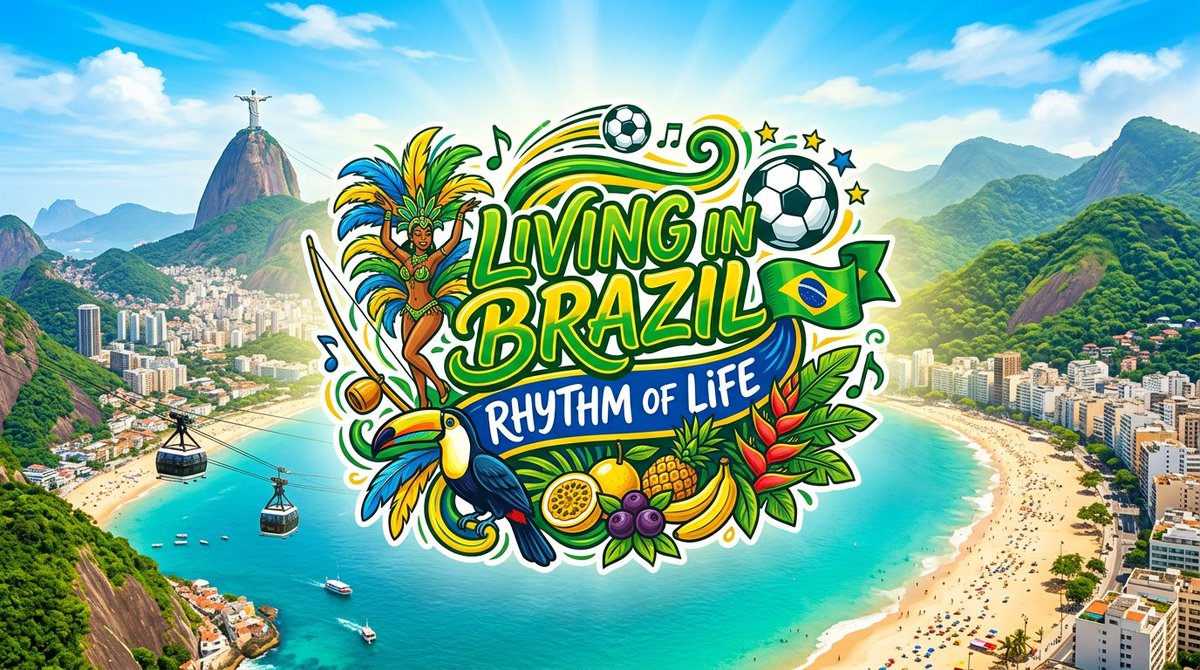
National Identity Logo Generator

National Identity Logo Generator

Logo for '{argument name="country and tagline" default="Living in Country: Tagline"}' set against a backdrop of {argument name="landscape" default="specific landscape or cityscape"}. Utilize the {argument name="flag colors" default="colors of the country's flag"} and include imagery that represents [the country’s renowned aspects – cultural, culinary, natural, etc.], [desired style or mood]

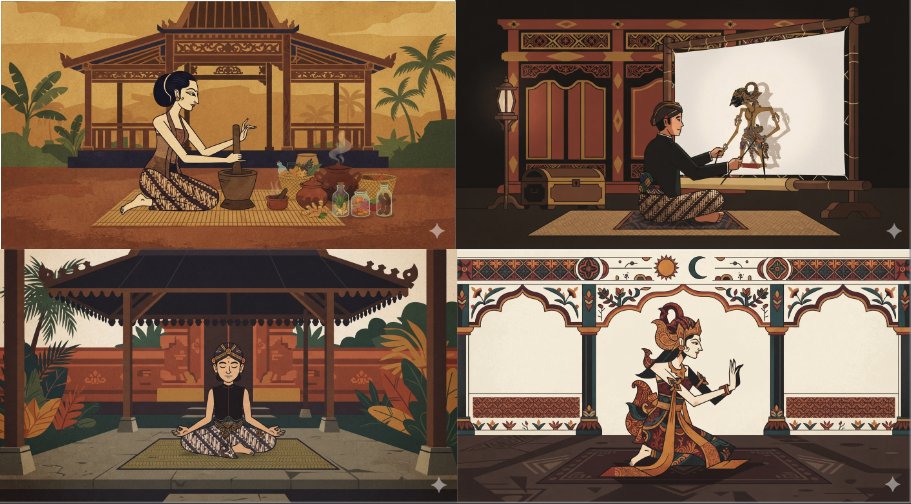
Minimal Flat Javanese Animation

Minimal Flat Javanese Animation

a minimal flat animated scene of {argument name="subject" default="something neutral but interesting"}, {argument name="character count" default="a single character"}, pick an unusual animation style and palette. {argument name="art style" default="Javanese style"}.

Realistic Aerial Bamboo Grove Landscape

Realistic Aerial Bamboo Grove Landscape

masterpiece, realistic photo, landscape, {argument name="subject" default="Aerial bamboo grove"}, swirling canopy, {argument name="feature" default="stone lanterns"}, dappled emerald, summer breeze

部分提示词收录自 X 平台创作者,版权归原作者所有。