
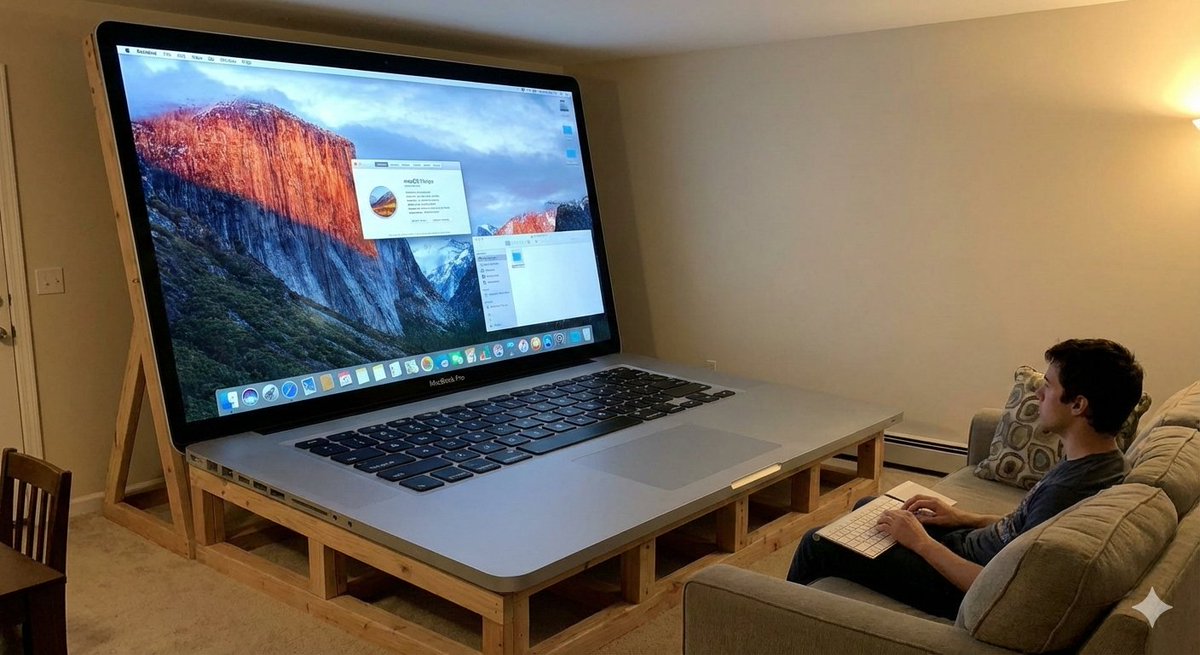
Generate a 100-inch MacBook image
Generate an image of a {argument name="size_en" default="100-inch"} MacBook.
4,387 prompts
Generate an image of a {argument name="size_en" default="100-inch"} MacBook.
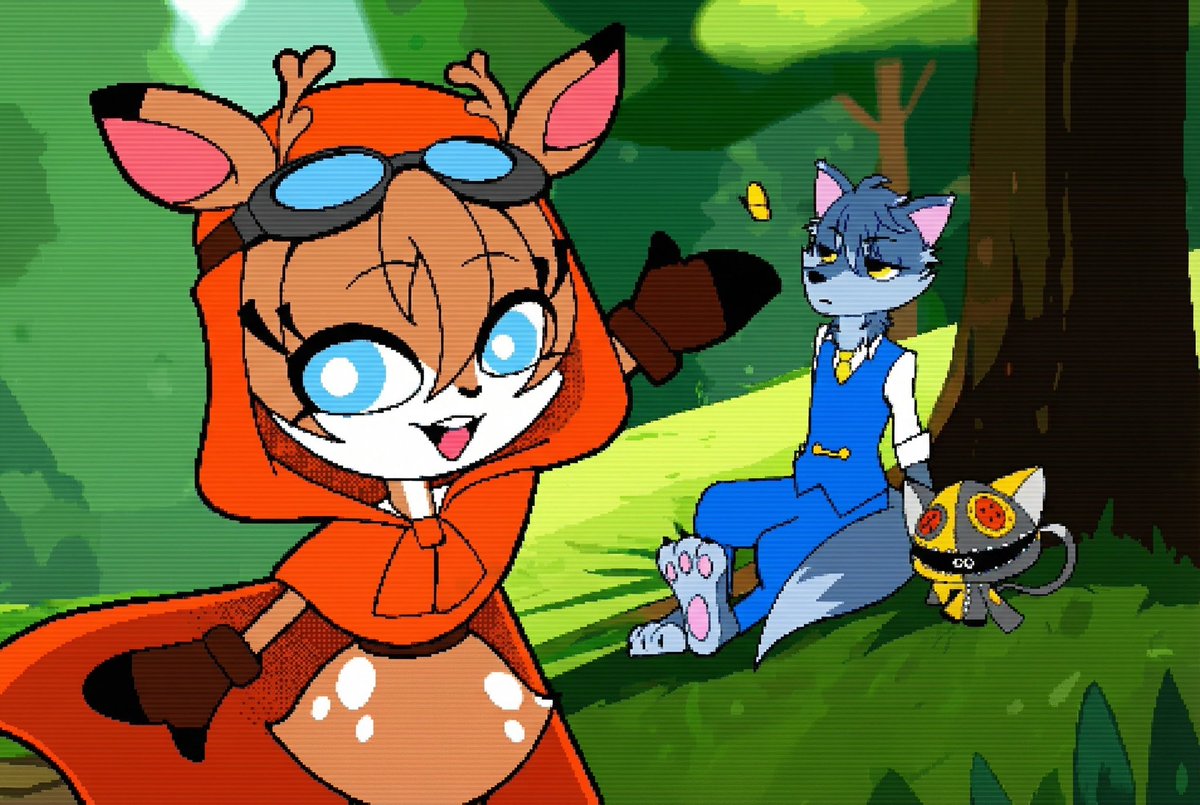
Convert it into pixel art in the style of the {argument name="reference_era_en" default="Game Boy Advance era"}.
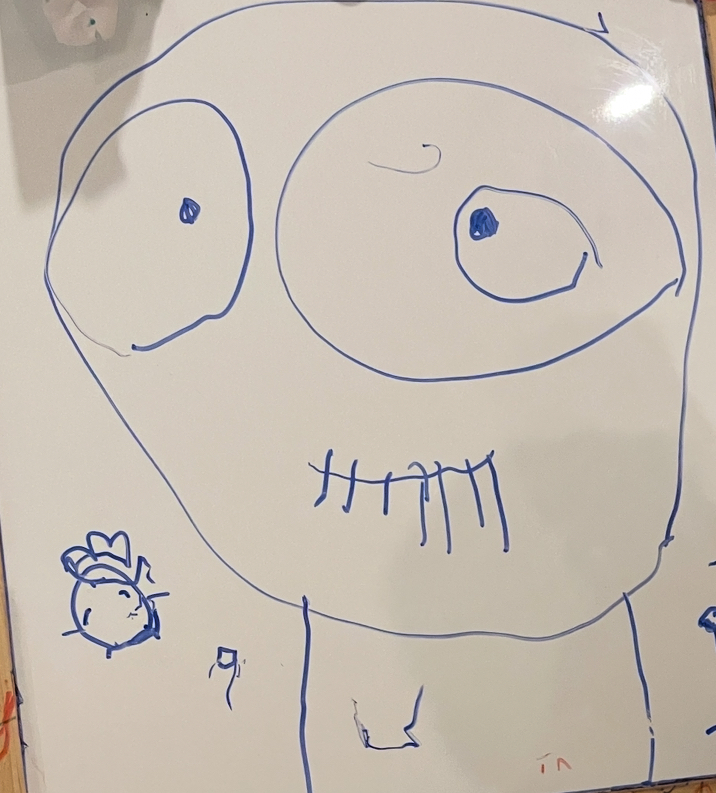
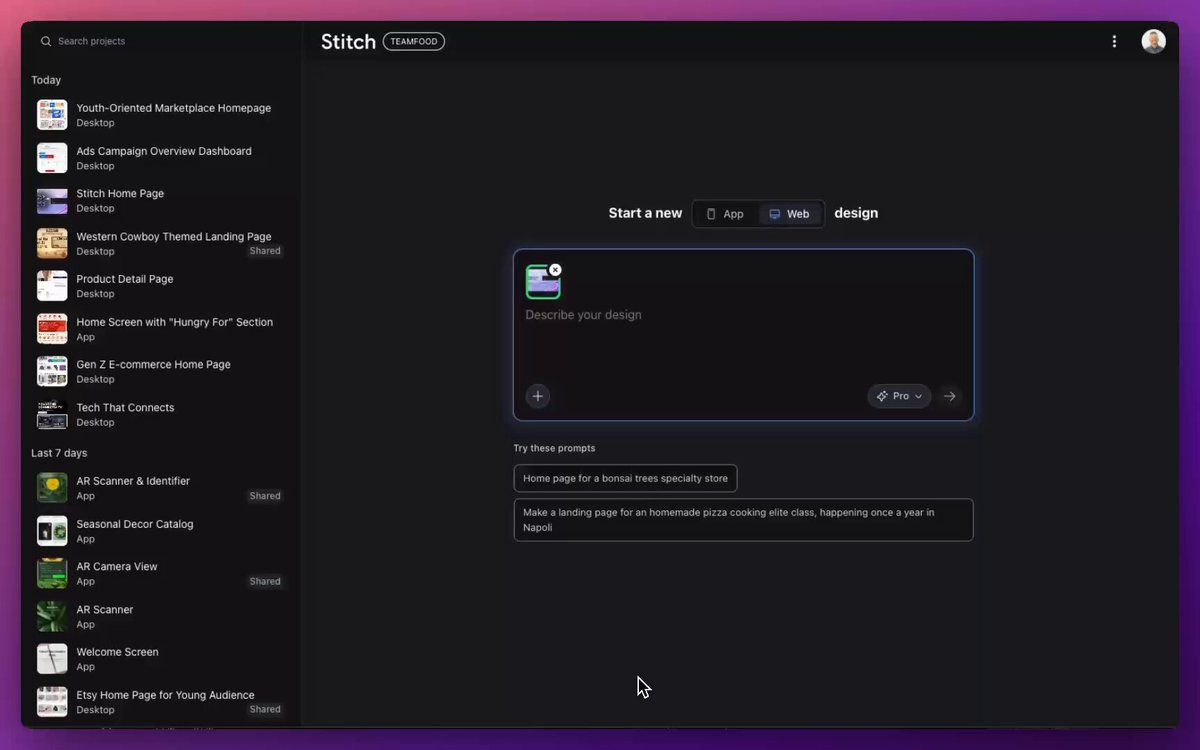
젊은 세대를 위해 이 페이지를 재설계하세요 다음에 나올 가능성이 가장 높은 페이지를 만들어 보세요 카트에 추가하는 사용자 수를 늘리세요 버튼을 10픽셀 아래로 이동
Generate an ultra-realistic film photo of this scene. No interface. Make it look like a real-life scene. Landscape format. Not literal; retell the story visually, making it look real as if it could have happened in real life. Style: 1990s family photo, casual, not a movie shot.
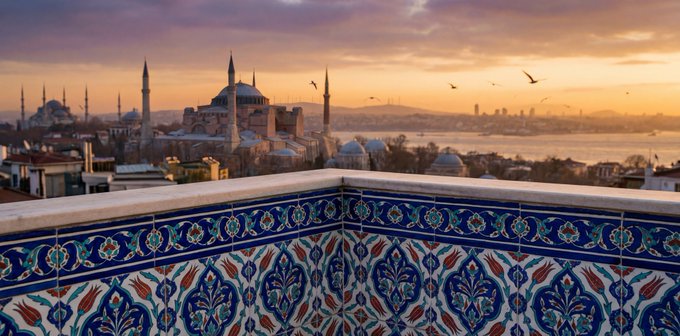
The impossible image: "Create a clock with the hand showing 12:30."
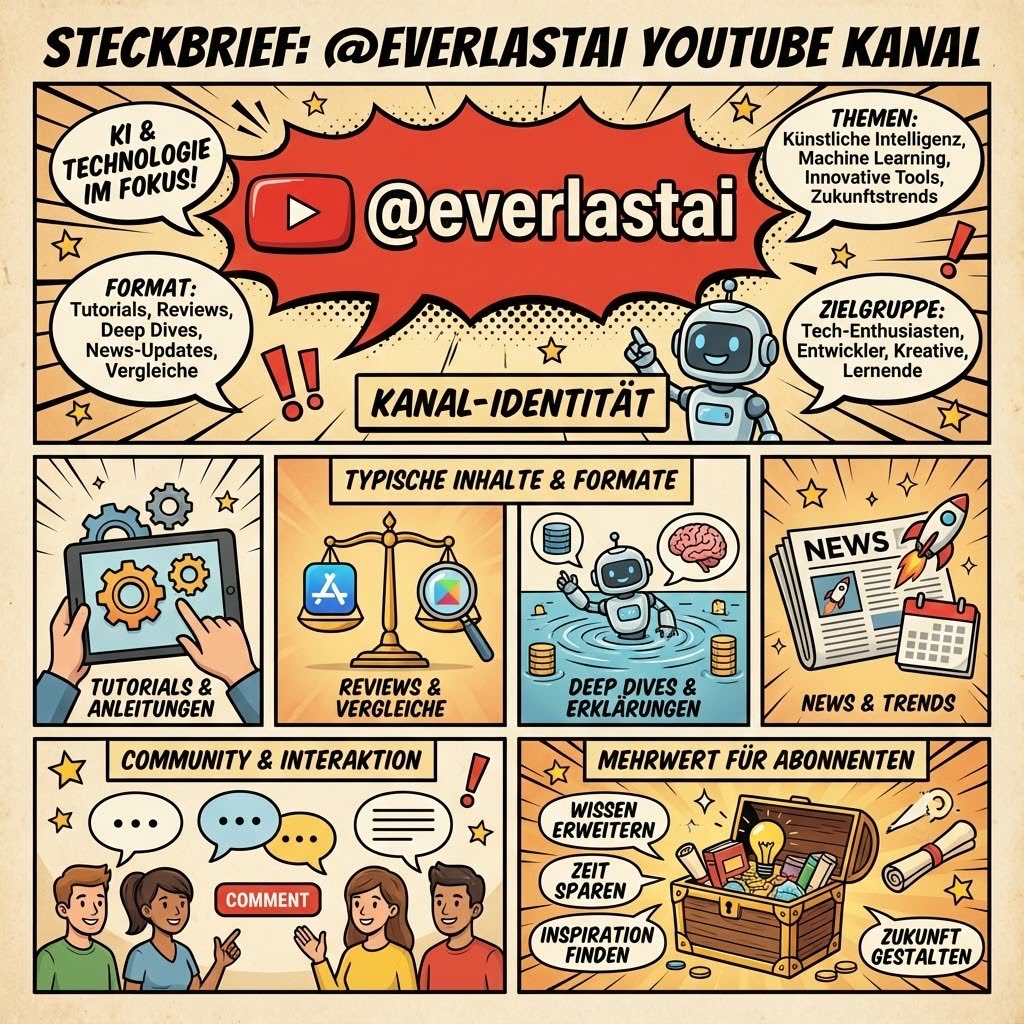
Create an infographic for my YouTube channel {argument name="channel_name" default="everlastai"}.

Creative, realistic and surreal advertising design for a product {argument name="product_name" default="[product name]"} from the category {argument name="product_type" default="[product type]"}, where the product appears as a heroic element in the center of the frame and visually forms in a smart way that automatically reflects the spirit and identity of the brand. A clean background that matches the brand colors, soft cinematic lighting, ultra-realistic materials, precise shadows, and strong visual composition.
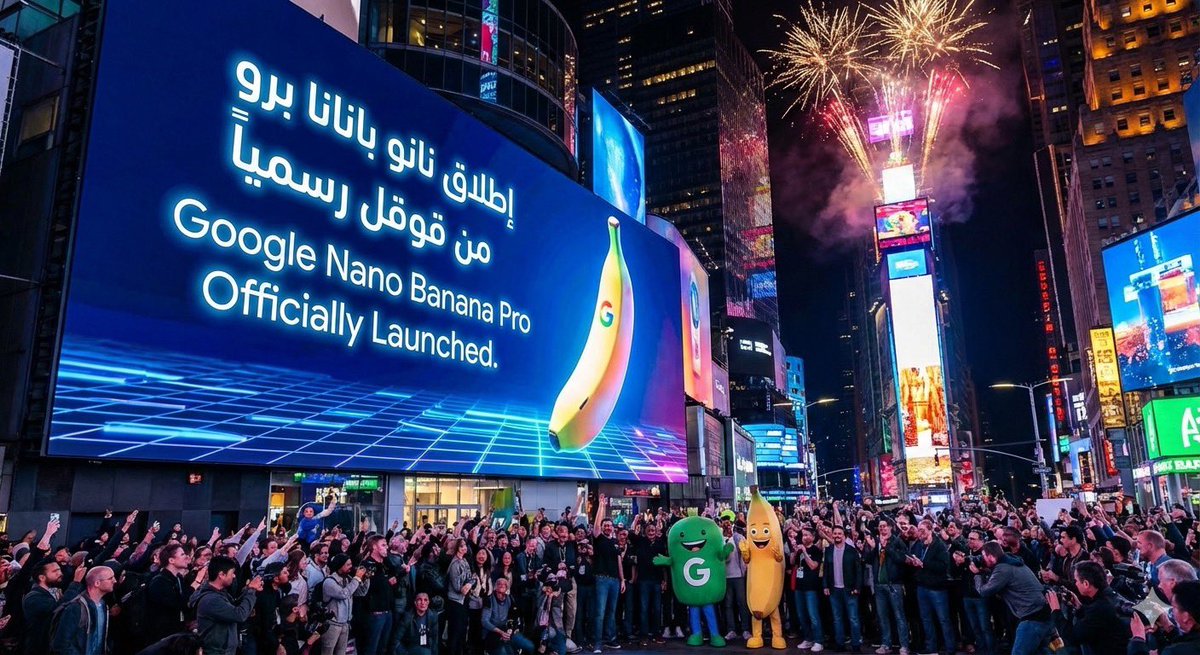
Generate an image with the design text saying: the official launch of Nano Banana Pro from Google.
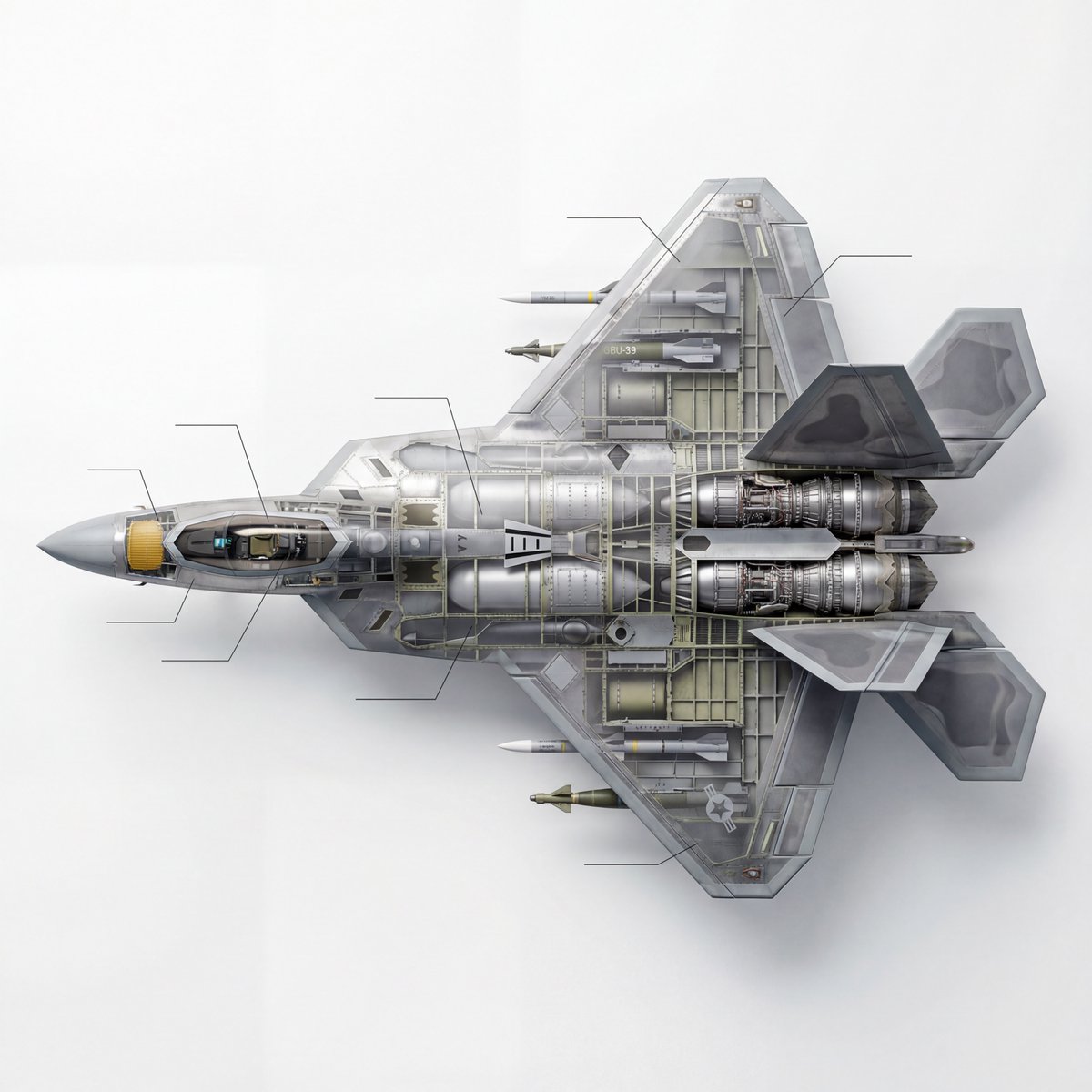
Content description: A scientific educational technical 3D cutaway diagram of a modern fifth-generation stealth fighter jet, in side view. The image clearly shows the complex internal structure, including details of the turbofan engine, the AESA (phased array) radar system in the nose, the cockpit avionics, the pilot’s seat, fuel tanks, and the internal weapons bay loaded with missiles. Style and image quality: High-tech infographic style, Dorling Kindersley (DK) visual encyclopedia style, hyperrealism, extremely detailed engineering blueprint (full-color mode). Lighting and background: Clean white background, soft studio lighting, sharp focus, 8K ultra-high-definition resolution, Unreal Engine 5 rendering feel, clearly defined mechanical parts with a metallic texture. The key requirement is that it must be a cutaway, a cutaway.

Physics laws prompt: Generate infographics for all physics laws from junior high school textbooks, one law per image. The content must be easy to understand and suitable for middle school students. English card prompt: Generate English learning cards, one per image, presented through everyday life scenarios such as ordering food, asking for directions while traveling, hotels, and airport check-in. Each card should include a dialogue scene between characters and the main commonly used sentences, and also list the key vocabulary (including phonetics and meanings). Start with {argument name="number of English scenarios" default="12"} scenarios for me to review. Poetry card prompt: Generate learning cards for {argument name="number of Tang poems" default="10"} famous Tang poems. The image should contain the full poem text, and the visual should match and reflect the poem’s content and mood to help students understand the background and artistic conception, with simple Chinese annotations.
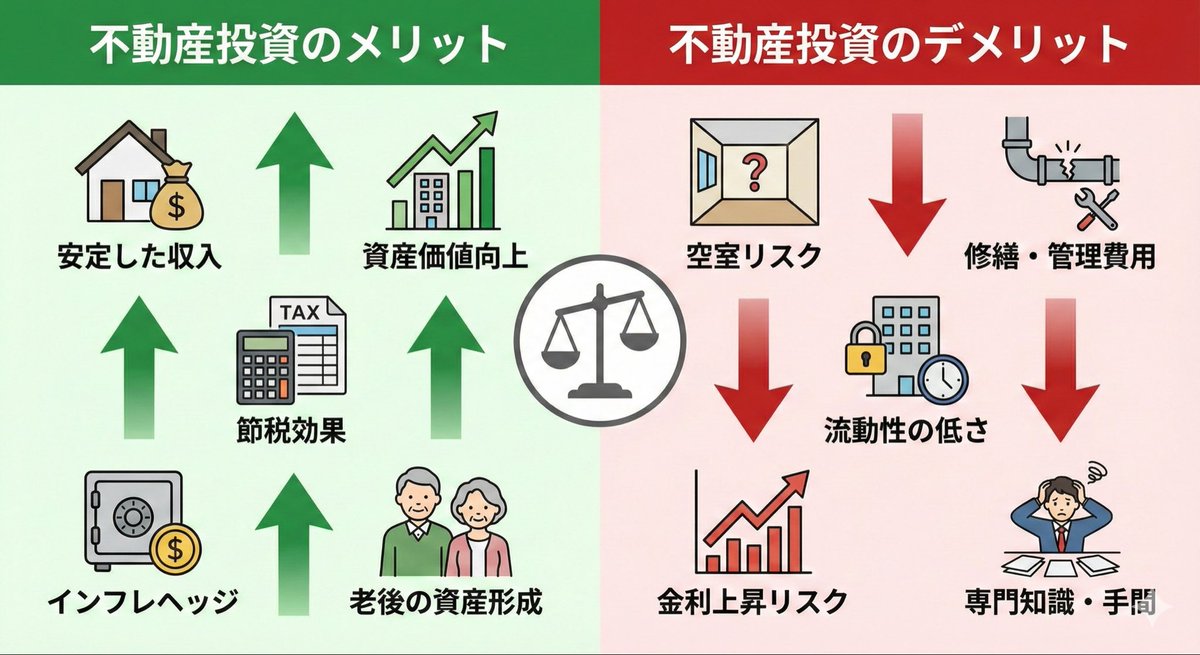
Create an image showing the advantages and disadvantages of real estate investment.
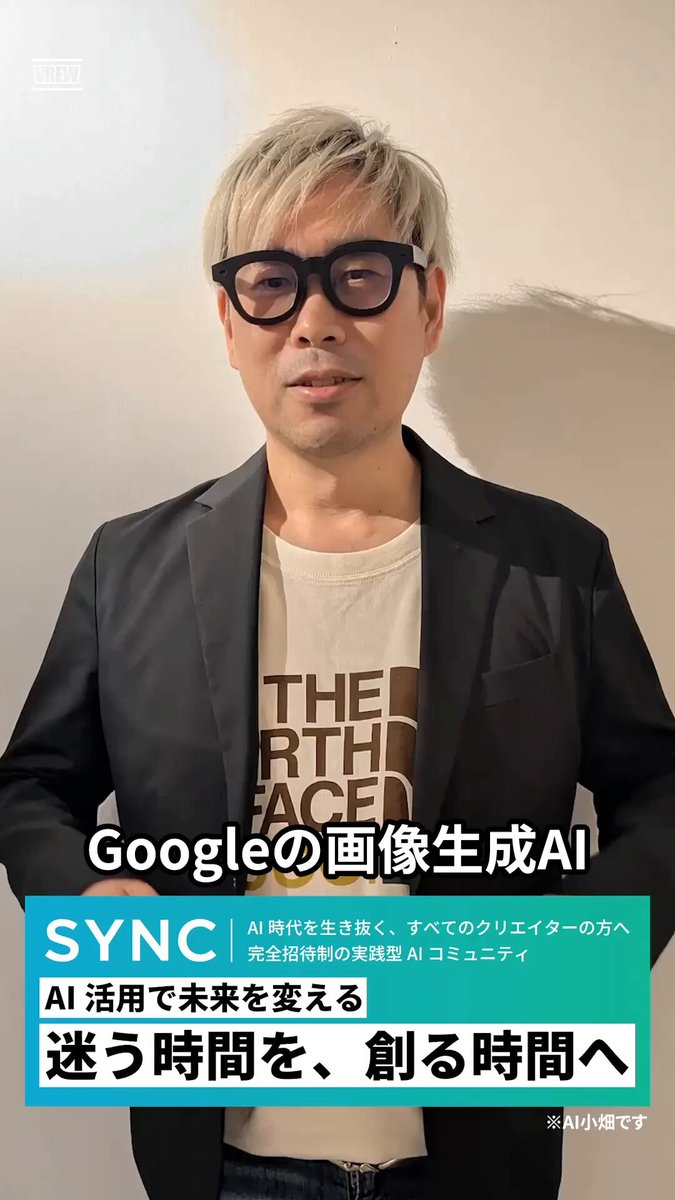
Google has released the ultimate image generation AI ‘Nano Banana Pro’
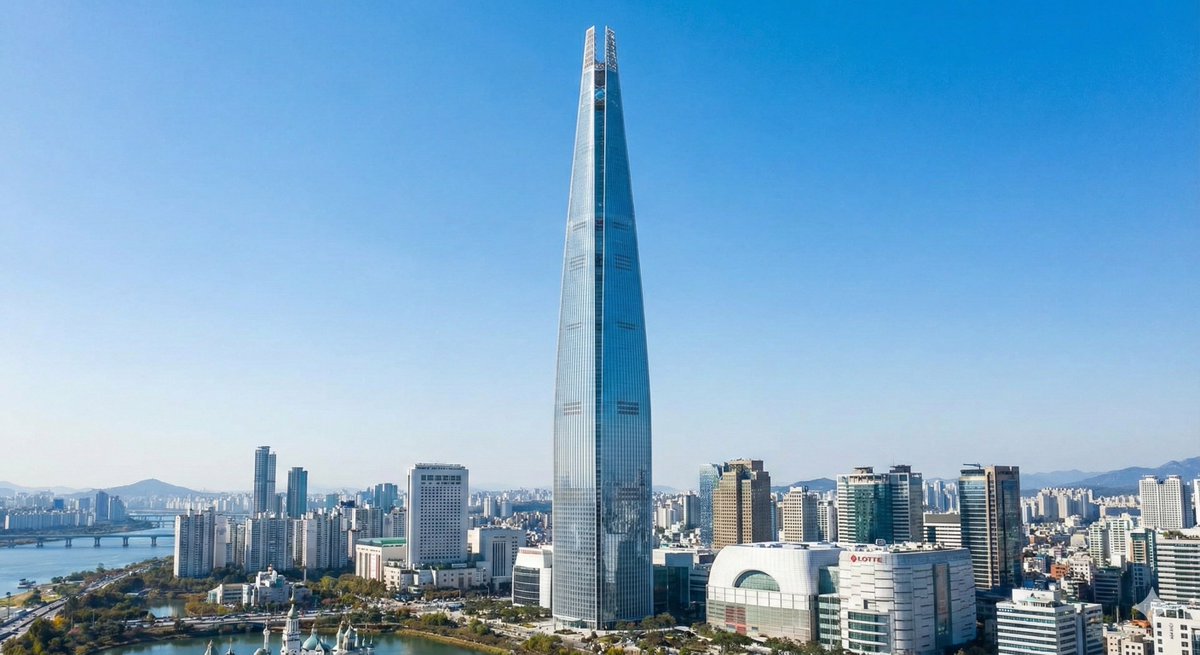
Create an image of {argument name="coordinates_en" default="37° 30' 40.4424'' N and 127° 5' 52.9080'' E"}. Focus on a landmark, not a random scene.
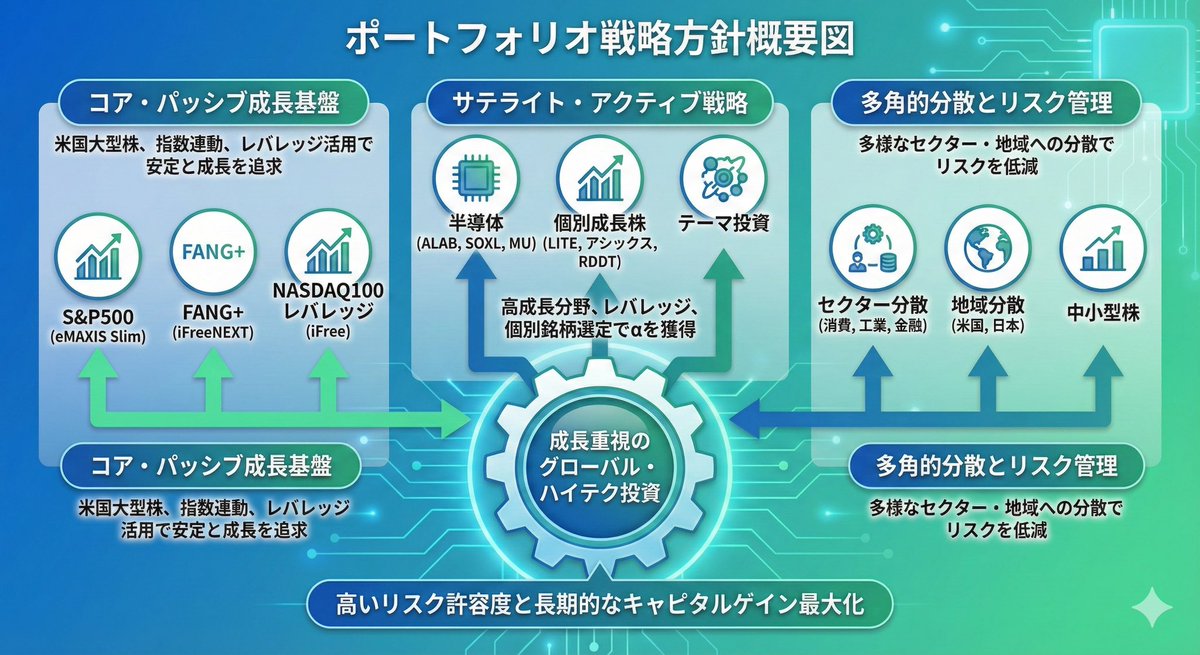
The attachment is my portfolio as an individual investor. Please create an overview diagram of the policy for explaining this portfolio’s strategy to others.

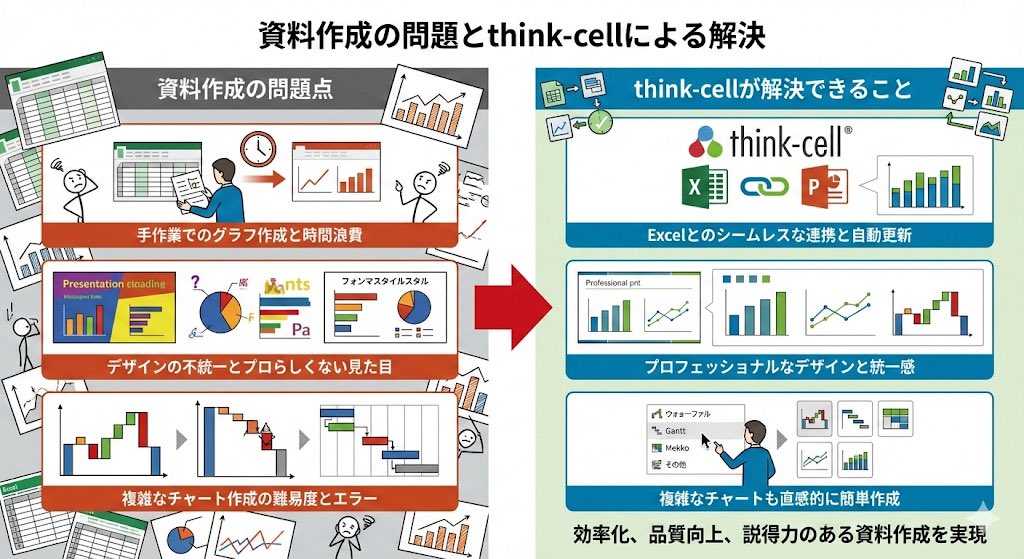
Create an image that explains the problems of document creation and what Think-cell can solve.
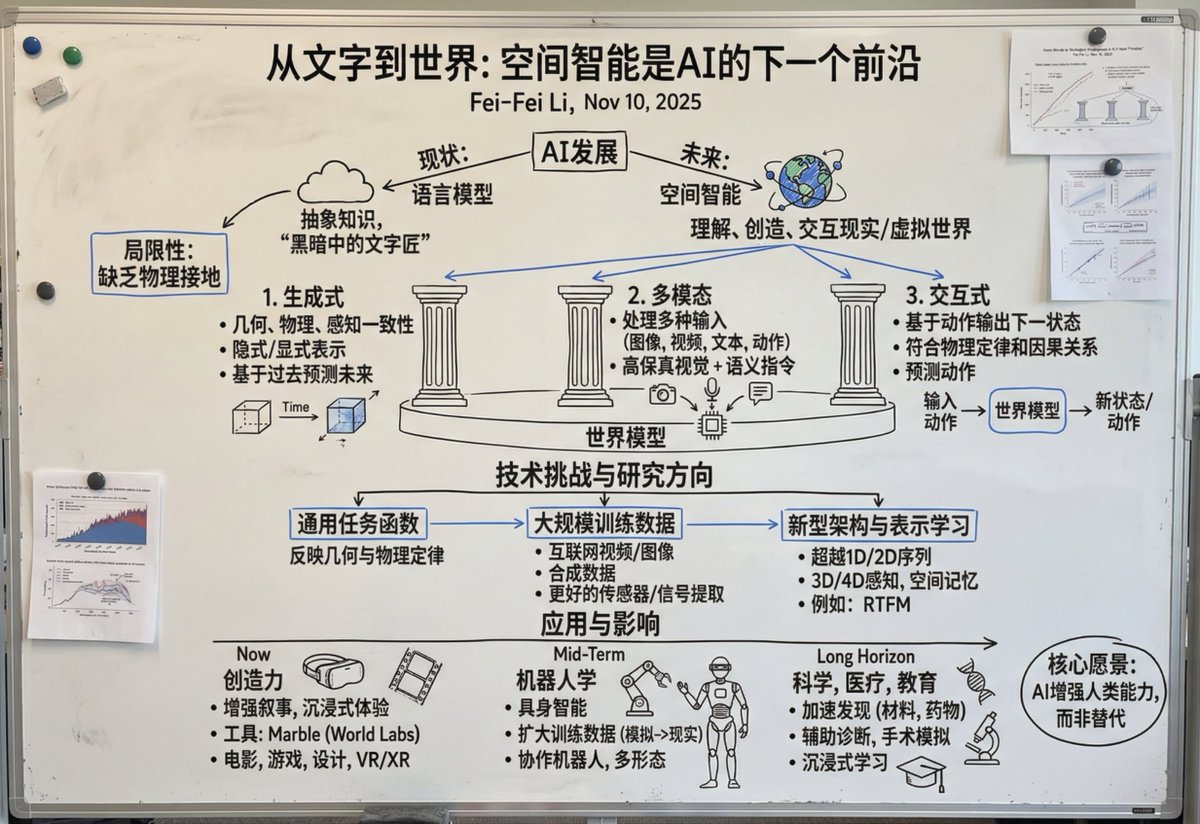
Convert this long text material into a Chinese professor-style whiteboard image to help me understand the information.
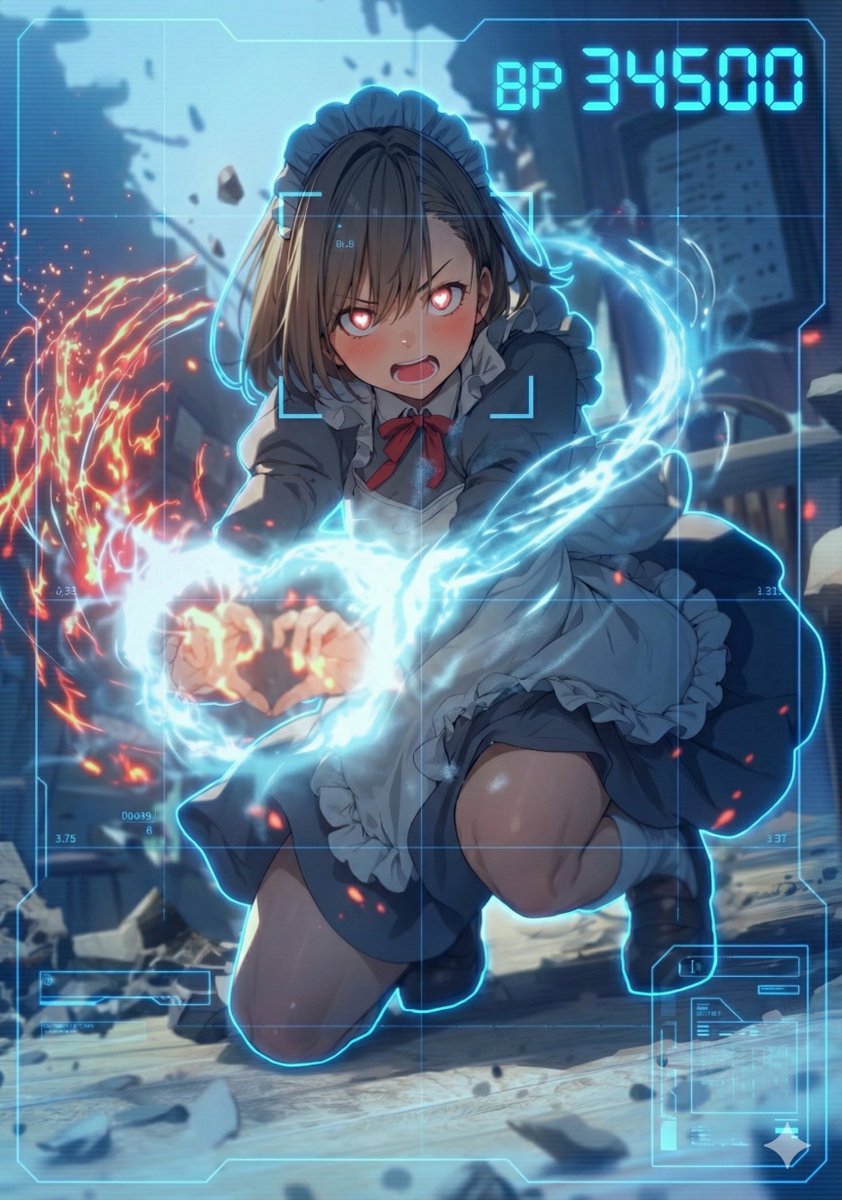
Use blue HUD color. task: "edit-image: add full-screen analysis HUD overlay only"
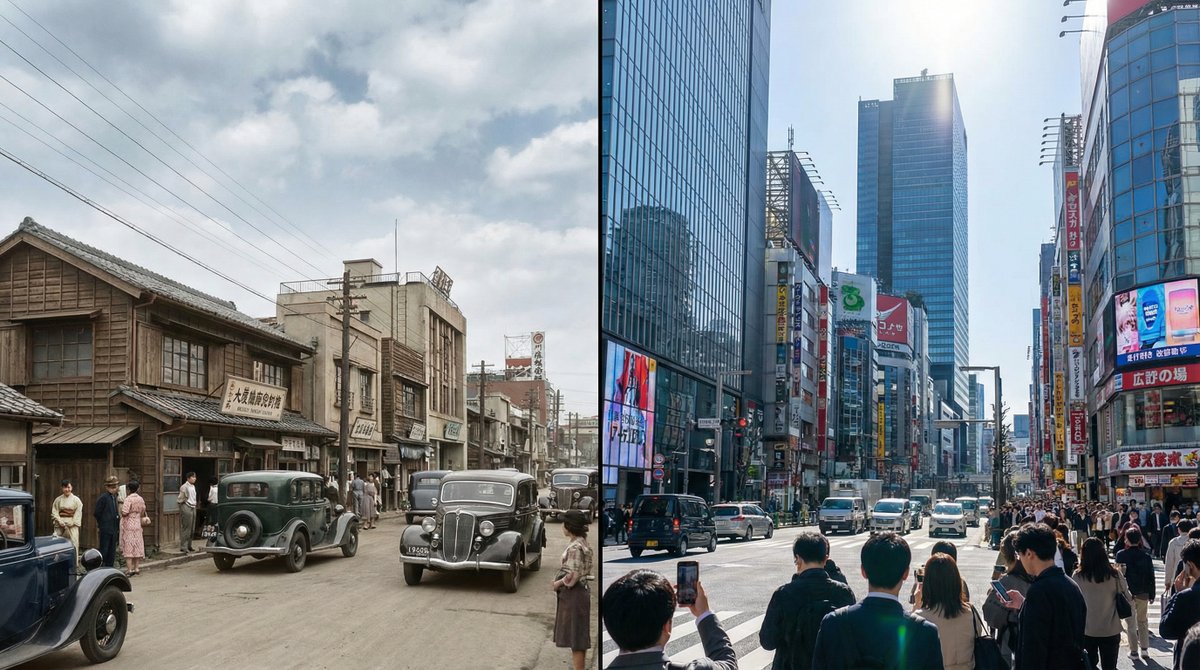
Generate a single photorealistic 16:9 image and split its composition into left and right halves. On each side, depict the same place, [LOCATION_NAME: {argument name="location_name_en" default="(any location)"}], at different eras. Left side: {argument name="left_year_en" default="(any year)"} · {argument name="left_time_en" default="(time)"} Right side: {argument name="right_year_en" default="(any year)"} · {argument name="right_time_en" default="(time)"} Keep the camera position exactly the same and use the following coordinates: [LATITUDE,LONGITUDE: {argument name="coordinates_en" default="(latitude and longitude of any place)"}] Do not include any text in the image (years, labels, watermarks, etc.). Do not specify detailed visuals. Leave all aspects such as architecture, light, cars, people, signs, materials, atmosphere, and composition up to Nano Banana Pro. Each era should feel natural and together form a side-by-side time comparison image within a single 16:9 frame. --ar 16:9 --stylize 800 --v 6
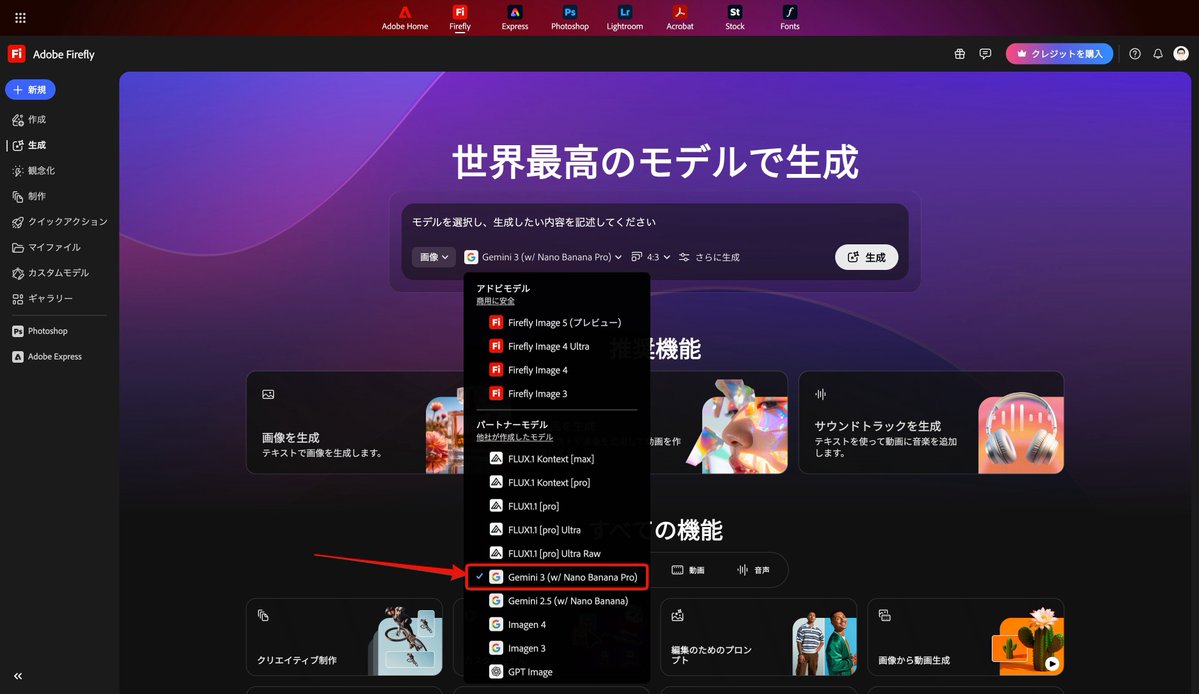
Based on the attached image, include the following content. Keep it within two lines and place it vertically centered. ↓ {argument name="text_en" default="Google unveils its ultimate image generation AI, ‘Nano Banana Pro’"}
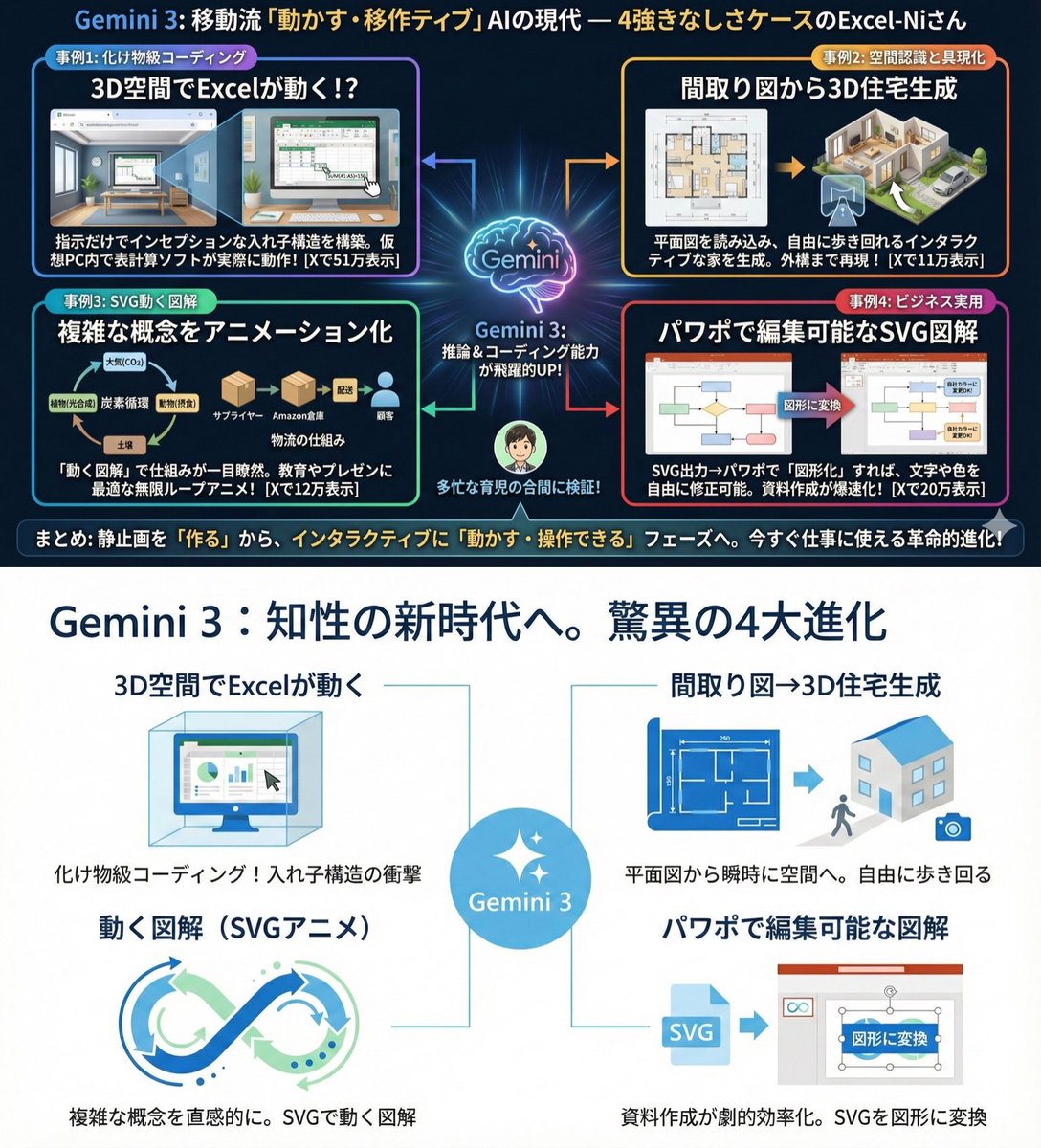
Use extremely little text and focus on graphical expression. Suppress Japanese character garbling. Use Hiragino Gothic as the main font. Keep the content as is, but make the colors and design similar to Microsoft 365. Use a flat and simple design.
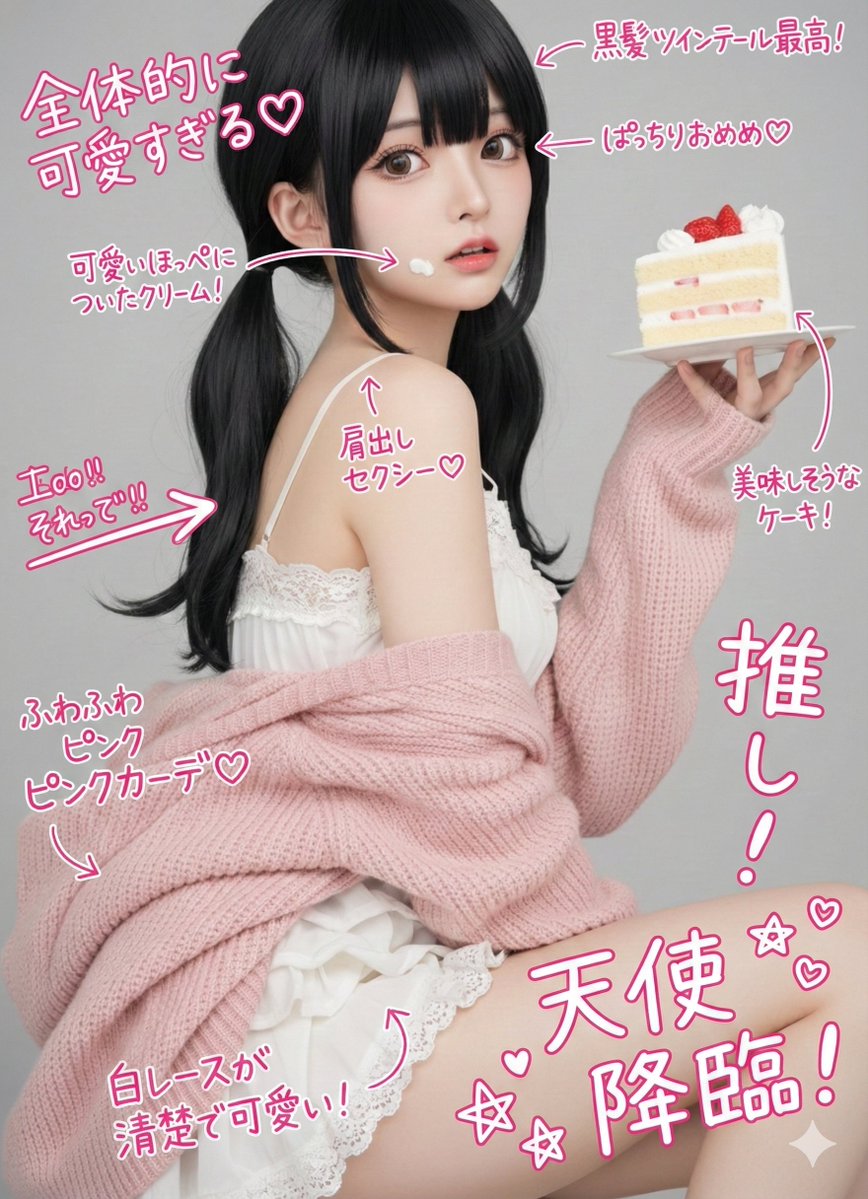
Write as many cute handwritten notes and highlights as possible on the photo!
Some prompts are collected from creators on X. Copyright belongs to the original authors.