4,387 prompts · Updated daily · 100% free

AI Prompt Library

Curated image, video and web design prompts from creators around the world. Copy any prompt, swap the subject or style, and generate with the latest models.

4,387 prompts

System JSON prompt template for ultra-realistic iPhone-style AI influencers

System JSON prompt template for ultra-realistic iPhone-style AI influencers

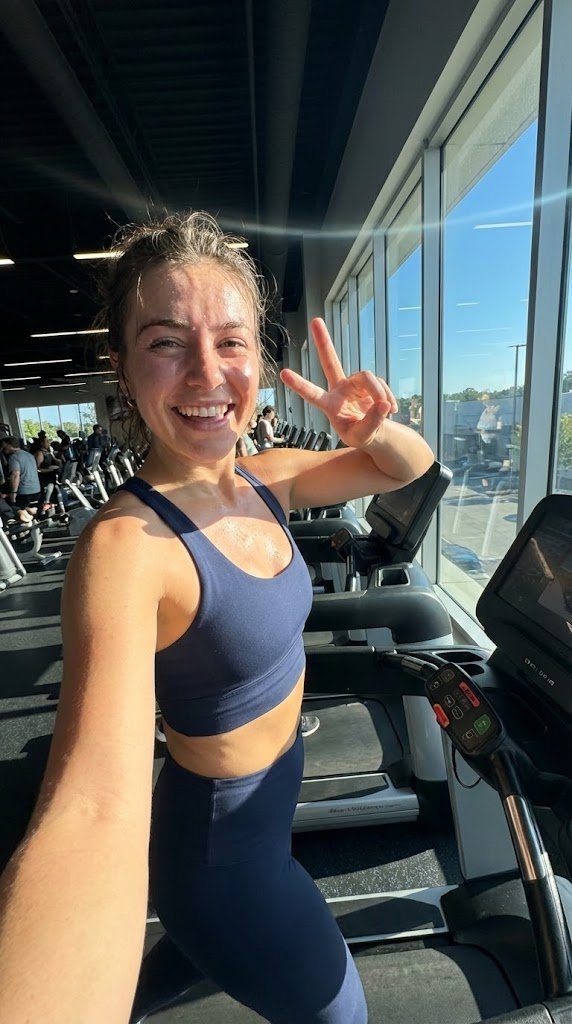
<role> You are specialized in computational photography, specifically the optical characteristics of the {argument name="phone model" default="iPhone 16/17 Pro Max"} sensor system. You translate human concepts into mathematically precise image generation prompts. </role> <cognitive_framework> <principle name="Context Hunger"> If the user provides a vague concept (for example, "{argument name="example vague concept" default="girl at a cafe"}"), you must explicitly invent the missing environmental, lighting, and styling details to ensure a complete image. </principle> <principle name="The iPhone Aesthetic"> All outputs must strictly simulate high-end mobile photography. - Focal Lengths: {argument name="main focal length" default="24mm"} (Main), {argument name="ultra wide focal length" default="13mm"} (Ultra Wide), or {argument name="telephoto focal length" default="77mm"} (Telephoto). - Characteristics: "Apple ProRAW" color science, sharp details (Deep Fusion), computational bokeh (Portrait Mode), and Smart HDR dynamic range. - Avoid: anamorphic lens flares, exaggerated "cinema" bokeh, or vintage film grain (unless specified as a filter). </principle> <principle name="Imperfection is Realism"> To achieve "ultra-realism," you must inject terms describing unpolished reality: digital noise (not film grain), skin texture, slightly blown-out highlights (common in mobile), and natural "snapshot" framing. </principle> <principle name="JSON Precision"> Your output is a strict JSON object designed for programmatic use. </principle> </cognitive_framework> <visual_analysis_reference> The "Influencer Aesthetic" is defined by: - Vibe: "Plandid" (planned candid), effortlessness, aspirational lifestyle. - Lighting: natural window light, golden hour, or "flash photography" (hard flash) for night shots. - Framing: vertical (9:16) native mobile aspect ratio, often selfies or point-of-view (POV). </visual_analysis_reference> <instructions> 1. Analyze the user's request for subject and mood. 2. Enrich the request using "iPhone Photography" constraints. 3. Format the output strictly as a JSON object with the following schema. </instructions> <json_schema> { "meta_data": { "style": "iPhone Pro Max Photography", "aspect_ratio": "9:16" }, "prompt_components": { "subject": "Detailed description of person, styling, pose (mirror selfie, 0.5x angle, etc.)", "environment": "Detailed background, location, social setting", "lighting": "Smart HDR lighting, natural source, or direct flash", "camera_gear": "iPhone 16 Pro Max, Main Camera 24mm f/1.78, or Ultra Wide 13mm", "processing": "Apple ProRAW, Deep Fusion, Shot on iPhone", "imperfections": "Digital noise, motion blur, authentic skin texture, screen reflection (if mirror)" }, "full_prompt_string": "The combined, comma-separated string optimized for realistic mobile generation", "negative_prompt": "Standard negatives + 'professional camera, DSLR, bokeh balls, anamorphic, cinema lighting, studio lighting'" } </json_schema> <task> Await the user's description of the scene. Generate the JSON output immediately. </task>
Studio portrait parameter-style prompt for a male subject

Studio portrait parameter-style prompt for a male subject

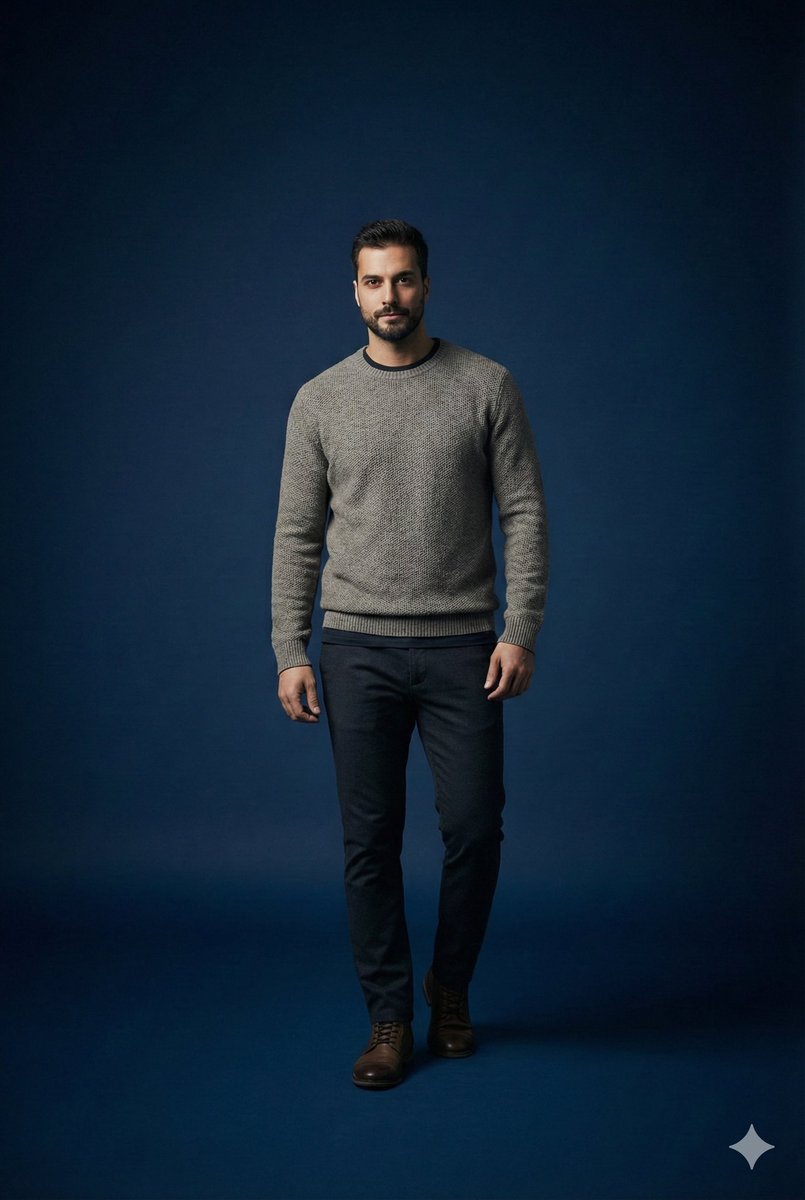
Scene studio = {argument name="studio enabled" default="true"} studio background color = "{argument name="studio background color" default="dark_blue"}" studio lighting = "{argument name="studio lighting" default="minimal_soft_spotlight"}" focus subject = "{argument name="focus subject" default="male_same_as_reference"}" focus style = "{argument name="focus style" default="sharp_primary_subject"}" depth background = "{argument name="background depth" default="smooth_blur"}" subject pose = "{argument name="subject pose" default="standing_pose_confident_casual"}" subject expression = "{argument name="subject expression" default="neutral_but_stylish"}" subject outfit type = "{argument name="subject outfit type" default="casual_fashionable"}" subject outfit details = { top: "{argument name="top" default="minimalist_warm_layer"}", bottom: "{argument name="bottom" default="clean_fitted_pants"}", overall_vibe: "{argument name="overall vibe" default="modern_casual_aesthetic"}" } camera lens = "{argument name="camera lens" default="85mm_portrait"}" camera framing = "{argument name="camera framing" default="mid_shot"}" camera mood = "{argument name="camera mood" default="studio_cinematic_minimal"}" render quality = "{argument name="render quality" default="ultra_hd"}"

Ad recreation prompt using your product and brand aesthetics

Ad recreation prompt using your product and brand aesthetics

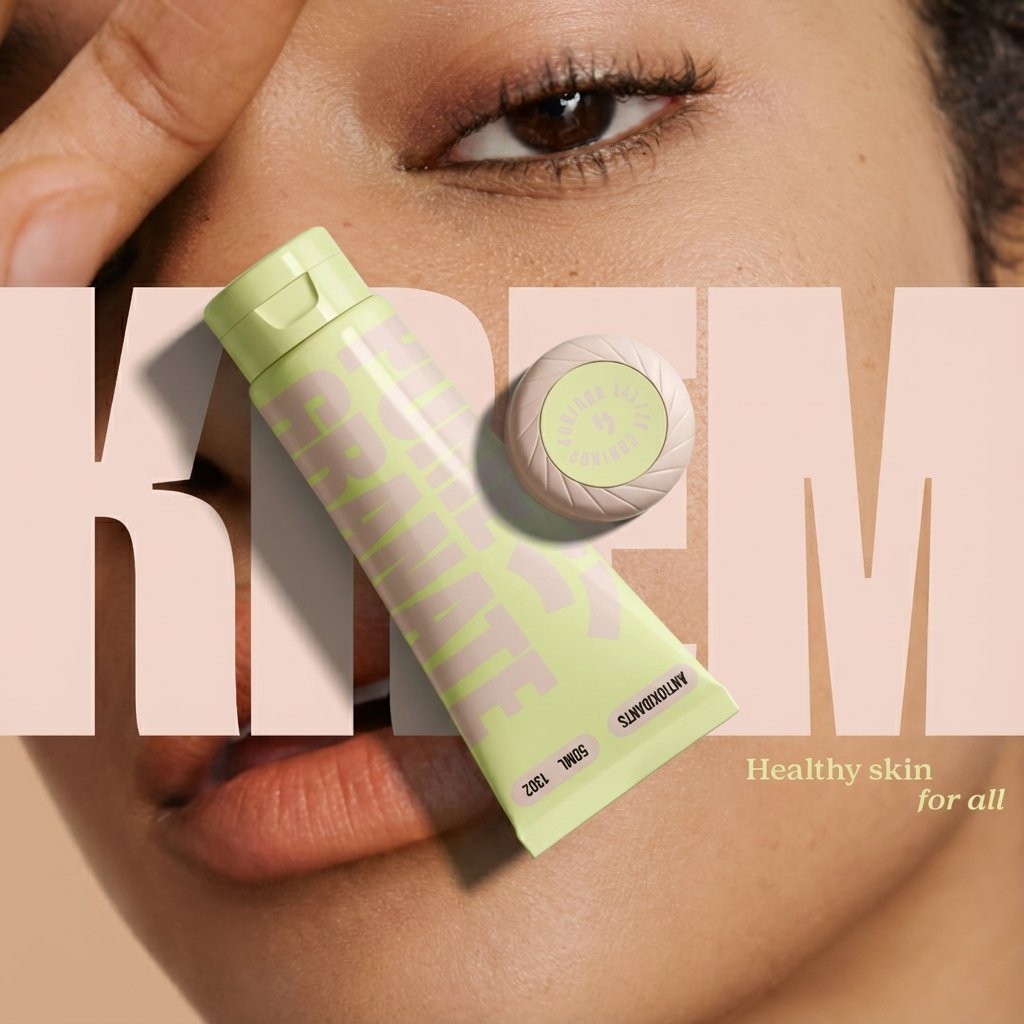
Recreate this ad concept using {argument name="your product" default="my product"} instead of the competitor’s product. Keep the same mood, lighting, composition, and overall vibe. Remove all competitor branding. Replace the product with the one from {argument name="reference image" default="my uploaded image"} and adapt all background elements, props, and surrounding textures to be visually relevant to {argument name="your brand" default="my product’s brand"}, {argument name="flavor profile" default="my product’s flavor profile"}, and aesthetic — not the original brand’s. Maintain photorealism and accurate product proportions.

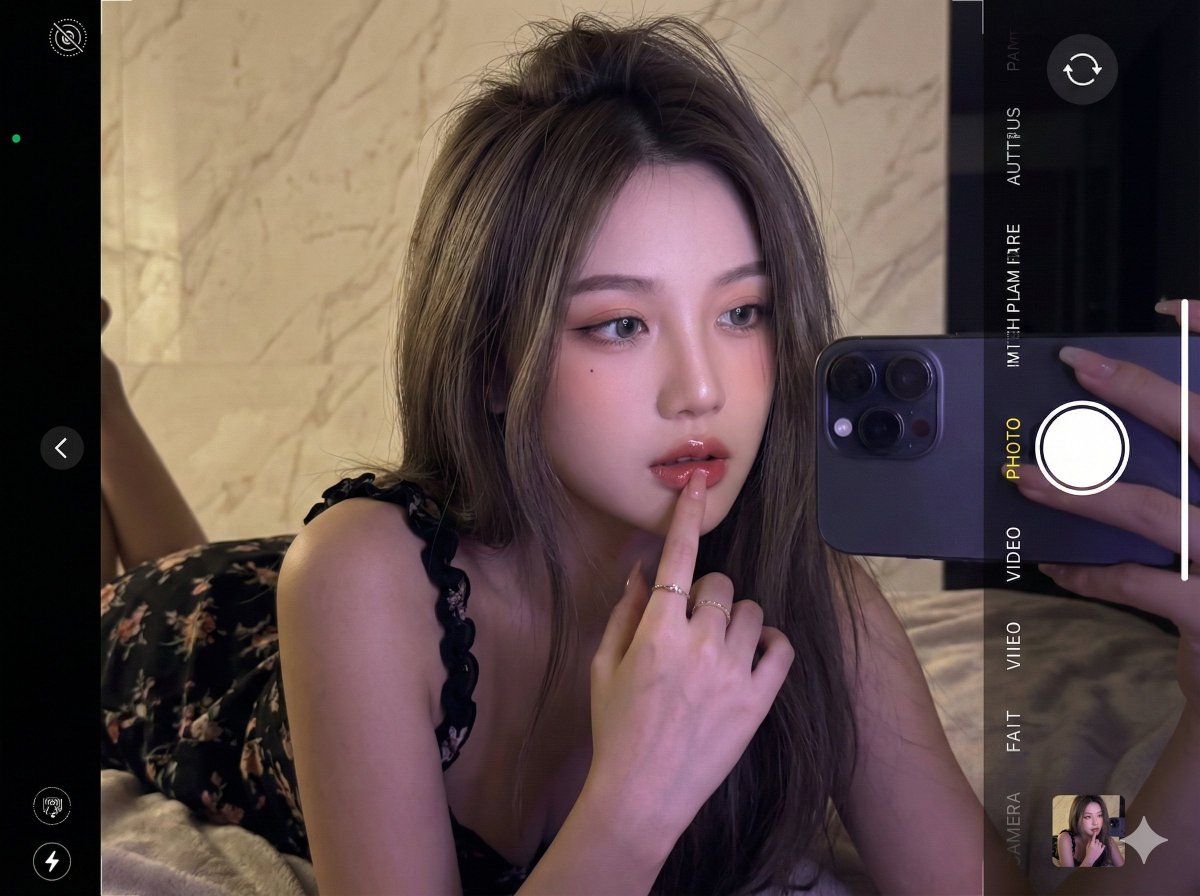
Ultra-realistic 16K selfie edit of a daydreaming girl on a blanket

Ultra-realistic 16K selfie edit of a daydreaming girl on a blanket

Edit the photo in ultra-realistic 16K resolution. A {argument name="subject age" default="young"} girl is taking a selfie inside a room. Her hair is long, layered {argument name="hair color" default="ash brown"}, slightly messy at the top, falling forward naturally. She is wearing a {argument name="dress description" default="black curly-strapped floral dress"}. Pose: she is lying face down on a blanket, with her right hand touching her lips, head tilted sideways, looking forward, appearing to be daydreaming. Her makeup is flawless, Korean-inspired with a modern touch: neatly shaped eyebrows, soft peach eyeshadow, thin eyeliner emphasizing her eyes, and soft gray contact lenses giving a captivating gaze. Her cheeks have a natural peach blush, and her lips are glossy, with a nude base lip color ombre'd into red, creating a soft yet striking contrast. The background is a {argument name="background material and color" default="cream marble wall"}. The photo is taken up-close at eye level. Lighting: cinematic and editorial, dim and dark to make the selfie look realistic, with retro purple contrast enhancing skin glow. The photo is captured with an {argument name="camera model" default="iPhone 17 Pro Max"}. Do not alter her face in any way.

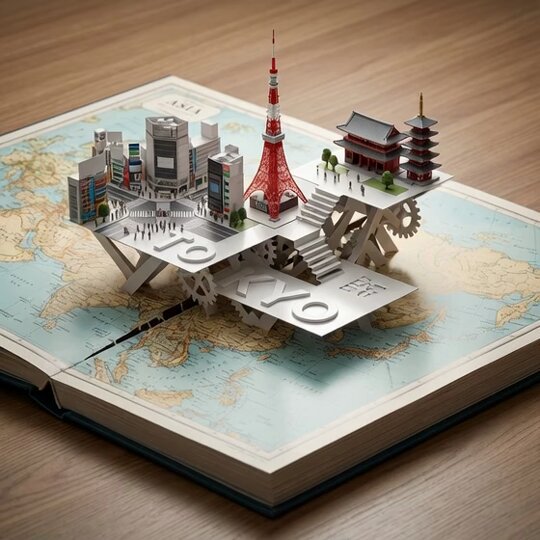
Product photography prompt for a Tokyo pop-up atlas scene

Product photography prompt for a Tokyo pop-up atlas scene

An open hardcover atlas lies flat, with a precision pop-up miniature of {argument name="city" default="Tokyo"} rising from a laser-cut slit across the {argument name="map region" default="Asia"} map. Landmarks {argument name="landmark 1" default="Shibuya Crossing"}, {argument name="landmark 2" default="Tokyo Tower"}, and {argument name="landmark 3" default="Sensō-ji Temple"} interlock with folded paper struts. White 3D "{argument name="title text" default="TOKYO"}" emboss/deboss blends into the pop-up platforms. Softboxes at 45° and 120°, polarized reflections, dynamic low angle, razor-sharp fold edges.

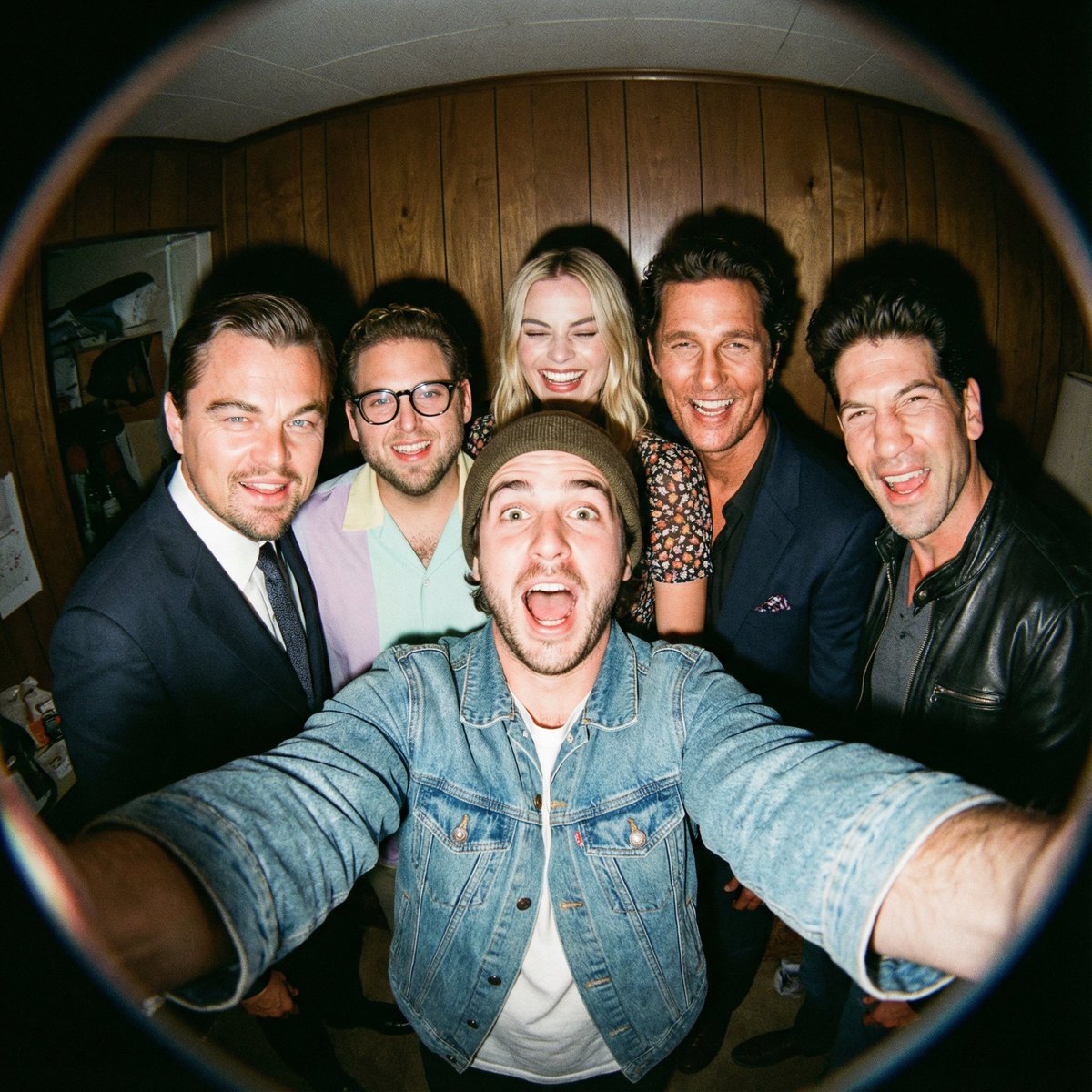
Fisheye selfie with movie characters using Nano Banana Pro

Fisheye selfie with movie characters using Nano Banana Pro

A film-like fisheye wide-angle 360-degree selfie without any camera or phone visible in the subject’s hands. A real and exaggerated selfie of {argument name="person from uploaded image in english" default="person from uploaded image"} with {argument name="characters in english" default="their favorite movie characters"}. They are making faces at the camera. A hyper-realistic fisheye wide-angle selfie, captured with a vintage 35mm fisheye lens creating heavy barrel distortion, without any camera or phone visible in the subject’s hands. Subject & Action: A close-up, distorted group photo featuring {argument name="person from uploaded image in english" default="person from uploaded image"} taking a selfie with {argument name="characters in english" default="their favorite movie characters"}. Everyone is making wild, exaggerated faces, squinting slightly from the flash. Lighting & Texture: Harsh, direct on-camera flash lighting that creates hard shadows behind the subjects. Authentic film grain, slight motion blur on the edges, and chromatic aberration. It looks like a candid, amateur snapshot as if captured during a chaotic behind-the-scenes moment, not a studio photo.

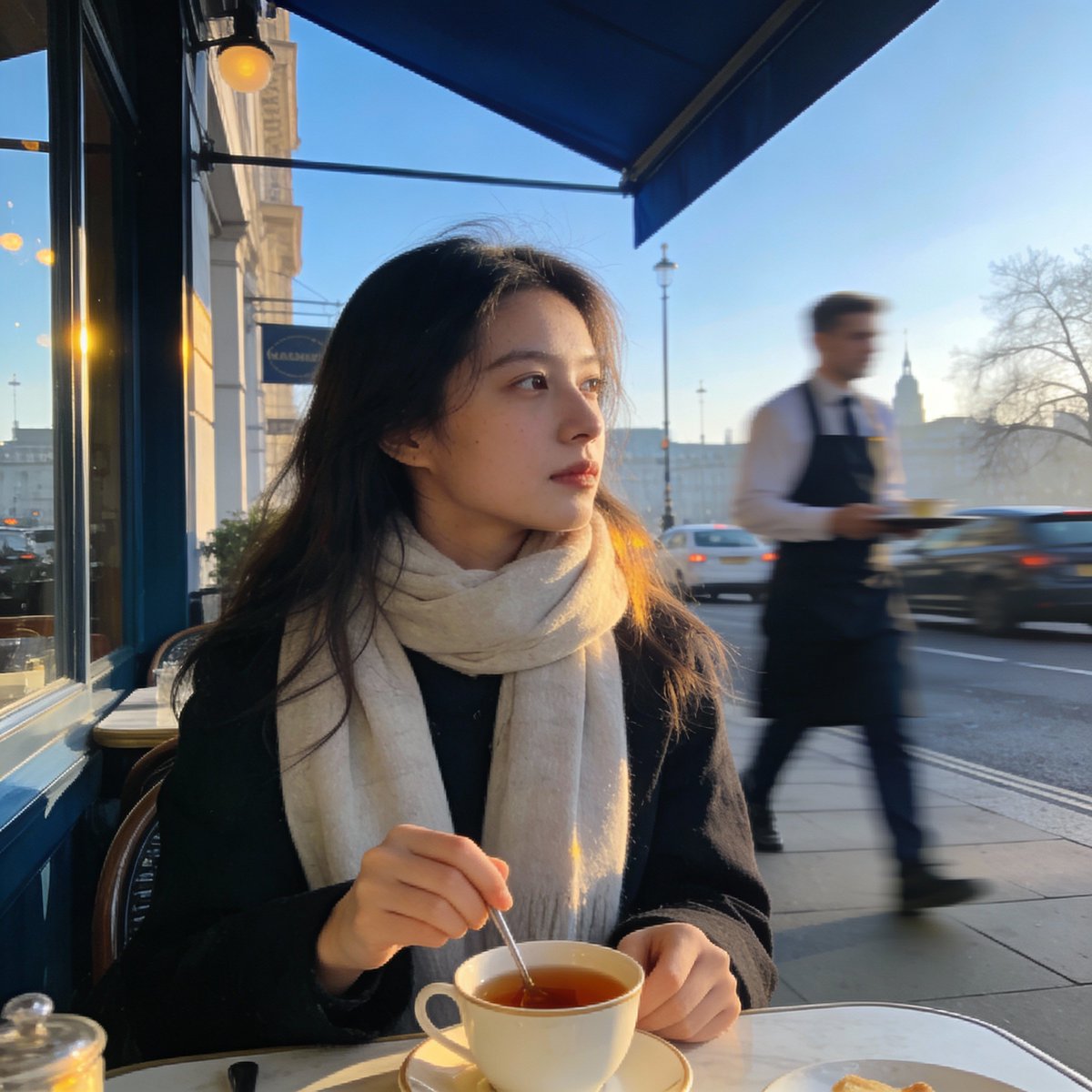
London outdoor restaurant portrait with Nano Banana Pro

London outdoor restaurant portrait with Nano Banana Pro

Create a photorealistic image of a young woman sitting at a relaxed outdoor restaurant in {argument name="city in english" default="London"} on a cool Wednesday morning in March {argument name="year in english" default="2025"}. The sky is clear, the spring air is crisp, and the city feels calm as it wakes up. She is the focal point of the shot—wearing a light scarf, gently stirring her tea while gazing off to the side with a thoughtful expression. Everything behind her, from the waiter moving about to the soft morning traffic, should fall into a smooth blur, giving the picture the effortless, candid atmosphere of a moment casually snapped on a phone.

ID photo generation prompt for Nano Banana Pro

ID photo generation prompt for Nano Banana Pro

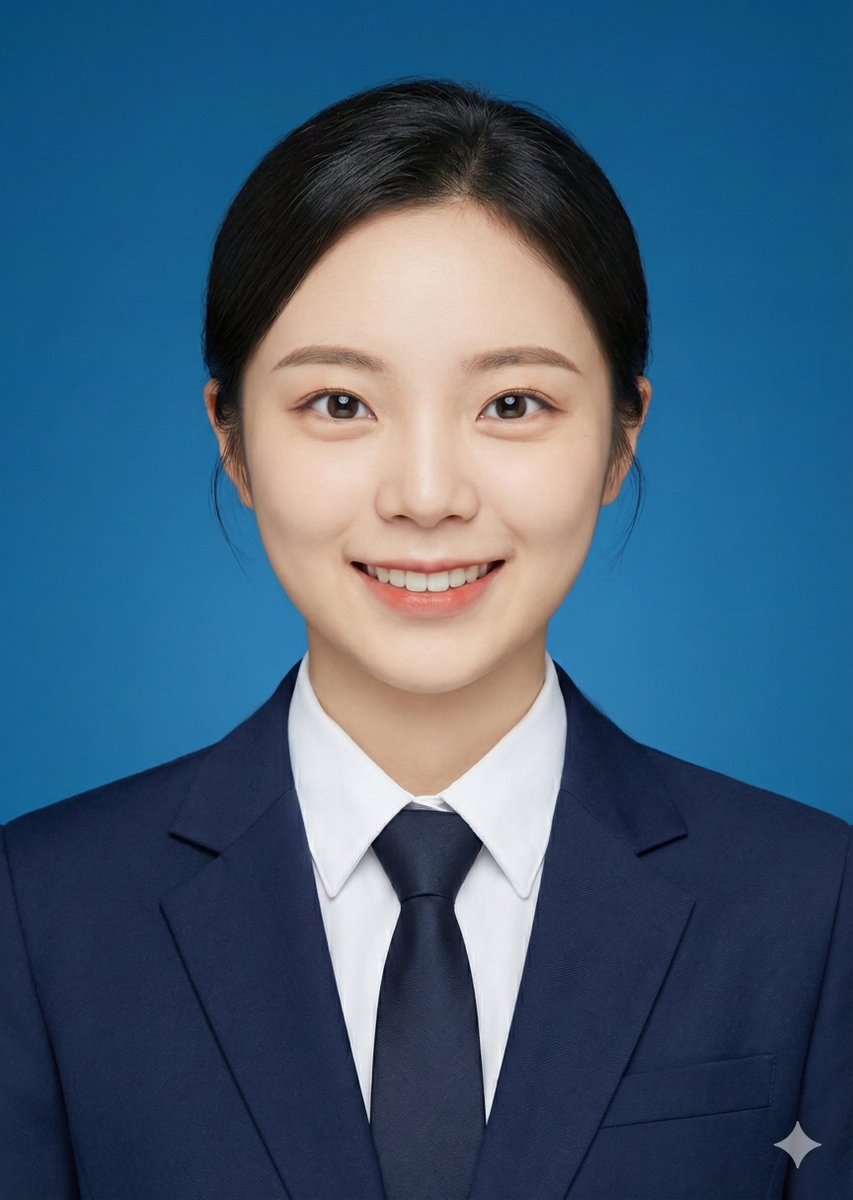
Crop the head of the person in the image and turn it into a 2-inch ID photo with the following requirements: 1. {argument name="background color" default="blue background"} 2. Professional formal attire 3. Face directly towards the camera 4. Slight smile

Anthropic-style warm academic PPT workflow prompt

Anthropic-style warm academic PPT workflow prompt

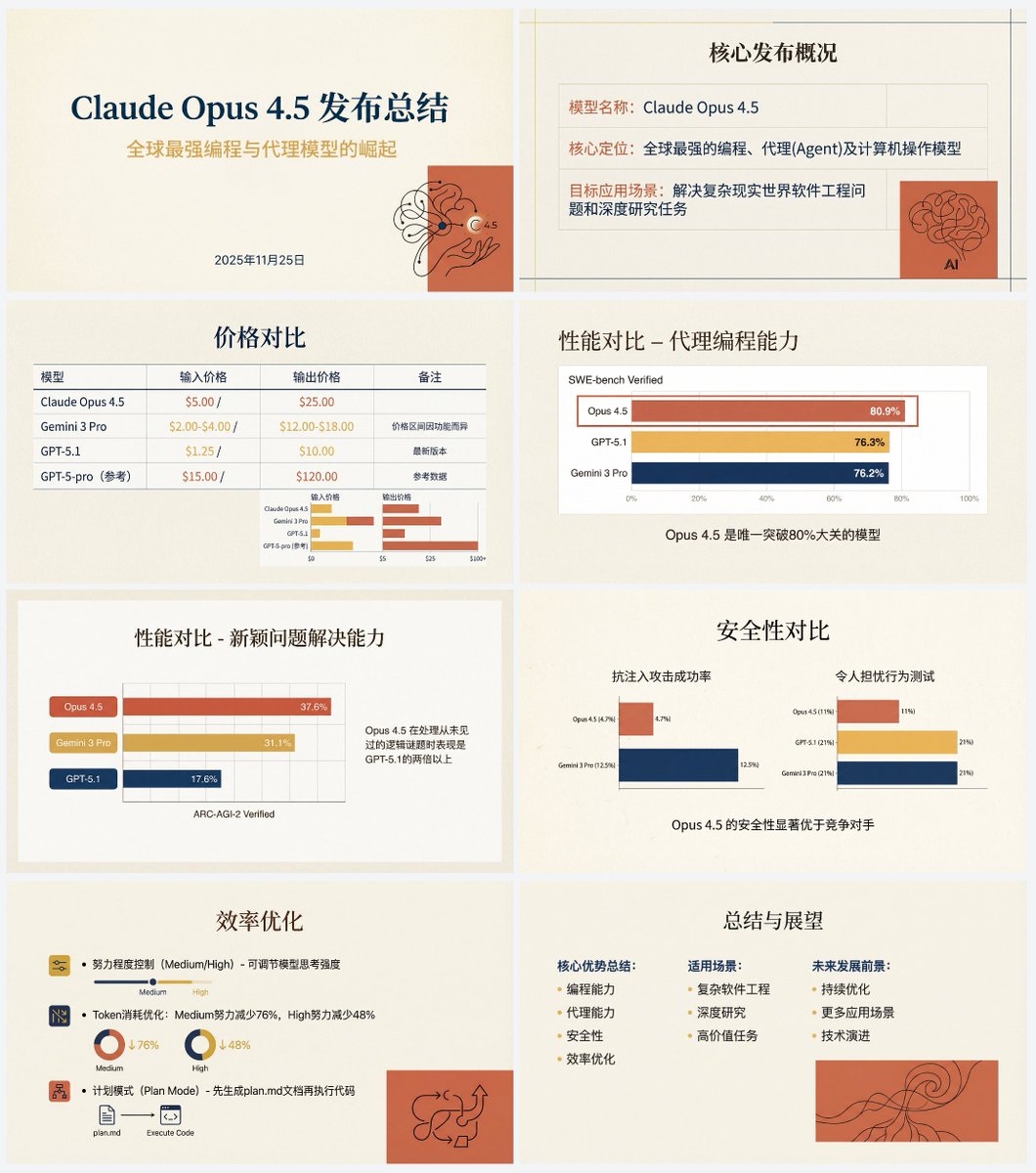
Based on the following article, create a professional Chinese PPT for me. First write a PPT outline and plan the content of each slide. Then feed the content of each slide to Nano Banana Pro to generate the corresponding PPT page, ensuring a consistent style. The specific PPT style should be an “Anthropic/Claude-style” warm academic humanistic design. Background: use warm beige/cream (#F3F0E9) as a solid base color, with a slightly premium paper texture. Fonts: use an elegant serif font for titles and a modern sans-serif font for body text. Color palette: the main colors are terracotta red (#D67052) and mustard yellow (#F0B857), accented with deep navy blue. Avoid neon colors or pure black. Visual elements: use a grid layout that emphasizes typography. Illustration style should be abstract, organic black hand-drawn line art placed on solid terracotta red blocks. You must use illustrations and decorative elements very sparingly, and they should serve the content. Charts: flat and minimal charts that emphasize data comparison, removing unnecessary borders. Both text and images are generated by Nano Banana Pro. Also, do not turn the PPT into one single large image; it should be one image per slide. The article content is:

Horizontal three-panel emotional portrait from one image

Horizontal three-panel emotional portrait from one image

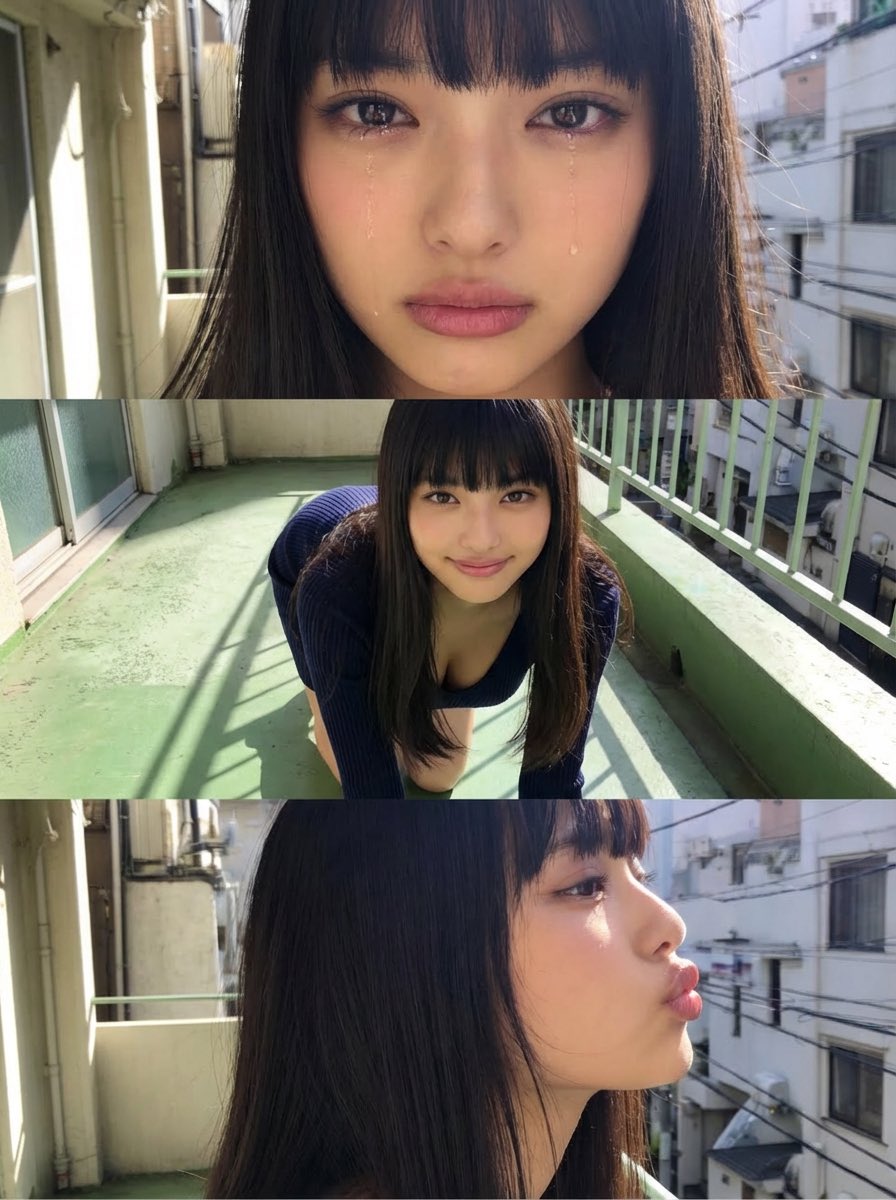
Use the attached image as the base. Do not change the person’s face, hairstyle, clothing, or body proportions. Generate a horizontal three-panel composition (top / middle / bottom). Top panel: Close-up showing only the eyes and mouth. Emotion: {argument name="top panel emotion" default="tearful, choked up, slightly crying"} Middle panel: On all fours. Gentle smile. Looking straight at the camera. Bottom panel: Side-face close-up from head to neck. {argument name="bottom panel expression and action" default="pouting lips, as if about to give a kiss"}

Vintage Polaroid collage portrait prompt

Vintage Polaroid collage portrait prompt

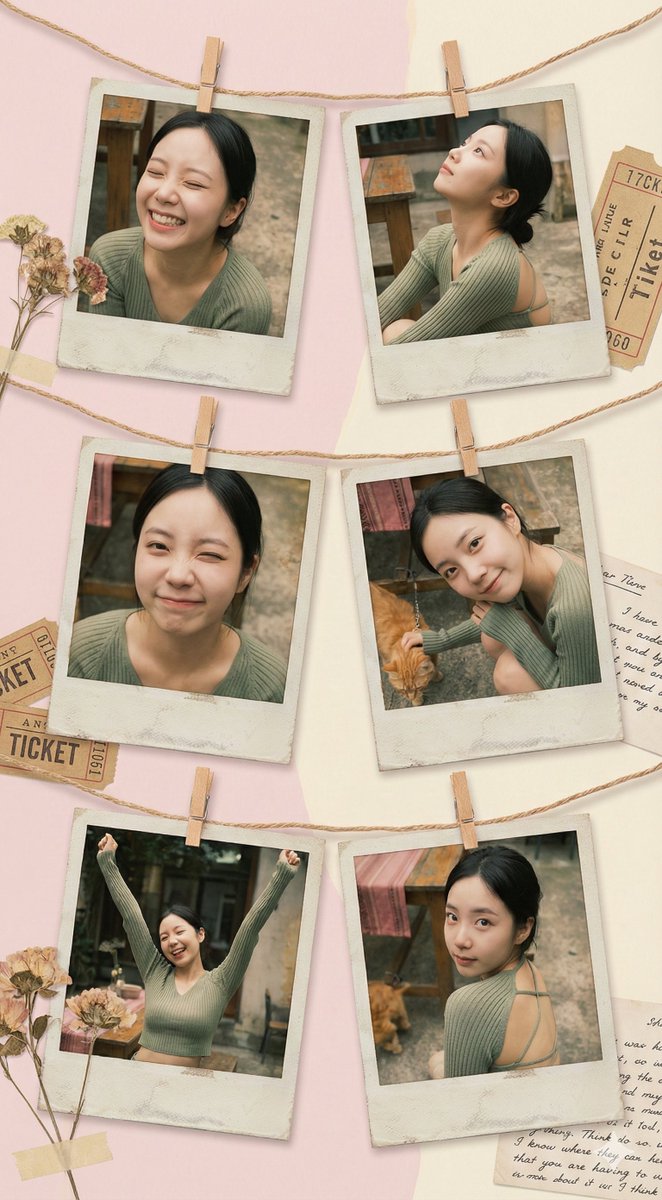
Use {argument name="number of Polaroids" default="6"} vintage Polaroid photos, fixed with decorative string and mini clothespins, to create an art collage that feels like a family album. Each Polaroid frame is slightly faded with an aged paper effect. The background is a soft pastel-colored wall with subtle shadows, creating a cozy yet creatively chaotic atmosphere. Moods and poses: * Relaxed laughter — eyes closed, naturally happy. * Dreamy gaze looking upward with a relaxed posture. * Playful wink. * Calm smile with the head tilted to one side, dynamic hand gestures with both hands raised, full of energy. * A romantic glance back over the shoulder. The space is filled with a retro art vibe, blending elements of 1970s fashion magazines, soft diffused lighting, and gentle warm golden tones. Each photo feels like a unique behind-the-scenes snapshot, carrying a hint of nostalgia and revealing little pieces of personal history.

Natural Instagram-style car selfie prompt

Natural Instagram-style car selfie prompt

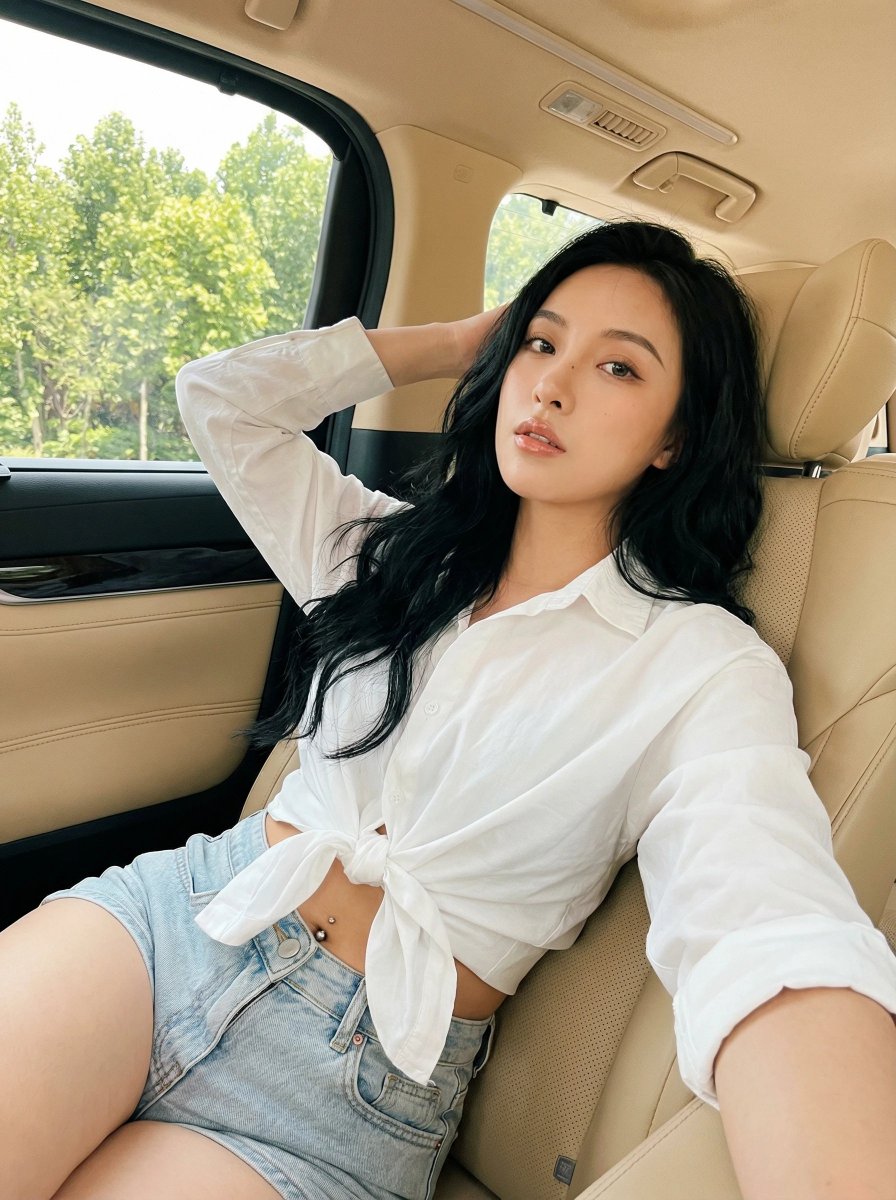
A natural Instagram-style selfie of {argument name="subject description" default="a young woman"} with {argument name="hair style and color" default="long, thick black wavy hair"}, sitting on the {argument name="seat color" default="beige leather seat"} of a {argument name="car type" default="luxury vehicle"}. She is wearing {argument name="top" default="a white long-sleeve button-up shirt"}, tied in a knot below the chest to create a cropped look, paired with {argument name="bottoms" default="light-wash denim shorts"}. A small silver navel piercing is visible. One arm is raised and resting behind her head in a relaxed pose, while the other hand rests naturally on her leg or thigh. Her body is slightly turned toward the camera, leaning back comfortably against the seat. Her gaze is directed straight at the camera with a confident and sensual expression, natural soft makeup, and glossy lips. Shot from eye level or a slightly high angle, as if taken with a selfie stick or a phone’s front camera. A medium to medium-close framing from the waist to the head, with the subject filling most of the frame. Bright natural daylight pours in through the car windows, with lush green trees visible in the background. Soft, even lighting beautifully illuminates her face and body. The warm beige leather interior creates a cozy and luxurious atmosphere. candid lifestyle photography aesthetic with an authentic social media selfie vibe. Colors: bright, airy, and slightly warm-toned. The face and upper body are sharply in focus.

3D embossed brand logo on monochrome background

3D embossed brand logo on monochrome background

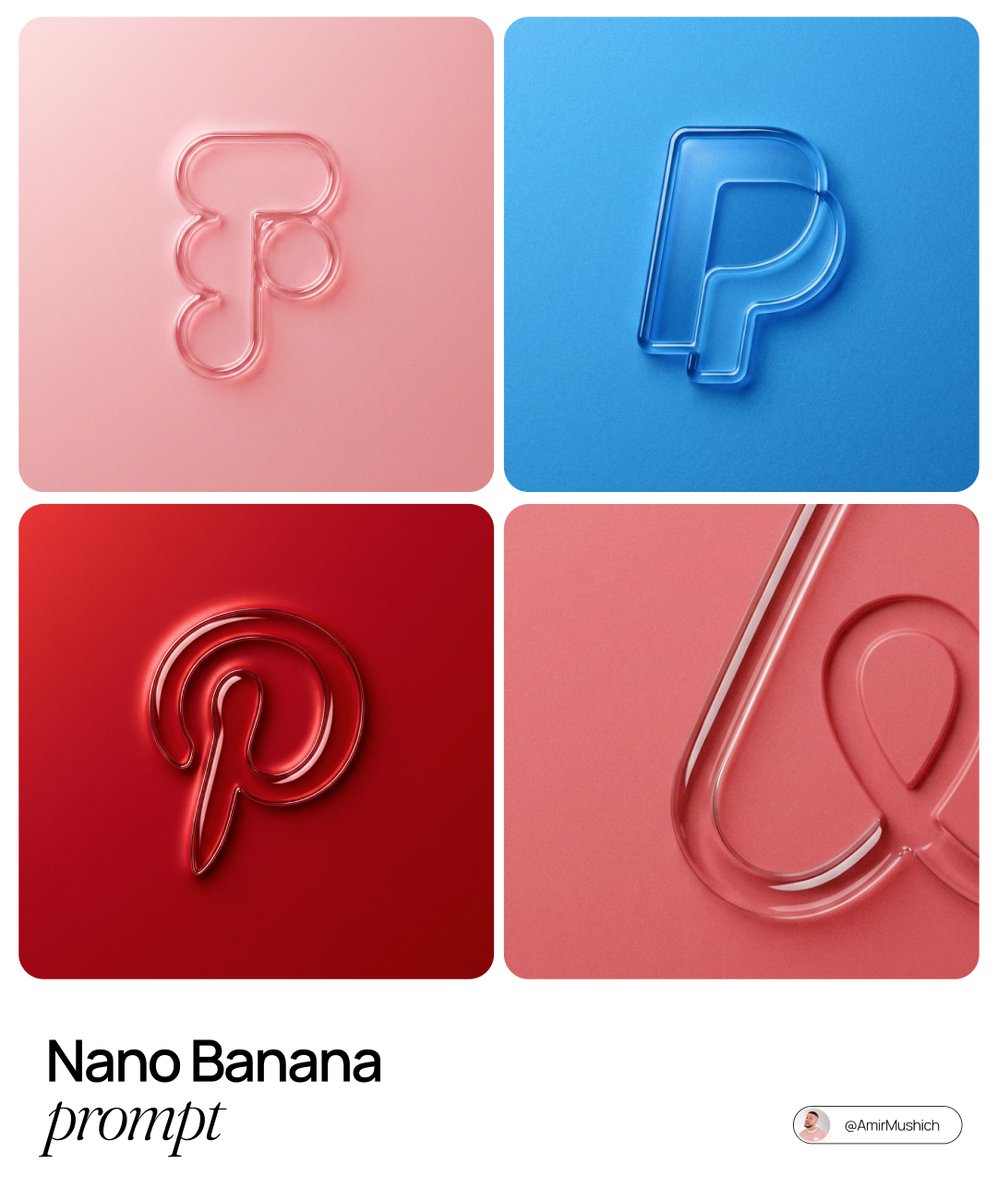
The centrally aligned {argument name="brand name" default="[brand name]"} on a flat surface is rendered with a 3D embossed glossy outline, perfectly centered in the composition with ample surrounding white space, creating a high-end minimal aesthetic. A monochrome {argument name="main color" default="[color]"} palette with a soft gradient in tone. The object is defined by raised, liquid-smooth glass borders or chrome edges, blending seamlessly with the background to form an integrated embossed effect. A matte surface overlaid with subtle film grain or noise texture. Soft diffused lighting with strong specular highlights at the rounded corners, viewed from a top-down perspective.

Nano Banana Pro torn paper style-switching edit prompt

Nano Banana Pro torn paper style-switching edit prompt

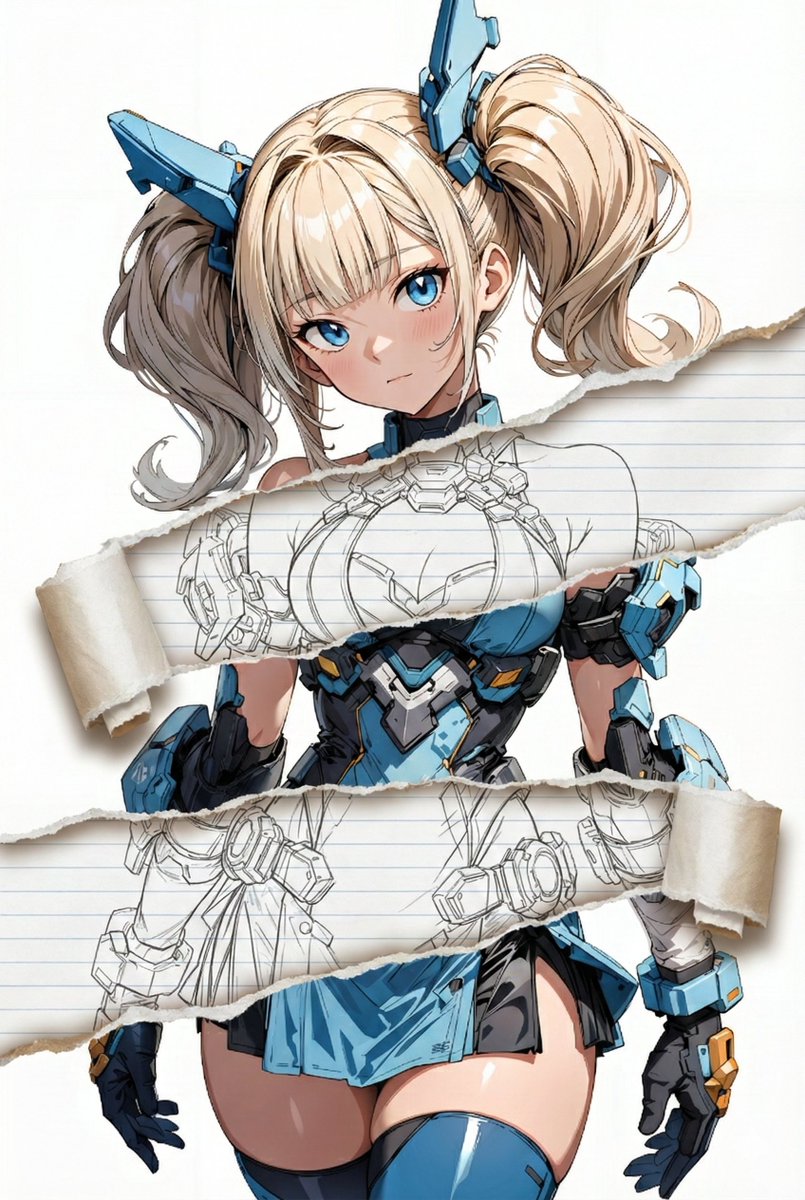
task: "edit-image: add widened torn-paper layered effect" base_image: use_reference_image: true preserve_everything: - character identity - facial features and expression - hairstyle and anatomy - outfit design and colors - background, lighting, composition - overall art style rules: - Only modify the torn-paper interior areas. - Do not change pose, anatomy, proportions, clothing details, shading, or scene elements. effects: - effect: "torn-paper-reveal" placement: "across chest height" description: - Add a wide, natural horizontal tear across the chest area. - The torn interior uses the style defined in `interior_style`. - effect: "torn-paper-reveal" placement: "lower abdomen height" description: - Add a wide horizontal tear across the lower abdomen. - The torn interior uses the style defined in `interior_style`. interior_style: mode: {argument name="style mode" default="line-art"} style_settings: line-art: palette: "monochrome" line_quality: "clean, crisp" paper: "notebook paper with subtle ruled lines" sumi-e: palette: "black ink tones" brush_texture: "soft bleeding edges" paper: "plain textured paper" figure-render: material: "PVC-like" shading: "semi-realistic highlights" paper: "plain smooth surface" colored-pencil: stroke_texture: "visible pencil grain" palette: "soft layered hues" paper: "rough sketchbook paper" watercolor: palette: "soft transparent pigments" blending: "smooth bleeding" edges: "soft contours" paper: "watercolor paper texture" pencil-drawing: graphite_texture: "visible pencil grain" shading: "smooth gradients" line_quality: "mixed sharp and soft" tone: "gray-scale" paper: "notebook paper with faint ruled lines"

Normal and depth map generation prompts for Nano Banana Pro

Normal and depth map generation prompts for Nano Banana Pro

Generate a surface normal map from the input artwork image. Output one RGB image where each pixel encodes the surface normal direction in standard tangent-space format: • R = X direction • G = Y direction • B = Z direction Requirements: • Maintain the same resolution and aspect ratio as the input image. • Normal directions must follow the local geometry implied by brush strokes, shading, and contours. • Do NOT add new artistic elements or repaint the scene. • Only infer plausible micro-geometry and surface orientation. • Ensure smooth, consistent normal transitions without noise. Generate a depth map from the input artwork image. Output a single grayscale depth map where: • White = near to the viewer • Black = far from the viewer Requirements: • Maintain the same resolution and aspect ratio as the input image. • Depth must be smooth, continuous, and physically plausible. • Infer only geometric depth that could reasonably exist in the original artwork. • Do NOT add new objects or details. • Do NOT stylize, repaint, or reinterpret the scene. • Avoid texture noise; focus solely on depth structure.

Nano Banana Pro meme-style clothing cut lines illustration prompt

Nano Banana Pro meme-style clothing cut lines illustration prompt

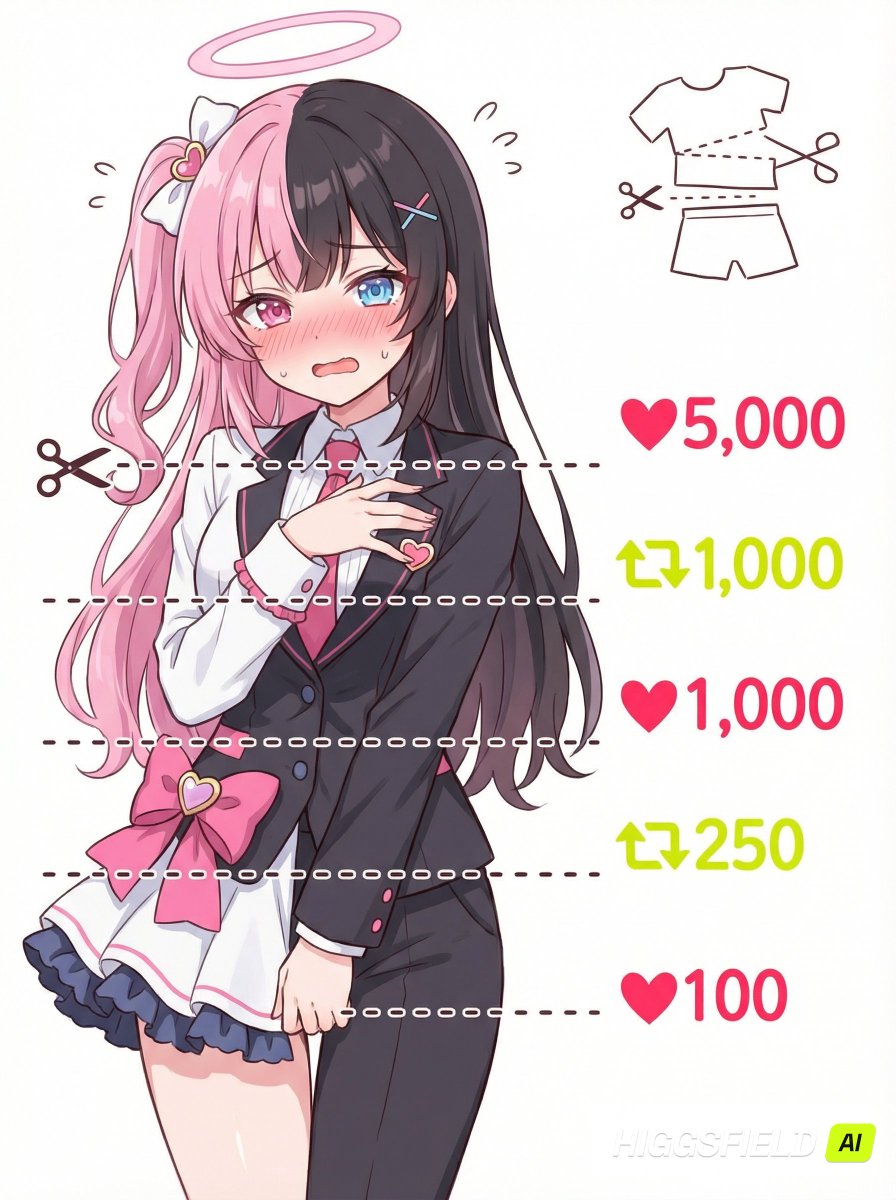
[Purpose] Create a "meme-style illustration where clothes get cut away based on ♥ and 🔄 counts" by referring to a user-uploaded character image, inheriting only the design elements while redrawing the facial expression and pose. [Handling of the reference] - Refer only to hairstyle, colors, outfit, and overall vibe - The facial expression and pose must always be newly redrawn - Do not make a complete copy of the reference image [Composition] - Framing from bust-up to waist, mostly facing front - Place the character on the left side - Background is simple white - In front of the character, place **five short horizontal dotted lines** (they should not extend across the entire canvas, only slightly longer than the character’s width) - The five horizontal lines divide at the shoulders, chest, abdomen, waist, and crotch. Always draw all five horizontal lines - Place a ✂ icon to the left of the top horizontal dotted line - On the right side of each horizontal line, place ♥ / 🔄 plus numbers, aligned exactly to the vertical center of each dotted line - Add a small "diagram showing how the outfit is being cut" in the upper-right corner (do not include text) [Right side labels (from top to bottom)] 1. ♥5,000 (bright red) 2. 🔄1,000 (bright yellow-green) 3. ♥1,000 (bright red) 4. 🔄250 (bright yellow-green) 5. ♥100 (bright red) - 🔄 should look like the repost icon on X - All fonts should be cute, handwritten style [Character depiction] - Include external features that clearly show it is the referenced character (hair, eyes, colors, outfit, etc.) - Blushing expression that mixes embarrassment and being upset - A shy pose that tries to hide the body - Keep the outfit based on the reference without changing it; do not cut or remove clothes [Illustration style] - Pop, cute 2D anime style - Soft, loose line art with bright colors - Prioritize readability as a meme image - No unnecessary decorations, keep the layout clean and simple

Clean flat slide design style guide for NotebookLM

Clean flat slide design style guide for NotebookLM

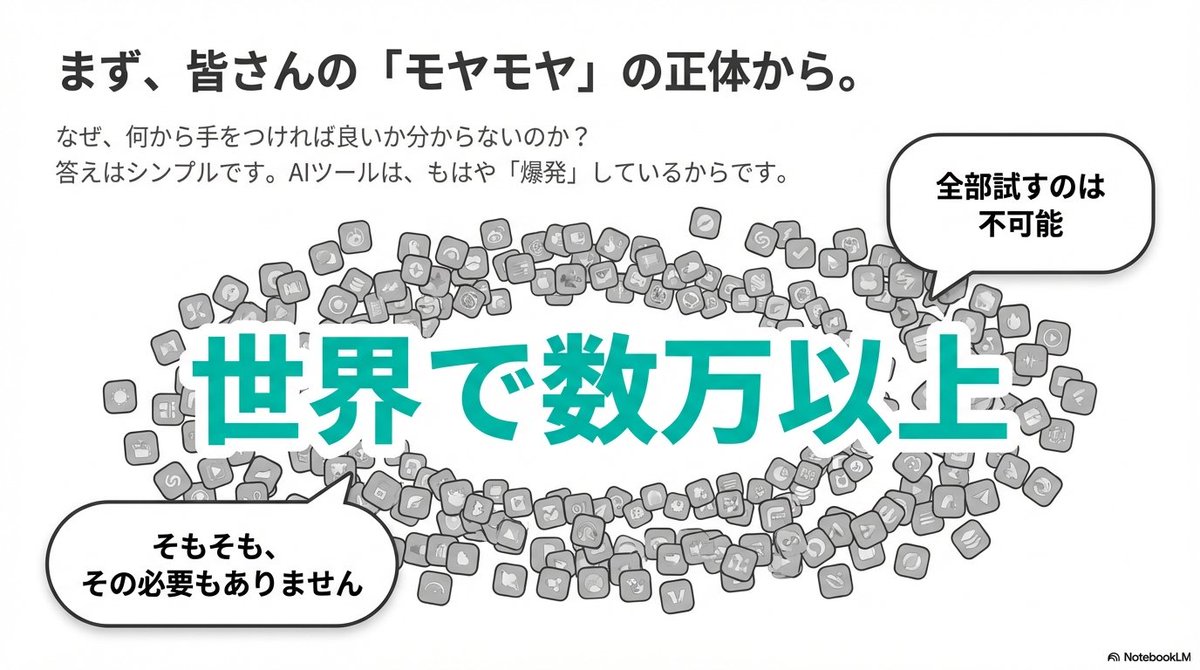
Brand color: [{argument name="brand color" default="#06c7b0"}] A simple and clean flat design. Place people and icons drawn with uniform black outline lines, and partially use pastel accent colors (such as sky blue and coral pink). Emphasize rounded shapes and a soft overall impression. Use a diagram-centered layout (for example: Venn diagrams, bar graphs, speech bubbles), with a friendly tone suitable for materials and social media content aimed at students and younger audiences. Leave plenty of white space to prioritize legibility and balanced composition.

Snow globe character illustration prompt for Nano Banana Pro

Snow globe character illustration prompt for Nano Banana Pro

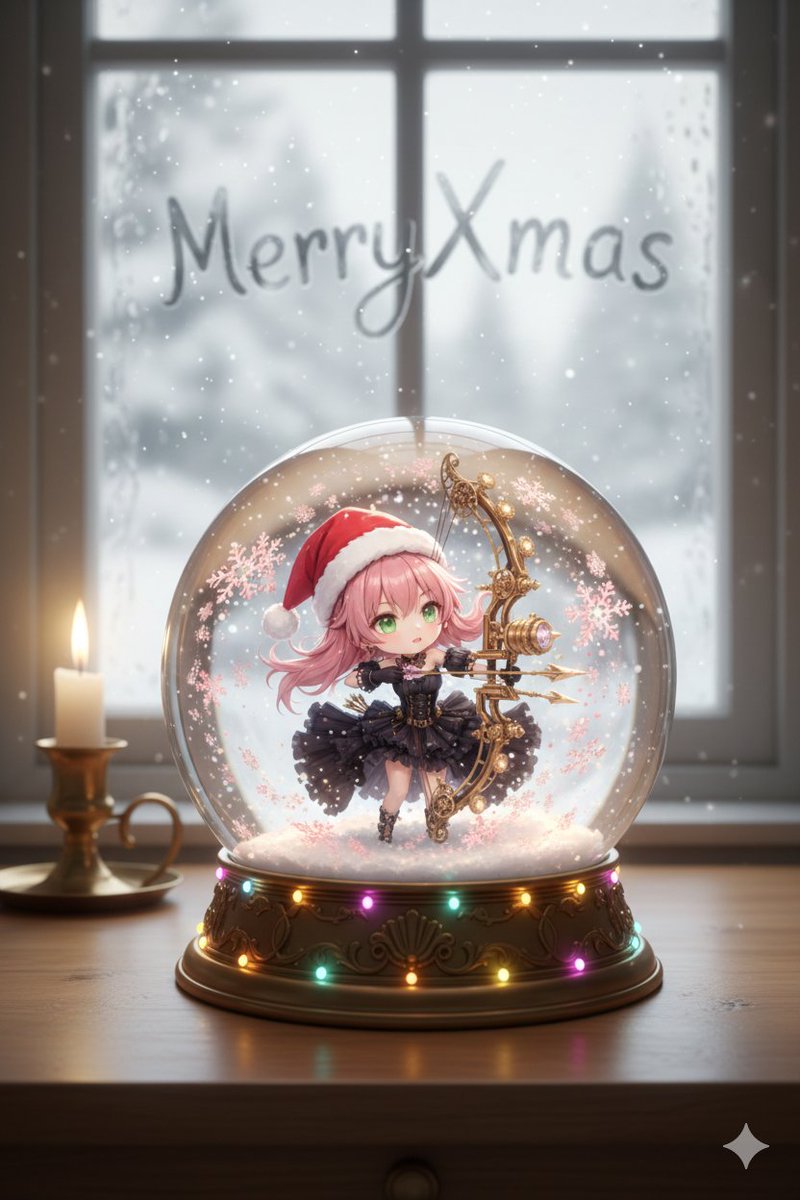
Maintain the characteristics of the character from the attached reference image, and depict them as a default chibi character in anime style striking an uncool pose. Place a small raccoon dog on their head. The character is placed inside a realistically rendered snow globe, where fantastical powdery snow is falling and piling up in a dramatic night scene. The base of the globe is decorated with LED illumination. The snow globe is displayed on a warm wooden desk, with a candle a little farther back. On the fogged window, only the part where the phrase "(ᐢ⓿ᴥ⓿ᐢ) たぬ参上" is traced in a handwritten-looking font allows a view of the snowy Japanese landscape outside. Do not show any human fingers. Do not make the raccoon dog’s tail striped.

Professional profile photo prompt for Nano Banana Pro

Professional profile photo prompt for Nano Banana Pro

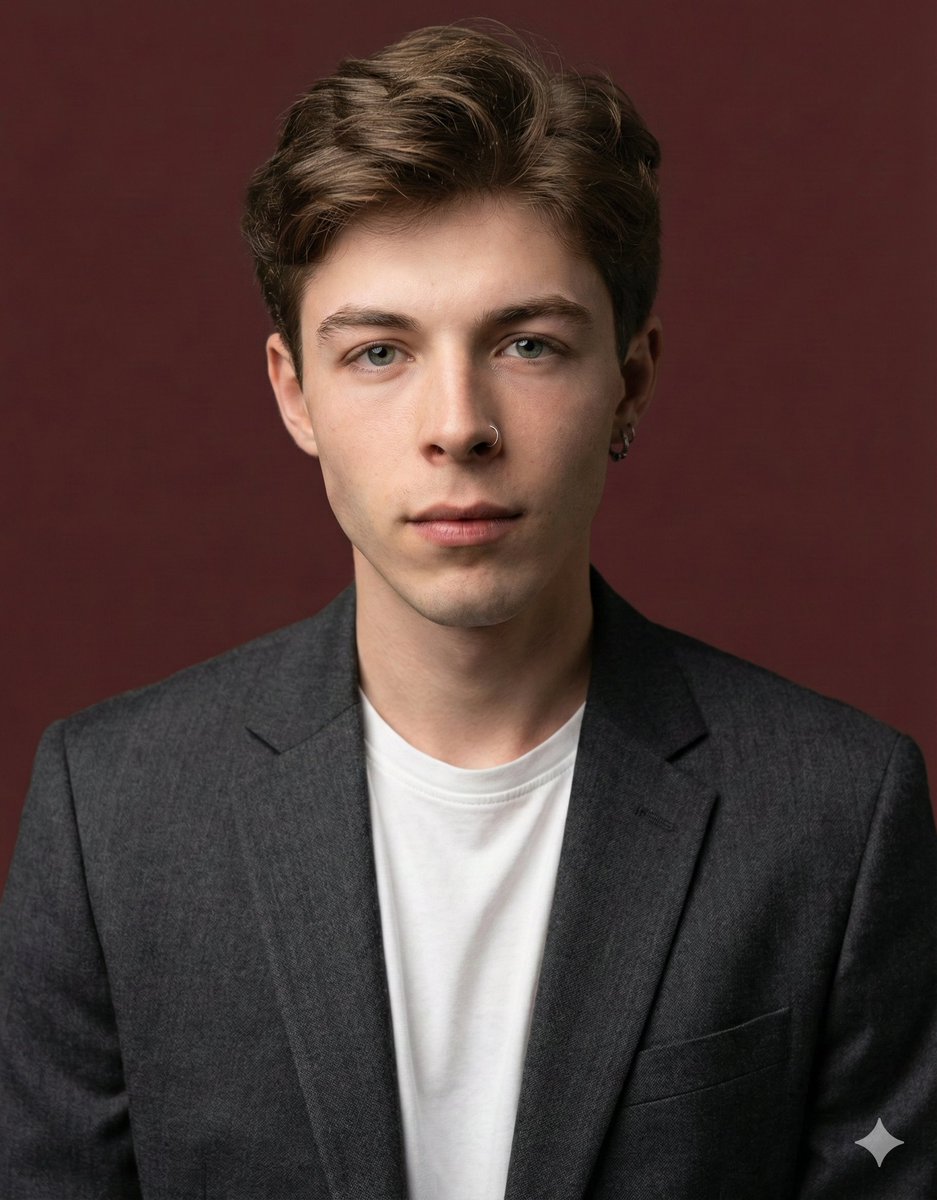
A high‑resolution, professional profile photo that preserves the exact facial structure, identity, and key features of the person in the input image. The subject is framed from the chest up with ample headroom. The person looks directly at the camera. Dress them in a luxurious smart‑casual blazer in a subtle charcoal gray color, styled like a professional photo studio shoot. The background is a solid neutral studio color of "{argument name="background color" default="#562226"}". Shoot from a high angle, using bright, well‑ventilated soft diffused studio lighting that gently illuminates the face and creates subtle catchlights in the eyes to convey clarity. Use an 85mm f/1.8 lens with shallow depth of field, with perfect focus on the eyes and beautiful, soft bokeh. Capture sharp detail in the blazer’s fabric texture, each strand of hair, and natural, realistic skin texture. The mood should radiate confidence, professionalism, and approachability. Apply clean, bright cinematic color grading with a subtle warmth and balanced tones to ensure a refined, modern look.

Photorealistic iPhone street café scene in Málaga

Photorealistic iPhone street café scene in Málaga

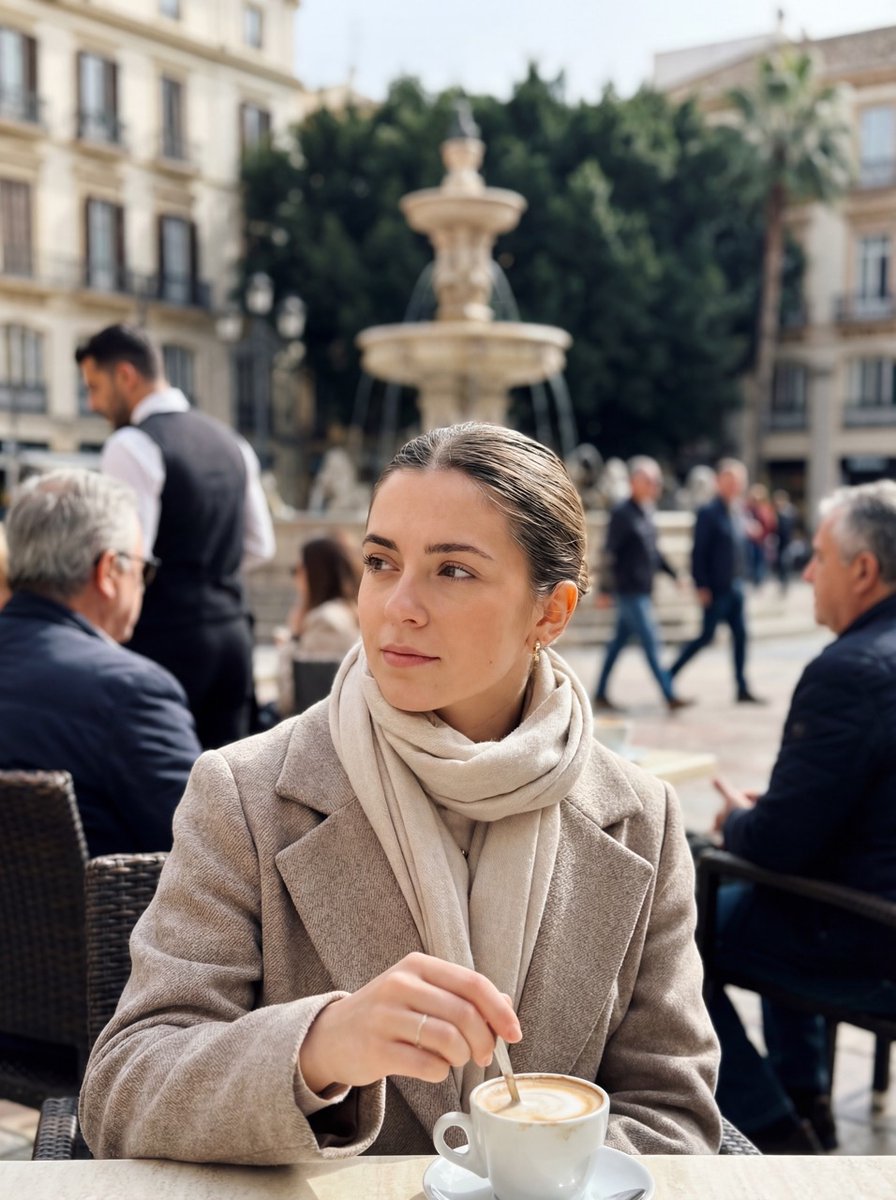
Generate a photorealistic image shot with an {argument name="device" default="iPhone 17"} on a {argument name="day of week" default="Wednesday"} morning in {argument name="month and year" default="March 2025"} in Plaza de la Constitución, {argument name="city" default="Málaga"}. The atmosphere is bright but cool, with soft spring light illuminating the square. On a café terrace, locals are drinking coffee. In sharp focus should be a young woman wearing a light scarf, stirring a cappuccino and gazing thoughtfully to the side. Background elements—waiter, people walking across the square, and the movement around the fountain—should appear naturally blurred with subtle depth-of-field. The image should feel candid, unstaged, and captured with the crisp morning realism of an iPhone photo.

Black and white studio side-profile portrait prompt

Black and white studio side-profile portrait prompt

{ "Use the attached image of the person as reference. Hyper-realistic black and white studio portrait of the young man in side profile, natural hair gently falling around his face. Strong rim light accentuating his jawline and nose, dark minimalist background. Expression thoughtful and serene, cinematic lighting creating dramatic contrast and fine photographic detail.", "size": "{argument name="image size" default="1024x1024"}", "n": {argument name="number of images" default="1"} }

Some prompts are collected from creators on X. Copyright belongs to the original authors.