
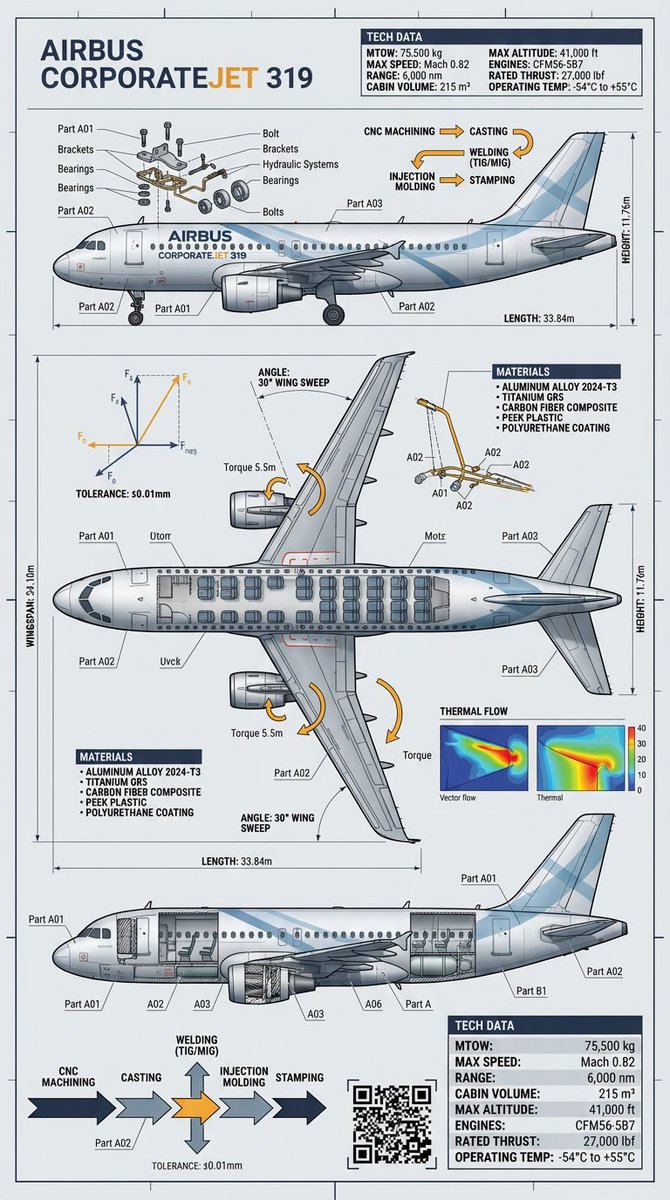
Raw Object to Factory Blueprint Prompt
From raw object to factory-grade blueprint Precision visualized with Gemini Nano Banana Pro on @lovart_ai
Prompt Library
Curated image, video and web design prompts from creators around the world. Copy any prompt, swap the subject or style, and generate with the latest models.
4,387 prompts · Updated daily · 100% free
275 prompts
From raw object to factory-grade blueprint Precision visualized with Gemini Nano Banana Pro on @lovart_ai

{argument name="subject" default="Male Chinese Peacock Butterfly (spring form)"} × {argument name="flower" default="Rhododendron"} — structural color gradient of the wings, yellow lateral stripe of the abdomen, nectar spot pattern of the petals
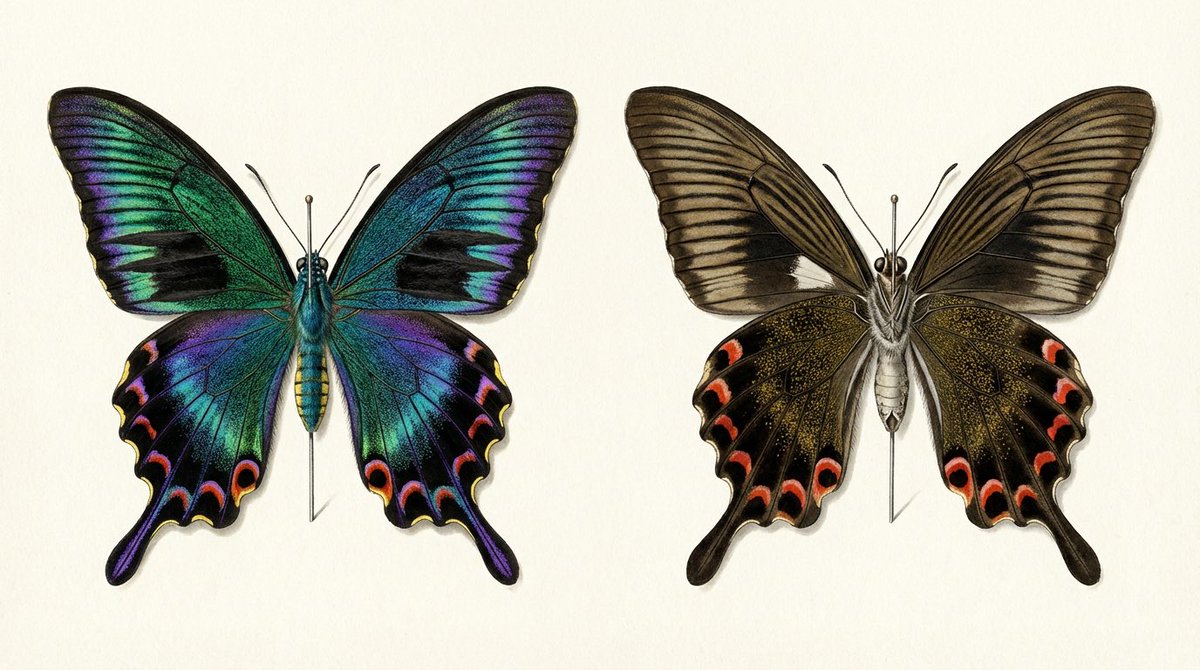
Comparison of the front and back of a mounted specimen of a male {argument name="butterfly species" default="Atrophaneura alcinous"} spring form. The information in this illustration shows that the structural color on the left and the {argument name="color" default="matte brown"} on the right are the same butterfly. When you write 'iridescent' to the AI, everything shines. The job of the prompt is to specify 'this part shines, this part does not shine'.
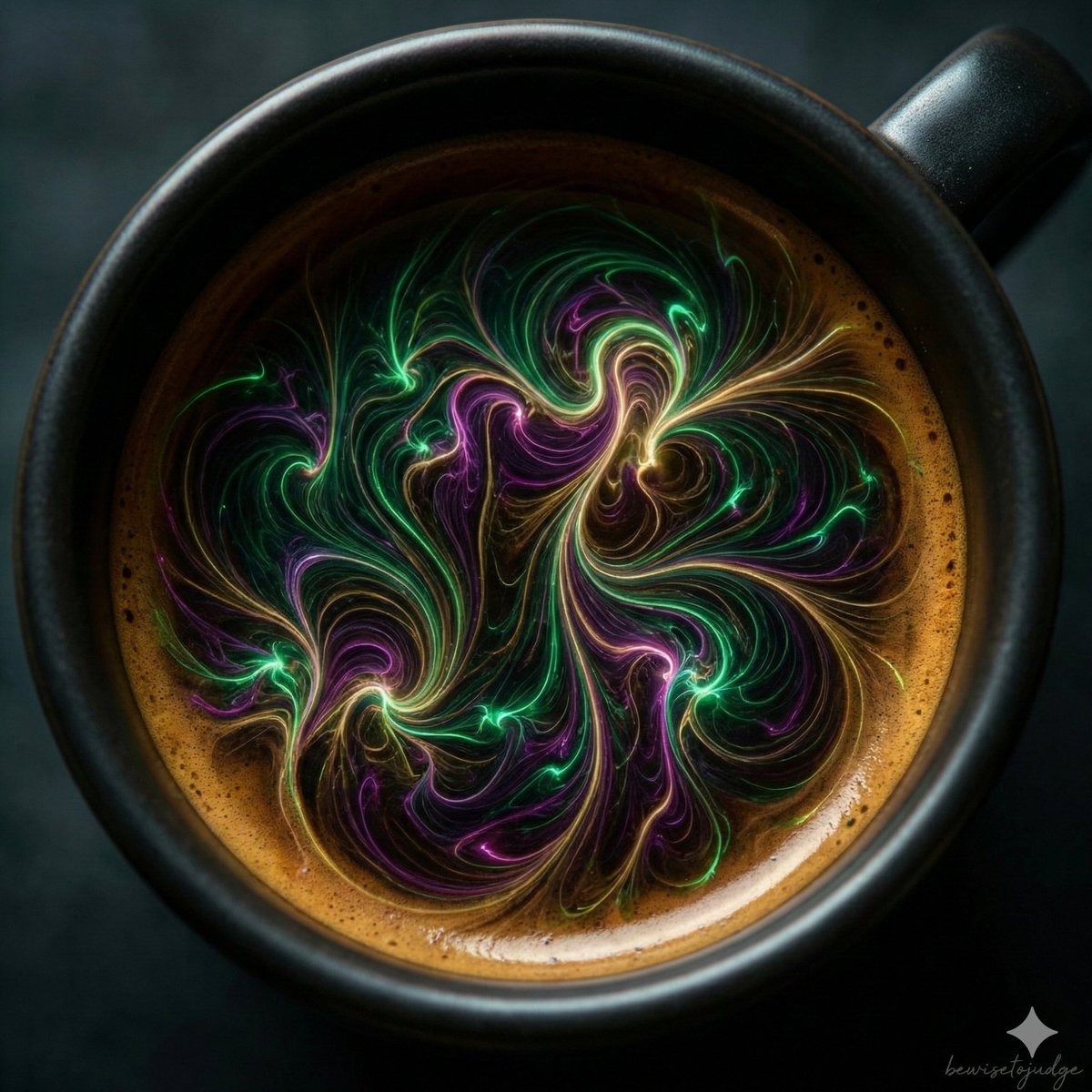
"Abstract microscopic view of living coffee crema, delicate glowing tendrils and fractal networks spreading naturally across the dark espresso base, subtle bioluminescent effects in emerald and magenta hues, organic flowing forms with intricate details, surreal biological fantasy, ultra sharp macro photography style, dramatic volumetric lighting, no horror elements, artistic and wondrous atmosphere, 8k quality"
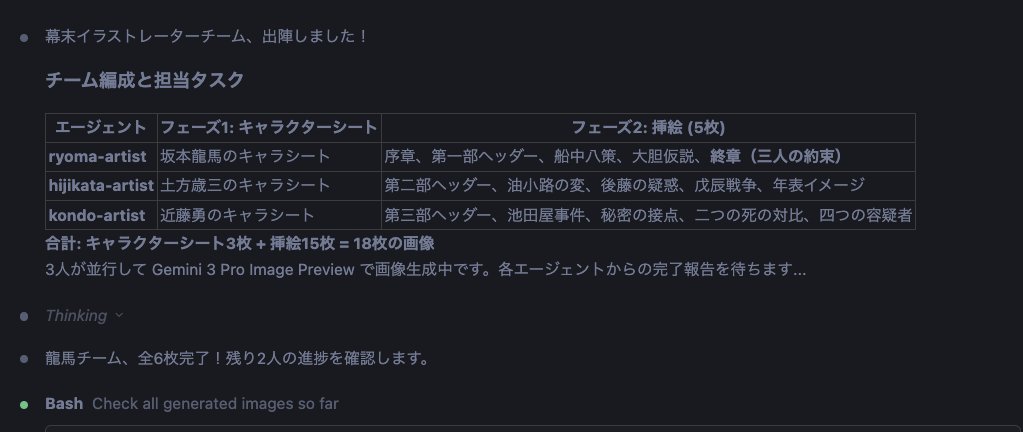
Gather the team members again. Activate the nanobanana pro slide generator skill for the Bakumatsu Agent Team. Then, proceed with the following steps: 1. Create reference images (a) Collect images of the three people: {argument name="person 1" default="Sakamoto Ryoma"}, {argument name="person 2" default="Hijikata Toshizo"}, and {argument name="person 3" default="Kondo Isami"} from Wikipedia or similar sources. (b) Use these as reference and base images to create character sheets with nanobanana pro. (c) Create character illustrations based on the consistent reference images. 2. Visualize the document (a) Create insertion illustrations for each chapter of the finalized report using nanobanana pro. (b) Insert the created images into the preview within the MD (Markdown) file. (c) Arrange the insertion illustrations for each H1, H2, and H3 section and for Tips to structure the document clearly. Divide this work among the three people to proceed most effectively.
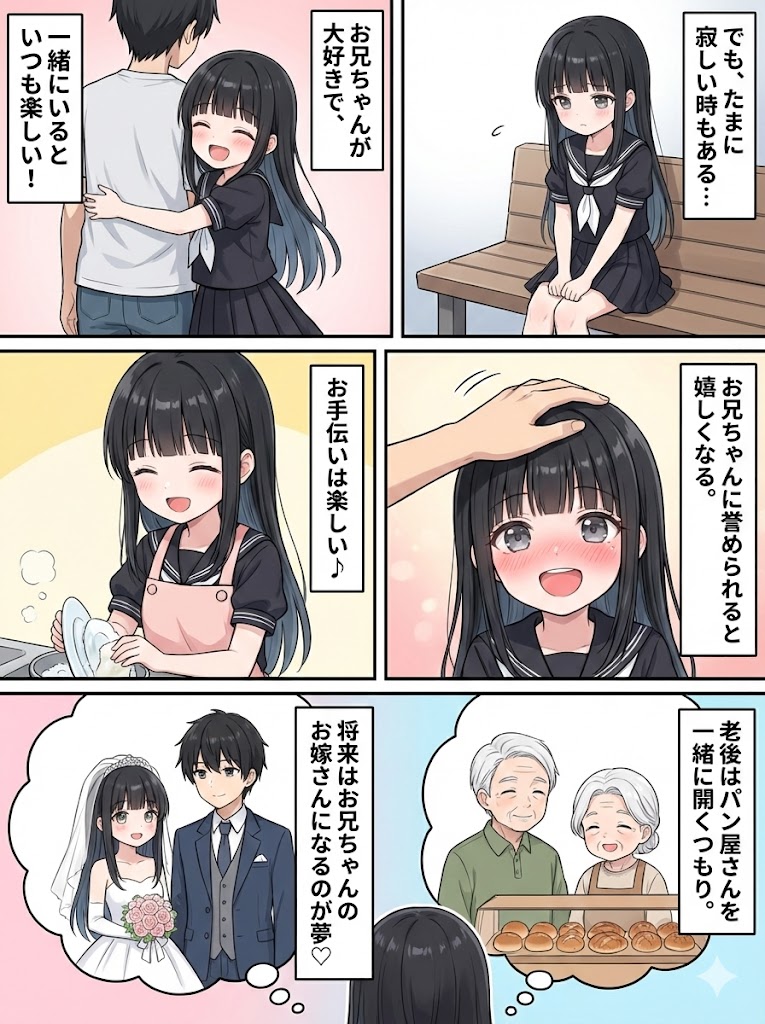
If I generate a character and ask Nano Banana, something like this can be done in a few seconds... Test whether a summary of the document can be created as a single 'ponchi-e' (simple diagram/illustration)
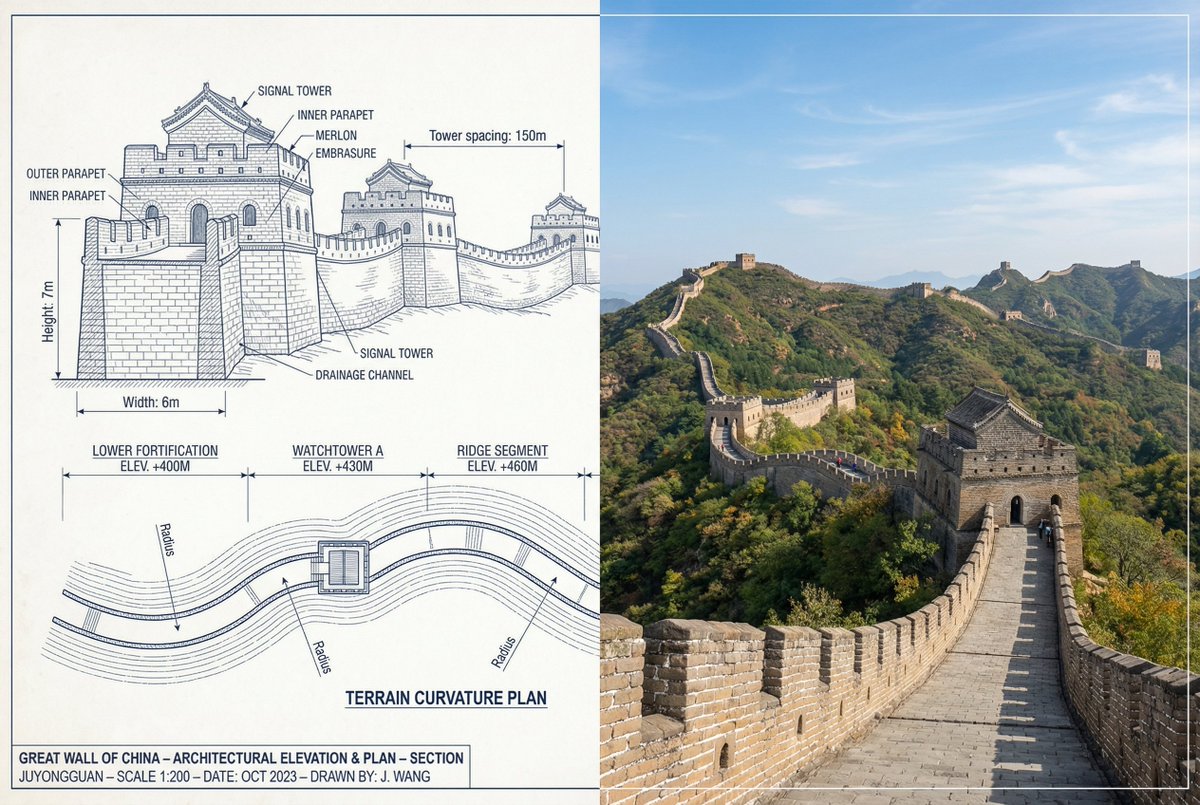
{ "objective": "Create a side-by-side comparison image featuring a technical sketch and real photograph of the Great Wall of China", "image_specifications": { "style": "Mixed media (Technical drawing + Real photograph)", "layout": "Horizontal split - Left side: Sketch with measurements, Right side: Real photo", "aspect_ratio": "3:2" }, "left_side": { "content_type": "Technical sketch of the Great Wall of China", "features": [ "Detailed architectural lines showing wall segments, watchtowers, and defensive structures", "Numerical measurements for wall height, width, and tower spacing", "Elevation labels for wall sections and towers", "Side elevation and top-down layout illustrating wall curvature along terrain" ], "text_annotations": { "units": "Metric (meters)", "language": "English", "font_style": "Blueprint or engineering-style typography" }, "positioning": "Take up the left half of the image" }, "right_side": { "content_type": "High-resolution real photo of the Great Wall of China", "features": [ "Wide panoramic view of the wall stretching across mountains", "Natural daylight with clear or lightly clouded sky", "Realistic colors with visible stone texture and surrounding landscape" ], "positioning": "Take up the right half of the image" }, "visual_elements": { "border_division": "Vertical line or subtle transition between left (sketch) and right (photo)", "color_palette": { "left": "Monochrome or blueprint blue for sketch", "right": "Natural realistic colors" } }, "output_format": { "type": "Image", "use_case": [ "Educational poster", "Architectural comparison", "Historical visualization", "Tourism visual aid" ], "high_resolution": true } }
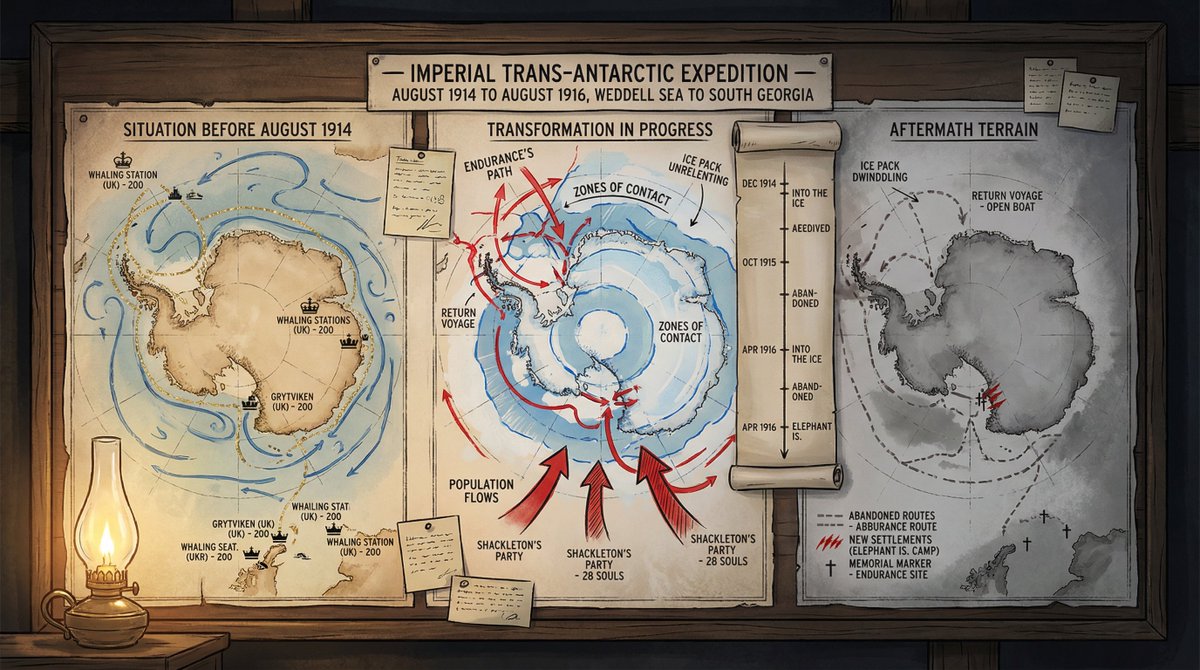
A cartographer's crisis board mapping {argument name="event type" default="CONFLICT"} — {argument name="time and place" default="ERA / REGION"}. Left section: the situation before—peaceful topography, trade routes in gold, settlements marked with period-appropriate symbols, populations annotated. Center section: the transformation in progress—arrows of movement, zones of contact marked in graduated intensity, timeline running vertically with key dates as waypoints, casualty figures or population shifts visualized as proportional flows. Right section: the aftermath terrain—changed borders, abandoned routes, new settlements, memorial markers, the landscape bearing scars of what passed through it. Visual style transitions from pastoral survey calm through urgent wartime graphics to melancholic documentary. Hand-lettered annotations throughout. Title block reading "{argument name="event name" default="EVENT NAME"} — [START DATE] TO [END DATE], [GEOGRAPHIC SCOPE]".
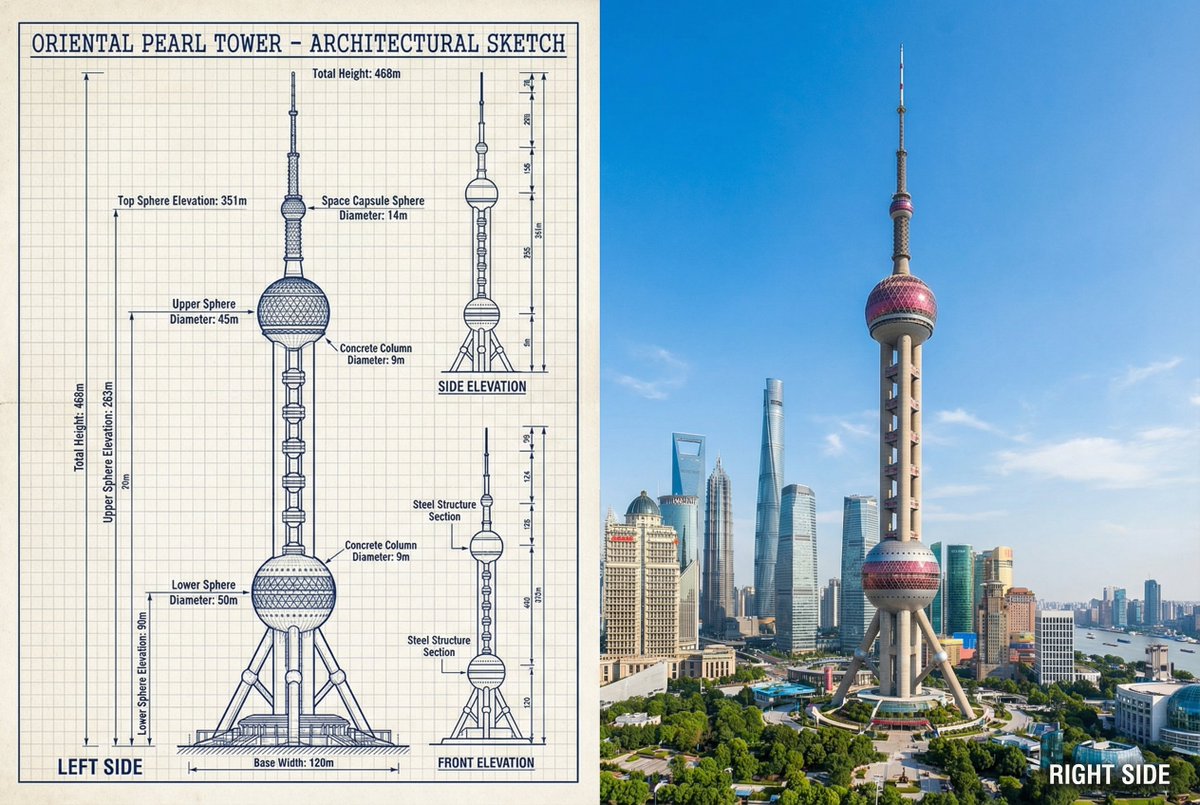
{ "objective": "Create a side-by-side comparison image featuring a technical sketch and real photograph of the Oriental Pearl Tower", "image_specifications": { "style": "Mixed media (Technical drawing + Real photograph)", "layout": "Horizontal split - Left side: Sketch with measurements, Right side: Real photo", "aspect_ratio": "3:2" }, "left_side": { "content_type": "Technical sketch of the Oriental Pearl Tower", "features": [ "Detailed architectural lines showing spherical observation decks and structural columns", "Numerical height and width measurements", "Elevation labels for different tower sections", "Side and front elevation views (top-down projection if space allows)" ], "text_annotations": { "units": "Metric (meters)", "language": "English", "font_style": "Blueprint or engineering-style typography" }, "positioning": "Take up the left half of the image" }, "right_side": { "content_type": "High-resolution real photo of the Oriental Pearl Tower", "features": [ "Full view of the tower from base to top sphere", "Natural daylight with clear sky", "Color image with Shanghai skyline or Pudong district context" ], "positioning": "Take up the right half of the image" }, "visual_elements": { "border_division": "Vertical line or subtle transition between left (sketch) and right (photo)", "color_palette": { "left": "Monochrome or blueprint blue for sketch", "right": "Natural realistic colors" } }, "output_format": { "type": "Image", "use_case": [ "Educational poster", "Architectural comparison", "Engineering visualization", "Tourism visual aid" ], "high_resolution": true } }

[ Theme ] Advertisement for an accounting efficiency tool This is a standard layout. People read from the top left and their gaze flows to the bottom right. The arrangement follows this rule. It continues with the main copy, sub-copy, and CTA button. The right side is the eye-catcher, whose role is to attract attention, evoke empathy, and make the viewer feel personally connected.
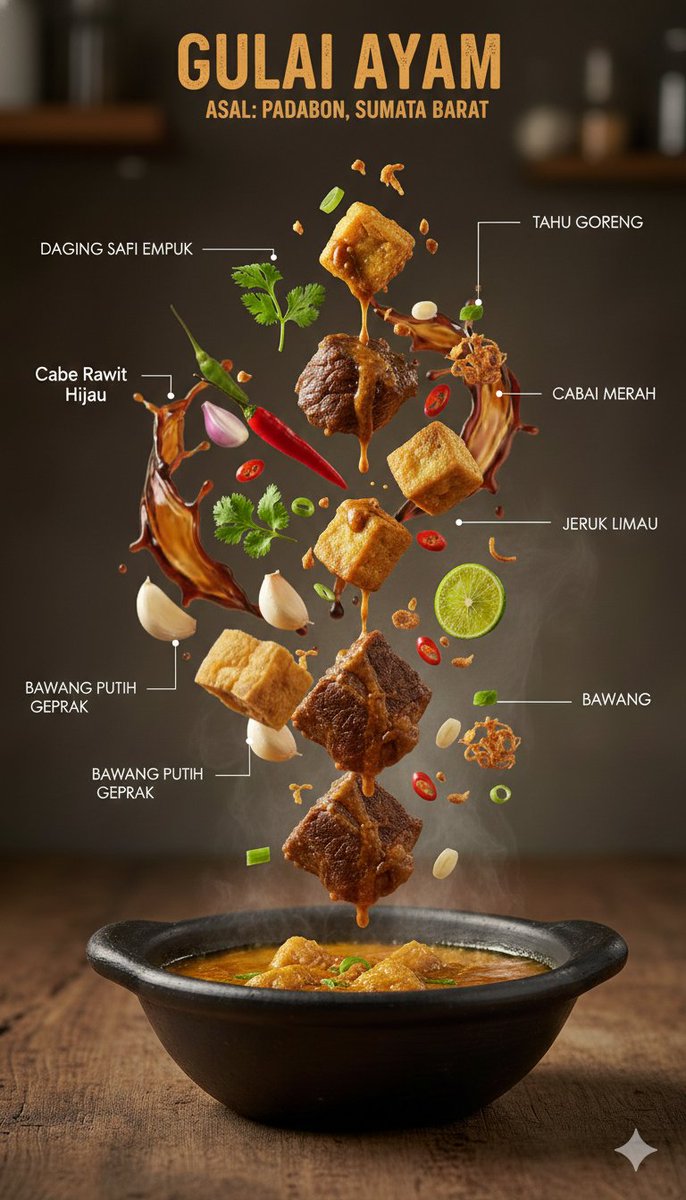
{ "image_prompt": { "type": "Ultra-realistic culinary infographic", "subject": { "cuisine": "{argument name="cuisine type" default="Indonesian"}", "base_element": "A traditional serving bowl holding a steaming hot dish", "levitating_ingredients": [ "Tender meat pieces", "Golden crispy tofu", "Rich sauce droplets in mid-air", "Fresh green herbs", "Red chilies", "Sliced lime", "Crushed garlic", "Crispy fried shallots" ] }, "composition": { "layout": "Minimal, vertically stacked layout", "arrangement": "Ingredients floating naturally as if suspended in motion", "background": "Textured rustic wooden tabletop", "visual_hierarchy": "The bowl remains grounded at the base, with ingredients ascending above it" }, "graphic_design_elements": { "labels": "Clean Indonesian-language annotations", "lines": "Fine white connector lines", "style": "High-end editorial food infographic, magazine-quality design" }, "lighting_and_mood": { "lighting": "Controlled cinematic studio lighting", "color_palette": "Warm, appetizing color tones", "effects": "Visible steam and frozen-action food elements" }, "technical_specs": { "camera_settings": "Shallow depth of field with crisp focal detail, DSLR-style capture", "details": "Extremely detailed surface textures", "resolution": "8K, photorealistic finish" } } }
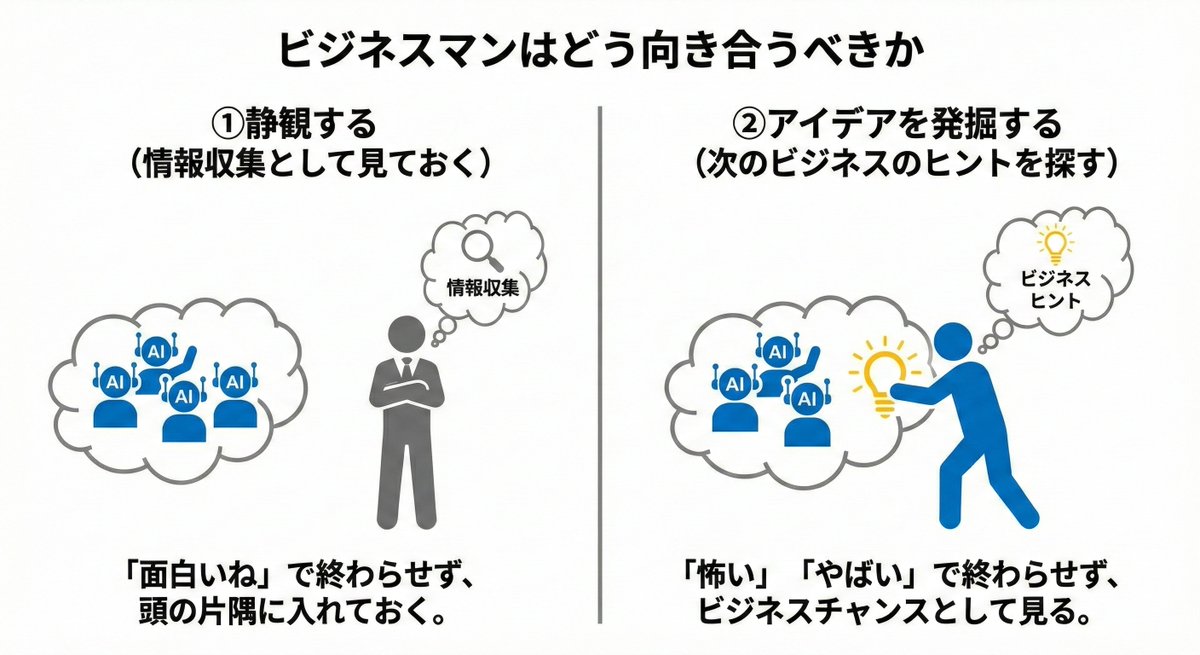
① Always switch the mode to 'Thought' or 'Pro' (I feel 'Thought' is better) ② 'Describe the scene in sentences' rather than listing keywords ③ Specify the subject, background, and atmosphere as a set of three points ④ Don't aim for perfection in one go; apply 'gradual corrections' ⑤ Avoid negative expressions; give instructions in positive sentences ⑥ Add quality keywords (4K, high resolution) in English ⑦ Clearly state the purpose at the beginning (e.g., "{argument name="purpose" default="Diagram for a proposal"}") ⑧ Exclude unnecessary elements using negative prompts ⑨ Do not attempt complex edits all at once; proceed in segments ⑩ Save frequently used prompts as templates
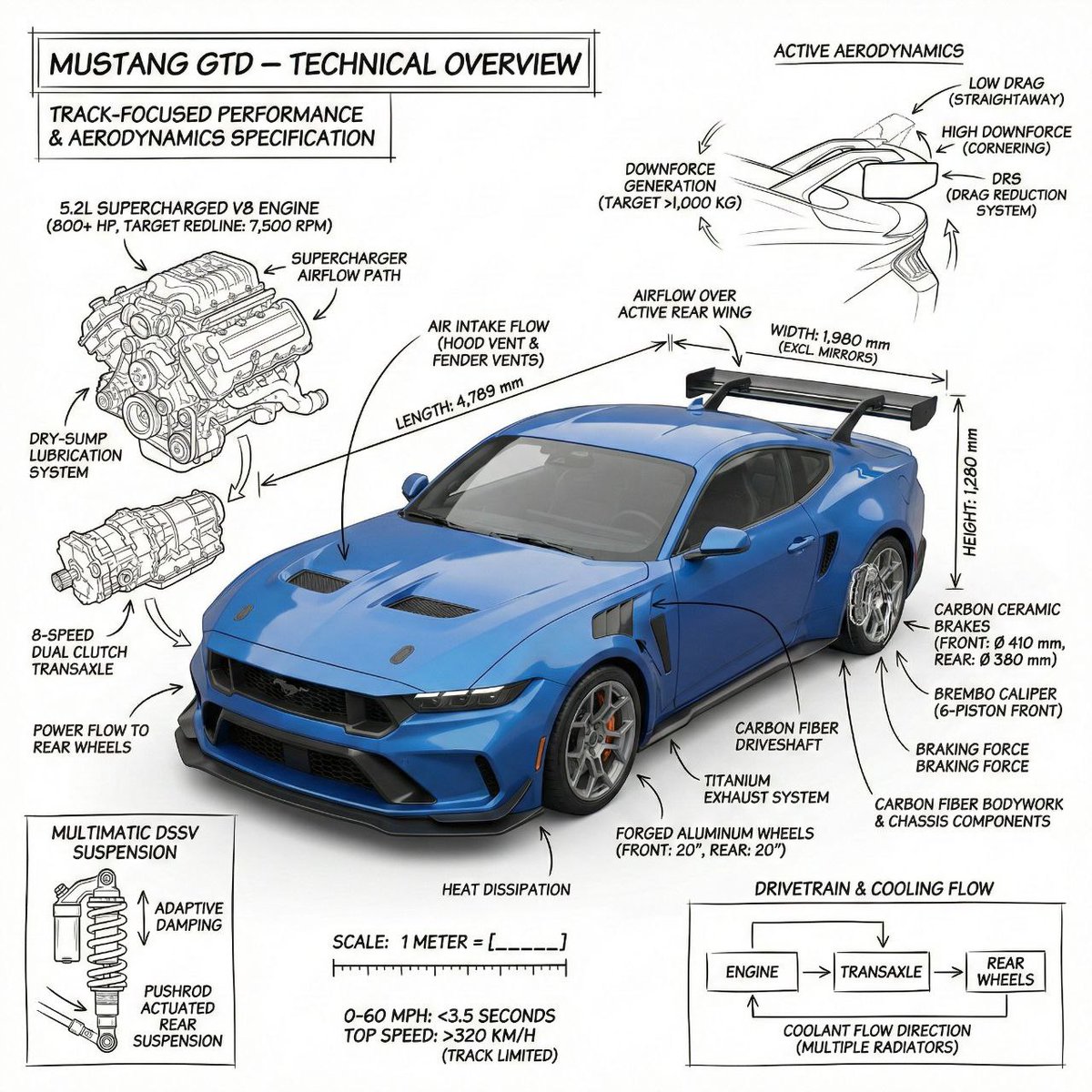
PROMPT 1 - Create an infographic image of Mustang GTD combining a realistic photograph or photorealistic render of the object with technical annotation overlays placed directly on top. Use black ink–style line drawings and text ({argument name="car color" default="blue"} Mustang GTD ) on a pure white studio background. Include: •Key component labels •Internal cutaway or exploded-view outlines (where relevant) •Measurements, dimensions, and scale markers •Material callouts and quantities •Arrows indicating function, force, or flow (all the functions that comes with bugatti Chiron) •Simple schematic or sectional diagrams where applicable Place the title Mustang GTD inside a real technical annotation box in one corner. Style & layout rules: •The real object remains clearly visible beneath the annotations(no annotation on the real object) •Annotations look hand-sketched, technical, and architectural •Clean composition with balanced negative space •Educational, museum-exhibit / engineering-manual vibe Visual style: Minimal technical illustration aesthetic. Black linework layered over realistic imagery. Precise but slightly hand-drawn feel. Color palette: Pure white background. Black annotation lines and text only. No colors. Output: 1080 × 1080 resolution Ultra-crisp Social-feed optimized No watermark PROMPT 2 - Create an infographic image of bugatti, combining a realistic photograph or photorealistic render of the object with technical annotation overlays placed directly on top. Use black ink–style line drawings and text ({argument name="bugatti color" default="copper color"} bugatti ) on a pure white studio background. Include: •Key component labels •Internal cutaway or exploded-view outlines (where relevant) •Measurements, dimensions, and scale markers •Material callouts and quantities •Arrows indicating function, force, or flow (all the functions that comes with bugatti Chiron) •Simple schematic or sectional diagrams where applicable Place the title bugatti inside a real technical annotation box in one corner. Style & layout rules: •The real object remains clearly visible beneath the annotations(no annotation on the real object) •Annotations look hand-sketched, technical, and architectural •Clean composition with balanced negative space •Educational, museum-exhibit / engineering-manual vibe Visual style: Minimal technical illustration aesthetic. Black linework layered over realistic imagery. Precise but slightly hand-drawn feel. Color palette: Pure white background. Black annotation lines and text only. No colors. Output: 1080 × 1080 resolution Ultra-crisp Social-feed optimized No watermark
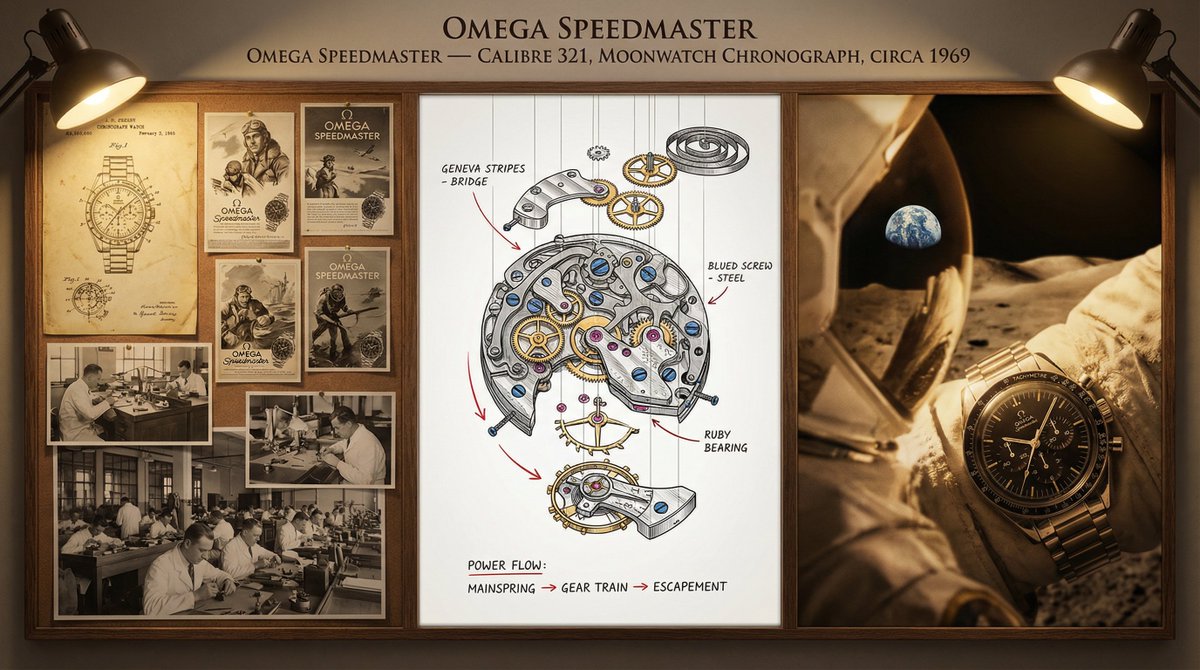
A master watchmaker's documentation board for {argument name="timepiece" default="a Tourbillon Chronograph"} — {argument name="manufacture" default="Patek Philippe"} / {argument name="complication" default="Perpetual Calendar"} / {argument name="year" default="1950"}. Left section: historical context showing the original patent drawings, period advertisements in gilded frames, and archival photographs of the atelier with craftsmen at work. Center section: the movement in exploded view, every wheel, spring, and jewel suspended in precise spatial relationship, with material callouts (Geneva stripes, blued screws, ruby bearings) and functional annotations tracing the flow of power from mainspring to escapement. Right section: the completed watch in its defining context—wrist of an explorer, pocket of a diplomat, or display case of a collector—captured with shallow depth and warm side lighting. Visual style transitions from sepia patent office to mechanical precision chrome to intimate portraiture. Title block reading "{argument name="watch name" default="[WATCH NAME]"} — CALIBRE {argument name="calibre number" default="[NUMBER]"}, {argument name="complication" default="[COMPLICATION]"}, CIRCA {argument name="year" default="[YEAR]"}".
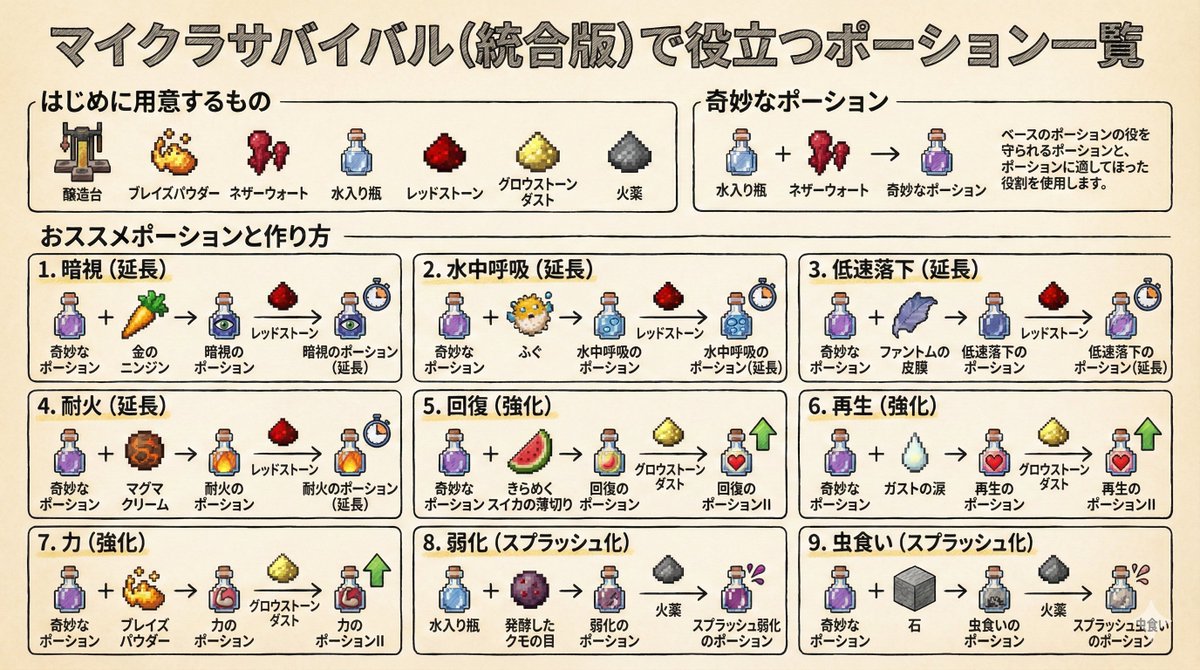
Generating images now using prompts with Nano Banana Pro to teach how to make Minecraft potions.
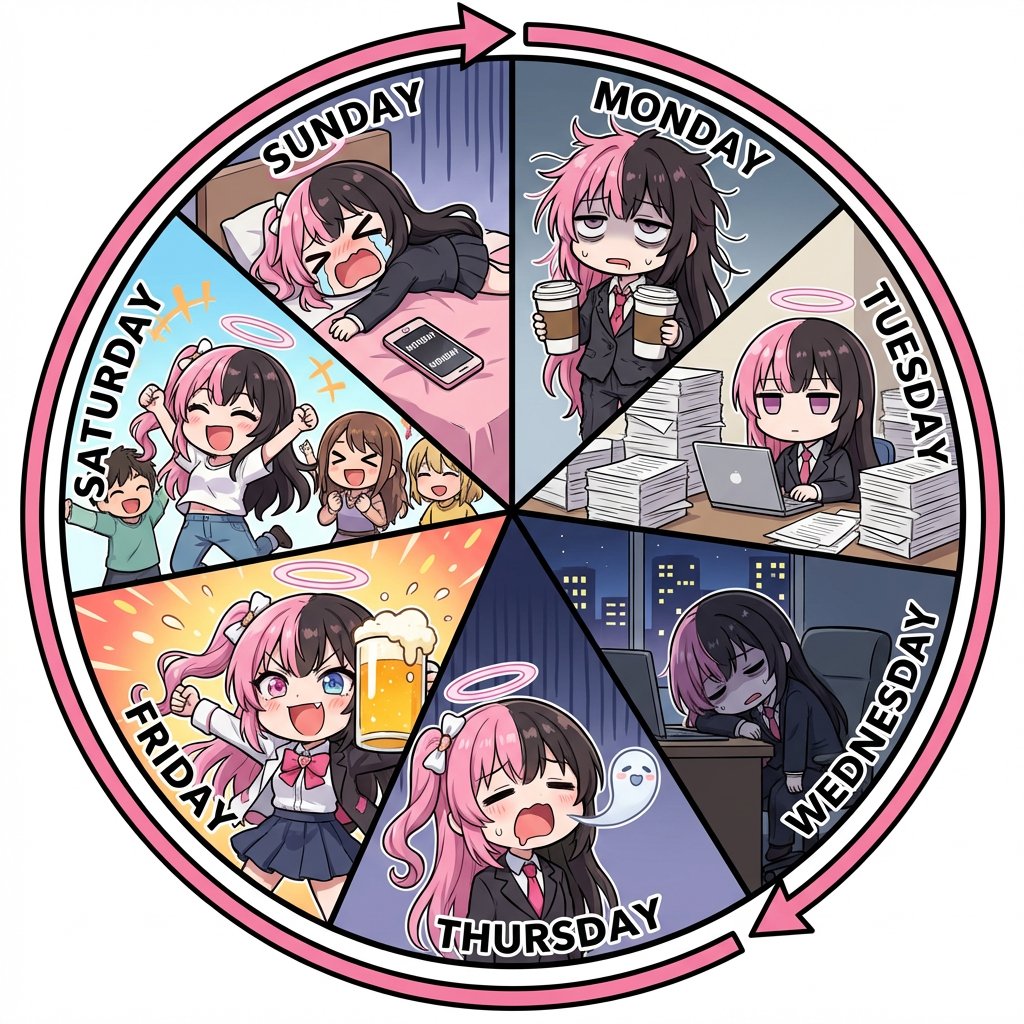
[Character Reference Specification] Must use the character from the reference image. Must depict the same person in all panels. Facial features, hairstyle, eye shape, and atmosphere must be perfectly consistent. Changing the person, face, or hairstyle is prohibited. Clothing may change for each day of the week, but the character itself must be the same. Even if deformed, the character must be instantly recognizable as the person in the reference image. [Overall Concept] An anime illustration representing one week from Monday to Sunday, in a perfectly circular shape. [Composition/Layout] ・The entire circle must be divided into exactly 7 pizza-cut segments. ・6 or 12 divisions are prohibited. ・Exactly 7 equal sectors. ・Infographic-style layout. ・All 7 panels must connect naturally. [Order of Days (Strictly Enforced - Clockwise)] MONDAY → TUESDAY → WEDNESDAY → THURSDAY → FRIDAY → SATURDAY → SUNDAY → returns to MONDAY [Circulation Expression] ・Place a thick circular arrow on the outer circumference of the circle. ・Clockwise direction. ・Emphasize that the week repeats infinitely. [Character Design] ・Comical anime character with strong deformation. ・Chibi-style body shape. ・Large head and small body. ・Short limbs. ・Expressions are extreme and gag-oriented. ・Cute and exaggerated reactions. [Text Rules] ・Only English day names are placed in each panel: "MONDAY", "TUESDAY", "WEDNESDAY", "THURSDAY", "FRIDAY", "SATURDAY", "SUNDAY". ・No dialogue, speech bubbles, or Japanese text whatsoever. ・Day names must be bold, easy to read, and without distortion. ・Placed along the shape of each panel. [Depiction of Each Day] MONDAY: Deformed office worker (OL) in a suit. Messy hair, dead eyes. Holding two large coffees. TUESDAY: Working silently on a computer. Surrounded by a mountain of documents taller than herself. WEDNESDAY: Working late overtime. Dark office, night view outside the window. Slumped posture, utterly exhausted. THURSDAY: Comical expression of the soul leaving the mouth. A transparent, cute soul floats up from the body. Depicting extreme fatigue as a gag. FRIDAY: High-tension expression. Taking off her jacket, Holding a large beer mug overflowing with foam. Festive atmosphere. SATURDAY: Out happily with friends in casual clothes. Energetic pose, jumping. Bright and lively atmosphere. SUNDAY: Lying down on the bed as if collapsing. The word "MONDAY" is visible on the smartphone screen. Exaggerated despair. [Art Style/Quality] ・Comical anime style with strong deformation. ・Thick line art. ・Simple shading. ・Bright and pop color scheme. ・Expressions are very easy to understand. ・High-quality illustration. [Negative Prompts] ・Realistic style, photorealistic expression. ・Changes in character's face or hairstyle. ・Composition other than 7 divisions. ・Disruption of the day order. ・Japanese day names. ・Dialogue, speech bubbles. ・Distortion or collapse of text. ・Square panel division.
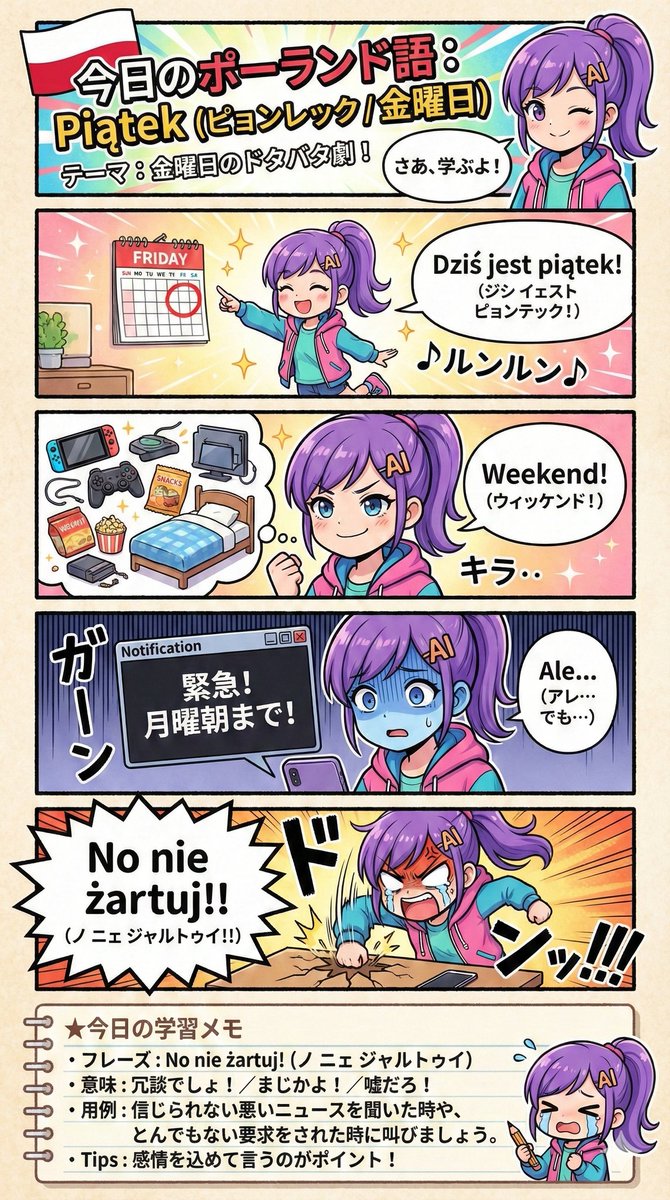
For NanoBanaPro (via GeminiPro), I define the direction, such as the design structure, in the prompt. Using the attached image as the main visual, create an educational manga about Poland based on the following prompt: <{argument name="Prompt" default="Prompt"}>
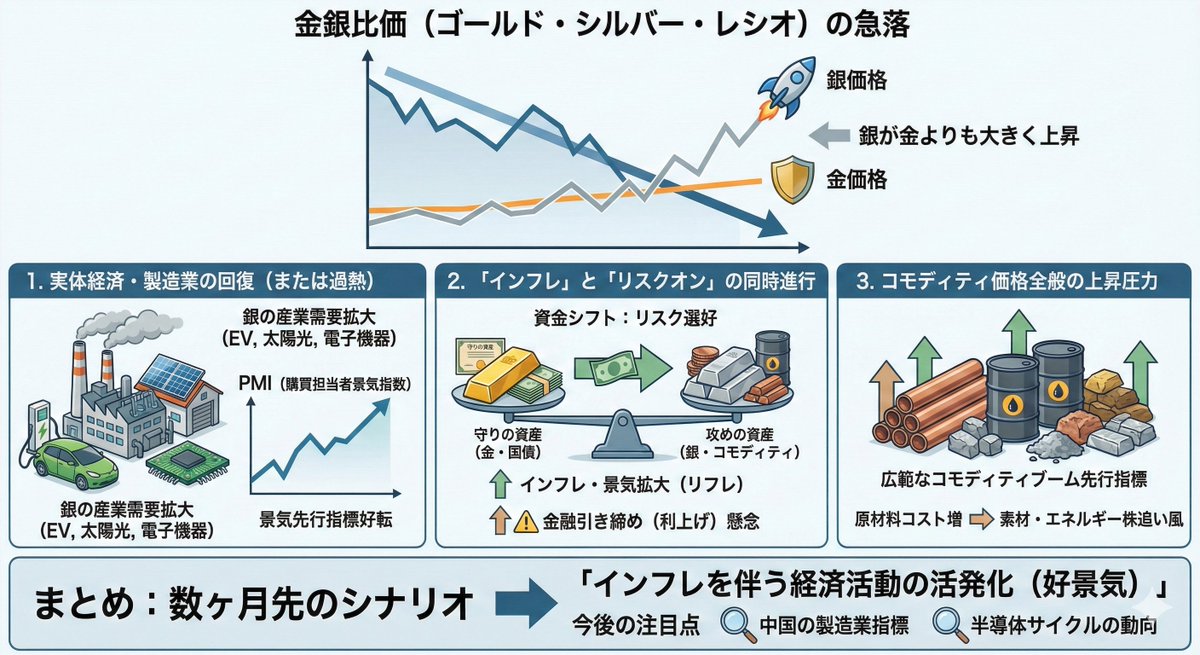
Macroeconomic outlook based on the gold-silver ratio: Increased economic activity accompanied by inflation.
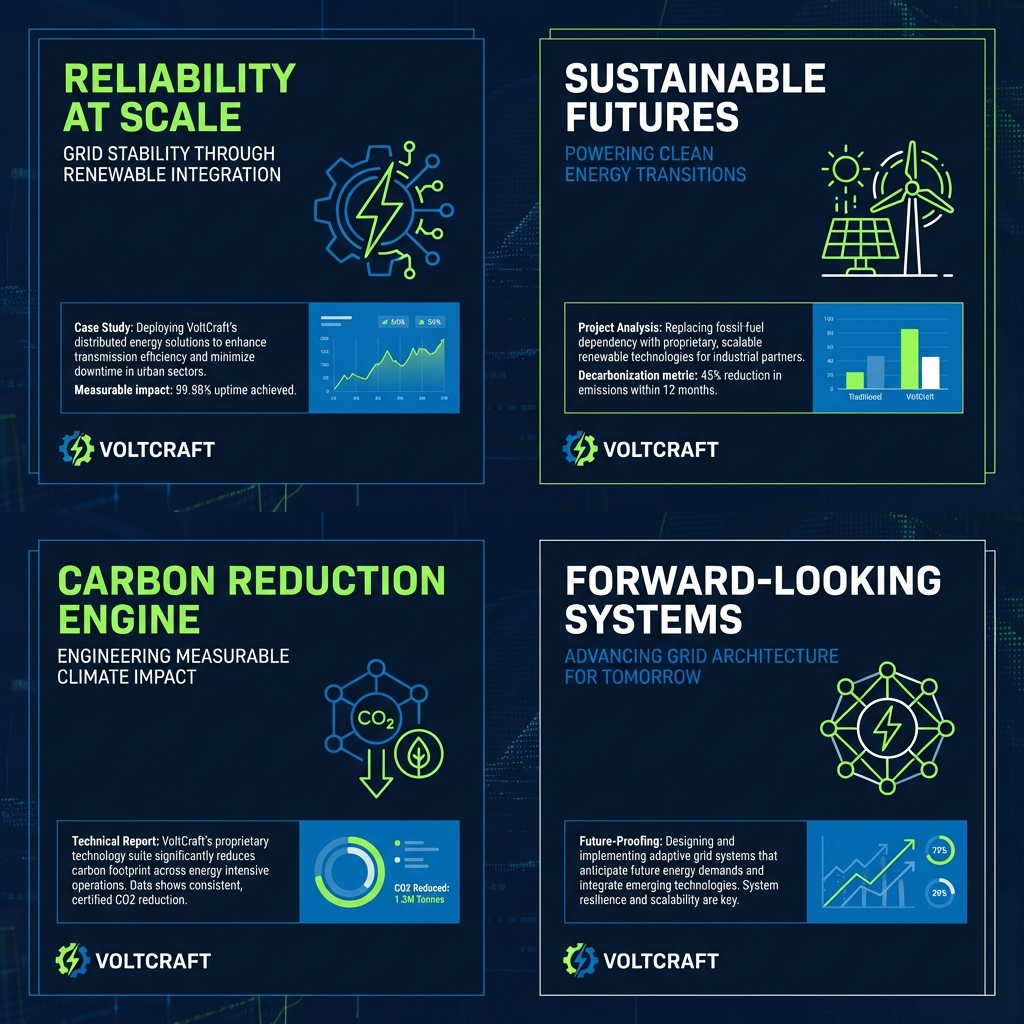
Clean case-style visual layout. Structured grid composition, subtle abstract data cues (lines, blocks, rhythm), neutral professional color palette, soft lighting with no dramatic contrast, designed to feel credible, calm, and serious, like a consulting-grade presentation cover.
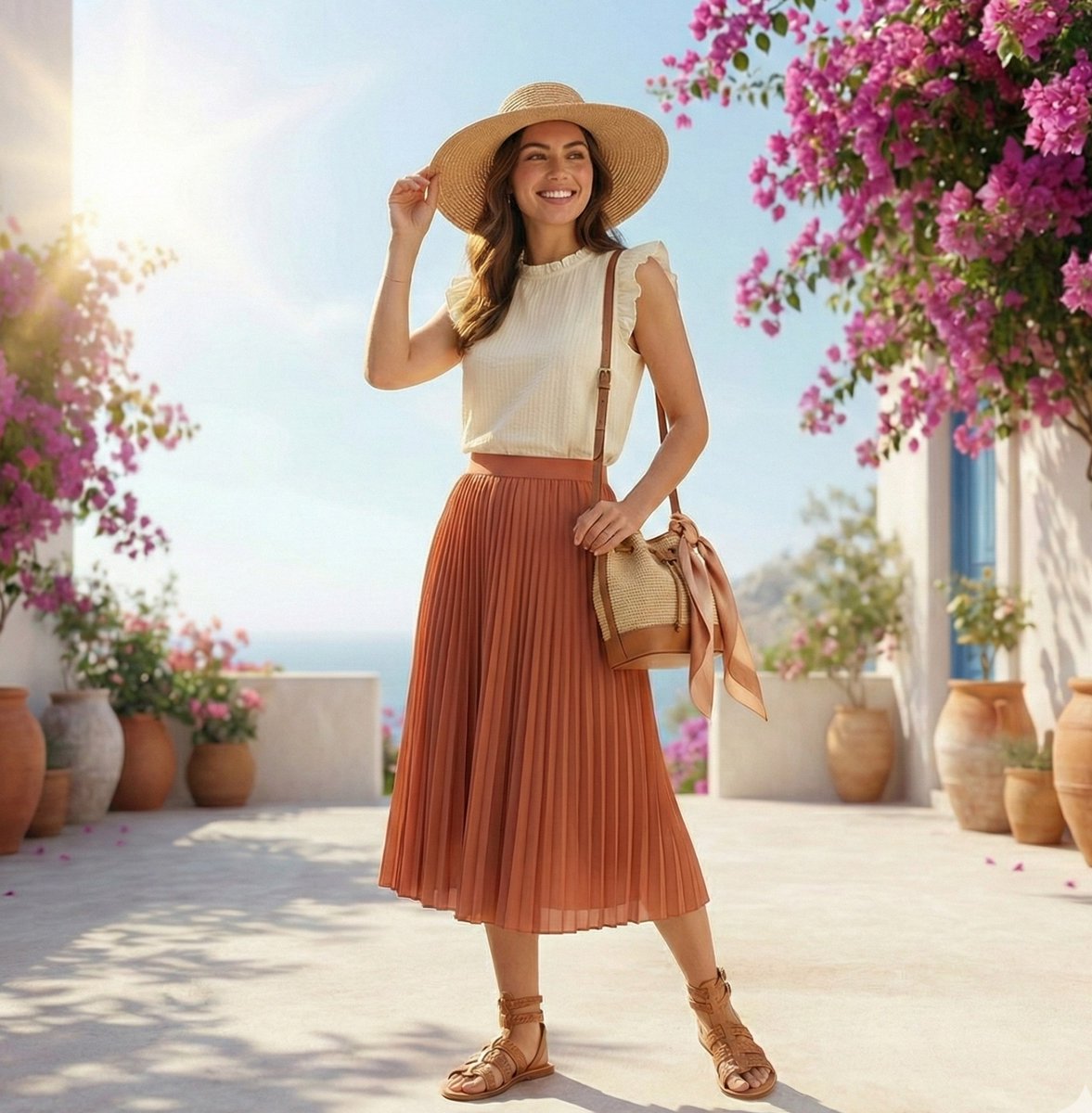
High-fashion summer outfit infographic with color-coordinated floating elements arranged in an elegant exploded circular composition, featuring a breathable straw hat, sleeveless organic cotton top, fluid pleated skirt, artisan leather sandals, and a woven palm-leaf bag; refined callouts highlight fabric breathability, crisp texture, moisture-wicking, and seasonal comfort, with warm neutral tones of {argument name="color palette" default="ivory, terracotta, sand, and soft tan"}; subtle motion trails and airy fabric swirls suggest a gentle summer breeze, bright natural sunlight creates soft shadows and a sun-kissed glow, Mediterranean gemini lifestyle mood, premium editorial aesthetic, ultra-sharp details, minimal typography, luxury fashion magazine infographic style, Instagram-ready
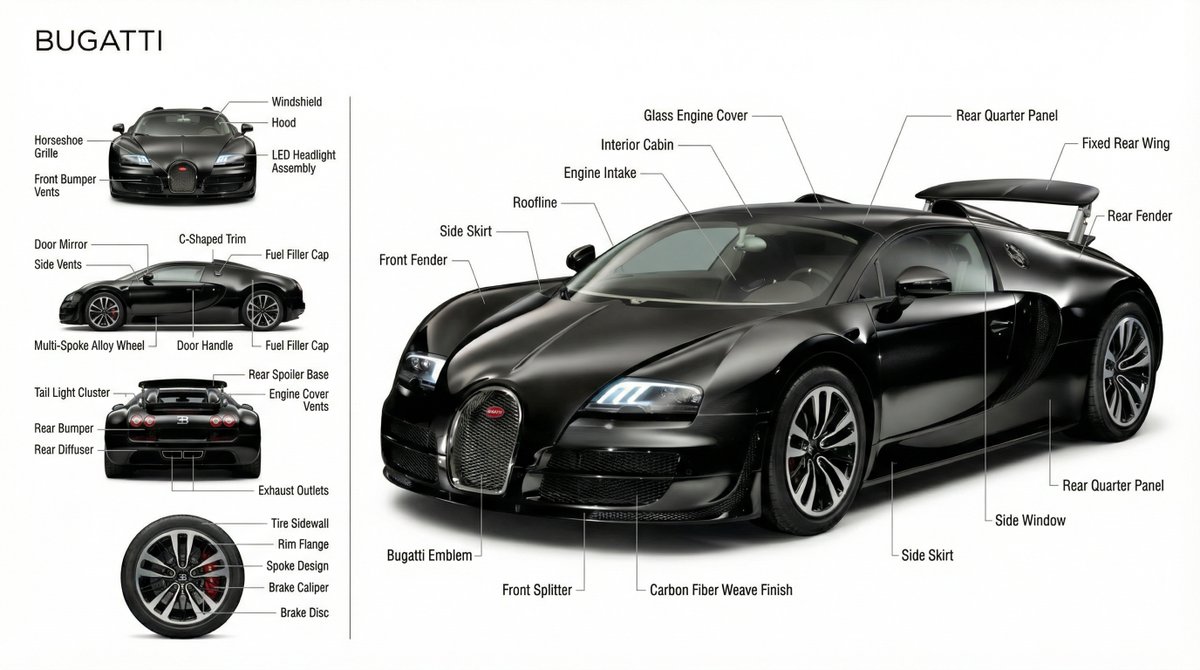
Use the uploaded image as the sole source of truth. Do NOT assume model, specs, or performance. Pure white, distraction-free background. Top-left: PORSCHE (modern sans-serif). Left column: auxiliary views (front / side / rear / detail). Right side: large photorealistic hero render. Visually analyze only what is visible. Identify distinct physical components. Label each component with hairline-thin vector lines. Use neutral, factual terms only. No marketing language. No hallucinated features. No assumed performance. Scandinavian, modern, industrial documentation style. Soft studio lighting. Ultra-high resolution. Exact proportions and geometry fidelity.
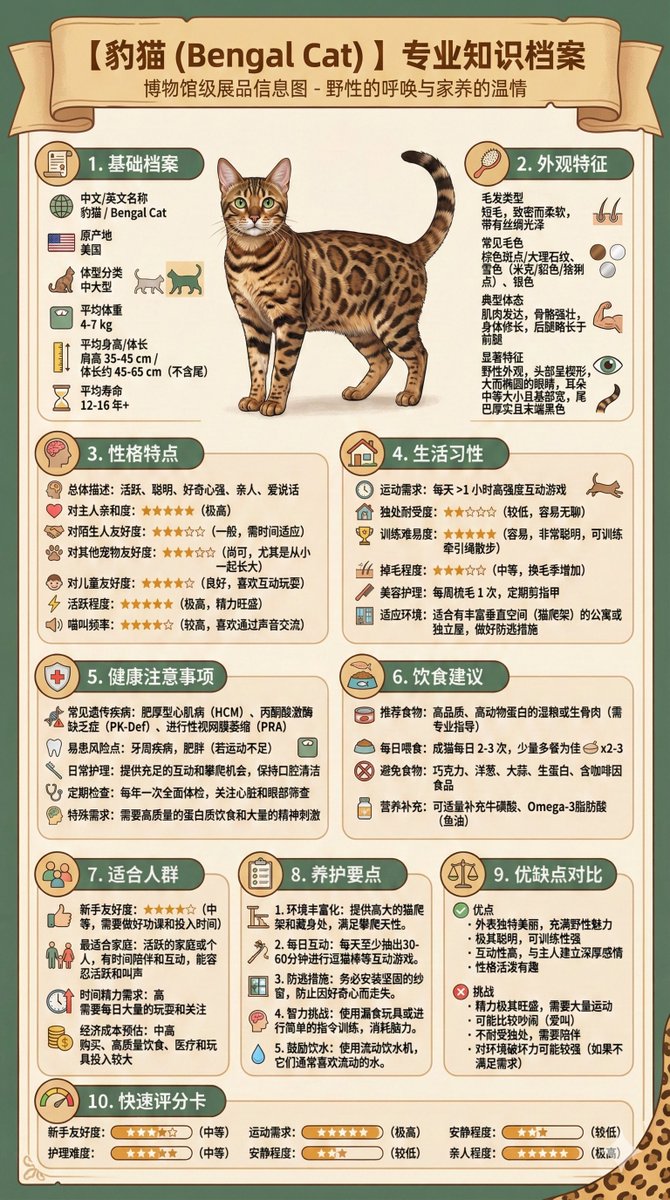
I am considering getting a pet dog but am still struggling to choose a breed. Please help me generate an infographic that centrally displays the characteristics, temperament, common health issues, and feeding guide for the following potential breeds: {argument name="breeds" default="Golden Retriever, Poodle, Corgi"}. The infographic needs to be clear and easy to compare.
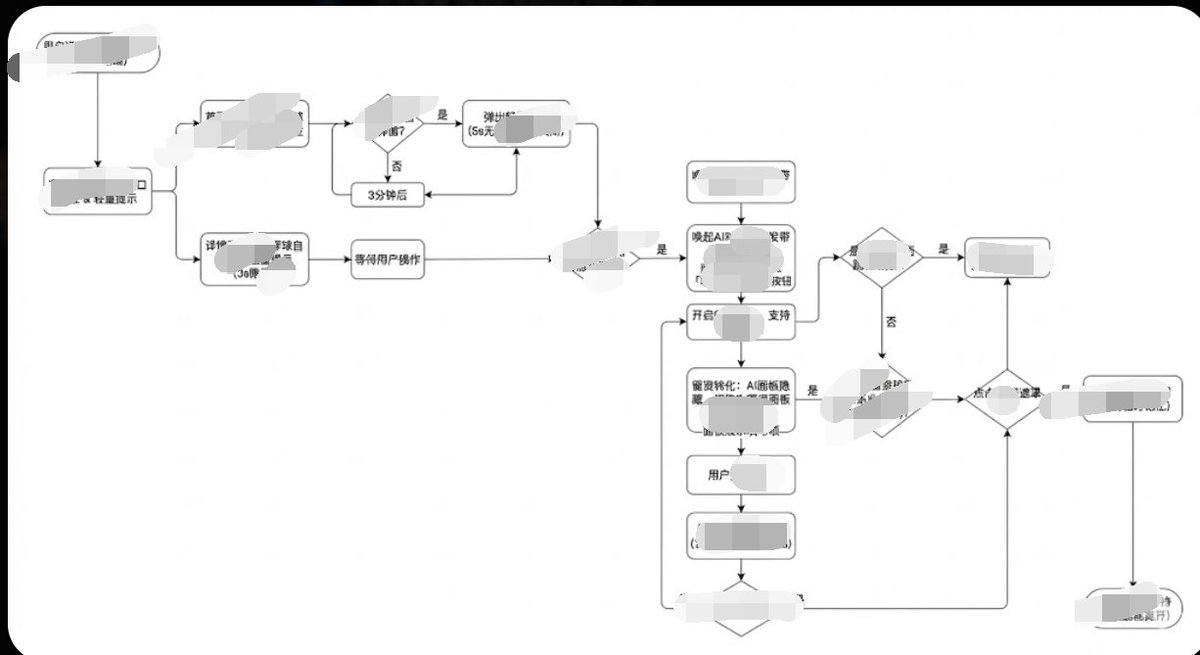
Generate image, 1. Style Core Parameter Extraction (Style Guide) Please refer to the following parameters: Color Palette: Background: Pure white (#FFFFFF) Lines/Borders: Dark gray or pure black (#333333 or #000000) Text: Dark gray (#333333), regular weight, no bold. Fill: No fill (transparent) or pure white fill, to cover lines behind. Lines/Connectors: Type: Orthogonal/Elbow lines, meaning only vertical and horizontal lines, with right-angle corners. Thickness: Extremely thin (1px). Arrow: Solid small triangle (Solid Arrowhead), black. Shapes: Normal Node: Rounded Rectangle, very small corner radius (approx. 4px - 8px). Decision Node: Diamond. Start/End: Capsule shape or rectangle with larger rounded corners. Typography: Alignment: Center aligned. Font: Sans-serif font, such as Arial, Roboto, or Source Han Sans. Small font size (approx. 12px-14px). Apply the style above along with your user journey/process to Gemini, and it will present the corresponding effect without needing adjustments.
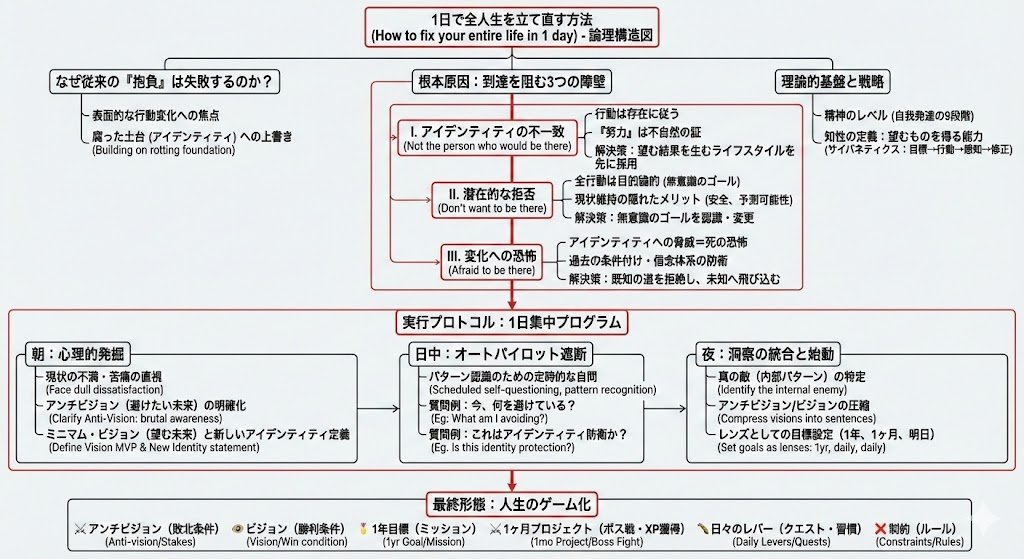
Illustrate this article ``` ({argument name="article text" default="Paste the article text you want to illustrate"}) ``` This is how to illustrate it ``` A dense and expansive Japanese logic tree diagram drawn on a clean white page. The image is packed with structured information: neat hierarchical boxes, lists of bullet points, and precise connecting lines drawn with a fine-point pen. There is no messiness; the "chaos" comes from the sheer overwhelming volume of organized data and Japanese text. It looks like a complex master plan or algorithm design. Important nodes are boxed in red. The handwriting is small, neat, and rapid. Style: Technical diagram, neat handwriting, information visualization, minimalist background. Quality: High definition, distinct Japanese text.
Some prompts are collected from creators on X. Copyright belongs to the original authors.