
Uncategorized
Nanobanana Gemini Practical Tutorial: From Basic Usage to Advanced Techniques
Nanobanana Gemini Practical Tutorial: From Basic Usage to Advanced Techniques If you are looking for a fast, browser bas
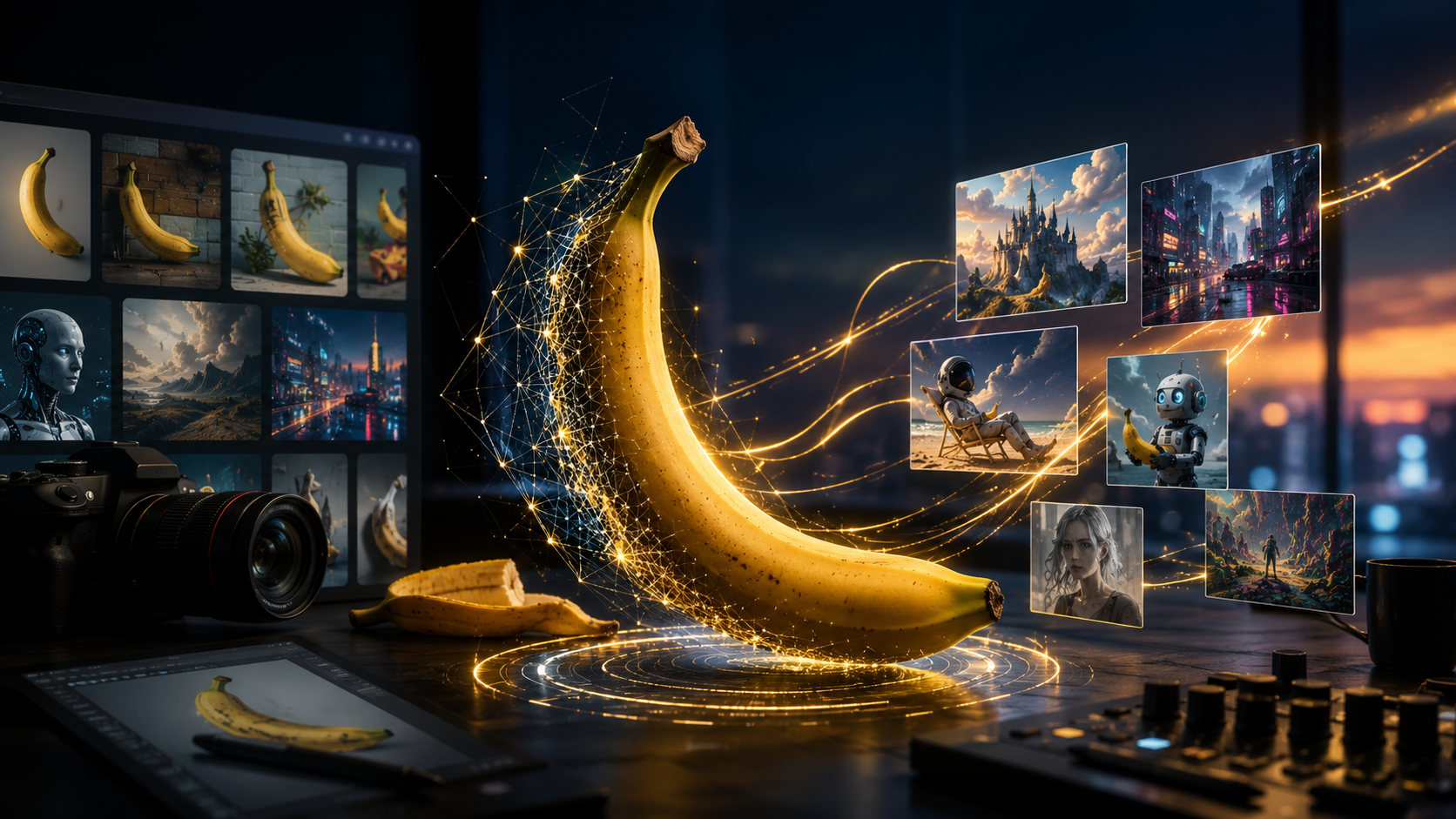
If you are looking for a fast, browser-based visual model workflow for text-to-image, image-to-image, semantic editing, and multilingual design, nanobanana gemini is worth a serious look. This guide is written to help you compare options, understand where the tool fits, and decide whether it matches your actual workflow.
Rather than treating it as a generic “AI image generator,” this article breaks it down by use case, output quality, editing control, consistency, and team workflow suitability.
What is Nanobanana Gemini?
Nanobanana Gemini refers to a Gemini 3 Pro-based visual model workflow designed for:
- text-to-image generation
- image-to-image creation
- semantic editing
- multilingual typography
- style consistency across repeated outputs
It is positioned as a tool for creating:
- ecommerce hero shots
- marketing posters
- storyboards
- branded visual series
- product concept visuals
A key strength is that it combines generation and editing in one loop, so you can move from idea to iteration without switching tools.
Evaluation Criteria: How to Compare Nanobanana Gemini Properly
Before choosing any visual AI tool, compare it using the same dimensions. For nanobanana gemini, the most useful criteria are:
| Evaluation Dimension | What to Check | Why It Matters |
|---|---|---|
| Output quality | Sharpness, realism, composition, and final polish | Determines whether results are usable without extra edits |
| Editing flexibility | Can it swap objects, refine details, or extend canvas semantically? | Important for real production workflows |
| Reference consistency | Can it keep characters, branding, and materials stable across images? | Critical for campaigns, product series, and storyboards |
| Typography support | Does it handle English, Chinese, Japanese, and longer text clearly? | Essential for posters, ads, and multilingual assets |
| Speed | How fast is the first draft and iteration cycle? | Matters when you need rapid experimentation |
| Resolution options | 1K / 2K / 4K availability | Impacts print, web, and premium deliverables |
| Commercial readiness | Watermark-free delivery, reuse, export quality | Affects client work and brand usage |
| Workflow integration | API, batch generation, team collaboration | Useful for scaling production |
NanoBanana Gemini at a Glance: Key Strengths and Trade-offs
| Aspect | Strength | Limitation |
|---|---|---|
| Generation | Fast, high-quality visual outputs | Best results still depend on clear direction |
| Editing | Semantic edits feel natural and coordinated | Very complex changes may require multiple iterations |
| Consistency | Good for repeated characters and brand styles | Strict long-term continuity still needs careful reference management |
| Typography | Strong multilingual text rendering | Very dense layouts can still require review |
| Resolution | Supports 1K / 2K / 4K | Higher resolution increases production time |
| Workflow | Browser-friendly and API-ready | Advanced team usage benefits from process setup |
Who Should Use Nanobanana Gemini?
Best fit: designers, marketers, and content teams
Nanobanana Gemini is especially suitable for people who need visual production speed plus iteration control.
| User Type | Why It Fits | Typical Use Cases |
|---|---|---|
| E-commerce teams | Fast product visuals and hero shots | Landing pages, product banners, seasonal campaigns |
| Marketing teams | Rapid ad creative generation | Posters, campaign concepts, social graphics |
| Content creators | Visual storytelling with consistent characters | Storyboards, thumbnails, narrative illustrations |
| Brand teams | Style consistency across multiple assets | Identity-aligned series, multilingual branding |
| Agencies | Reusable workflows for multiple clients | Concepting, iteration, presentation assets |
| Developers / ops teams | API-based batch generation | Automated image pipelines, review workflows |
How Nanobanana Gemini Works
The workflow is built around a simple production loop:
-
Set prompts and references
Add your brief and up to 14 reference images. Define style, language, framing, and visual direction. -
Generate in one click
Choose resolution and aspect ratio. The first pass usually arrives in about 10–30 seconds. -
Refine semantically
Swap elements, remove marks, or extend the canvas while preserving lighting, perspective, and structure. -
Export and reuse
Download outputs in 1K, 2K, or 4K, then reuse styles or characters for the next series.
This is what makes the tool practical: it is not just a generator, but a repeatable visual production system.

Basic Usage Tutorial: A Practical Start
Step 1: Prepare your visual goal
Start by deciding what you actually need:
- a single hero image
- a branded poster
- a product scene
- a storyboard sequence
- a multilingual graphic
This step matters because nanobanana gemini performs best when the output purpose is clear.
Step 2: Choose the right references
Use references to anchor:
- subject identity
- product appearance
- color palette
- composition style
- typography mood
For best consistency, keep the reference set focused rather than random.
Step 3: Select resolution and ratio
Choose based on the final destination:
| Output Need | Recommended Choice |
|---|---|
| Social media post | Standard web ratio, moderate resolution |
| Landing page hero | Wide ratio, high clarity |
| Print poster | 2K or 4K |
| Storyboard series | Consistent ratio across all frames |
| Batch ad testing | Faster draft resolution first, then upscale selected results |
Step 4: Review the first pass
Check the output against these five questions:
- Is the subject stable?
- Is the composition balanced?
- Is the text readable?
- Does the style match the brand?
- Can it be reused in a series?
Step 5: Refine instead of restarting
A major advantage of nanobanana gemini is semantic refinement. Instead of generating from scratch, you can:
- replace an object
- adjust the mood
- expand the canvas
- remove unwanted elements
- keep lighting aligned
This reduces wasted iterations.
Advanced Techniques: How to Get Better Results
1. Use reference mixing strategically
Instead of uploading many unrelated references, organize them by purpose:
- one reference for character identity
- one for scene composition
- one for color/style
- one for product detail
This helps the model maintain coherence without visual noise.
2. Lock consistency for multi-image campaigns
If you need a series of ads or storyboards, keep these stable:
- character roles
- core props
- camera angle language
- brand colors
- background tone
This is the easiest way to create a consistent output set.
3. Use semantic edits for production efficiency
When a result is 80% right, refine the remaining 20%:
- correct an object
- sharpen a label
- remove clutter
- change the background mood
- extend the scene for layout needs
This is usually faster than starting over.
4. Prioritize text legibility early
If your image contains copy, typography should be treated as a core requirement, not a final touch.
Best suited for:
- multilingual posters
- product packaging mockups
- promotional banners
- educational graphics
- ad creatives with concise copy
5. Build a reusable visual system
For repeated production, create a stable setup for:
- style
- framing
- character appearance
- language style
- export resolution
This turns nanobanana gemini into a workflow, not just a one-off generator.
Comparison: Nanobanana Gemini vs Common Visual Workflows
| Workflow Type | Strengths | Weaknesses | Best For |
|---|---|---|---|
| Nanobanana Gemini | Generation + semantic editing + consistency + multilingual text | Still depends on good direction and iteration | Marketing, ecommerce, storyboards, branded visuals |
| Traditional design tools | Full manual control and precision | Slower production for concepting and variants | Final polishing, exact layout control |
| Generic AI image generators | Fast creative exploration | Often weaker on consistency and editing control | Quick idea generation |
| Separate editing pipelines | Can be powerful in skilled hands | Fragmented workflow and more tool switching | Advanced production teams |
What this means in practice
If your priority is speed plus controlled iteration, nanobanana gemini is a strong fit.
If your priority is pixel-perfect manual composition, traditional design tools still matter.
If you only need one-off inspiration, a simpler generator may be enough.
Use Case-Based Recommendations
For ecommerce teams
Why it fits: Fast product visuals, clean exports, and style consistency across collections.
Advantages:
- rapid hero shot generation
- easy variant testing
- reusable product styling

Limitations:
- ultra-precise packshot detail may need review
- complex product reflections can require iteration
Best scenarios:
- product landing pages
- holiday campaigns
- A/B creative testing
For marketing teams
Why it fits: Strong poster and ad creative generation with multilingual support.
Advantages:
- quick campaign mockups
- readable typography
- strong style alignment
Limitations:
- dense copy layouts should be checked carefully
- final brand approval still required
Best scenarios:
- social ads
- promotional posters
- launch visuals
For content creators and storytellers
Why it fits: Reusable characters and scene consistency make story development easier.
Advantages:
- consistent characters across frames
- storyboard-friendly workflow
- easy scene adjustments
Limitations:
- long narrative sequences still require careful planning
- continuity is strongest when references are controlled
Best scenarios:
- storyboards
- thumbnails
- visual narratives
For agencies and teams
Why it fits: Batch-friendly workflows and API integration support scalable production.
Advantages:
- repeated asset creation
- collaborative review
- workflow automation
Limitations:
- requires clear process ownership
- team standards must be defined in advance
Best scenarios:
- multi-client creative production
- campaign systems
- automated asset pipelines
Quick Decision Guide
If you are still deciding, use this simple filter:
| If you need... | Nanobanana Gemini is... |
|---|---|
| Fast concept generation with editing | A strong choice |
| Stable branding across multiple outputs | A strong choice |
| Multilingual image text | A strong choice |
| Full manual control like a design app | Not the primary tool |
| One-click image novelty only | Possibly more than you need |
| Batch production or team workflow | Very suitable |
Common Mistakes to Avoid
1. Using too many unrelated references
This can weaken consistency. Keep references intentional.
2. Treating the first output as final
The best results usually come from one or two rounds of semantic refinement.
3. Ignoring aspect ratio early
If the ratio does not match the destination, the image may be technically good but practically unusable.
4. Overloading text content
Even with strong multilingual typography, too much copy can reduce clarity.
5. Skipping style reuse
If you need a series, reuse the same visual logic instead of rebuilding from scratch each time.

Final Recommendation: Which Users Should Choose It?
Tier 1: Strongly recommended
Choose nanobanana gemini if you are:
- an ecommerce marketer
- a visual content creator
- a brand designer
- a campaign-focused marketing team
- an agency producing repeated assets
You will benefit most from its mix of speed, consistency, semantic editing, and multilingual support.
Tier 2: Recommended with workflow planning
Choose it if you are:
- a studio that wants automation
- a team with approval steps
- a creator managing multiple visual variants
It will work well, but you should define a clear process for references, revisions, and export standards.
Tier 3: Not the first choice
It may be less ideal if you need:
- strict manual layout control
- highly specialized print production workflows
- purely experimental one-off image generation with no consistency needs
In those cases, you may still use it as a concepting tool, but not as the entire production stack.
FAQ
What is Nanobanana Gemini mainly used for?
It is mainly used for text/image generation, image editing, multilingual typography, and style-consistent visual production.
Can it handle multiple reference images?
Yes. It supports reference mixing with up to 14 reference images to help maintain style and consistency.
Is it suitable for commercial work?
Yes. It is designed for clean exports and commercial-ready use without default watermarking.
Does it support high-resolution output?
Yes. It supports 1K, 2K, and 4K outputs depending on your production needs.
Is it better for generation or editing?
It is strong at both, but its real advantage is combining generation and semantic editing in one workflow.
Who benefits most from it?
Marketers, ecommerce teams, agencies, designers, and content creators benefit most from its speed and consistency.
Conclusion
If you are evaluating nanobanana gemini for real-world use, the main question is not whether it can generate images. It can. The more important question is whether it can support a repeatable creative workflow.
Best overall recommendation
- For campaign visuals, ecommerce assets, and branded content: highly recommended
- For storyboard consistency and reusable character/style systems: highly recommended
- For team production and scalable workflows: recommended with process design
In one sentence
If your goal is to create high-quality visuals quickly, refine them semantically, and keep style consistent across a series, nanobanana gemini is a strong practical choice.