
Uncategorized
Nanobanana Environment Consistency Technical Analysis: Key Methods for Keeping Visuals Unified
Nanobanana Environment Consistency Technical Analysis: Key Methods for Keeping Visuals Unified In visual generation and
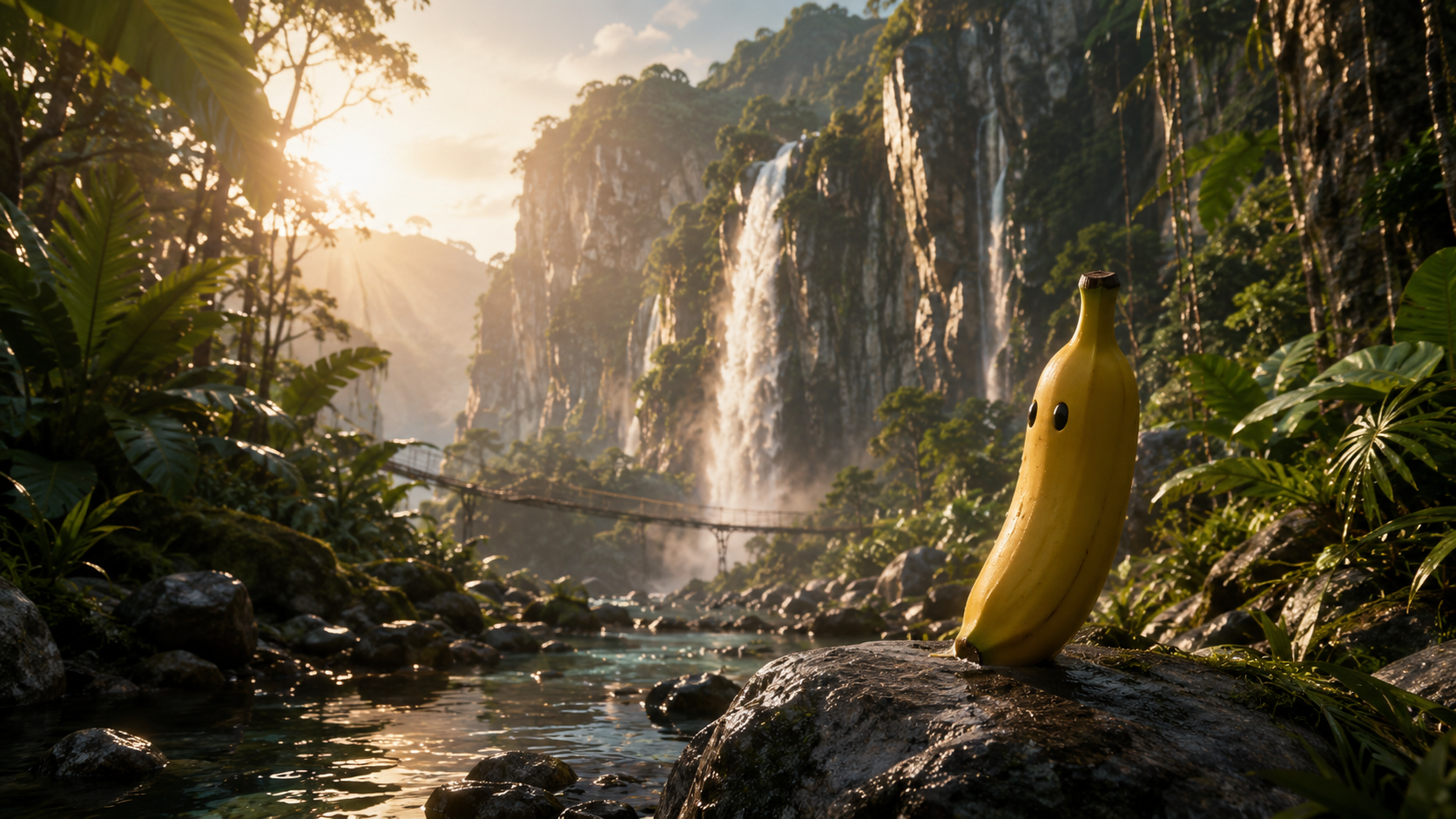
In visual generation and editing, environment consistency is what makes a scene feel intentional instead of fragmented. It is the difference between a campaign that looks like one coherent world and a set of images that merely share a theme. For teams working on ecommerce, brand storytelling, posters, storyboards, or multi-scene content, nanobanana enviorentment consistencyt is a practical topic: how do you keep lighting, layout, props, style, and spatial logic aligned across multiple outputs?
This article compares the main methods for maintaining environment consistency with Nano banana’s visual model workflow, explains where each method works best, and helps you choose the right approach based on your production goals.
What “Environment Consistency” Means in Visual Generation
Environment consistency refers to the stability of the visual world around your subject. It includes:
- Lighting continuity: shadows, highlights, and color temperature remain coherent
- Spatial logic: objects stay in believable positions across scenes
- Style uniformity: the visual language does not drift between outputs
- Brand alignment: logos, packaging, typography, and product presentation stay stable
- Character-scene harmony: people and environments fit naturally together
When environment consistency is weak, even a strong subject can look out of place. When it is strong, the image series feels like it belongs to one story, one campaign, or one brand system.
The Main Methods for Keeping Visuals Unified
Nano banana supports a workflow that combines prompt control, reference images, semantic editing, and reuse of stable elements. Below is a comparison of the most useful methods.
| Method | Best for | Strengths | Limitations | Typical Output |
|---|---|---|---|---|
| Prompt-driven consistency | Early ideation, fast concept generation | Fast, flexible, easy to iterate | May drift across multi-image sets if no references are used | Initial concepts, mood exploration |
| Reference-image guidance | Brand campaigns, product scenes, style matching | Improves visual alignment and reduces drift | Too many references can reduce creative freedom | Controlled series, matched compositions |
| Semantic editing | Scene cleanup, object replacement, canvas extension | Preserves context while changing specific elements | Requires clear editing intent to avoid overcorrection | Refined scenes, corrected layouts |
| Character and branding reuse | Multi-scene storytelling, recurring brands | Strong continuity for people, packages, and logos | Needs disciplined asset management | Series content, campaign variations |
| Resolution-aware export | Print, posters, infographics, detailed marketing assets | Retains detail and text readability | Higher-resolution workflows may take longer | 1K/2K/4K deliverables |
Comparison of Key Consistency Approaches
1) Prompt-Driven Generation
This is the fastest way to produce a visual direction. You define the scene, mood, and layout in one pass, then refine from there.
Suitable for
- Creative teams exploring multiple directions
- Marketers testing campaign concepts
- Solo creators who need speed over strict control
Advantages
- Very fast iteration
- Easy to change tone, composition, or style
- Good for first-pass ideation
Limitations
- Environment details may shift between outputs
- Less reliable for long series or repeated scenes
- Weak at preserving complex layout logic without reference support
Use cases
- Moodboards
- Concept art
- Storyboard drafts
- Early ecommerce visual testing
2) Reference-Image Guided Generation
Nano banana supports up to multiple reference images, making it easier to preserve a scene’s visual logic, lighting, and brand language.
Suitable for
- Brand teams with fixed visual standards
- Ecommerce studios producing product imagery
- Art directors who need tighter consistency
Advantages
- Better alignment across outputs
- Stronger control over style and composition
- Helps preserve environmental cues such as furniture, textures, and background structure
Limitations
- If references conflict, the result may become ambiguous
- Over-reliance on references can reduce variety
- Requires thoughtful selection of source materials
Use cases
- Product landing pages
- Ad creative variations
- Brand-safe visual systems
- Multi-angle scene generation

3) Semantic Editing and Repainting
Semantic editing is one of the most effective methods for preserving environment consistency while changing specific content. Instead of regenerating everything, you modify only what needs to change.
Suitable for
- Teams refining finished images
- Creators fixing small visual problems
- Campaign workflows that need precision
Advantages
- Keeps the original scene structure intact
- Can replace objects without breaking the environment
- Useful for removing marks, extending backgrounds, or adjusting details
Limitations
- Requires accurate editing intent
- Very large changes may still affect consistency
- If the original scene is weak, editing cannot fully fix it
Use cases
- Removing watermarks or unwanted objects
- Extending a background for banner formats
- Adjusting product placement
- Cleaning up poster compositions
4) Character and Branding Continuity
For long-form campaigns, continuity is not just about the background. It is also about keeping people, packaging, logos, and brand elements coherent across scenes.
Suitable for
- Marketing teams running multi-post campaigns
- Brands creating recurring mascots or spokesperson visuals
- Content teams producing story-driven visuals
Advantages
- Strong identity retention
- Helps audiences recognize the series instantly
- Excellent for cross-scene brand storytelling
Limitations
- Needs careful reuse of approved visual elements
- Minor drift can still happen if scene conditions change too much
- Requires a stable creative system, not ad hoc generation
Use cases
- Campaign series
- Product launch narratives
- Brand storyboards
- Social media visual sequences
5) Resolution and Output Control
Environmental consistency is not only about appearance. It is also about whether the final image remains stable and readable at the required output size.
Nano banana supports 1K, 2K, and 4K outputs, which matters for preserving detail in posters, packaging, and infographics.
Suitable for
- Print-oriented teams
- Designers working with typography
- Projects that need crisp detail preservation
Advantages
- Better readability for text-heavy visuals
- Stronger detail retention in complex scenes
- Useful for high-end presentation materials
Limitations
- Higher output often takes more time
- Not every use case needs 4K
- Bigger files may be less convenient for quick iteration
Use cases
- Posters
- Packaging mockups
- Infographics
- Large-format campaign assets
How Nano banana Supports Environment Consistency
Nano banana is built for text/image-to-image generation, semantic editing, multilingual typography, and style consistency. That combination is important because consistency is rarely produced by a single feature. It usually comes from a workflow.
Key workflow elements
- Set prompts and references
Define the brief, style direction, framing, language, and reference set.

-
Generate quickly
Produce an initial version in a short turnaround window, keeping subjects and structure stable. -
Refine semantically
Adjust only the necessary parts while preserving lighting and scene logic. -
Export and reuse
Reuse characters, styles, and scene patterns to build the next image in the series.
This is especially useful when your goal is not a single beautiful image, but a consistent visual system.
Decision Guide: Which Method Should You Choose?
Use the following comparison to decide based on your production needs.
| If your priority is... | Choose this approach | Why |
|---|---|---|
| Speed and experimentation | Prompt-driven generation | Fastest way to explore directions |
| Stable brand visuals | Reference-image guidance | Keeps the environment aligned with brand standards |
| Precise scene correction | Semantic editing | Changes only what is necessary |
| Series consistency | Character and branding continuity | Maintains repeated visual identity |
| Print-quality output | Resolution-aware export | Preserves detail and text clarity |
Best-Fit Recommendations by User Type
1) For Solo Creators
Recommended approach: Prompt-driven generation + selective reference guidance
Why it fits
- You can move quickly without overbuilding the workflow
- References help prevent major drift when you want repeatable results
Best for
- Personal projects
- Storyboard drafts
- Social content experiments
Watch out for
- Repeated scenes may become inconsistent without structured references
2) For Brand and Marketing Teams
Recommended approach: Reference-image guidance + branding continuity + semantic editing
Why it fits
- Brand assets need repeatability
- Campaign materials often require precise control over logos, layout, and product placement
Best for
- Ad sets
- Product launch visuals
- Campaign series
Watch out for
- Conflicting references can weaken consistency
- Asset governance matters more than speed
3) For Ecommerce Studios
Recommended approach: Reference-image guidance + high-resolution export
Why it fits
- Product presentation must be controlled and clean
- Text, packaging, and contextual props need to stay readable
Best for
- Hero shots
- Catalog-style visuals
- Packaging mockups
Watch out for
- Over-styling can reduce product clarity
4) For Content Production Teams
Recommended approach: Semantic editing + reuse of approved styles
Why it fits
- Teams often need to revise scenes quickly without restarting
- Reusing visual templates improves throughput
Best for
- Social media series
- Editorial visuals
- Storyboards and scene sequences
Watch out for
- A weak base image will limit the quality of later refinements
Practical Checklist for Stronger Environment Consistency
Before finalizing a visual series, check the following:
- Is the lighting direction consistent?
- Are the background elements logically placed?
- Do props, furniture, or product angles remain stable?
- Is typography readable and style-consistent?
- Are character proportions and positions coherent?
- Does each image still feel part of the same world?
- Did the output resolution preserve the important details?

If the answer to several of these is “no,” the issue is usually not the subject—it is the environment system.
Common Mistakes That Break Consistency
Too many conflicting references
When references fight each other, the model may average them into a vague result.
Changing too many variables at once
If you adjust subject, lighting, background, and composition all together, consistency becomes harder to preserve.
Ignoring output resolution
A scene may look stable in draft form but lose clarity in final export.
Treating editing like regeneration
Semantic editing works best when you preserve the base structure instead of rebuilding the entire image.
Not planning for reuse
If you want a series, you need a reusable visual system, not just one strong image.
FAQ
What is environment consistency in AI image generation?
It is the ability to keep lighting, layout, style, and scene logic stable across one image or multiple related images.
How does Nano banana help with consistency?
It combines reference-based generation, semantic editing, multilingual typography, and style reuse, which makes it easier to build coherent visuals across a series.
Is semantic editing better than full regeneration?
For consistency, yes—when you only need to change part of the scene. It preserves more of the original environment than starting over.
When should I use 4K output?
Use 4K when your project depends on fine detail, print readiness, or readable text in posters, packaging, and infographics.
What is the biggest risk to visual consistency?
The biggest risk is uncontrolled variation: too many changing inputs, too many conflicting references, or edits that alter the scene structure too aggressively.
Conclusion: Layered Recommendations
If you want the simplest answer, here is the decision hierarchy:
Tier 1: Best overall for consistent brand visuals
Reference-image guidance + semantic editing + reusable branding elements
This is the strongest choice for teams that need repeatable, campaign-ready output.
Tier 2: Best for fast iteration with decent control
Prompt-driven generation + selective references
Ideal when speed matters and you still want to avoid major visual drift.
Tier 3: Best for precision repair and layout stability
Semantic editing + resolution-aware export
Use this when the scene is already close to finished and only needs targeted improvements.
Tier 4: Best for long series and recurring identity
Character and branding continuity + structured reuse
Choose this for multi-scene storytelling, product campaigns, and repeat-brand assets.
In short, nanobanana enviorentment consistencyt is not achieved by one trick. It comes from combining the right generation method, the right references, the right edits, and the right output settings. If your goal is a visually unified campaign or scene series, the most reliable path is to build consistency into the workflow from the start—not fix it at the end.