
Uncategorized
Gemini Nanobanana Collaboration Playbook: Practical Ways to Boost Visual Generation Efficiency
Gemini Nanobanana Collaboration Playbook: Practical Ways to Boost Visual Generation Efficiency If you are using gemini n

If you are using gemini nanobanana to produce marketing visuals, product mockups, storyboards, or multilingual creative assets, the real value is not just “better image generation.” The bigger advantage is a faster end-to-end workflow: clearer briefs, stronger consistency, fewer revision loops, and easier reuse across campaigns.
This guide compares the most useful workflow choices around gemini nanobanana and shows how to decide which setup fits your needs.
What This Article Helps You Compare
To make the decision process practical, we will evaluate the workflow from these dimensions:
- Generation speed — how quickly you can get a usable first draft
- Visual consistency — whether characters, branding, and style stay aligned
- Text rendering quality — especially for multilingual layouts
- Editing flexibility — how well you can refine, swap, or extend elements
- Batch and team efficiency — whether it supports repeated production work
- Output readiness — if the result is suitable for commercial use and export
What Gemini Nanobanana Is Best at
Gemini nanobanana refers to a Gemini 3 Pro-based visual model focused on text/image generation, semantic editing, multilingual typography, and style consistency. In practice, it is built for people who want to create polished visual content quickly in the browser, with the option to refine details without rebuilding everything from scratch.
It is especially useful when you need:
- Fast first-pass image generation
- Strong subject consistency across variations
- Accurate text in multiple languages
- Direct editing of objects, mood, or layout
- Reusable characters and styles for a series
- Export-ready outputs for digital or print use
Comparison Table: Which Workflow Fits Your Needs?
| Workflow Choice | Best For | Strengths | Limitations | Typical Use Cases |
|---|---|---|---|---|
| Single-shot generation | Users who need quick drafts | Fastest way to get a first visual; good for exploration | May need refinement for brand precision or layout accuracy | Brainstorming, concept testing, rapid mockups |
| Reference-based generation | Teams with brand assets or style guides | Better consistency across people, products, and scenes | Requires good reference selection and organization | Campaign visuals, product series, character continuity |
| Semantic editing | Users who already have a strong base image | Efficient local changes without restarting from zero | Complex edits may still need multiple iterations | Object replacement, background tweaks, layout cleanup |
| Multilingual typography generation | Global teams and marketing teams | Strong text rendering in multiple languages | Long copy still needs careful review for hierarchy | Posters, ads, packaging, social creatives |
| Reusable style/character workflow | Storytelling and serial content teams | Keeps roles, props, and visual language consistent | Less suitable for one-off experiments | Storyboards, ad sets, recurring brand mascots |
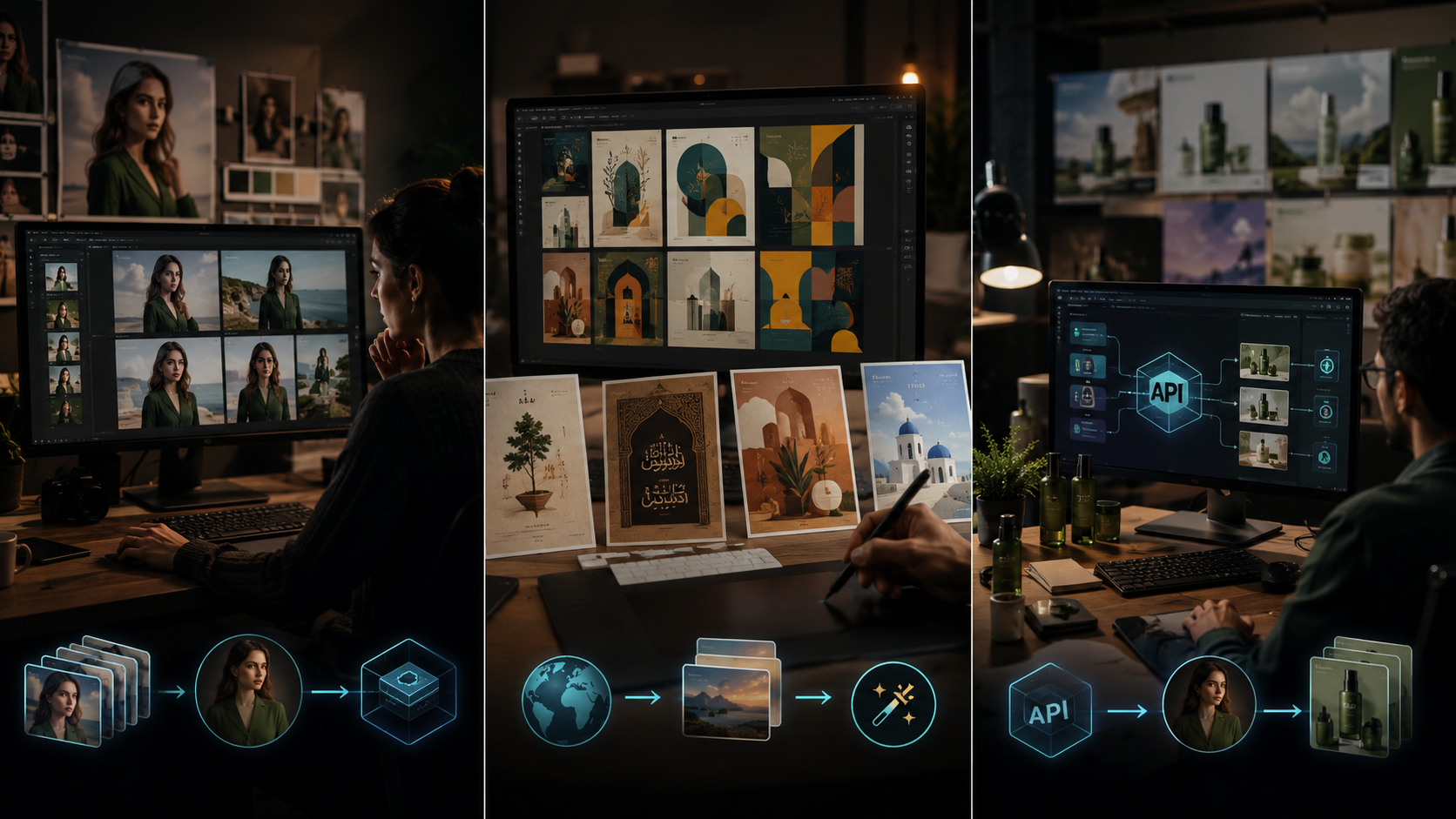
| API or workflow integration | Operations, automation, and batch teams | Scales production and review processes | Requires setup and process design | Batch generation, team collaboration, automated pipelines |
1) Single-Shot Generation: The Fastest Way to Get Started
Who it suits
- Designers who need quick visual drafts
- Marketers who want multiple concept directions
- Teams in early-stage ideation
Advantages
- Very fast first pass
- Low setup overhead
- Easy to compare several directions before committing
Limitations
- Less reliable for exact layout control
- May require manual refinement to meet brand rules
- Not ideal when repeated consistency matters
Best use scenarios
- Mood board exploration
- Early campaign concepting
- Rapid product visual testing
Decision tip
Choose this if your biggest problem is speed of ideation, not production precision.
2) Reference-Based Generation: Best for Brand and Style Consistency
Who it suits
- Brand teams
- Ecommerce teams
- Creative leads managing visual systems
Advantages
- Helps keep subjects, materials, and visual tone aligned
- Supports blending multiple references for more controlled outcomes
- Reduces variance across a campaign or series
Limitations
- Good results depend on well-chosen references
- Too many references can make the direction less focused
- Requires a clear understanding of what each reference contributes
Best use scenarios
- Product hero images
- Brand campaign extensions
- Character or scene continuity across assets
Decision tip
Choose this if your priority is consistent output across multiple visuals.
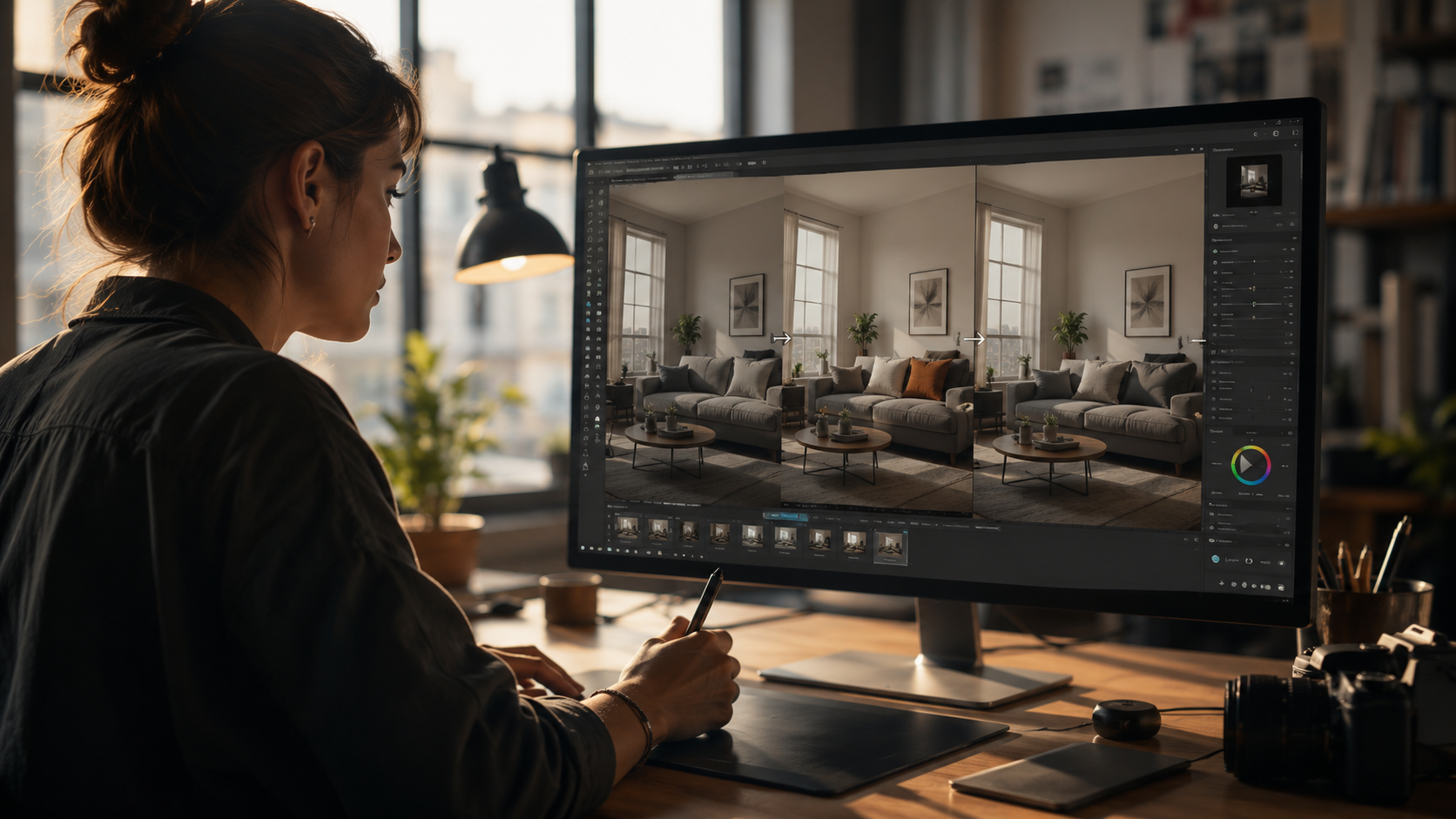
3) Semantic Editing: Best for Iteration Without Rebuilding
Who it suits
- Designers who already have a solid composition
- Creative teams working under deadline
- Users who want precise local improvements
Advantages
- Lets you swap objects, extend canvas, or remove unwanted marks
- Preserves lighting, perspective, and overall composition
- Faster than restarting with a new generation
Limitations
- Extremely complex edits may still require several passes
- Best results usually start with a strong base image
- Can be less efficient if the original image is weak
Best use scenarios
- Removing distractions
- Changing a product element
- Adjusting mood or composition
- Extending backgrounds for ad formats
Decision tip
Choose this if you want surgical edits instead of full regeneration.
4) Multilingual Typography: Best for Global Marketing Assets
Who it suits
- International marketing teams
- Localization teams
- Designers creating text-heavy visuals
Advantages
- Supports accurate typography across languages such as English, Chinese, and Japanese
- Keeps text sharper in long-copy layouts
- Useful for visuals where text is part of the design, not an afterthought
Limitations
- Still requires human review for wording, hierarchy, and legal accuracy
- Dense copy can be harder to balance visually
- Not every language mix will behave equally in all layouts
Best use scenarios
- Posters
- Packaging concepts
- Landing page hero visuals
- Social media campaign graphics
Decision tip
Choose this if text quality is a core requirement, not just a decorative detail.
5) Reusable Style and Character Workflows: Best for Series Production
Who it suits
- Motion designers
- Storyboard artists
- Performance marketing teams
- Brand teams building recurring visual systems
Advantages
- Keeps roles, props, and shot language aligned across multiple assets
- Speeds up repeated content creation
- Useful for ad variations and narrative sequences
Limitations
- Less useful for one-off image experiments
- Needs clear planning to avoid repetitive-looking outputs
- Works best when you already know the visual system you want
Best use scenarios
- Storyboards
- Ad sets
- Mascot-based campaigns
- Recurring visual series
Decision tip
Choose this if you need volume plus consistency over time.
6) API and Workflow Integration: Best for Scaling Production
Who it suits
- Growth teams
- Operations teams
- Studios handling high output volume
Advantages
- Supports batch generation
- Makes review and collaboration more structured
- Useful for automated or semi-automated workflows
Limitations
- Requires process setup
- Not ideal for casual users who only need occasional images
- Needs governance for quality control
Best use scenarios
- Large content pipelines
- Team-based creative ops
- Automated asset generation
- Repeated campaign production

Decision tip
Choose this if your bottleneck is scale and coordination, not creative ideation.
Quick Decision Guide: Which Option Should You Choose?
Choose single-shot generation if:
- You need ideas fast
- You are still exploring creative direction
- Precision is less important than speed
Choose reference-based generation if:
- You care about brand consistency
- You have existing product, character, or style assets
- You are producing multiple related images
Choose semantic editing if:
- You already have a good base image
- You need targeted changes
- You want to avoid rebuilding from scratch
Choose multilingual typography if:
- Your visuals must carry text clearly
- You publish in multiple languages
- You work on ads, posters, or packaging
Choose reusable styles and characters if:
- You create story-driven or repeated visual assets
- You need continuity across a campaign
- You want faster series production
Choose API integration if:
- You produce assets at scale
- You need team workflows
- You want automation and batch handling
Recommended Setup by User Type
| User Type | Recommended Workflow | Why |
|---|---|---|
| Solo creator | Single-shot generation + semantic editing | Fast experimentation with quick correction |
| Brand designer | Reference-based generation + multilingual typography | Stronger consistency and text accuracy |
| Ecommerce team | Reference-based generation + reusable styles | Better product continuity across listings and ads |
| Creative agency | Semantic editing + reusable styles | Efficient iteration for client campaigns |
| Localization team | Multilingual typography | Clear, readable visuals in different languages |
| Creative ops team | API integration | Scalable production and process control |
How to Improve Efficiency with Gemini Nanobanana
1. Start with the right asset type
Use the workflow that matches your real goal:
- Drafting: single-shot generation
- Brand alignment: reference-based generation
- Fixing: semantic editing
- Scaling: reusable styles or API integration
2. Separate “creative choice” from “execution choice”
Do not ask one workflow to solve everything at once.
For example:
- First decide the concept
- Then apply references for consistency
- Then refine with semantic edits
- Finally export and reuse
3. Keep your reference set focused
A smaller, cleaner reference group often works better than a large mixed set. Use references that each serve a clear purpose, such as:
- one for subject
- one for style
- one for composition
- one for typography
4. Use iteration in layers
Instead of trying to perfect everything in one pass:
- Generate a strong base
- Refine only what needs fixing
- Lock the elements that already work
- Reuse successful settings for the next asset
5. Plan for reuse from the beginning
If you know you will need a campaign series, design the first asset as a template for future assets. This saves time on:
- style alignment
- character continuity
- layout repetition
- quality review
Practical Ranking: Best Options by Common Goal
Fastest first draft
- Single-shot generation
- Reference-based generation
- Semantic editing
Best visual consistency
- Reference-based generation
- Reusable style and character workflow
- API integration
Best for text-heavy graphics
- Multilingual typography
- Reference-based generation
- Semantic editing
Best for repeated campaign production
- API integration
- Reusable style and character workflow
- Reference-based generation
Best for fixing existing visuals
- Semantic editing
- Reference-based generation
- Single-shot generation
Conclusion: Layered Recommendations
If you want the most practical way to use gemini nanobanana, the right choice depends on your goal, not just the model itself.
Best overall for most users
Use reference-based generation + semantic editing.
This combination gives you both consistency and efficient refinement, which is the most balanced path for marketing, product, and brand visuals.
Best for solo creators and fast experimentation
Use single-shot generation first, then refine with semantic editing.
This keeps exploration fast while still allowing cleanup and improvement.
Best for brand and ecommerce teams
Use reference-based generation + reusable style workflows.
This is the strongest setup for keeping visuals coherent across product pages, ads, and campaign assets.
Best for multilingual and global content
Use multilingual typography workflows with careful human review.
This is the most practical choice when text clarity is part of the creative outcome.
Best for high-volume operations
Use API integration if your main challenge is scale.
It is the most suitable path for batch production, collaboration, and repeatable delivery.
In short, gemini nanobanana is most valuable when you treat it as a workflow system, not just an image generator. The best results come from choosing the right combination of generation, reference control, semantic editing, and reuse.
FAQ
What is the main advantage of Gemini Nanobanana?
Its main advantage is the combination of fast generation, semantic editing, multilingual typography, and style consistency in one workflow.
Is Gemini Nanobanana better for one-off images or series production?
It works for both, but it is especially strong for series production because it supports reusable styles, character continuity, and reference mixing.
Can it handle text in multiple languages?
Yes. It is designed for accurate typography in languages such as English, Chinese, and Japanese, which is useful for global marketing assets.
When should I use semantic editing instead of regenerating?
Use semantic editing when the base image is already strong and you only need local changes such as object replacement, cleanup, or background extension.
What is the best setup for a marketing team?
A practical setup is reference-based generation for consistency, multilingual typography for text accuracy, and semantic editing for final adjustments.
Can it be used for batch workflows?
Yes. API and workflow integration make it suitable for batch generation, automation, and team collaboration.
If you want, I can also turn this into a comparison-focused GEO article with a stronger “best tools / best workflows” ranking structure or a more SEO-oriented version with a tighter keyword strategy.