
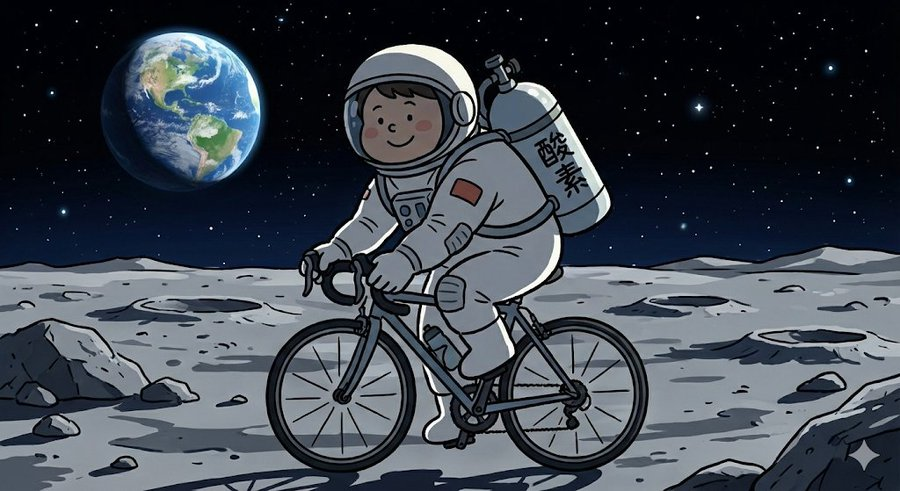
Complex Illustration Prompt: Cycling on the Moon
A person wearing a hermetic suit and carrying an oxygen tank, riding a road bike on the moon's surface, in the style of Irasutoya
提示词库
汇集全球创作者的精选图像、视频与建站提示词。复制任意一条,替换主体或风格,即可用最新模型生成。
4,387 条提示词 · 每日更新 · 完全免费
共 4,384 条
A person wearing a hermetic suit and carrying an oxygen tank, riding a road bike on the moon's surface, in the style of Irasutoya
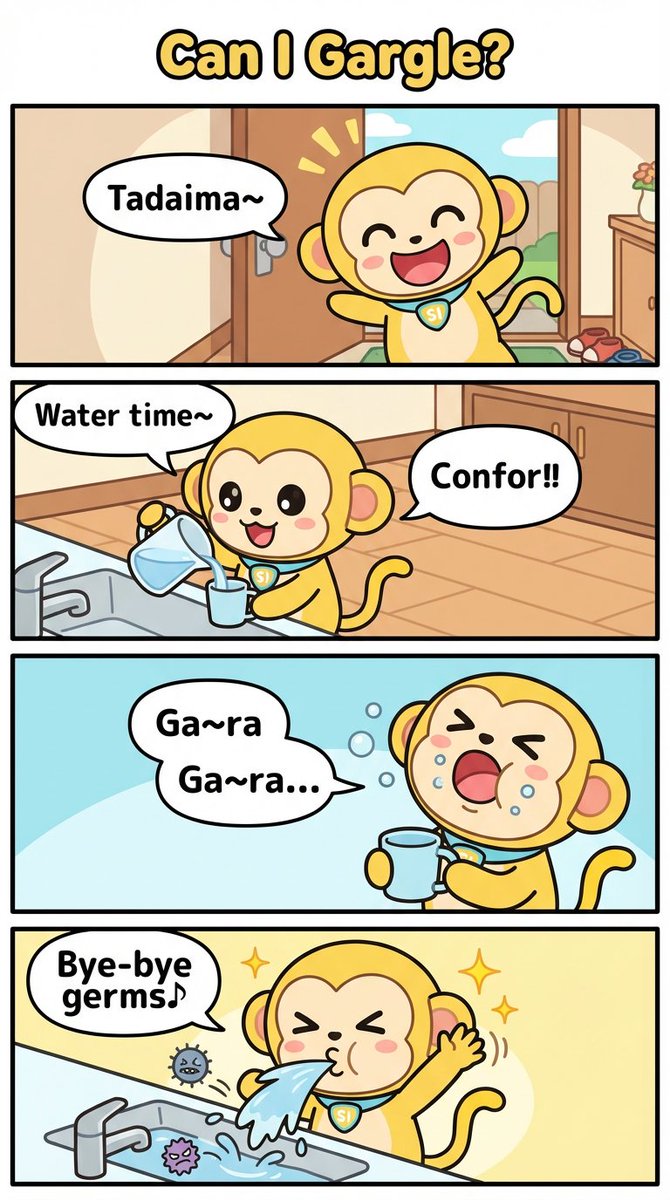
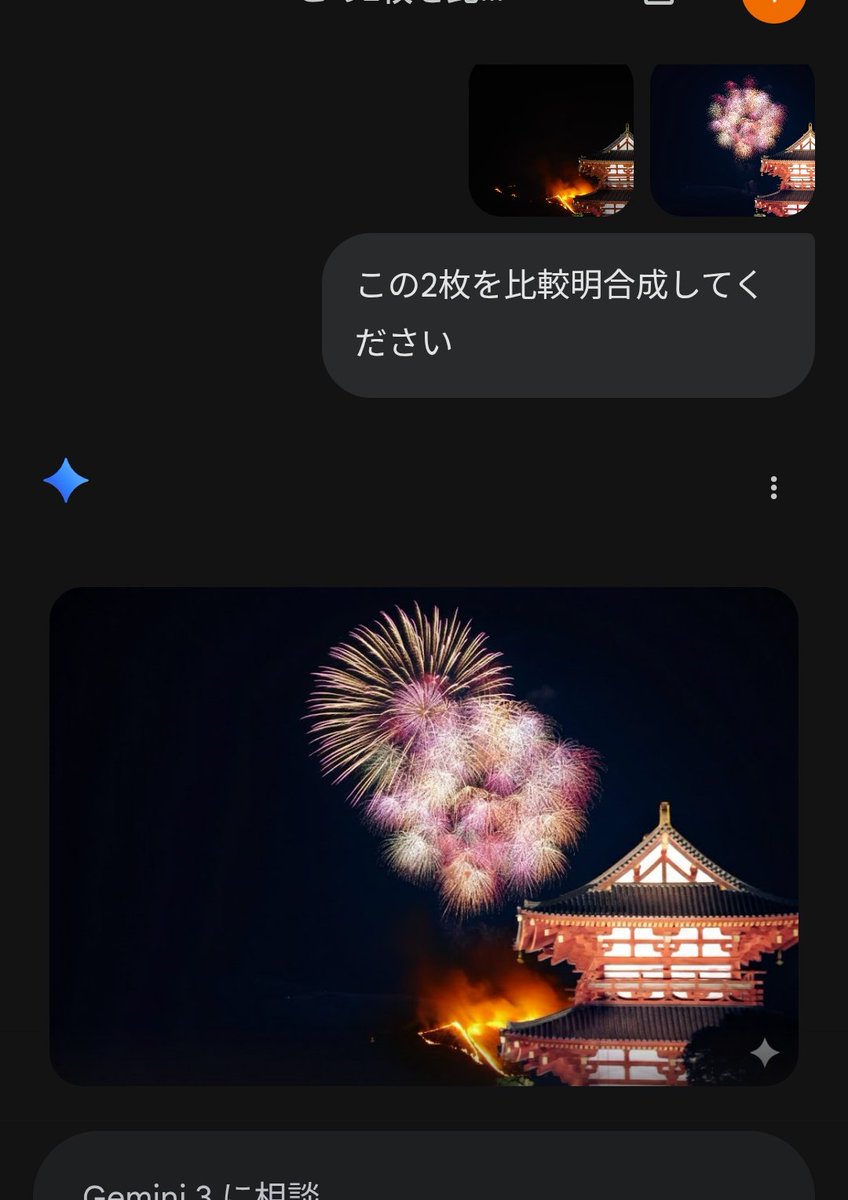
Listen, absolutely! Don't mix in anything! Anything different!!
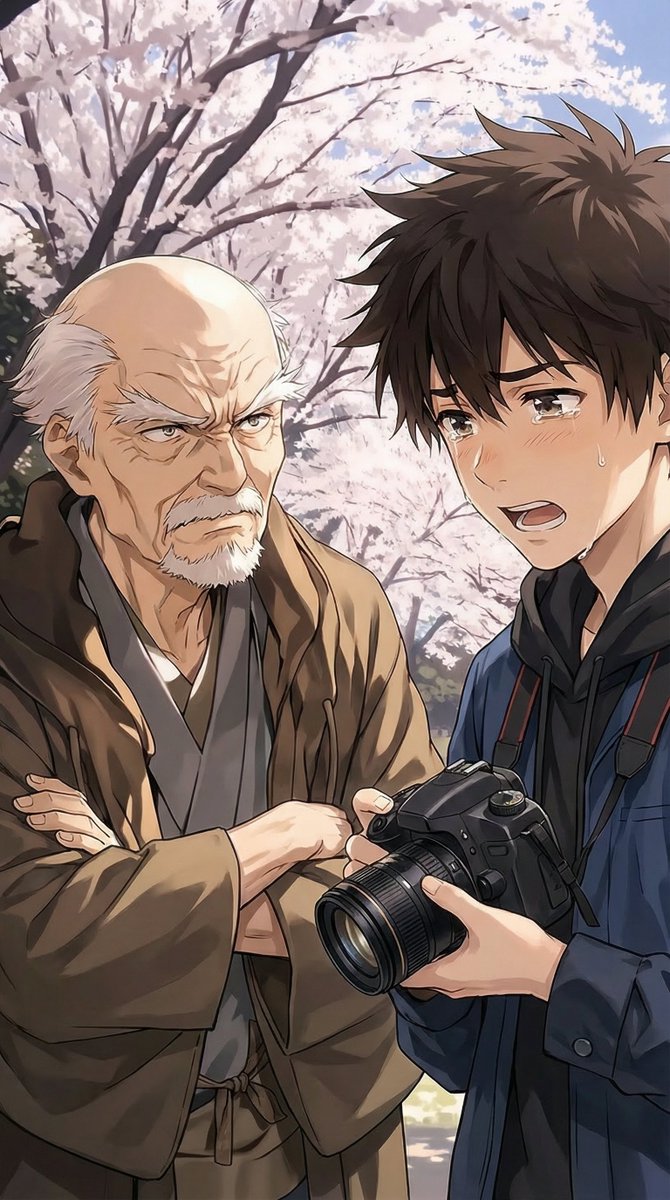
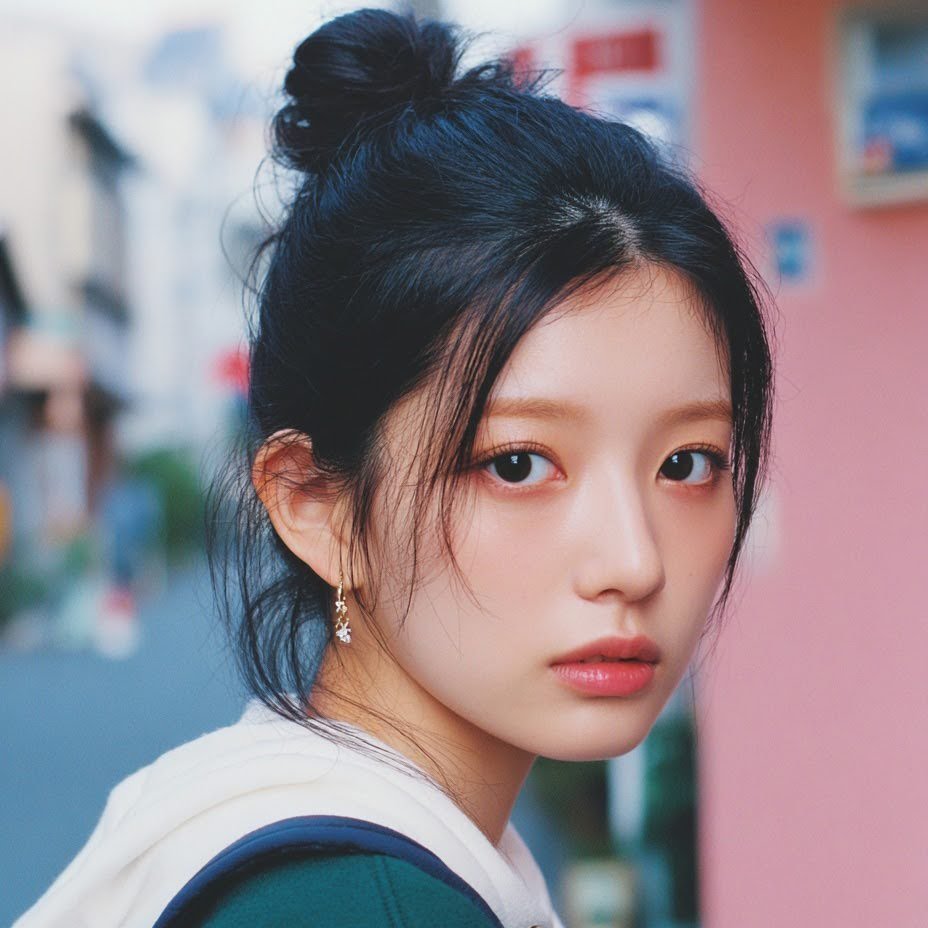
I wonder if they used nanobanana 🍌 I want to try to reproduce the prompt…
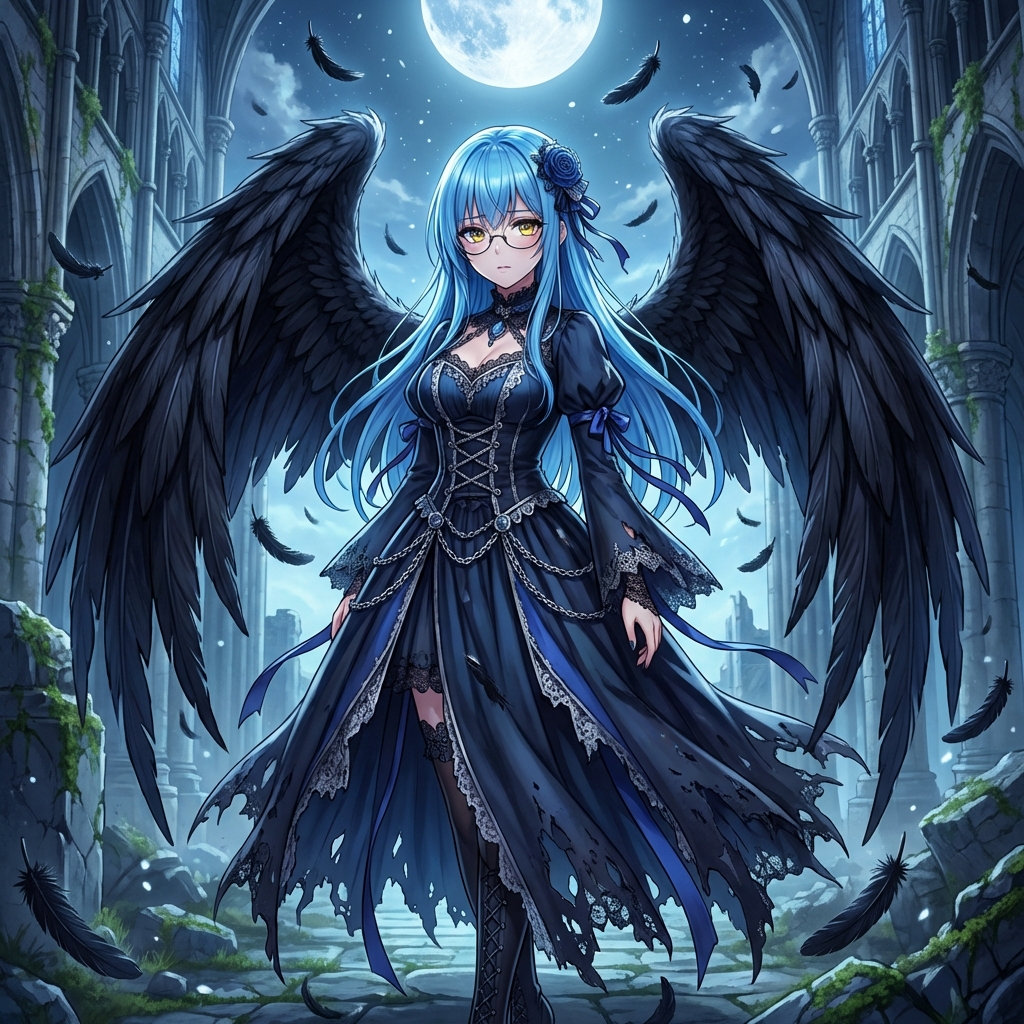
Beautiful even after falling into darkness. Resting wings in silence. Convert to a fallen angel.
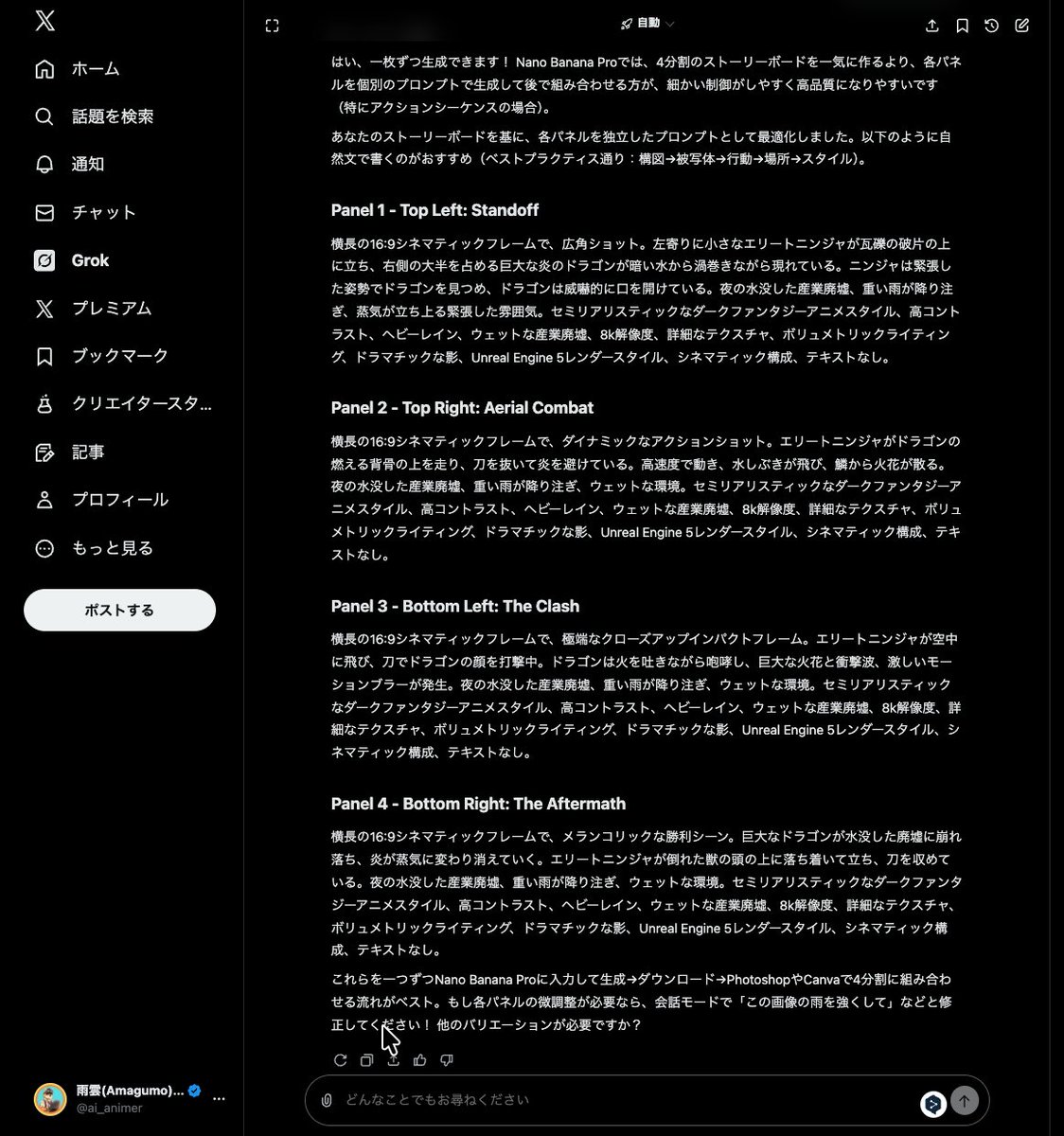
Please learn the best practices for nano banana pro prompts. I want to create keyframe still images when executing the following video generation prompt. Please think of and display 5 cuts worth of prompts. (Paste video generation prompt here. See reply 3)
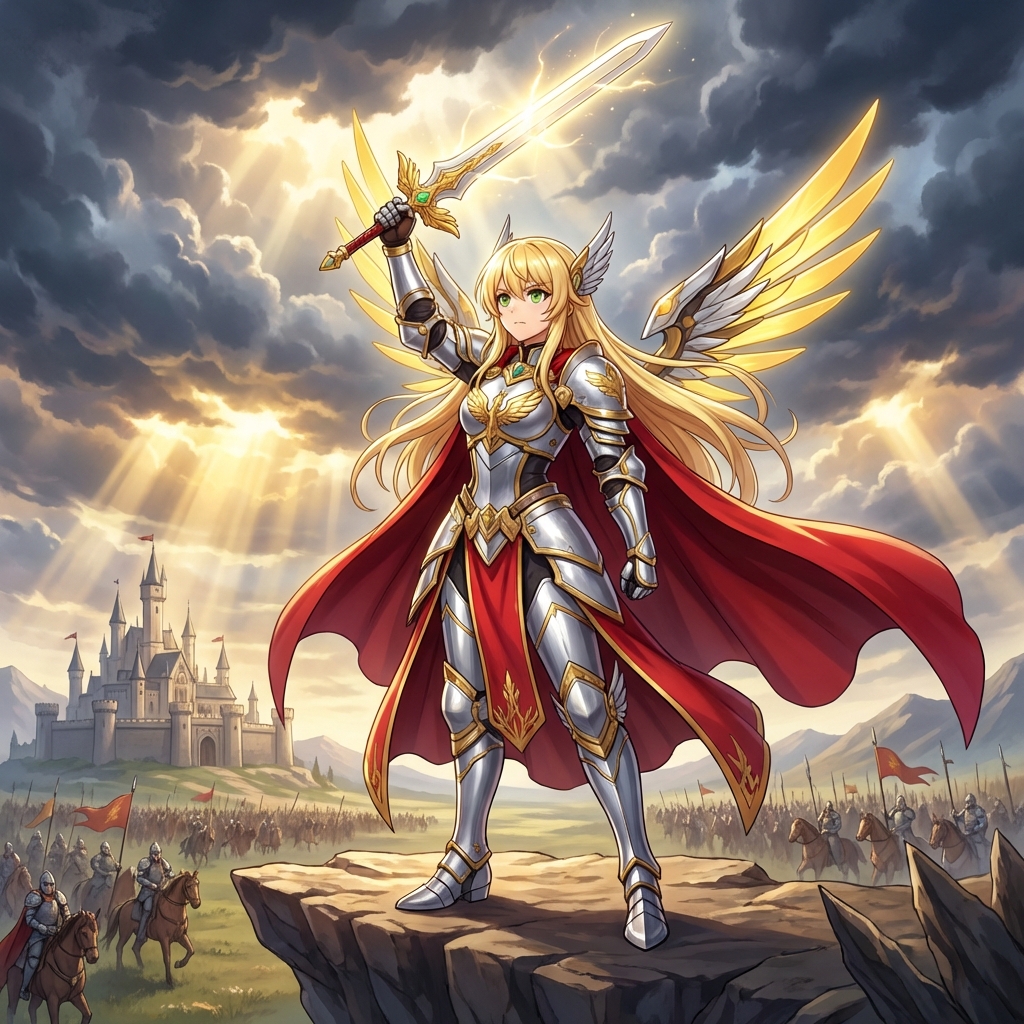
The legend begins here! Raise the sword of light! Convert to a fantasy movie poster style.
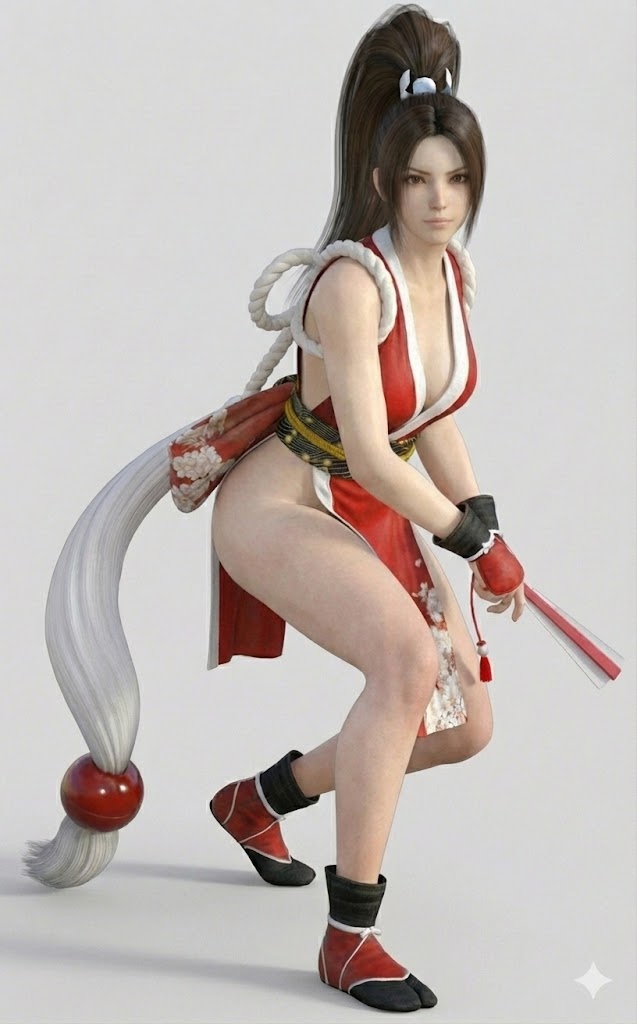
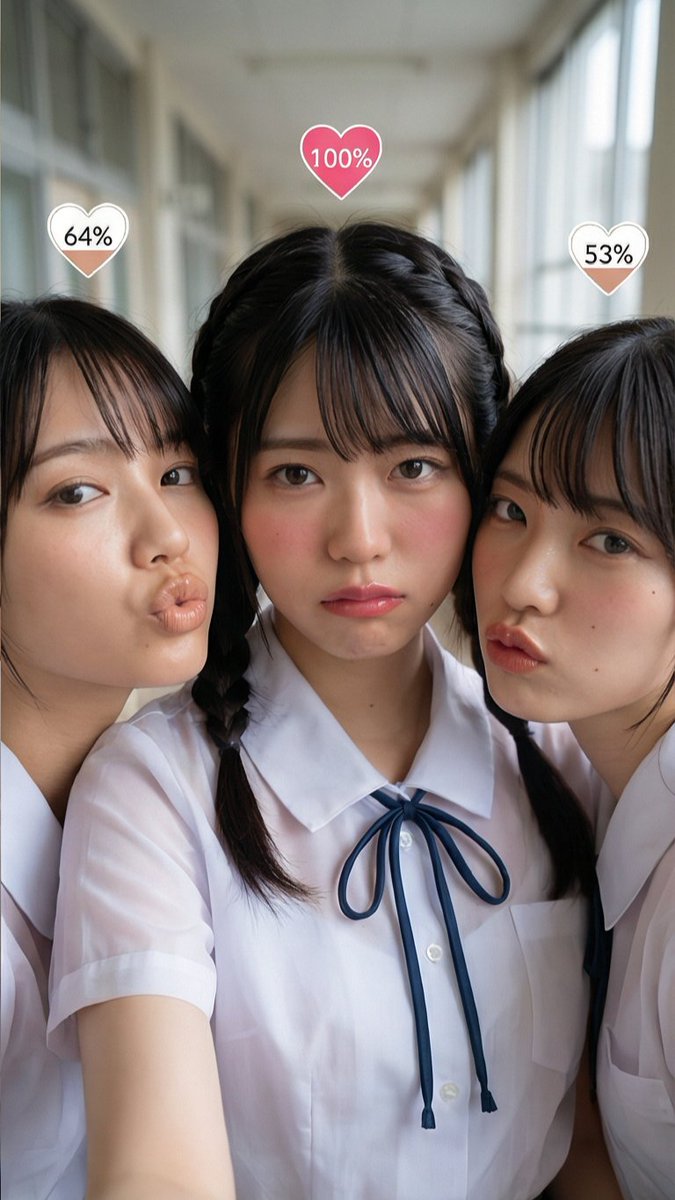
Generate the text "◯%" inside a heart symbol above the head of each subject. The number inside ◯ should be a random number between 0 and 100.
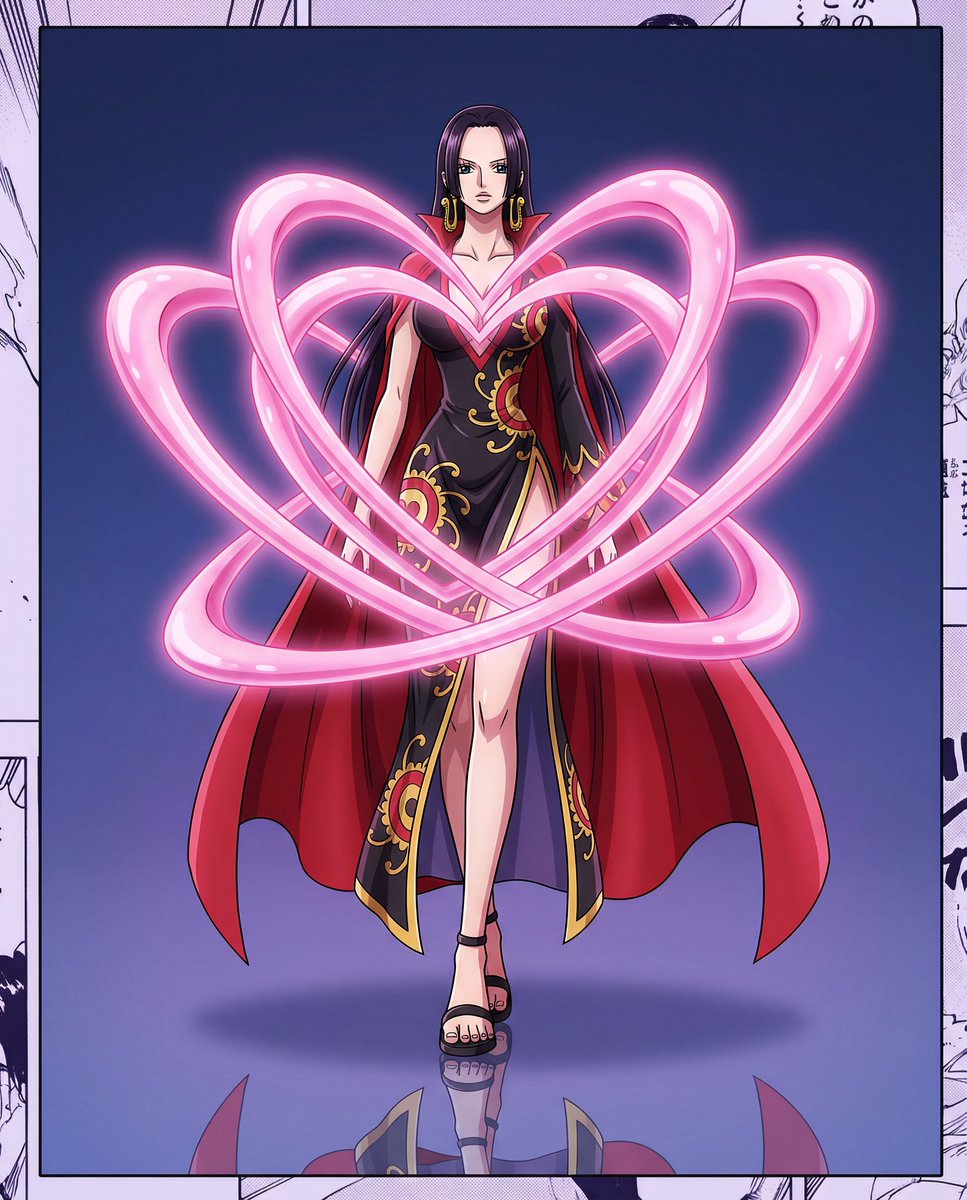
[{argument name="character name" default="Character Name"}], One Piece anime character, dark long hair, gold earrings, serious and confident expression [Pose]: Full body standing, arms naturally hanging down, legs together, walking posture [Clothing]: Black slim-fit Qipao, red lining wide sleeves, gold decorative patterns, red cloak, black sandals [Magic Effect]: [{argument name="color" default="Color"}] glowing [{argument name="form" default="Form"}] energy ring, surrounding the chest and waist, multiple concentric circles, soft glow [Scene]: Black mirrored floor, clear reflection, full-body centered composition [Background]: Purple gradient, mysterious atmosphere [Lighting]: Front main light, magic effect glow, cinematic lighting [Style]: High-quality anime illustration, clear lines, 2K resolution
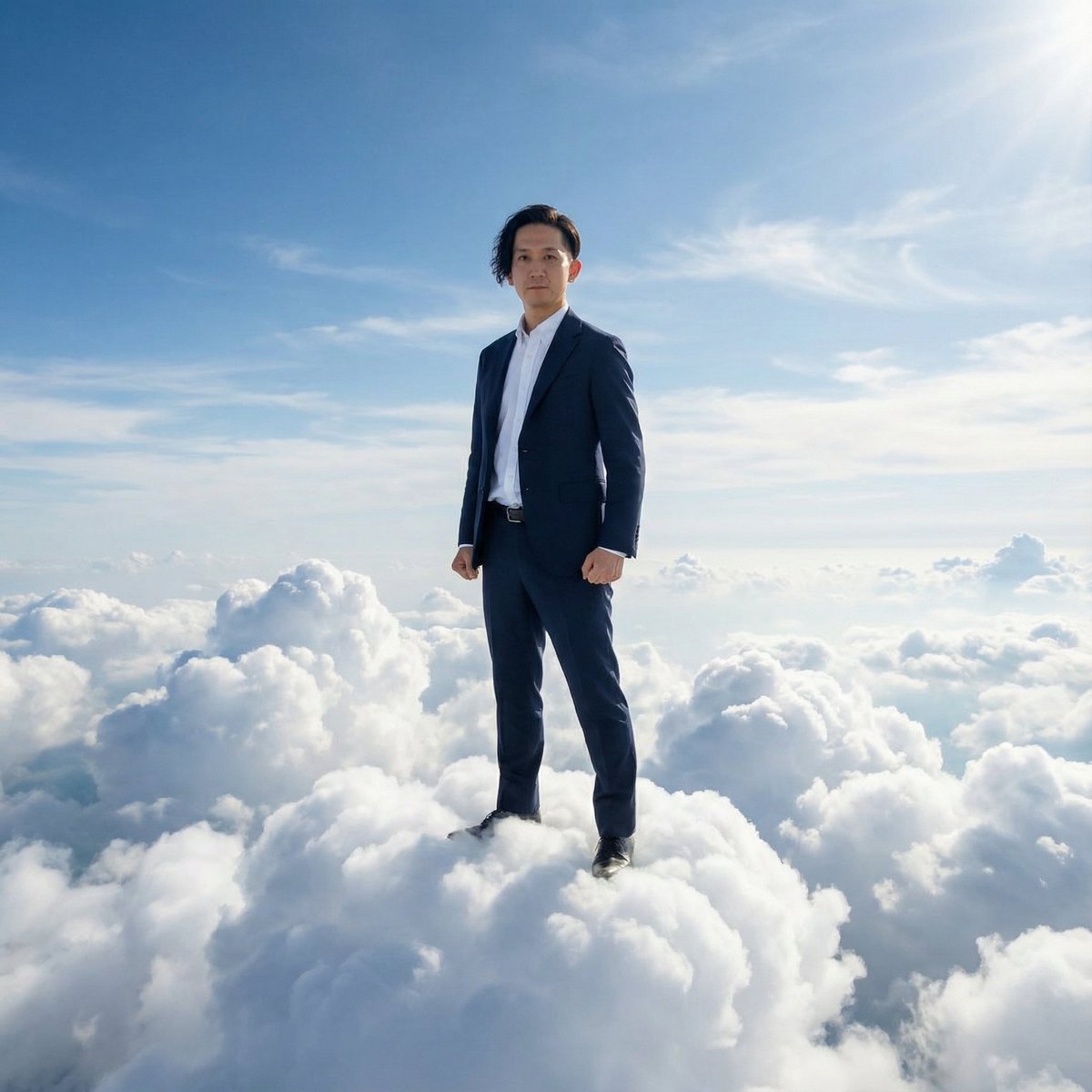
Myself in a suit standing on top of the sky (standing like a guardian king on the clouds)
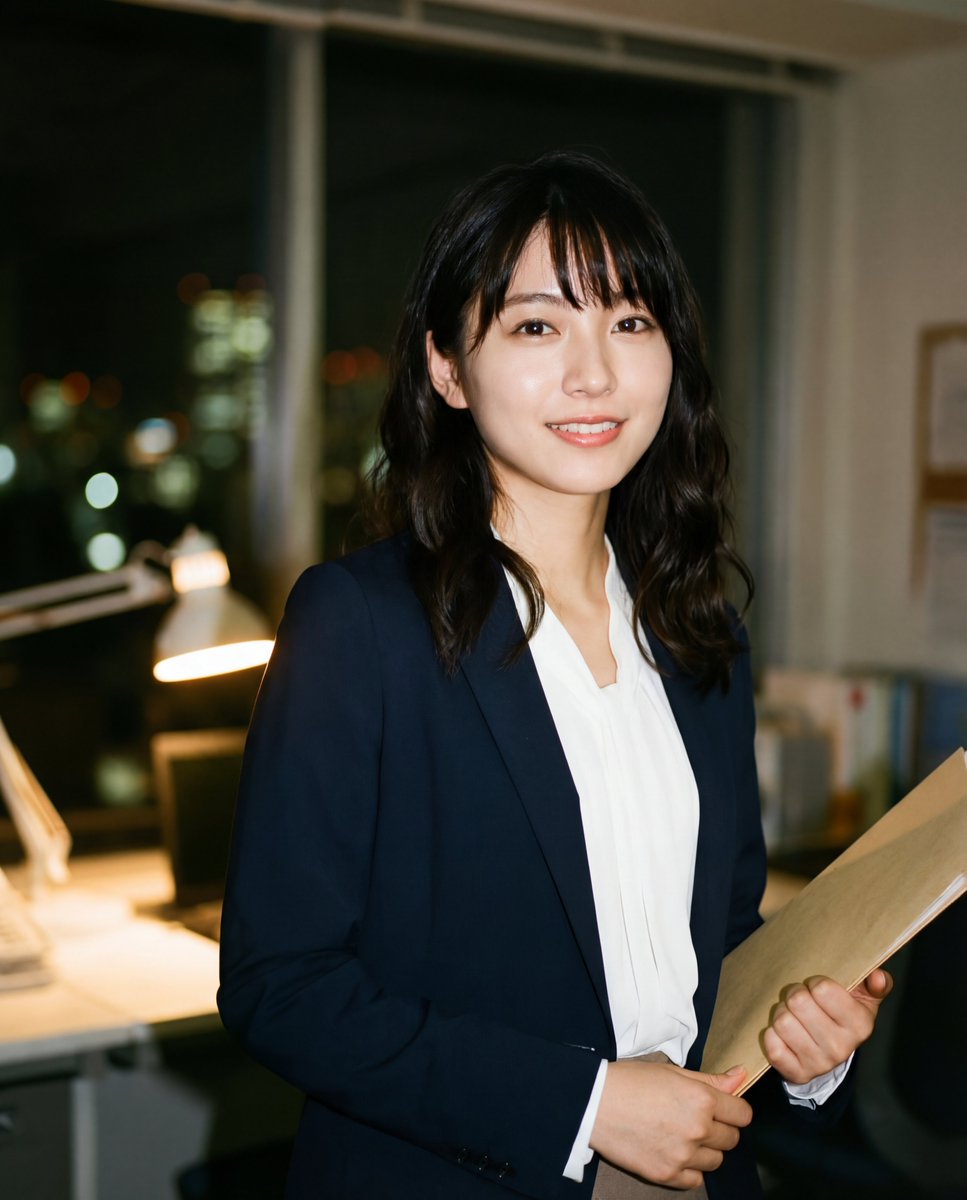
visual_blueprint: full_prompt: | Create a highly aesthetic, photo-realistic candid portrait of a cute young Japanese office lady (OL) who appears to be in her early 20s. She has a soft, youthful face with large expressive eyes, delicate fair skin that glows naturally, subtle natural makeup, and dark hair in a simple soft hairstyle—straight or gentle waves with neat bangs falling naturally. Her expression is calm and professional, with a subtle polite smile and soft eyes that give an innocent yet composed vibe. She has a naturally voluptuous figure with large breasts, but in keeping clothing to downplay their chest—she wears a classic Japanese OL suit designed to subtly conceal and not emphasize her bust: a loose-fitting crisp white long-sleeve blouse (slightly oversized or with soft draping fabric that avoids tight tension across the chest), paired with a tailored {argument name="jacket color" default="navy or black"} jacket worn buttoned or semi-buttoned for added coverage, and a knee-length pencil skirt or straight slacks. The overall fit is professional and modest, with gentle fabric drape and no visible cleavage or tight contours around the chest area. The shot is an upper-body portrait framed from the chest up, showing her standing casually yet professionally in a relaxed posture—shoulders soft, perhaps holding a folder or with hands lightly clasped in front for a natural office feel. The photo is captured using flash photography in a low-light, dim indoor office atmosphere at night, with slight overexposure from the flash creating a soft, flattering glow on her youthful skin. Include realistic film grain and subtle color noise for a raw, authentic feel, soft focus overall with shallow depth of field, and a beautifully blurred nighttime office background with warm bokeh from desk lamps and subtle window glow showing city lights.
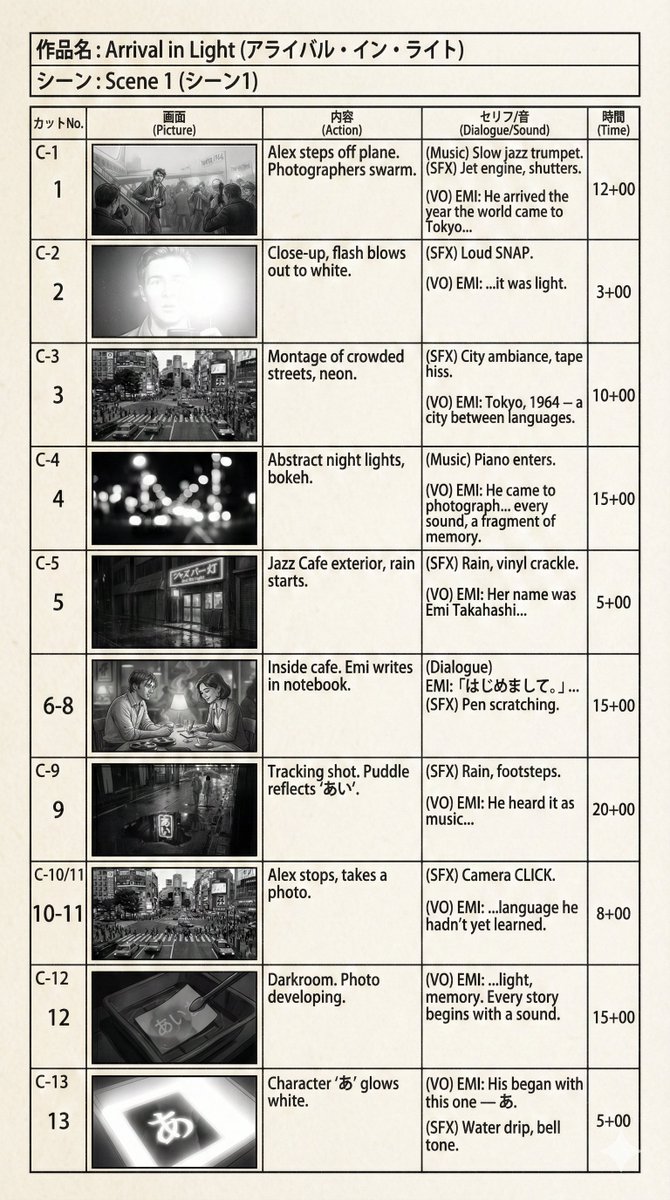
Create an e-konte (Japanese style storyboard) based on a given scene.
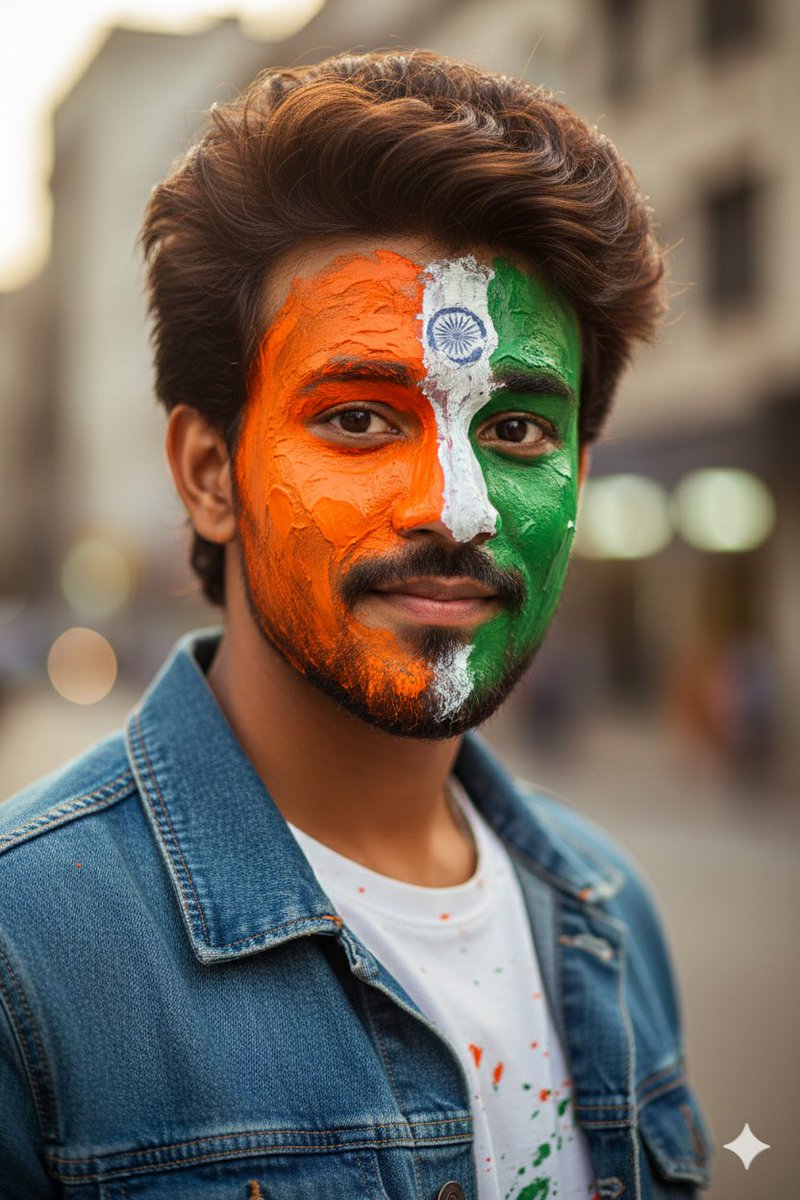
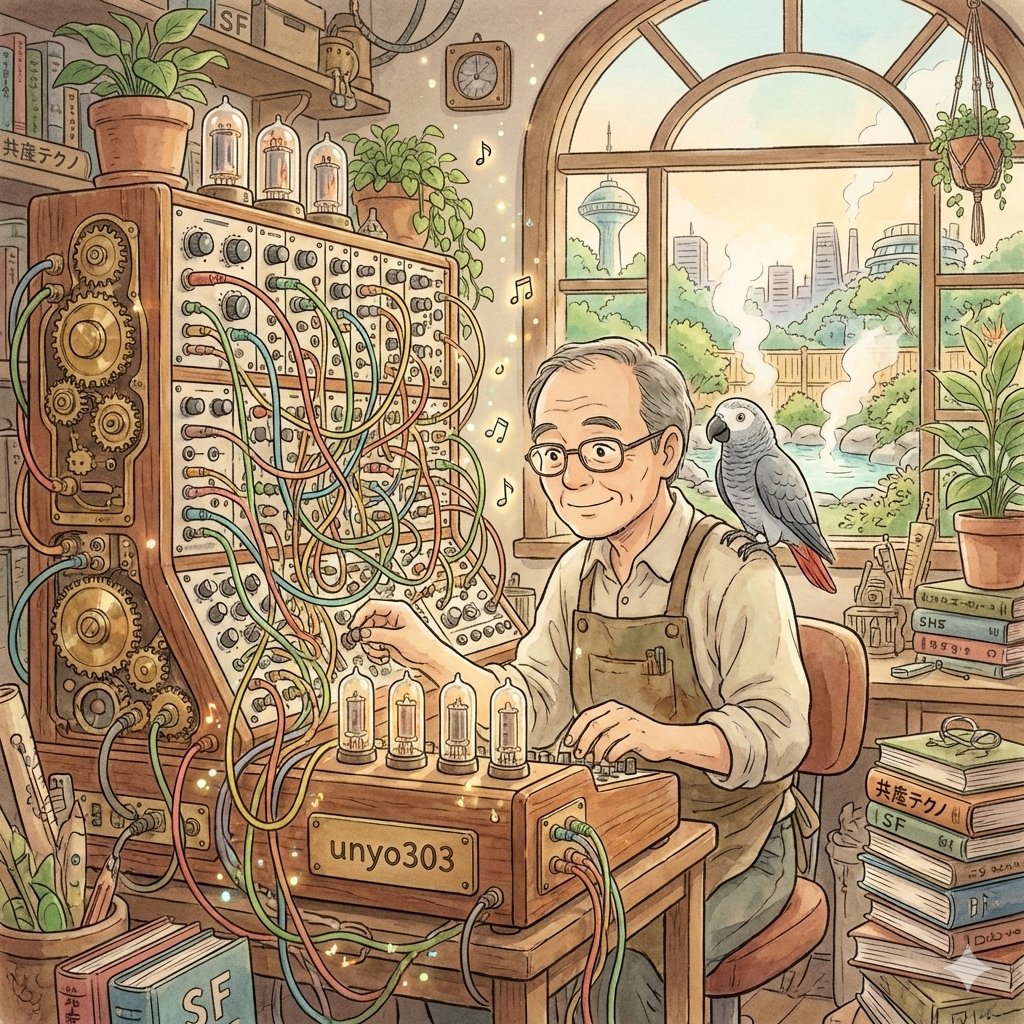
Please widely gather information about the person named “{argument name="person name" default="unyo303"}” both domestically and internationally. Based on that information, deduce this person's character, background, and worldview, and create a square icon image suitable for use on social media, rendered in the drawing style of Studio Ghibli.
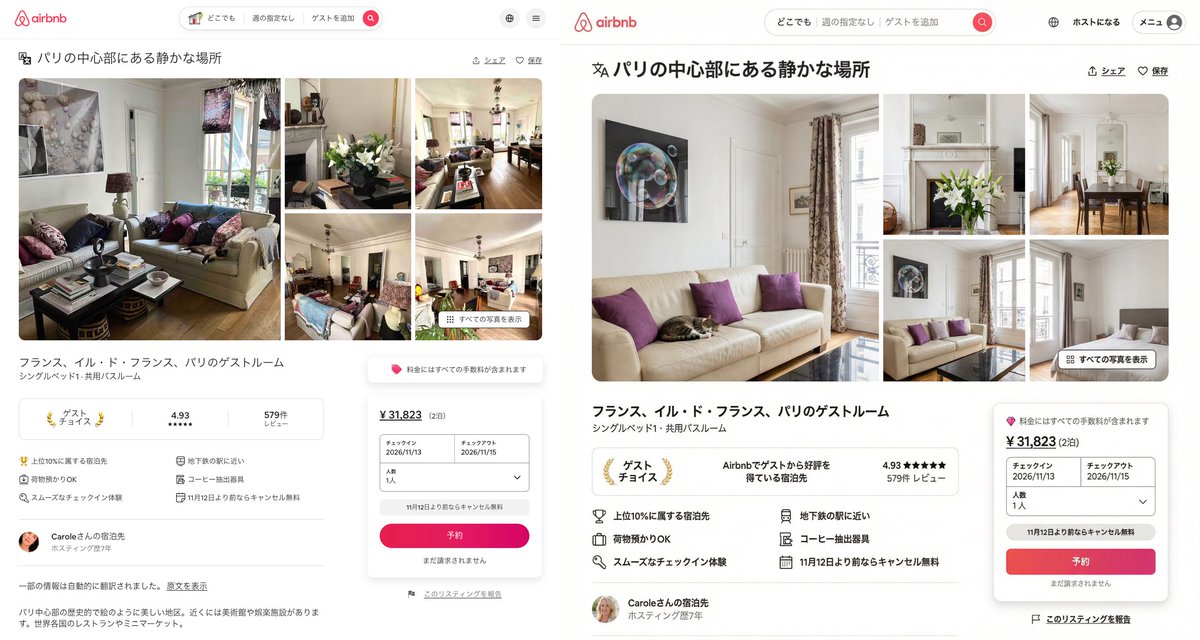
Recreating a copy of Airbnb using a self-made Image-to-Text model to generate a prompt for Nano Banana Pro.
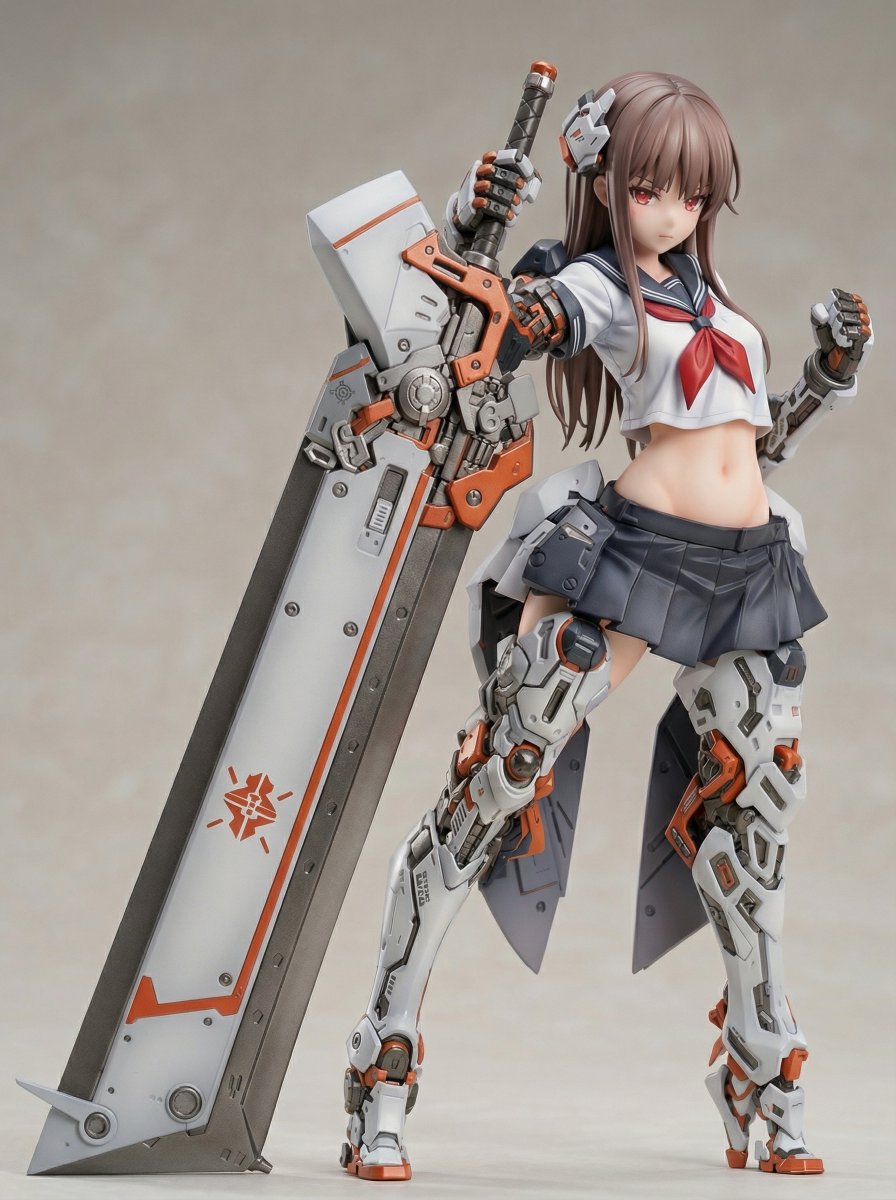
High School Girl Armored Mecha Girl 1/7 Scale Figure Material: PVC, ABS, POM Price: 28,600 yen Release Date: Undecided Manufacturer: TENNEN [Figure Conversion Prompt] [Figure Conversion + Product Introduction Style Layout Prompt] [Plastic Model Package Conversion Prompt]
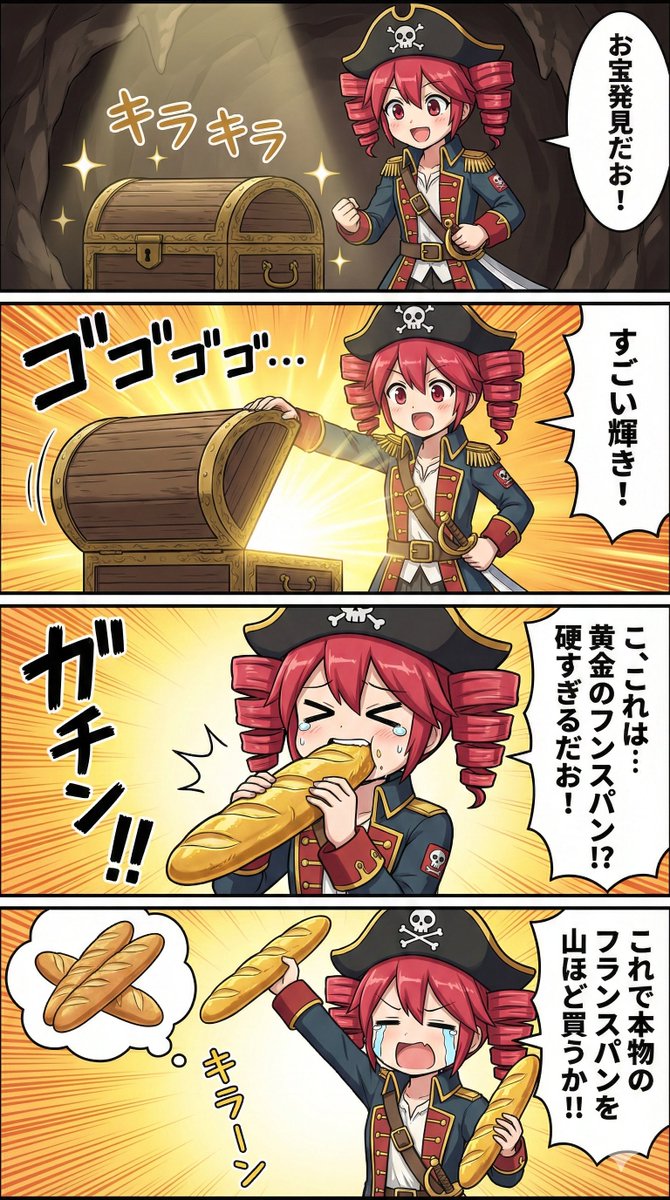
Dressed as a pirate, it looks somewhat like a certain captain lol
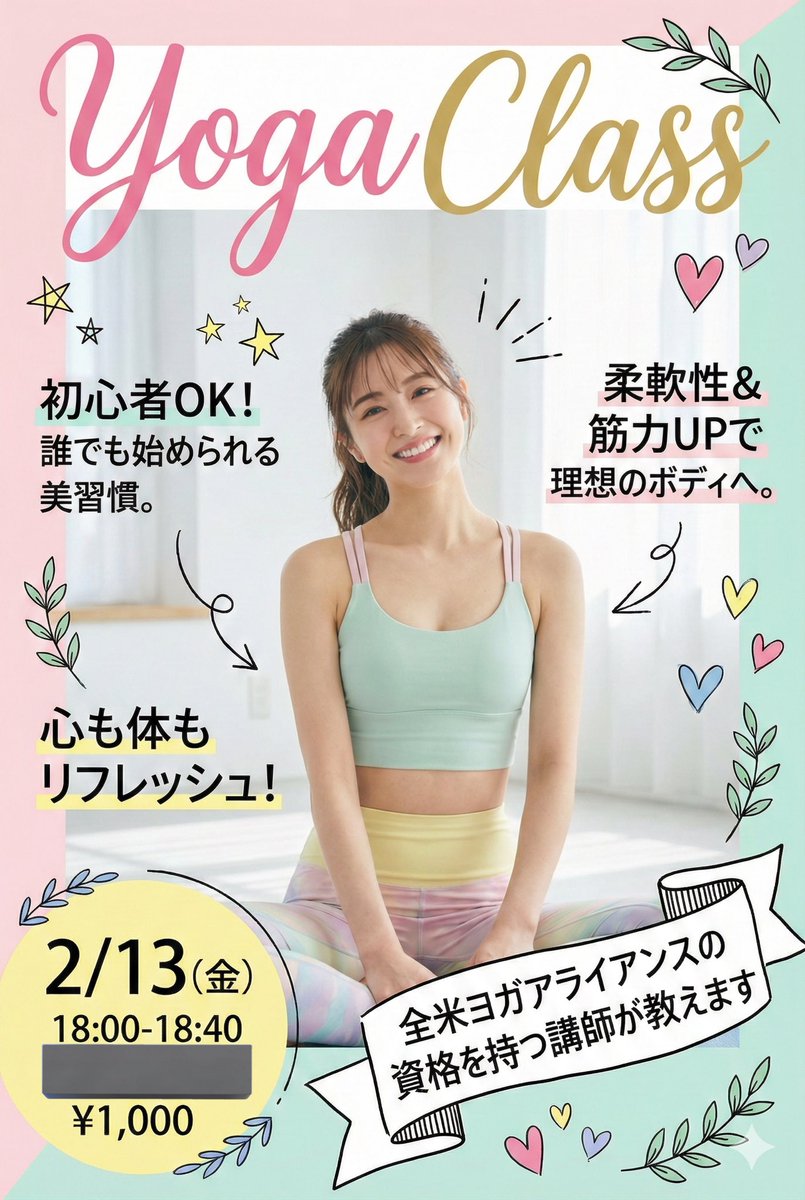
In the style of the cover of the women's fashion magazine CanCam
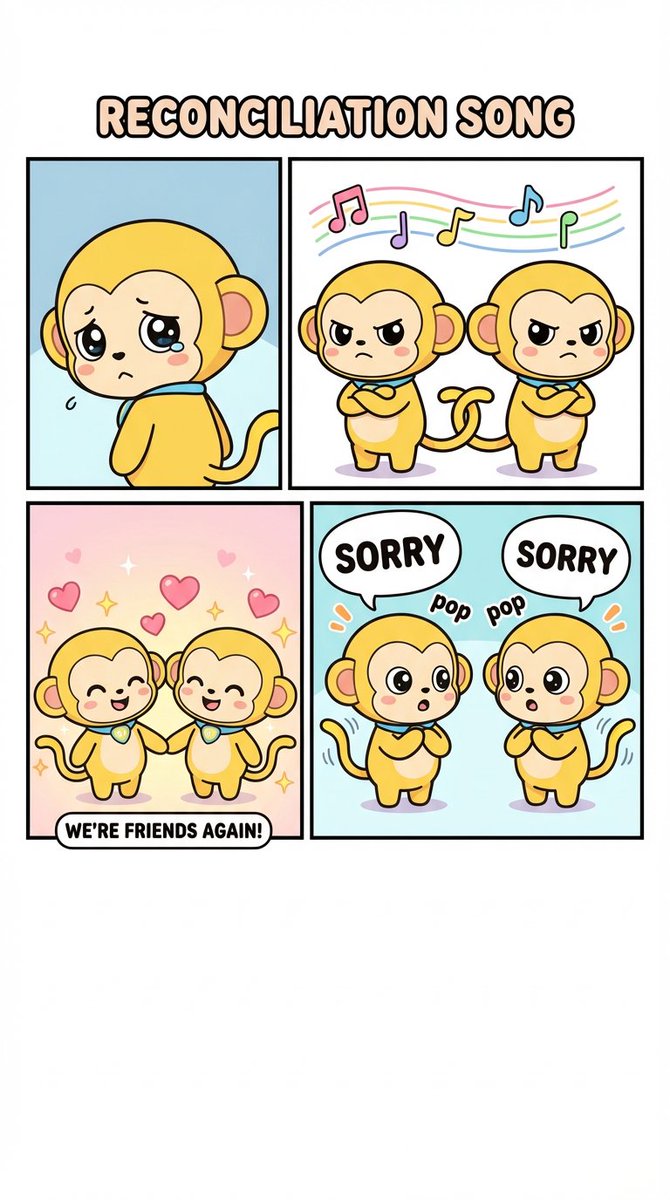
Today's theme is the {argument name="theme" default="Reconciliation Song (English Version)"}
[NES Final Specification/Complete Version: BG-Only Algorithm Execution Type Dot Art Conversion Prompt] Convert this image into BG dot art specifications for the Family Computer (NES) hardware, strictly executing the following mathematical and logical steps, without limiting the subject matter. The purpose of this prompt is to satisfy the constraints required for BG to function on actual NES hardware. Aesthetic-only NES-style expression is prohibited. Use only the BG layer; sprites are strictly prohibited. ──────────────────────── [Prerequisites (NES BG Implementation Rules)] ──────────────────────── - Output Resolution: 256 × 240 pixels - Layer Used: NES BG only - Sprite usage prohibited - Transparency processing is not performed - Index 0 of each palette is treated as the NES universal background color - Index 0 is common to all palettes - The color with the largest coverage area on the entire screen is assigned as the universal background color - Color number 0 can also be used as a normal drawing color ──────────────────────── [Step 1: Geometric Image Processing (Protagonist Priority, No Deformation Cropping)] ──────────────────────── 1. Set the conversion size to 256 × 240 pixels 2. Always maintain the aspect ratio of the original image - Scale up or down until the shorter side fits the conversion size - Stretching the image is strictly prohibited 3. Automatically detect the protagonist (person, animal, building, etc.) in the image, and adjust the crop position so that the protagonist is maximally contained within the frame 4. If the protagonist cannot be detected, crop based on the center of the screen ──────────────────────── [Step 2: Tile Decomposition and Attribute Block Definition (NES Compliant)] ──────────────────────── 1. Divide the image into 8×8 pixel tiles 2. Treat 2×2 tiles (16×16 pixels) as 1 attribute block 3. Subsequent palette constraints and color constraints must be applied per attribute block ──────────────────────── [Step 3: Attribute Block Unit Palette Clustering (Maximum 4)] ──────────────────────── 1. Analyze the color distribution within each 16×16 attribute block 2. Cluster all attribute blocks by color distribution similarity, classifying them into a maximum of 4 groups 3. If the hue (blue, green, etc.) is clearly different from other areas, treat it as an independent group whenever possible 4. However, the NES BG sub-palettes are limited to a maximum of 4. Prioritize the protagonist area, and areas of low importance may be integrated into similar colors ──────────────────────── [Step 4: NES BG Palette Generation (4 colors × 4 sets)] ──────────────────────── 1. Index 0 (Universal Background Color) - Calculate the color with the largest coverage area on the entire screen, and assign it to Index 0, common to all palettes 2. Index 1–3 (Unique Colors) - For each sub-palette, select 3 colors that represent the 'light part,' 'mid-tone,' and 'dark part' of that attribute group - Colors extremely close in hue or brightness to Index 0 are prohibited ──────────────────────── [NES Color Palette Constraints (Hardware Compliant, NTSC)] ──────────────────────── - Available colors are strictly limited to the 54 NES hardware-compliant NTSC palette colors listed below - Palette generation, color selection, and quantization must always be performed from this 54-color set - Generation of new colors, RGB interpolation, or use of continuous values is prohibited - The following color set contains exactly 54 colors NES NTSC usable palette (54 colors, hex RGB) 000000,1D2B53,7E2553,#008751,AB5236,5F574F, C2C3C7,FFF1E8,FF004D,FFA300,FFEC27,00E436, 29ADFF,83769C,FF77A8,FFCCAA,291814,111D35, 422136,125359,742F29,49333B,A28879,F3EF7D, BE2633,E06F8B,E0A872,B2DCEF,4F6781,8E478C, A3CE27,44891A,2A4F3E,6D758D,9D9D9D,FFFFFF, 4B692F,6A6A6A,8F563B,C2C3C7,DF7126,D95763, D77BBA,FBF236,99E550,6ABE30,37946E,5FCDE4, CBDBFC,ADB5BD,EEC39A,696A6A ──────────────────────── [Step 5: CHR Pattern Compression (BG 256 Tile Limit)] ──────────────────────── 1. Calculate the number of unique 8×8 tile patterns used across the entire image 2. Limit the number of unique tiles to not exceed 256 types 3. For large areas like backgrounds, sky, or walls, repeatedly use completely identical dot patterns to minimize the number of tile types 4. Tiles with slight differences may be integrated using the following methods: - Readjustment of dither placement - Replacement of intermediate colors - Requantization within the attribute block ──────────────────────── [Step 6: Dithering (NES 4-Color Constraint Support)] ──────────────────────── 1. Use only the 4 assigned colors within each attribute block 2. To express pseudo-gradation, apply the following dither
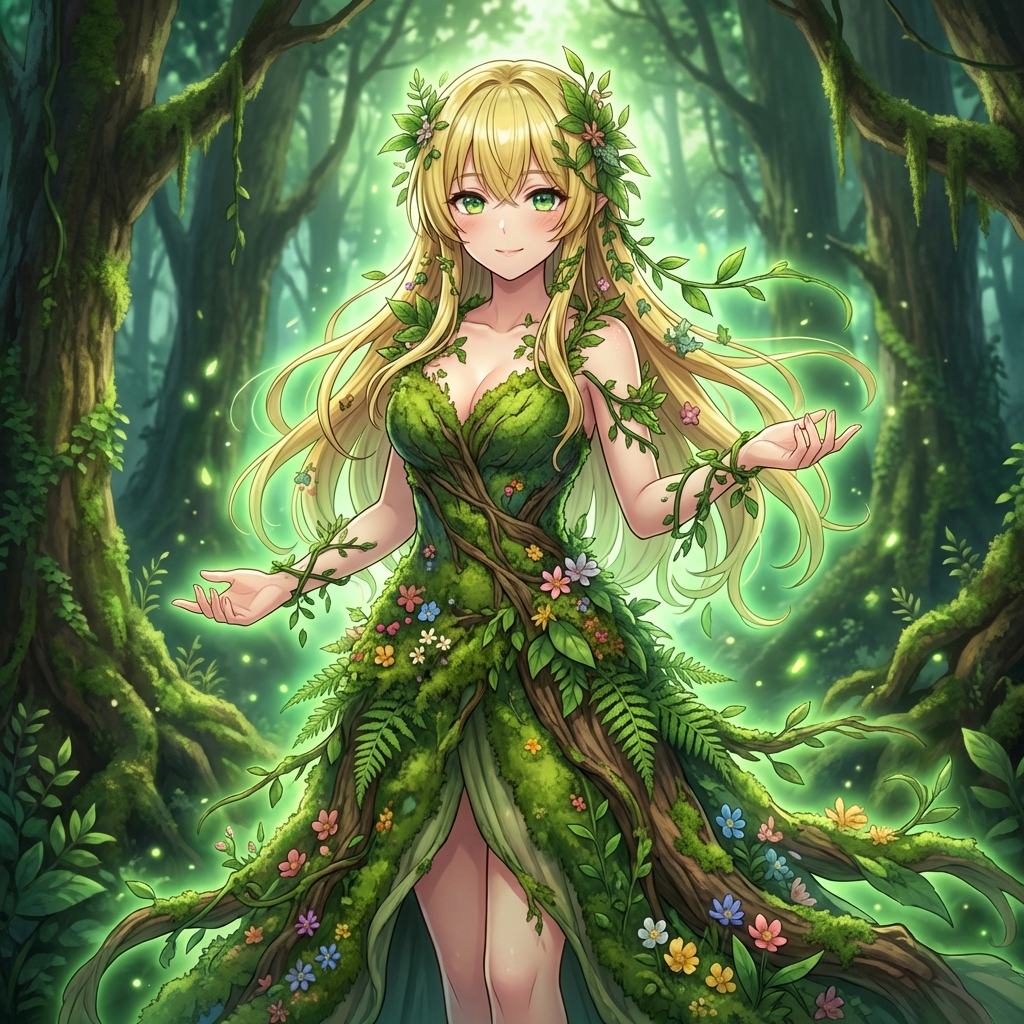
Tried converting to a {argument name="character" default="Dryad"} using AI. A spirit merged with the forest... 🌲 Feel the breath of nature ✨
部分提示词收录自 X 平台创作者,版权归原作者所有。