
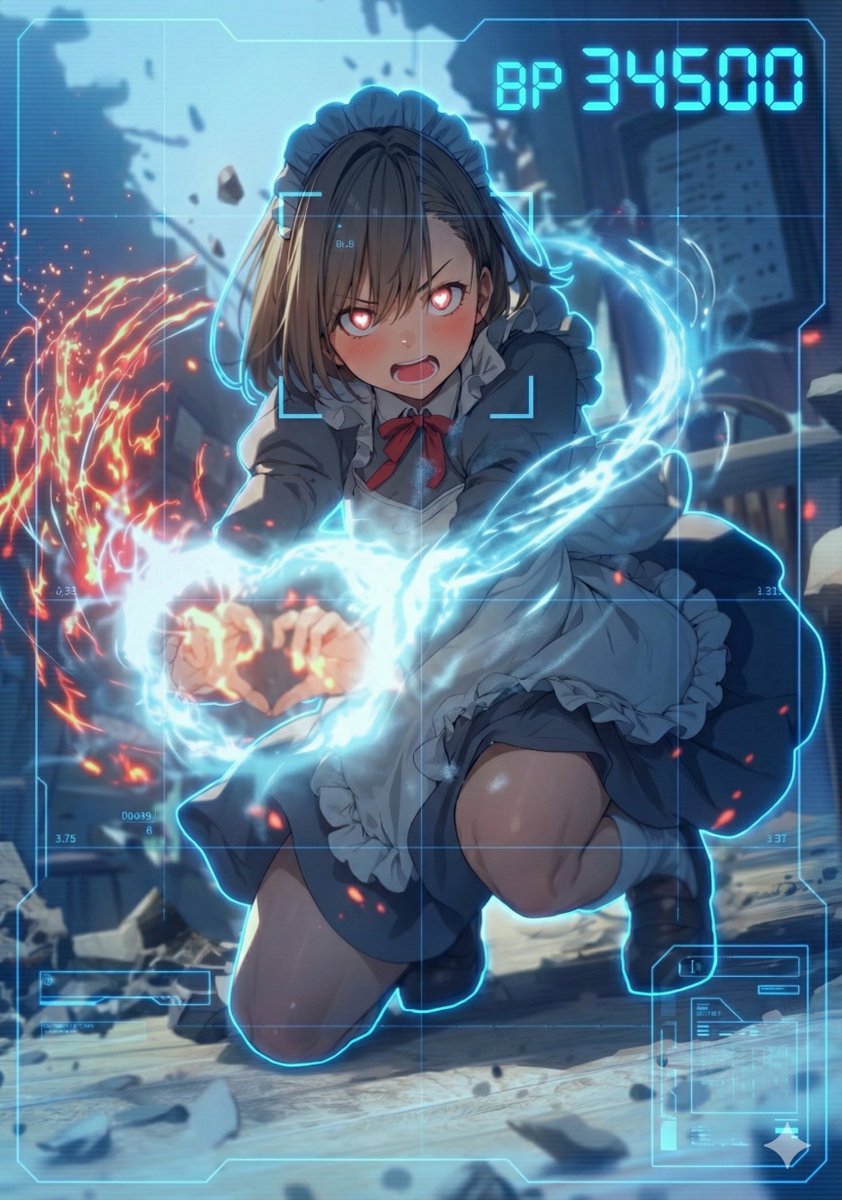
HUD battle power overlay for any character image
Use blue HUD color. task: "edit-image: add full-screen analysis HUD overlay only"
提示词库
汇集全球创作者的精选图像、视频与建站提示词。复制任意一条,替换主体或风格,即可用最新模型生成。
4,387 条提示词 · 每日更新 · 完全免费
共 275 条
Use blue HUD color. task: "edit-image: add full-screen analysis HUD overlay only"
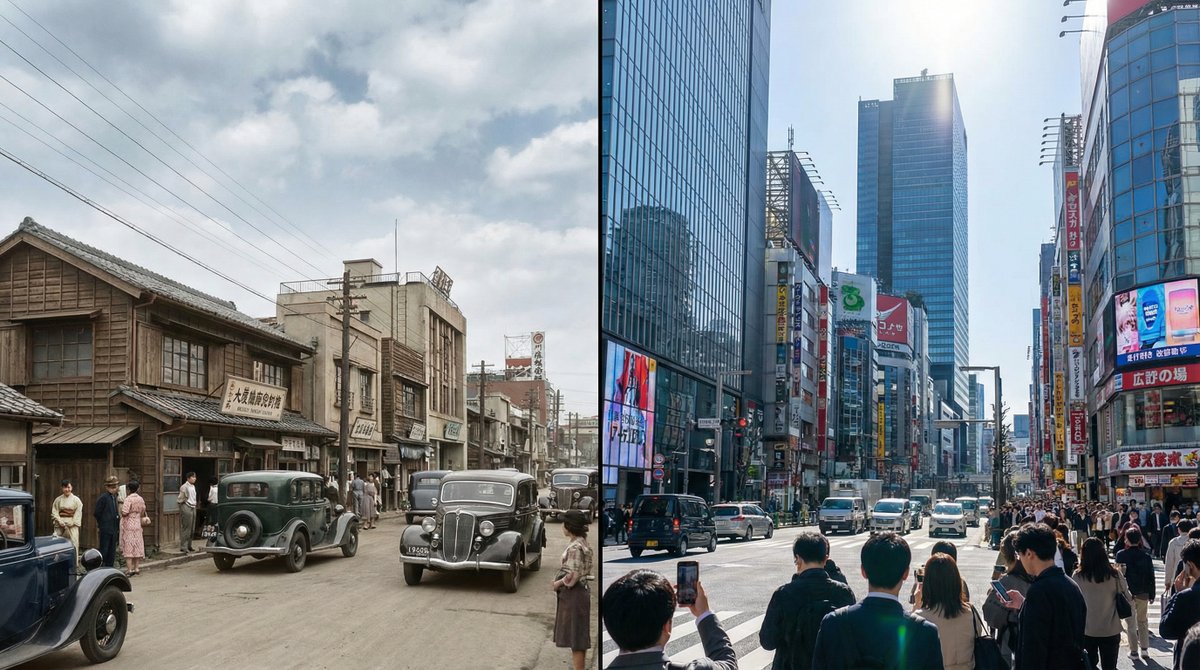
Generate a single photorealistic 16:9 image and split its composition into left and right halves. On each side, depict the same place, [LOCATION_NAME: {argument name="location_name_en" default="(any location)"}], at different eras. Left side: {argument name="left_year_en" default="(any year)"} · {argument name="left_time_en" default="(time)"} Right side: {argument name="right_year_en" default="(any year)"} · {argument name="right_time_en" default="(time)"} Keep the camera position exactly the same and use the following coordinates: [LATITUDE,LONGITUDE: {argument name="coordinates_en" default="(latitude and longitude of any place)"}] Do not include any text in the image (years, labels, watermarks, etc.). Do not specify detailed visuals. Leave all aspects such as architecture, light, cars, people, signs, materials, atmosphere, and composition up to Nano Banana Pro. Each era should feel natural and together form a side-by-side time comparison image within a single 16:9 frame. --ar 16:9 --stylize 800 --v 6
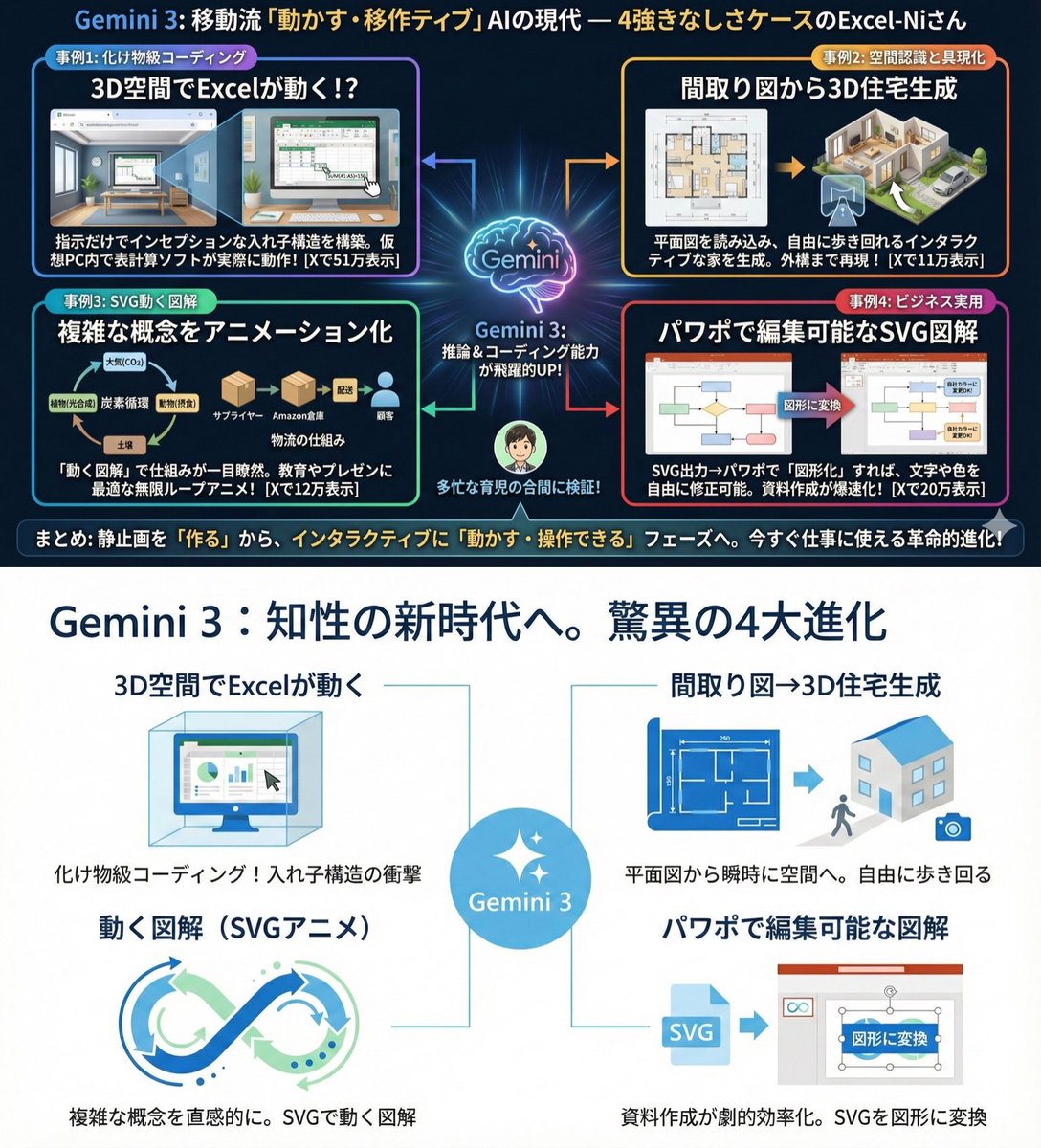
Use extremely little text and focus on graphical expression. Suppress Japanese character garbling. Use Hiragino Gothic as the main font. Keep the content as is, but make the colors and design similar to Microsoft 365. Use a flat and simple design.
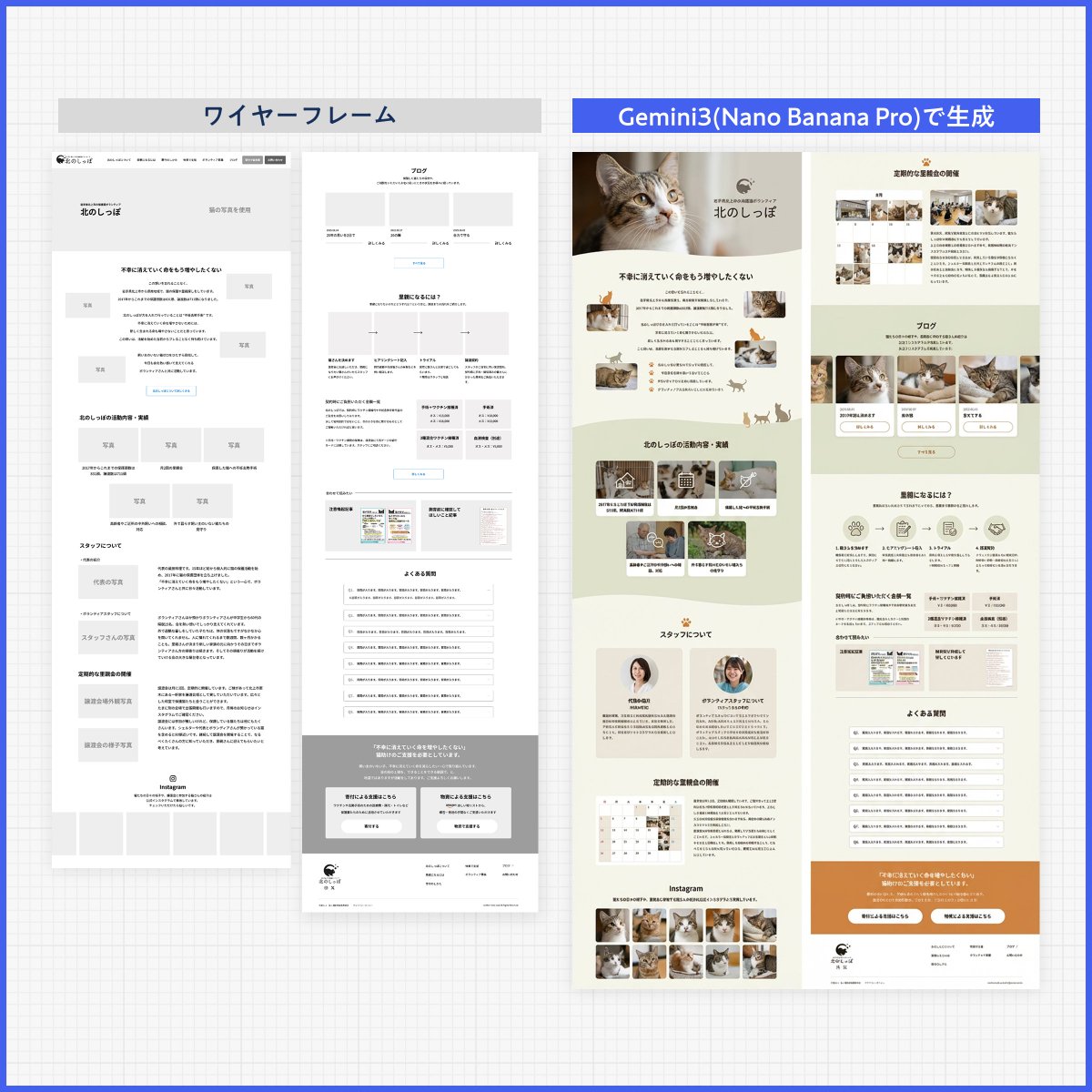
Please create a design based on the text in the reference image. Ignore the layout. Design it like a professional designer would. Create a clean, well‑organized design with a beautiful flow.
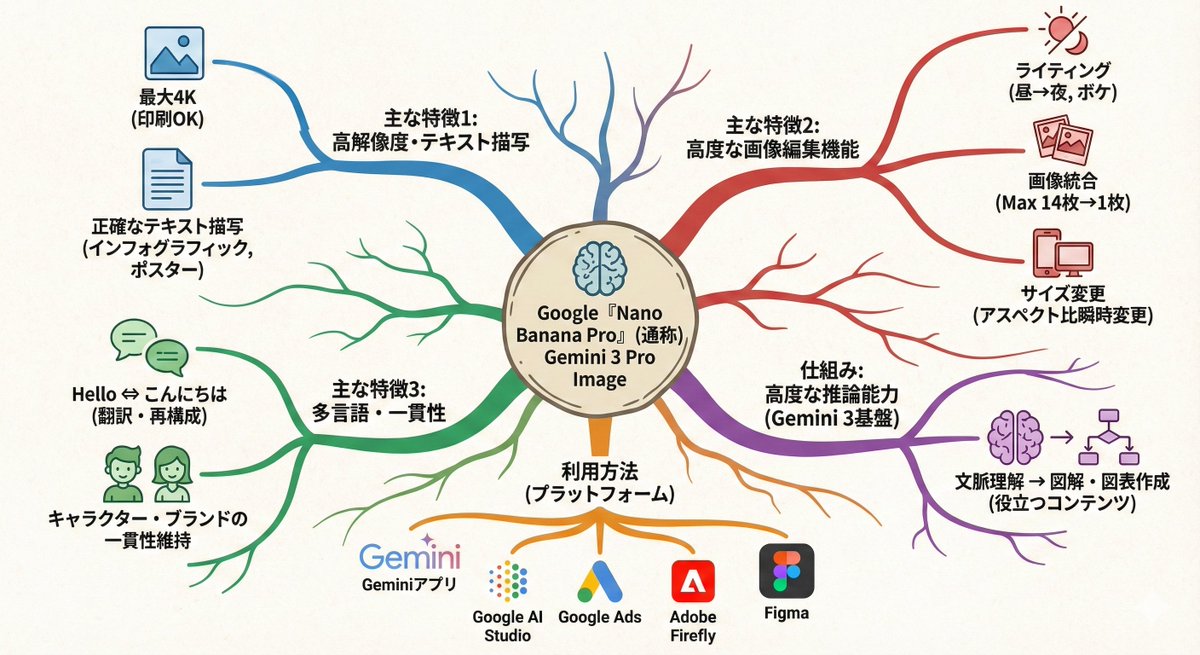
Turn this text into a map that expands outward from the center. Key points: - Put the main theme in the middle - Arrange related elements as branching nodes - Use color coding to separate categories - Add simple icons - Use an organic layout Make it feel like my thoughts are being organized.
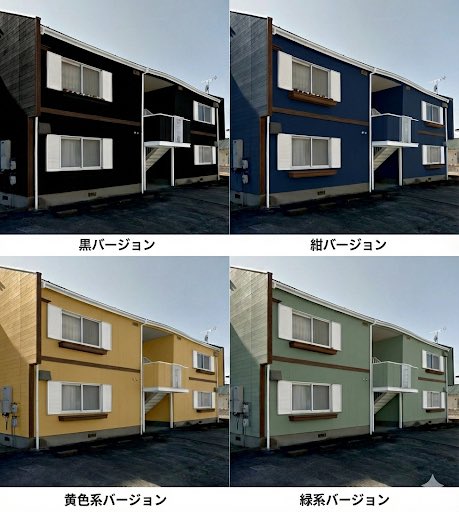
So that I can do a paint simulation, make a single image that lets me compare several different patterns.

Turn the advantages of investing in Vietnam into a single slide.
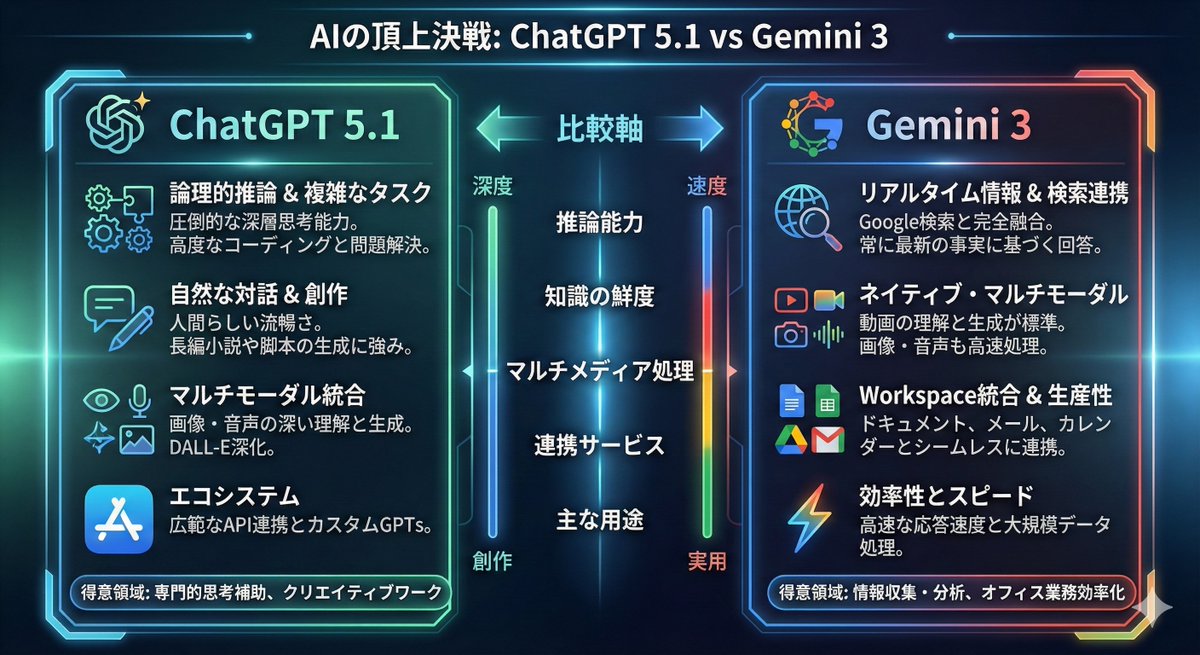
Turn the comparison between {argument name="model_1_en" default="ChatGPT 5.1"} and {argument name="model_2_en" default="Gemini 3"} into an infographic.
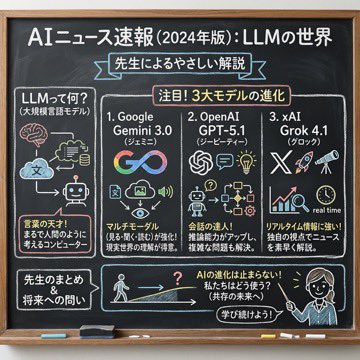

完全重塑上传的人物。 将其作为一篇笔记文章的标题图片,该人物在文章中介绍“Nano Banana Pro”。 长宽比:横向 16:9。 风格和颜色:简洁、手绘风格、斜体,带有蓝绿色渐变。 标题文字:“深入解读 Google 全新 AI ‘Nano Banana Pro’”。

部分提示词收录自 X 平台创作者,版权归原作者所有。